
AI character generator that keeps your character consistent.
Create a character from a text prompt or a photo, then put the same face in a new pose, outfit or scene. Ideogram 4.6 works from one to five reference images, so there is no model to train.
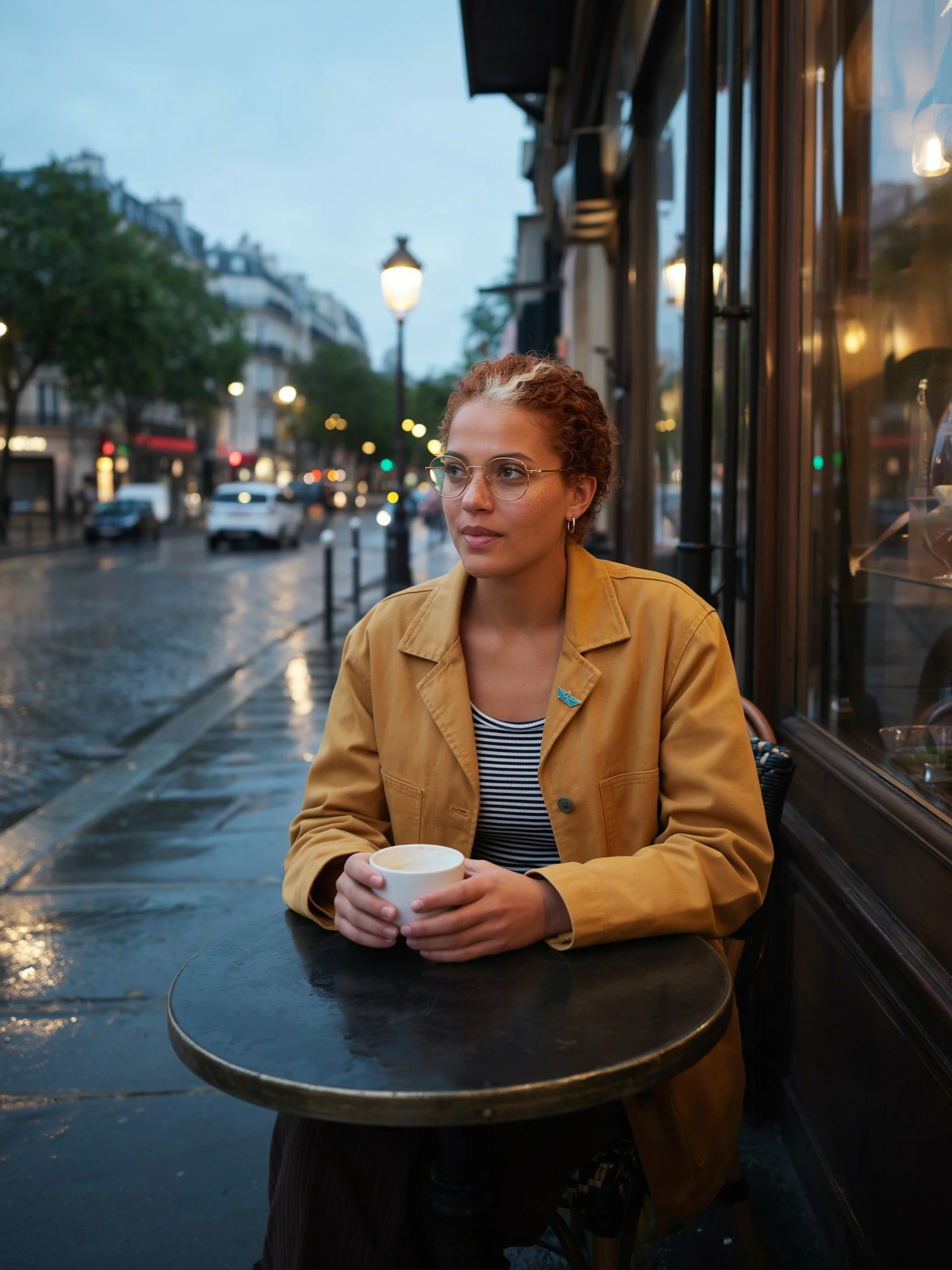
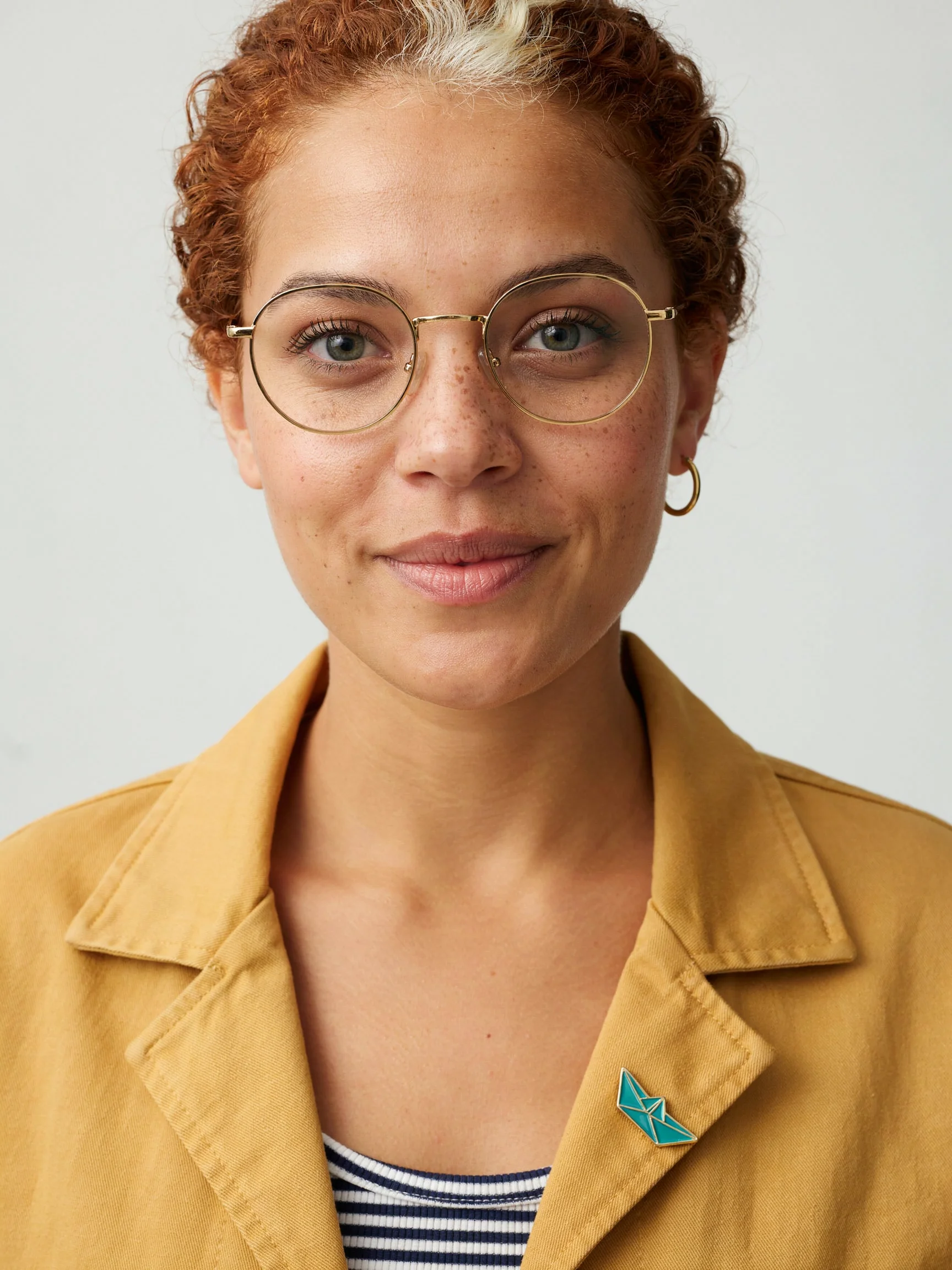
- 85% usable results on character consistency
- Native 4K
- #1 in Rapidata's multi-step editing evaluation
- 95% text accuracy
Ideogram Character at a glance
Ideogram Character is Ideogram's AI character generator and character-consistency workflow: an AI character image generator that works with reference images. You describe a character or upload a photo or image of it, attach its images as references, and generate it again in new scenes.
| Question | Answer |
|---|---|
| Start from | A text prompt, a photo or an illustration |
| Reference images | One to five on Ideogram 4.6 and 4.5, tagged with @ in your prompt |
| Training needed | None for references. Optional custom models train on 15 to 100 of your images |
| Output | Up to native 4K on Ideogram 4.6 |
| Consistency | 85% usable results for keeping a person recognizable in a new scene on Ideogram 4.6, up from 69% on 4.5 (Ideogram testing, High quality) |
| Art styles | Set in the prompt or with a style image as a reference; 62 presets on Ideogram 3.0 |
| Backgrounds | Auto, Transparent or Opaque on Ideogram 4.6 |
| Video | Use a character image as the start frame in the Video app |
| Price | Start free with weekly credits; reference-image generations use credits on every plan |
| Commercial use | Allowed under Ideogram's Terms of Service |
| API | Ideogram 4.6 Generate (up to five references) and the Ideogram 3.0 Character API |
Create a character with AI from a text prompt or a photo.
Design a character from a text prompt
Use Ideogram as an AI character generator from text. Describe the character: age, face, hair, outfit, personality and art style. For example, a cheerful lighthouse keeper in her sixties, silver braid, yellow raincoat, warm watercolor style. Generate a few versions, pick one, and use it as the reference for every image that follows. Magic Prompt can expand a short idea, and Describe turns an existing image into a starting prompt.
Make an AI character from a photo or image
Use Ideogram as an AI character generator from a photo, or turn any image into a character. Add a photo or an illustration in Reference images, tag it, and describe the new scene, outfit or style. One clear image is enough to start; up to five give Ideogram more angles. Use a photo of a real person only with that person's consent.
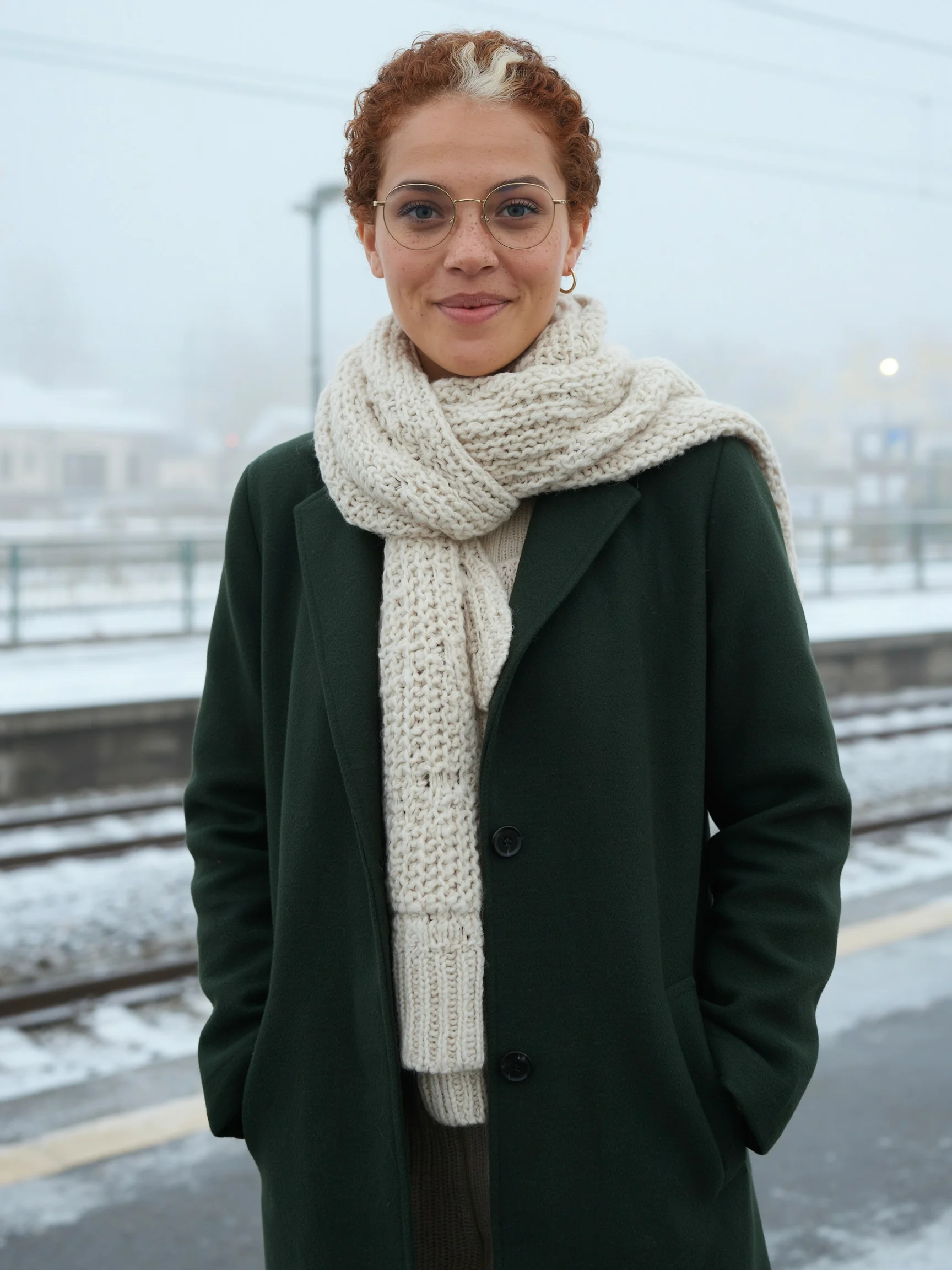
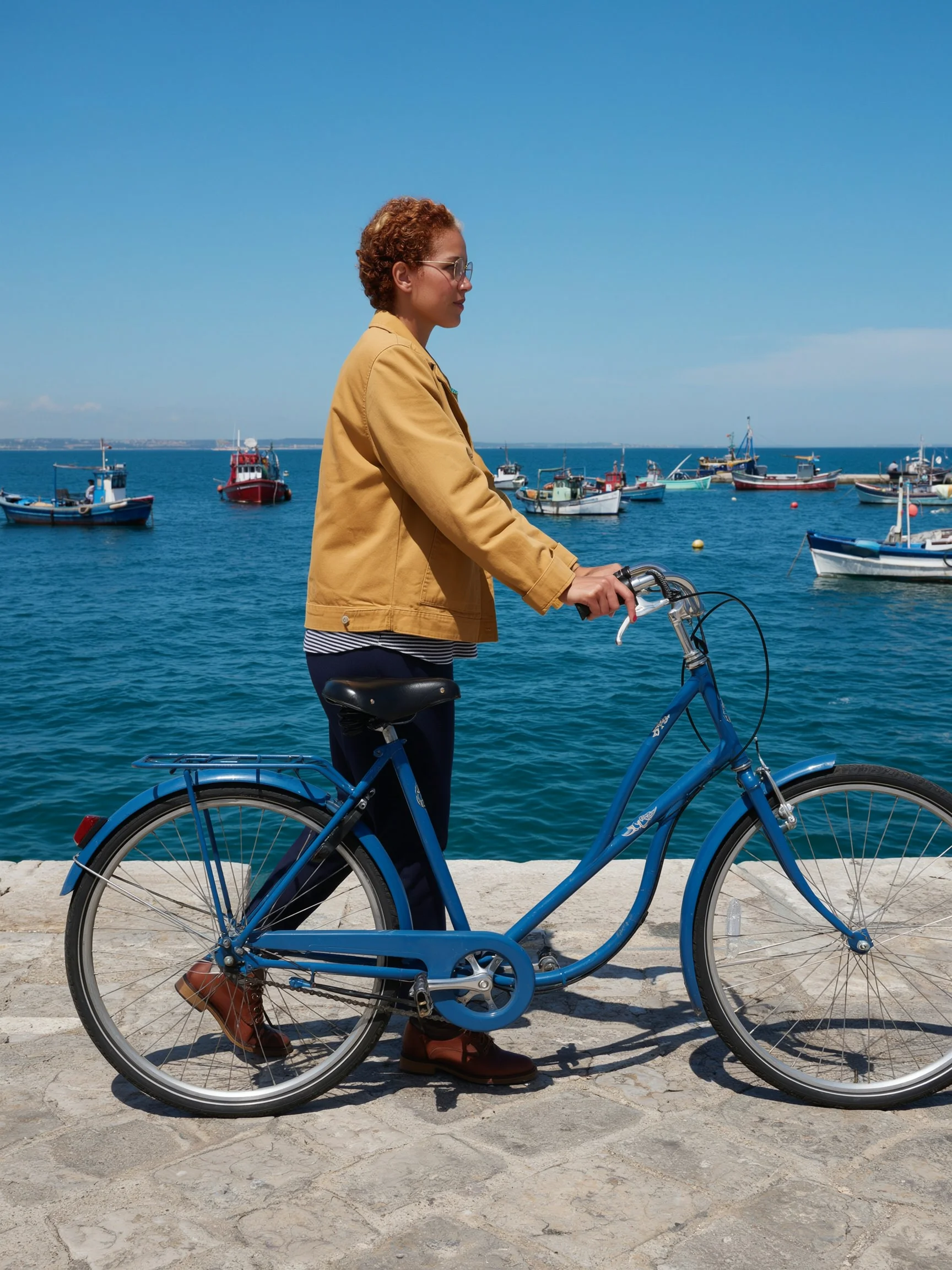
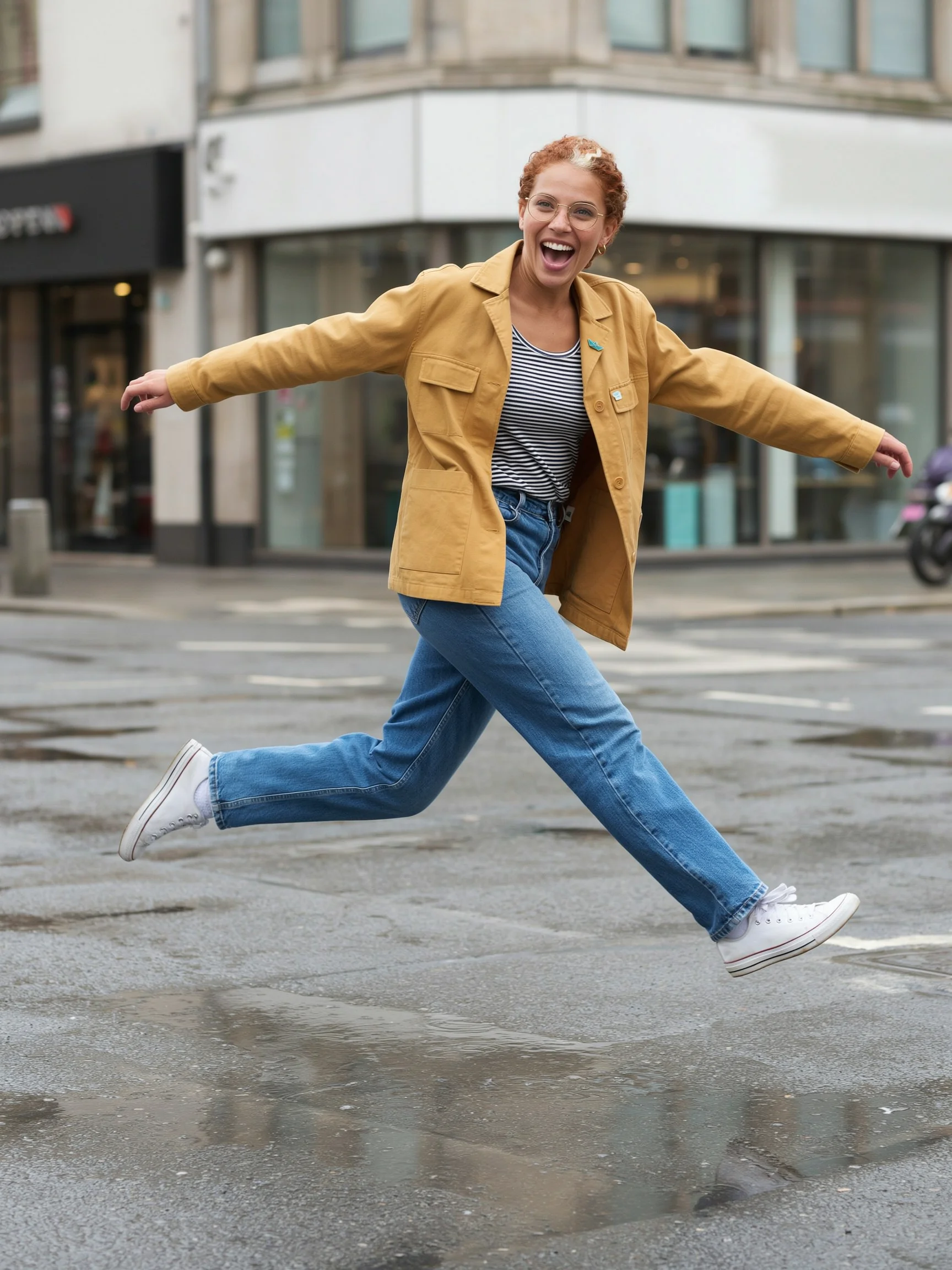
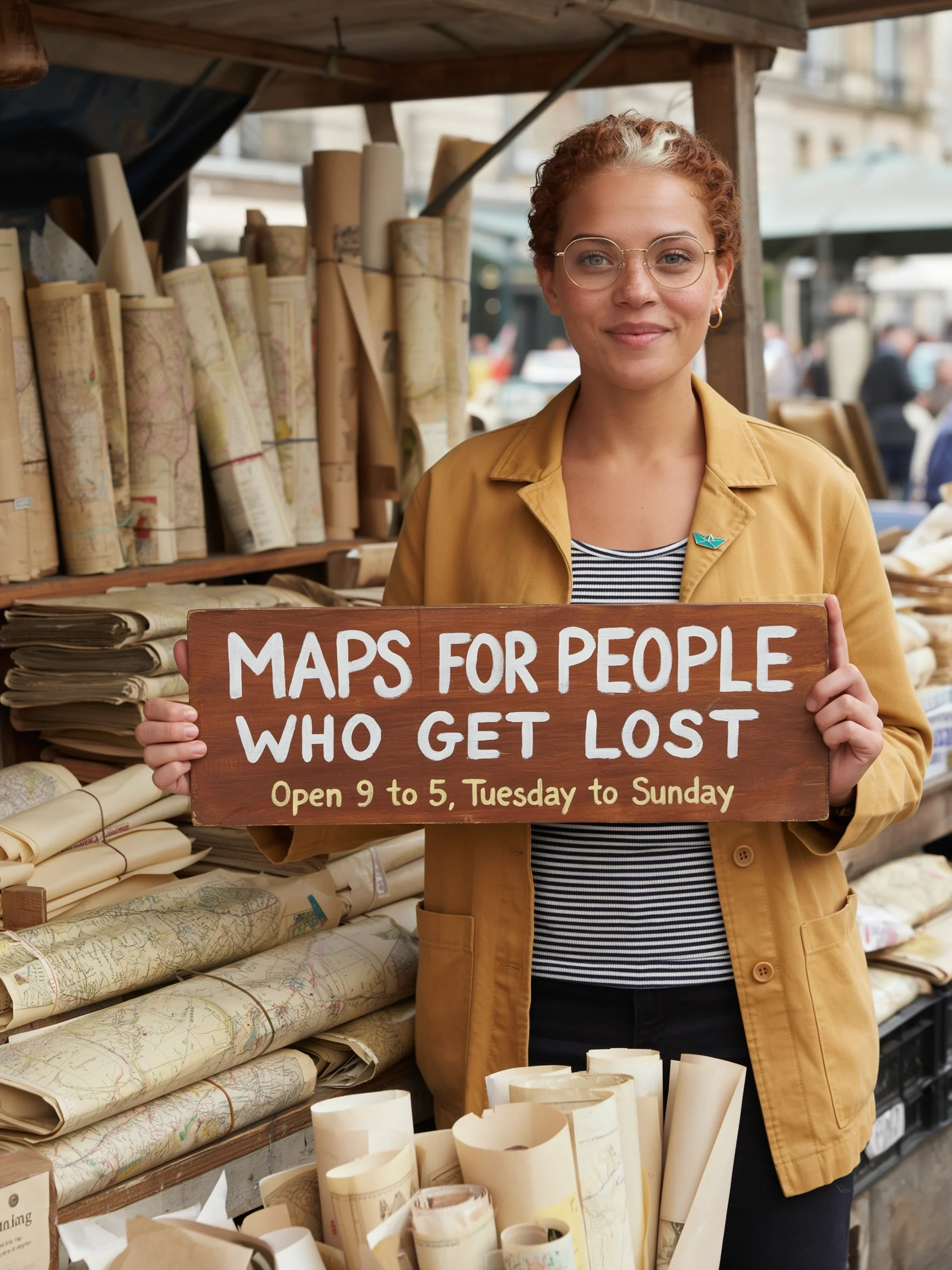
Keep your AI character consistent with reference images in Ideogram 4.6.
- 1
Choose Ideogram 4.6 in the Image app
Ideogram 4.6 takes up to five reference images. If you switch to a model that takes none, Ideogram clears them.
- 2
Add clear images of the character
Add one to five images in Reference images. Shots of the face from a few angles work best.
- 3
Describe the change and tag the character
Refer to the character by its tag, for example @img_1 sitting at a cafe table, reading a newspaper, morning light. With references attached, the prompt works as an edit instruction, so say what should change and keep the rest short.
- 4
Reuse the same references and review each result
Attach the same images each time you want that character again, and compare the face, hair, markings and clothing with the references. For tested prompt patterns, limits and costs, read our guide to consistent character AI in Ideogram.
Saved characters
If your workspace has the Ideogram 3.0 Character app, you can save a character from one photo under Library, Characters, and reuse it from that app.
Why use Ideogram's AI character generator?
Ideogram's AI character maker works as a consistent image generator: it holds the same face across a whole series, not only in one image.
More usable results on Ideogram 4.6
In Ideogram's testing at High quality, Ideogram 4.6 kept a person recognizable in a new scene 85% of the time, up from 69% on Ideogram 4.5.
No model to train
Attach one to five images and generate. When a brand needs a character in hundreds of images, a custom image model can train on 15 to 100 of your images.
Native 4K without the AI look
The Ideogram 4.6 model generates in native 4K with visible pores, fine lines and natural texture instead of an airbrushed finish, so realistic AI characters hold up in close-ups and print.
Change one detail at a time
Update clothing, accessories or expressions and build a sequence of edits without starting the scene over. Ideogram 4.6 ranks first in Rapidata's multi-step image editing evaluation.
Text that reads on covers, posters and stickers
Ideogram reports 95% accuracy for AI text rendering, so your character's name can appear on a cover, poster, sticker or comic panel as you typed it. Put the exact words in quotation marks in your prompt.
Generate anime, cartoon, 3D and realistic characters.
Make an anime character, a cartoon character, a 3D character or realistic AI character photos. AI-generated characters in pixel art, watercolor and comic styles start the same way too. On Ideogram 4.6, name the style in your prompt, for example @img_1 as a 3D animated character, or add an image in the target style as another reference and say what it should contribute, such as palette or lighting.
A style image carries the look, not the identity, so keep the character's own references attached when you change styles. For 62 style presets and up to 10 style reference images, use Ideogram 3.0. Comparing tools? See our lists of the best AI image generators for anime and the best AI cartoon generators.
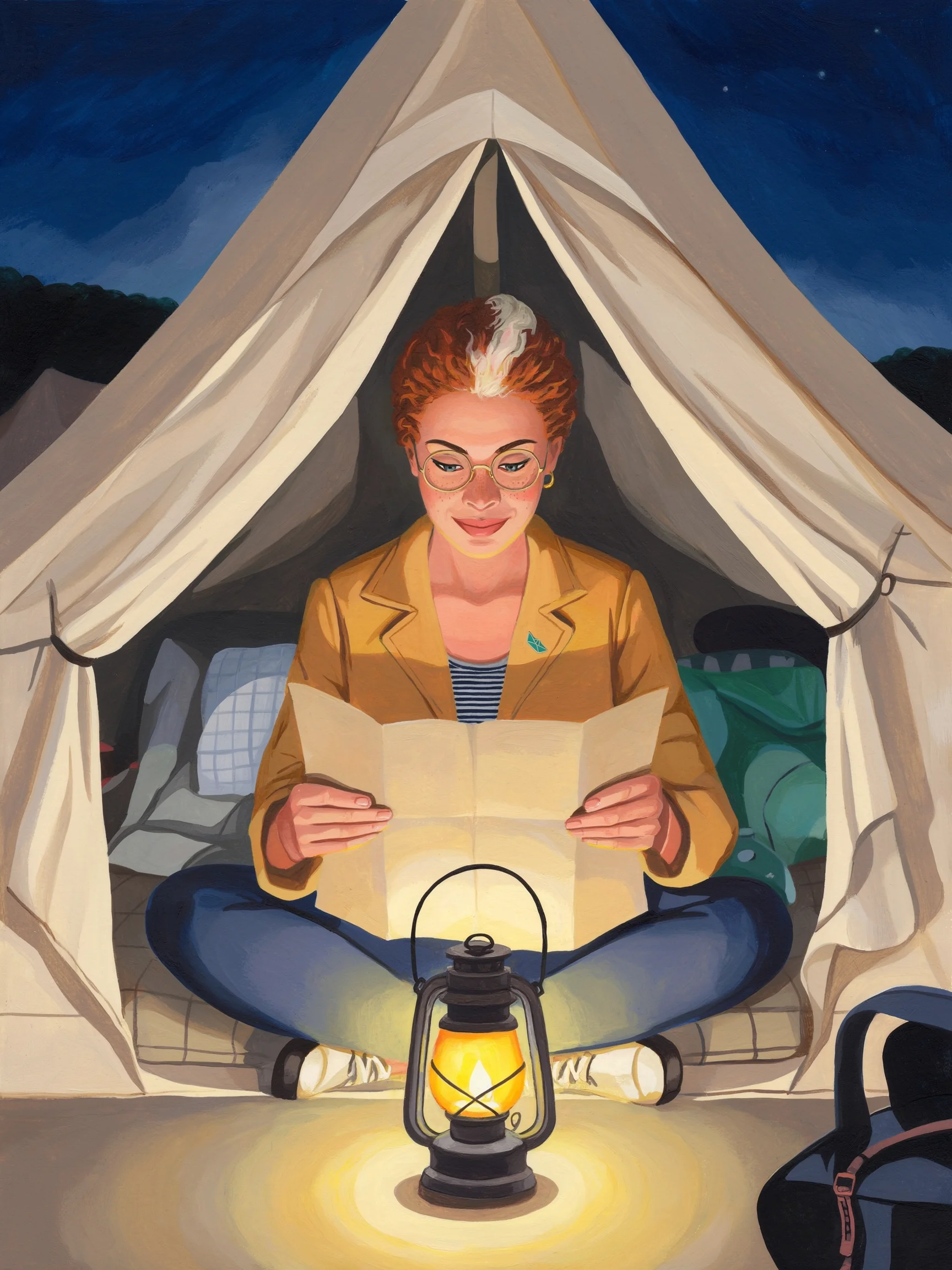
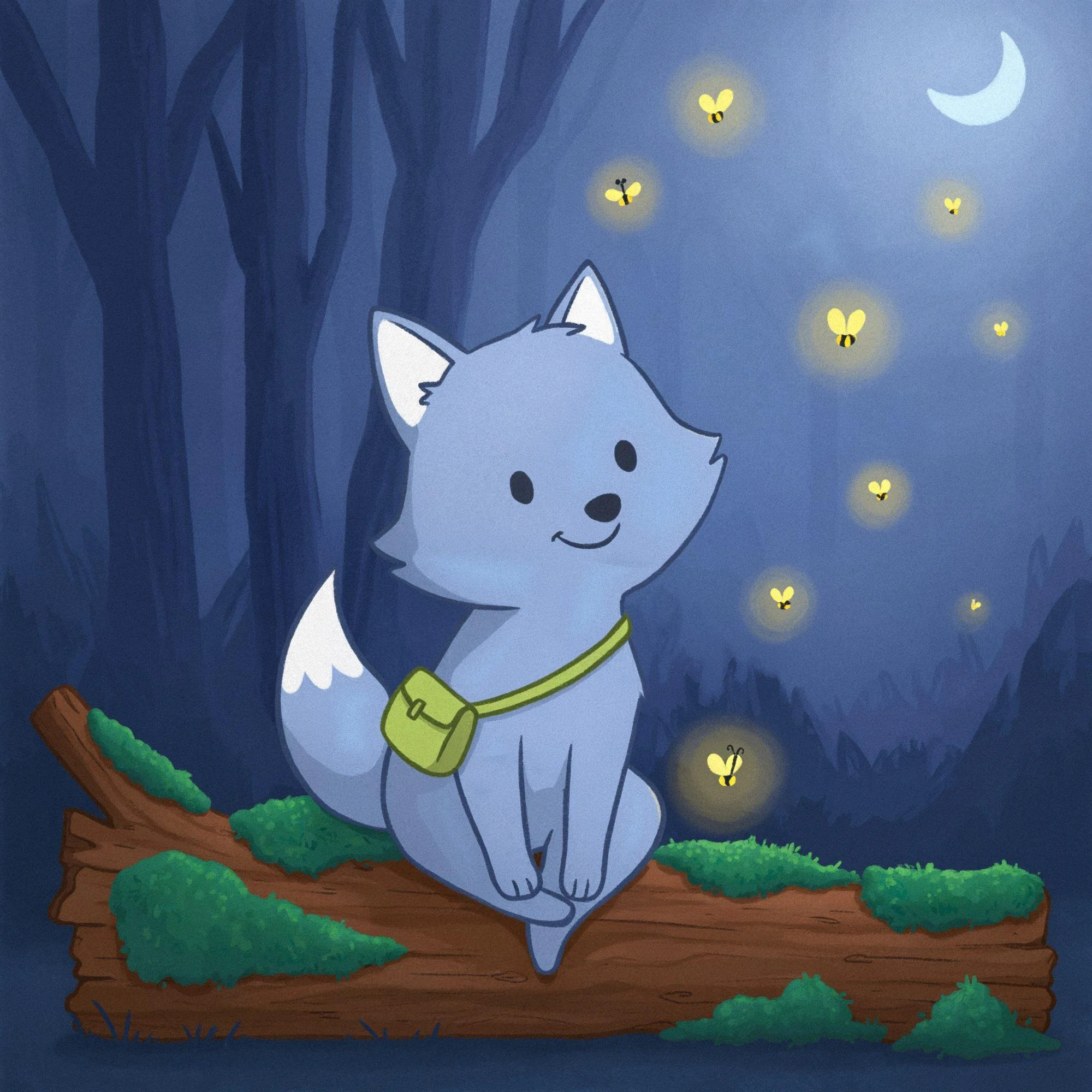
Use the AI character creator for games, stories, mascots, merch and headshots.
Use the same AI character art across games, books, brand posts and merch, starting from a prompt or one to five reference images.
Game character design, OCs and D&D heroes
Use Ideogram as a game character maker: design heroes, villains, NPCs and original characters from a prompt, then reuse the same references for concept art and item cards. Set Background to Transparent in Ideogram 4.6 for cutouts you can drop into a game or deck.
Comics and children's books
Keep one design across every page and panel. Put dialogue or a title in quotation marks in your prompt, and if a word comes out wrong, edit text in images with text layers instead of generating the page again.
Brand mascots & spokescharacters
Keep a mascot recognizable across social posts, ads and packaging. For large runs, use batch generation for up to 500 prompts, or train a custom image model on 15 to 100 images of your mascot.
Stickers, T-shirts and other merch
Generate your character with a transparent background, download it as a PNG, and preview it on T-shirts, mugs, stickers and 60+ other products with the AI mockup generator.
Professional headshots
Turn a few clear photos into realistic, polished portraits for online profiles, resumes and websites.
What is the difference between style reference and character reference?
A character reference carries identity: the face, features and markings that make a character recognizable. A style reference carries the look: medium, palette, texture and composition. A style reference on its own does not keep a person or mascot the same.
| Goal | Input | Identity guidance | Style or composition guidance | Recommended workflow | Review |
|---|---|---|---|---|---|
| Same person in a new setting | One to five clear photos of the person | Reference images on Ideogram 4.6 | Describe the setting, light and outfit in the prompt | Ideogram 4.6 with the character's tag | Compare face, hair and skin details with the references |
| Recurring illustrated mascot | Clear images of the mascot from a few angles | Reference images on Ideogram 4.6 | Add a style image as another reference and say what each image is for | Ideogram 4.6 with @ mentions that give each reference a role | Check shape, proportions, colors and markings |
| Consistent art direction across different subjects | One or more images in the target style | None, because style images do not carry identity | Up to 10 style reference images on Ideogram 3.0, or a reference on Ideogram 4.6 with a prompt that asks for its style | Ideogram 3.0 style references or Ideogram 4.6 | Check medium, palette and technique, and expect subjects to differ |
Choose references for the scene you need.
| Task | Reference setup | What changes | What should remain | What to watch for | How to check |
|---|---|---|---|---|---|
| Headshot | One to five clear photos of the person | Background, light, clothing and framing | Face and hair | Features drifting toward a generic face | Compare eyes, nose, mouth and hairline with the references |
| Outfit change, same person | Photos of the person, with the outfit named in the prompt | Clothing | Face, hair and build | The face changing with the outfit | Check face and hair; to change clothing on an existing image, mask it in Precise Edit |
| Full-body character | Full-length images that show the whole outfit | Pose and setting | Face, outfit, shoes and accessories | Clothing below the frame changing | Include the full outfit in the reference and compare from head to toe |
| One story character | The same references for every scene | Setting, action and camera angle | Face, hair and signature clothing | Small clothing or hair details varying | Keep the clothing description identical in each prompt and compare scenes side by side |
| Comic or children's book | The same references for every page | Page scene and action | The character design | Lettering errors in panels | Proofread each panel and fix lettering with editable text layers |
| Nonhuman mascot | Clear images from a few angles | Pose and environment | Shape, proportions, colors and markings | Markings or proportions shifting | Compare silhouettes and markings |
| Character sheet or expression sheet | The same references, one expression per generation | Expression | Face structure, hair and clothing | An expression reshaping the face | Compare every expression with a neutral reference |
| Sticker set | The same references, with Background set to Transparent on Ideogram 4.6 | Pose and expression per sticker | Design, outline and colors | Leftover background at the edges | Inspect edges on light and dark backgrounds, or cut out with the AI background remover |
When two recurring characters share a scene, give each one its own reference and tag. Ideogram 4.6 accepts up to five references, but keeping two identities separate is not guaranteed, so check each character in every image.
What makes a good character reference image?
Use clear images in which the character is easy to see. For Ideogram 4.6, add one to five images and include the face from a few angles. For a saved character in Ideogram 3.0 Character, use one centered, front-facing image against a simple background.
A reference defines only what it shows. In the test for our consistent character guide, a reference that stopped at the chest led to different trousers and shoes from scene to scene, so include the full outfit when it has to stay the same. Use a photo of a real person only with that person's consent.
Each file must be JPEG, PNG or WebP, up to 25 MB.
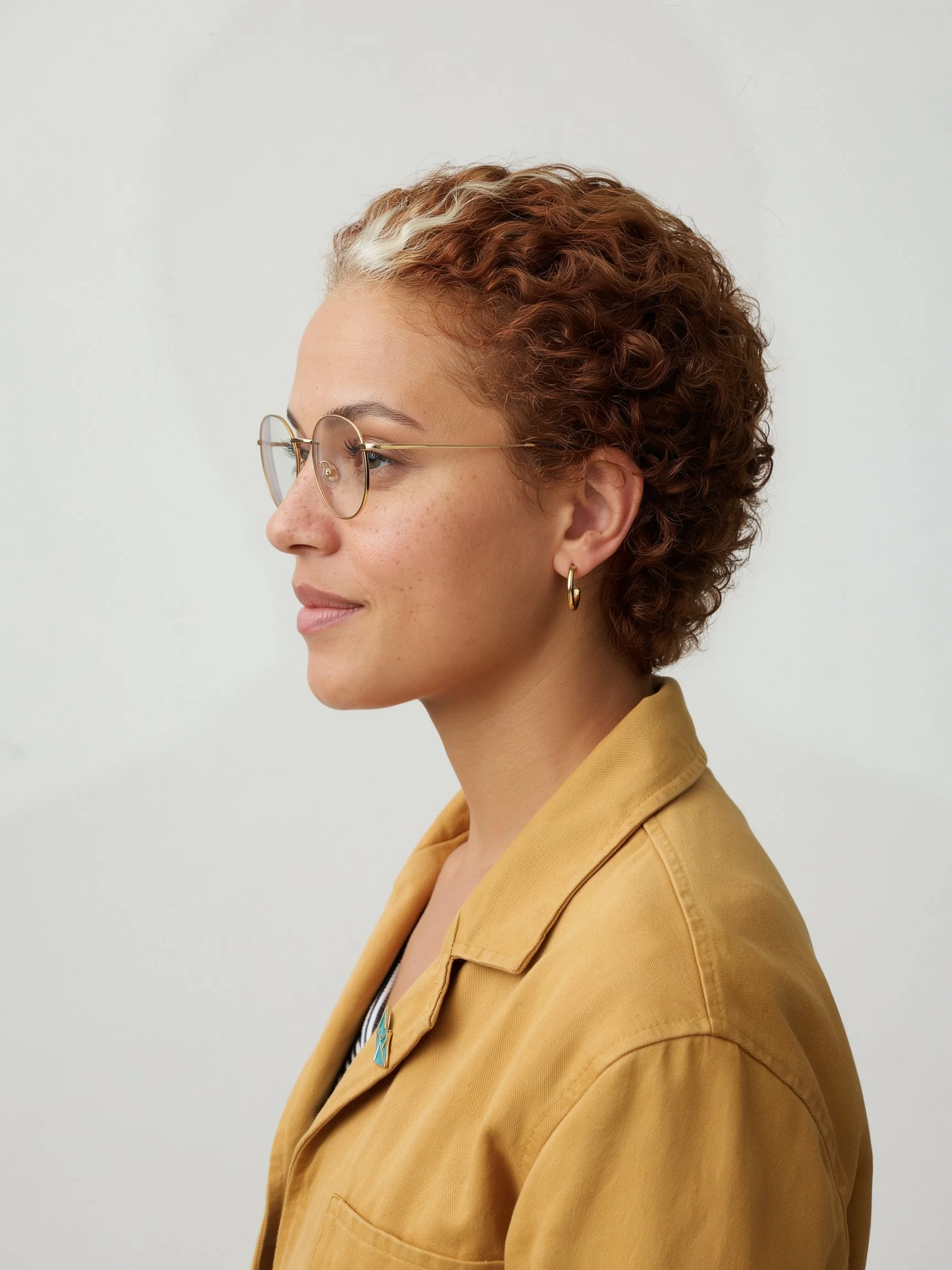
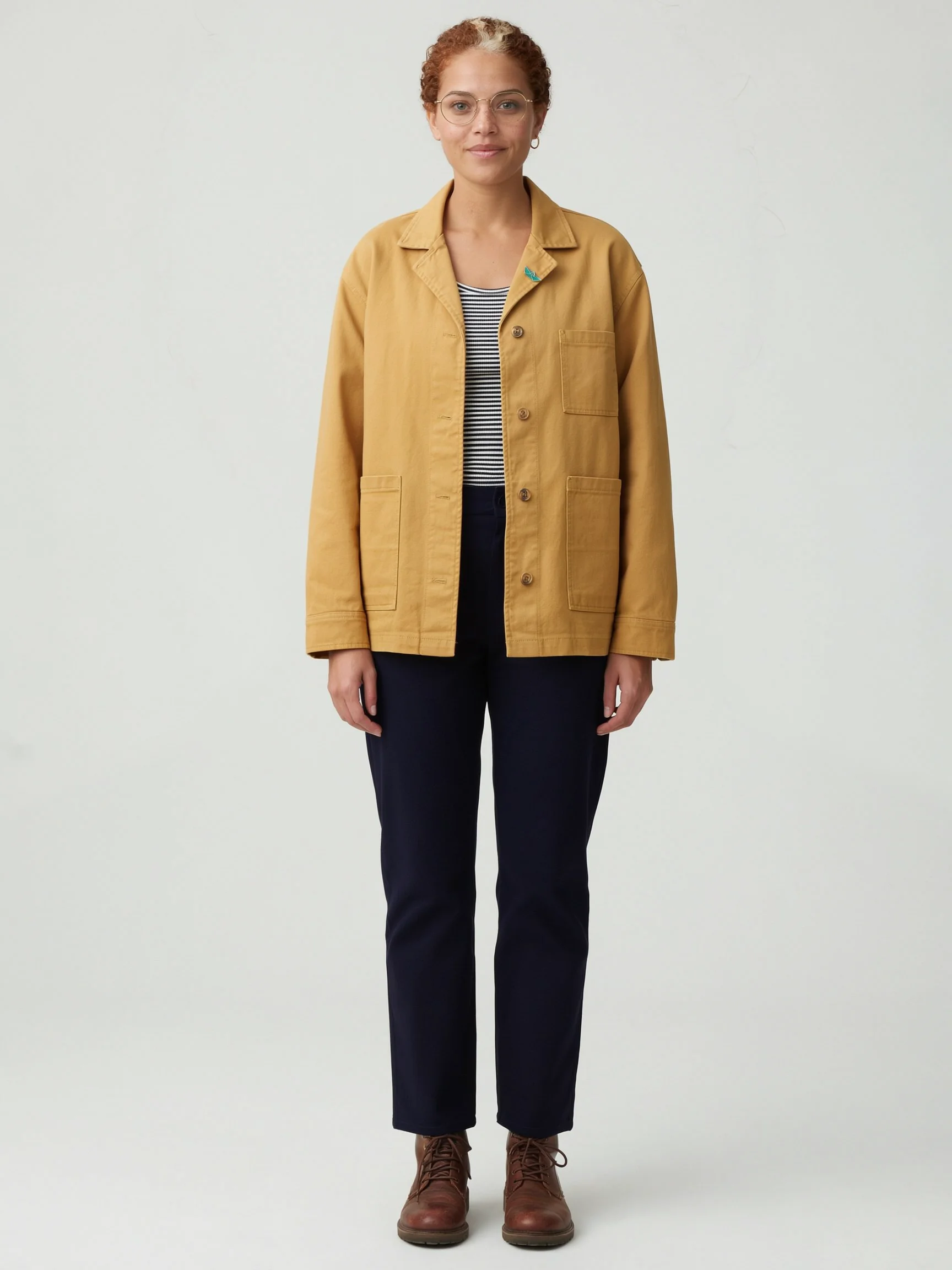
Watch a creator compare character consistency across four tools.
A creator video published on YouTube on December 24, 2025 compares how four AI image tools, Ideogram among them, keep a character consistent from image to image.
It is one creator's comparison, so treat it as a demonstration rather than a benchmark, and judge the results against your own references.
Turn your AI character into a video.
In the Video app, choose Frames mode and add a character image as the start frame; the model animates from there. To place the character in a new scene instead, use References mode with Seedance 2.0, Seedance 2.5 or MiniMax H3, which accept up to 9 reference images.
Place your character into an existing scene.
Ideogram 3.0 Character can repaint a masked area of a scene so it features your character, much like a face swap for your own characters. Use photos of real people only with their consent. Through the API, the character inpainting endpoint takes the scene, a mask of the area to repaint and one character reference image.

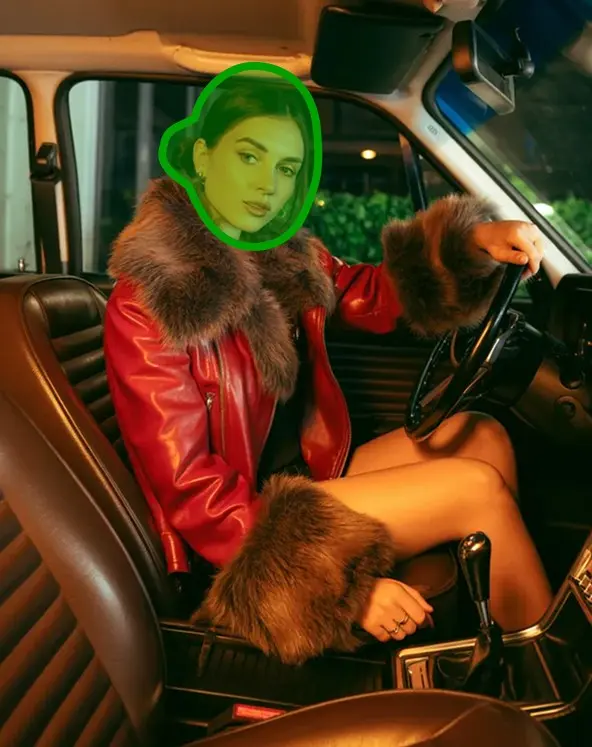

Restage an image with your character.
Character remix transforms a source image so it features your character, guided by your prompt. Through the API, an image weight from 1 to 100 sets how closely the result follows the source.


Choose what the character reference preserves.
Ideogram 3.0 Character masks the reference image to mark what to keep: the face only, or the hair and clothing too. For a saved character, adjust the mask under Library, Characters.
Through the API, an optional grayscale mask marks where the character is in the reference image. The v1 endpoint in the example below calls it character_reference_images_mask.

Build with the Character API.
Send a prompt and reference images, and each generation is guided by them. The API offers two routes:
- Ideogram 4.6 Generate (POST /v2/image/generate/ideogram-4-6) takes up to five reference images. With source images it costs $0.008 per image at Very low, $0.03 at Low, $0.06 at Medium and $0.22 at High at 1K or 2K, and $0.06, $0.20 and $0.60 at 4K for Low, Medium and High.
- The Character API runs on Ideogram 3.0 and takes one character reference image per request, with an optional mask. With a character reference it costs $0.10 per image at Turbo, $0.15 at Default and $0.20 at Quality.
Remix and inpainting endpoints for the same character are documented alongside it. To work from an AI assistant such as Claude, ChatGPT or Cursor, connect Ideogram's MCP server.
import requests

# Generate with a character reference using Ideogram 3.0
# (v1 endpoint, still supported)
with open("character_reference.png", "rb") as reference:
  response = requests.post(
    "https://api.ideogram.ai/v1/ideogram-v3/generate",
    headers={"Api-Key": API_KEY},
    data={
      "prompt": "A portrait in a coffee shop",
      "style_type": "REALISTIC",
    },
    files=[("character_reference_images", reference)],
  )
  response.raise_for_status()
For brands with a mascot or spokescharacter
When a character has to stay on-brand across campaigns, Ideogram Enterprise trains a Custom Branded Model on your visual identity and catalog, with a model per brand or client if you need one.
- Security: SOC 2 audited controls, SSO with Microsoft and Google, and a Data Processing Agreement.
- Data: retention configurable down to 30 minutes, and enterprise inputs are not used to train Ideogram's shared models.
More Ideogram tools for your characters
Keep working on your character with these tools.
-
Precise Edit: AI inpainting
Change an outfit, prop or expression: mask one area and describe the change.
Open -
AI background remover
Cut your character out onto a transparent PNG.
Open -
Object Remover
Erase a stray object or person from a character scene.
Open -
AI image upscaler
Enlarge a character 2x, 4x or 8x for print, with control over added detail.
Open -
Edit text in images
Fix lettering in comic panels and covers as editable text.
Open -
Edit transparent PNGs
Edit a transparent sticker or PNG with a prompt and keep its alpha channel.
Open -
AI mockup generator
Preview your character on T-shirts, mugs, stickers and 60+ other products.
Open -
Print on Demand Studio
Turn your character into merch designs with templates and product mockups.
Open -
Batch image generation
Run up to 500 prompts from a spreadsheet.
Open -
Custom image models
Train a model on 15 to 100 images of your character or brand.
Open
Explore more Ideogram features
-
AI style presets
62 presets and up to 10 style reference images on Ideogram 3.0.
Open -
AI text rendering
Typography that reads, from posters to packaging.
Open -
Ideogram 4.6
Precise editing and native 4K output.
Open -
Ideogram MCP server
Generate and edit images from Claude, ChatGPT or Cursor.
Open -
All AI tools and models
Browse every Ideogram app and model.
Open
Frequently asked questions
What is an AI character generator?
Is an AI character generator the same as an AI character creator or avatar maker?
What is character consistency in AI?
What is a consistent character generator?
How do I create an AI character from a photo or image?
How many photos do I need for a consistent AI character?
Do I need drawing skills to create an AI character?
Can I create characters in different art styles, like anime, cartoon or 3D?
Can I make a full-body character that shows the whole outfit?
Can I put two or more characters in one scene?
Can Ideogram keep a nonhuman character or mascot consistent?
How do I make a character sheet or expression sheet with AI?
Can I change my character's outfit after generating it?
Why does AI keep changing my character's face?
Does Ideogram have a character reference like Midjourney's cref?
Is Ideogram's AI character generator free?
Can I create AI characters on my phone?
What file formats can I upload and download?
Can I use Ideogram Character for commercial projects?
Is there an API for Ideogram Character?
Keep reading
- Workflow guide Consistent character AI: Ideogram models, limits and cost
-
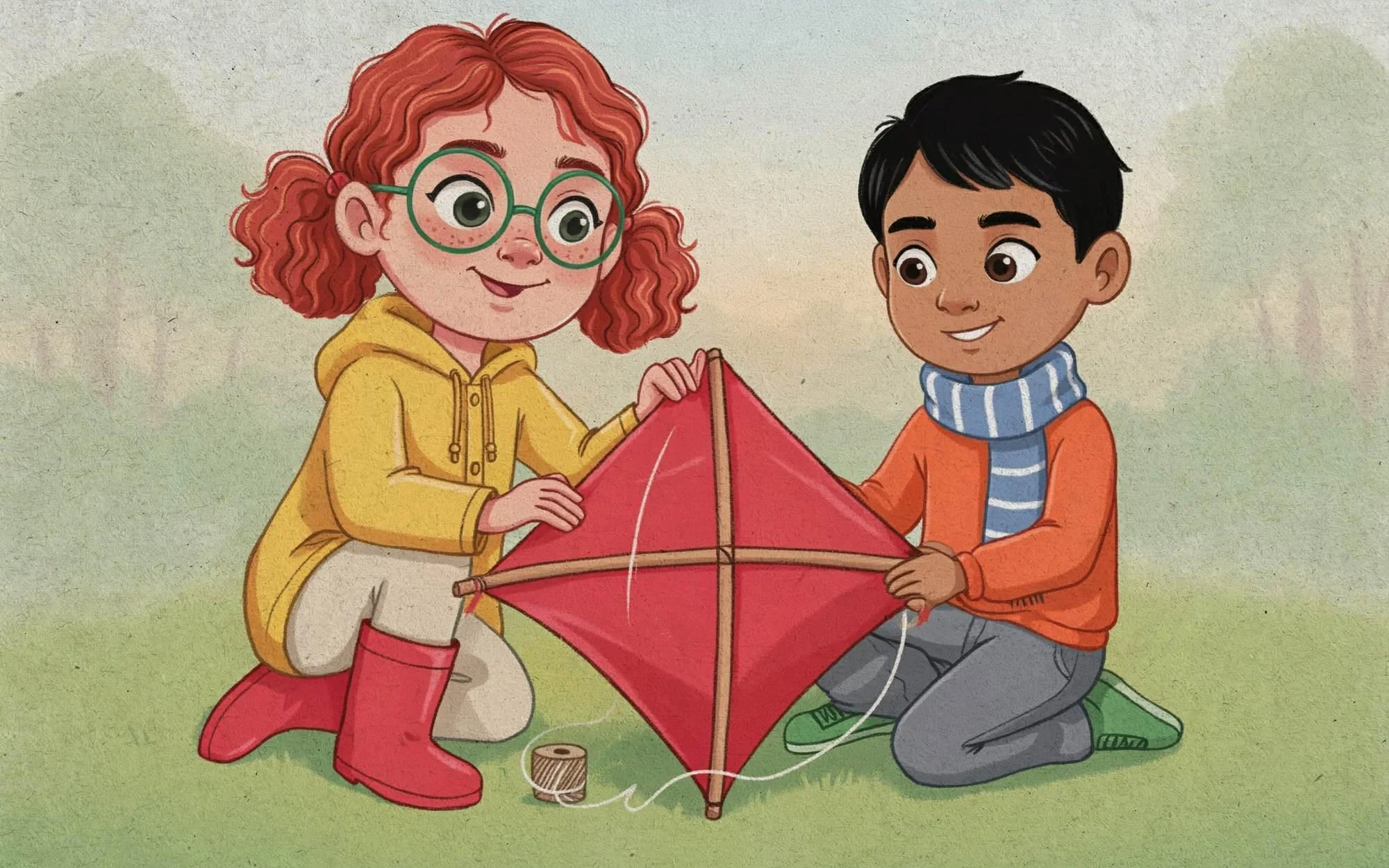 Comparison guide 8 best AI image generators for consistent characters
-
 Comparison guide 6 best AI image generators for multiple reference images
-
 Comparison guide 7 best AI cartoon generators
-
 Comparison guide 6 best AI image generators for anime
-
 How-to guide How to design a book cover with AI
Create your own consistent character
Describe your character or upload a photo, then generate it in any scene. Start free with weekly credits.