
Apps / Object Remover
Remove objects from photos with AI
Upload an image, brush over the object, and erase it — the background fills in naturally, no cloning or retouching. For photographers and e-commerce teams.
Comparison with the state-of-the-art
The cleanest removals of any model we tested.
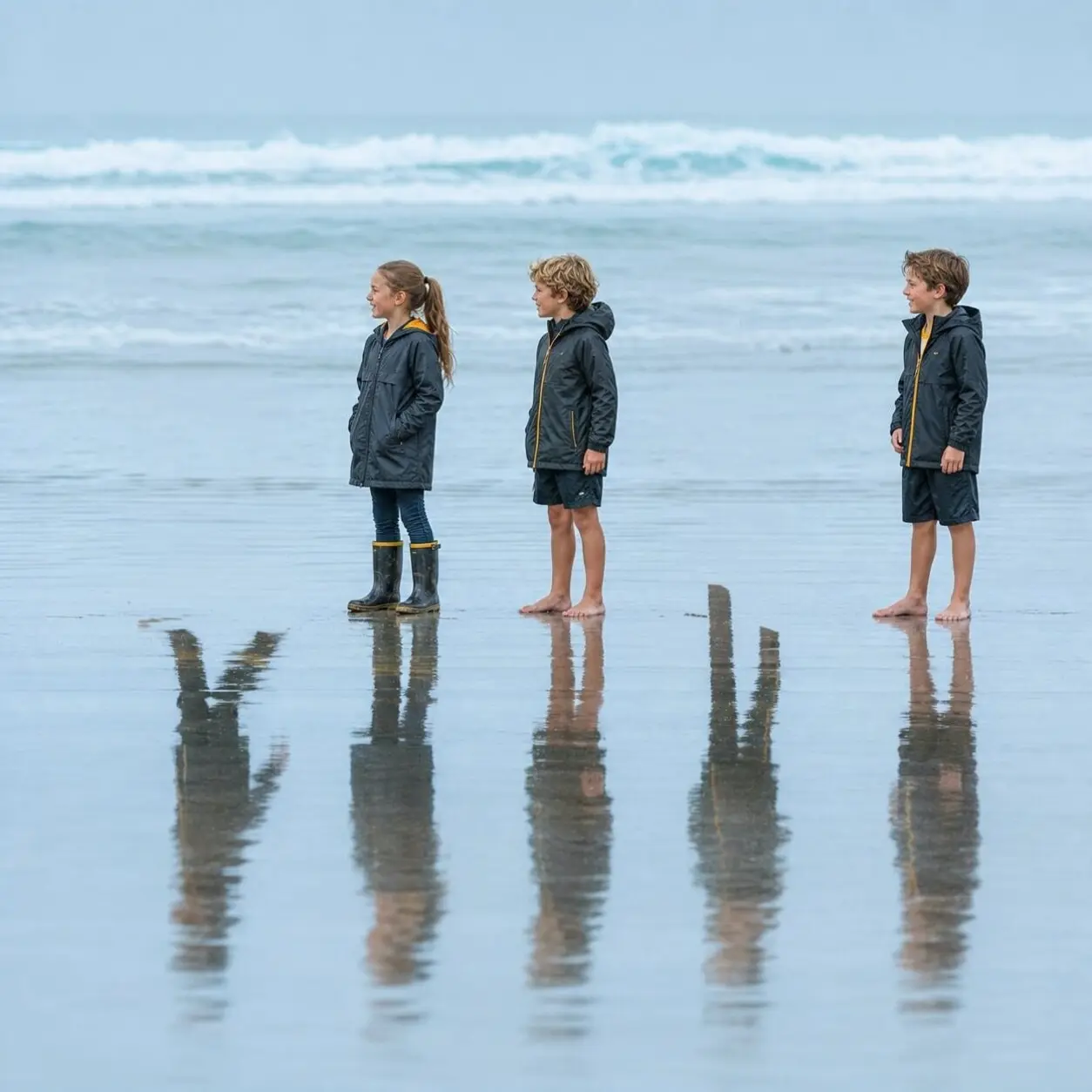
On RemovalBench, Ideogram posts the strongest scores of the object removers measured. Pick an example and a competitor below, then drag to see where the others leave artifacts, halos, and half-erased shadows. The blue overlay marks the mask, the region each model was asked to remove.
Full-reference quality: PSNR 26.92, SSIM 0.811, LPIPS 0.0598. Average latency about 9.8 seconds. Scores from RemovalBench.
 Ideogram
 Before
  FLUX Erase Before
How to remove objects from a picture with AI
-
Step 1
Upload your image
Start with any photo that has an object, person, or distraction you want removed.
-
Step 2
Mask the object
Brush over the object you want to remove — the mask defines exactly which pixels get regenerated.
-
Step 3
Generate
The object disappears and the background fills in naturally, matching the surrounding scene.

Remove unwanted objects from photos online
Brush over a photobomber, street sign, power line, or piece of clutter and Ideogram erases it while rebuilding the background behind it. You do not need masking skills in Photoshop or hours of clone-stamp work; mark the distraction and generate a cleaner frame in seconds.
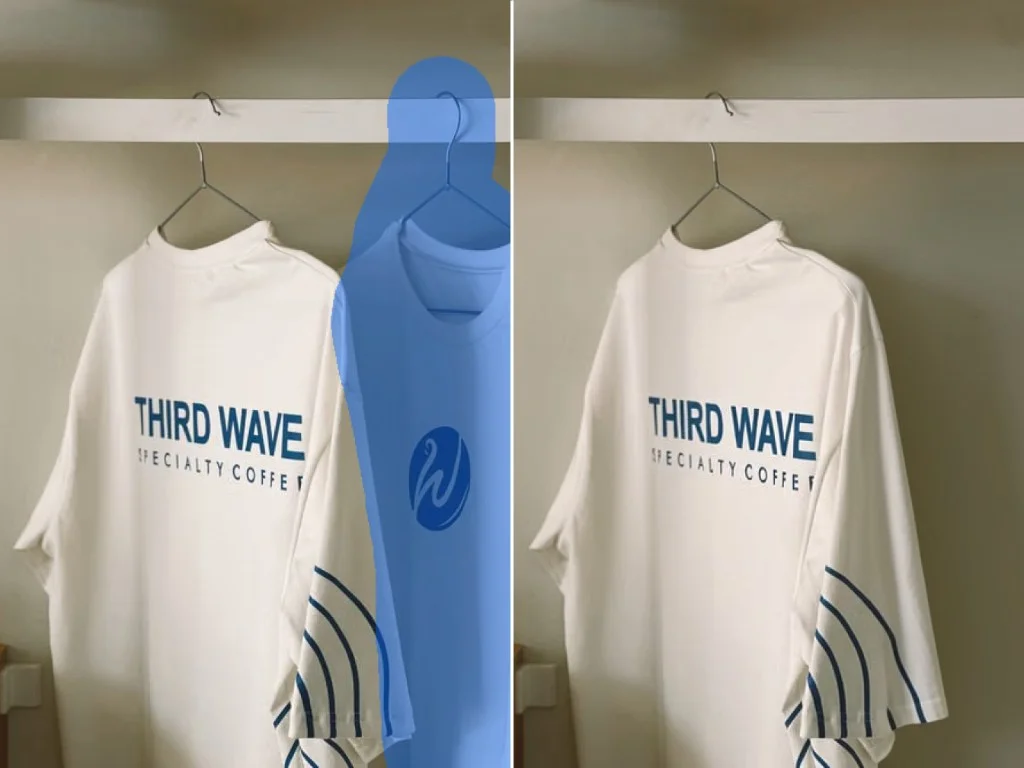
Clean up product shots and listing images
Distracting props, packaging labels, and background mess pull focus away from what you are selling. Object Remover helps e-commerce teams, marketplace sellers, and brand designers deliver polished listing photos and campaign visuals without reshooting or sending every asset through a retouching queue.
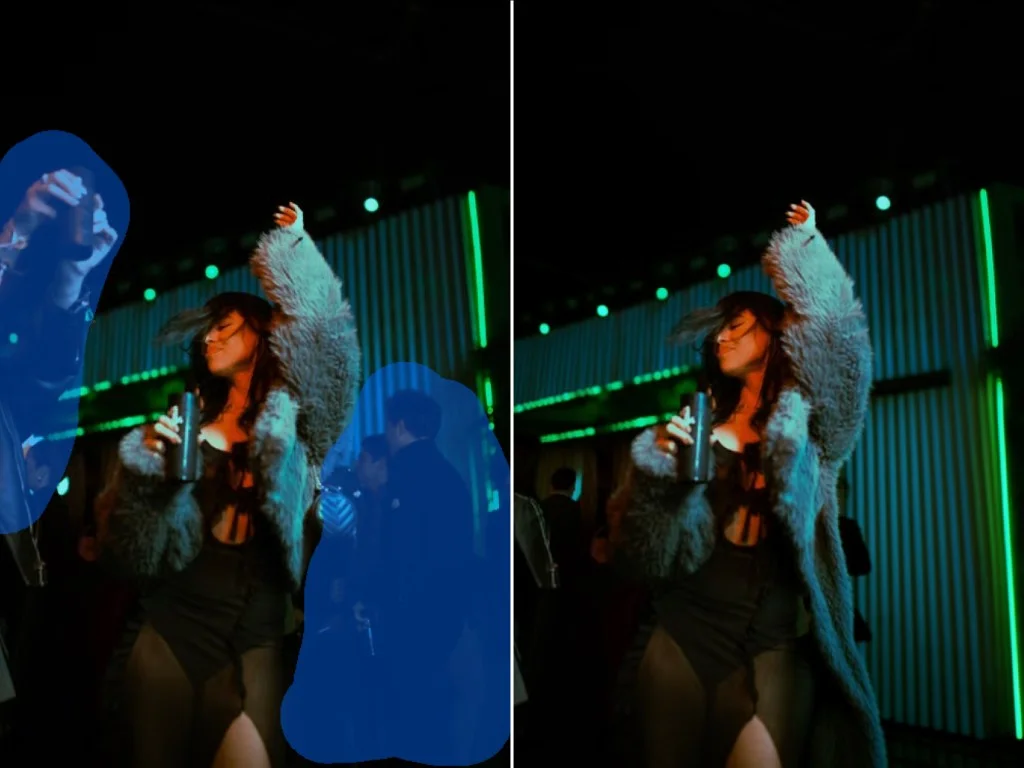
Backgrounds that match lighting, texture, and perspective
Generic erasers often leave smudges or flat patches where an object used to be. Ideogram reads the surrounding pixels and reconstructs the cleared area so shadows, grain, and perspective stay consistent with the original shot. The result should read as if the distraction was never in the frame.
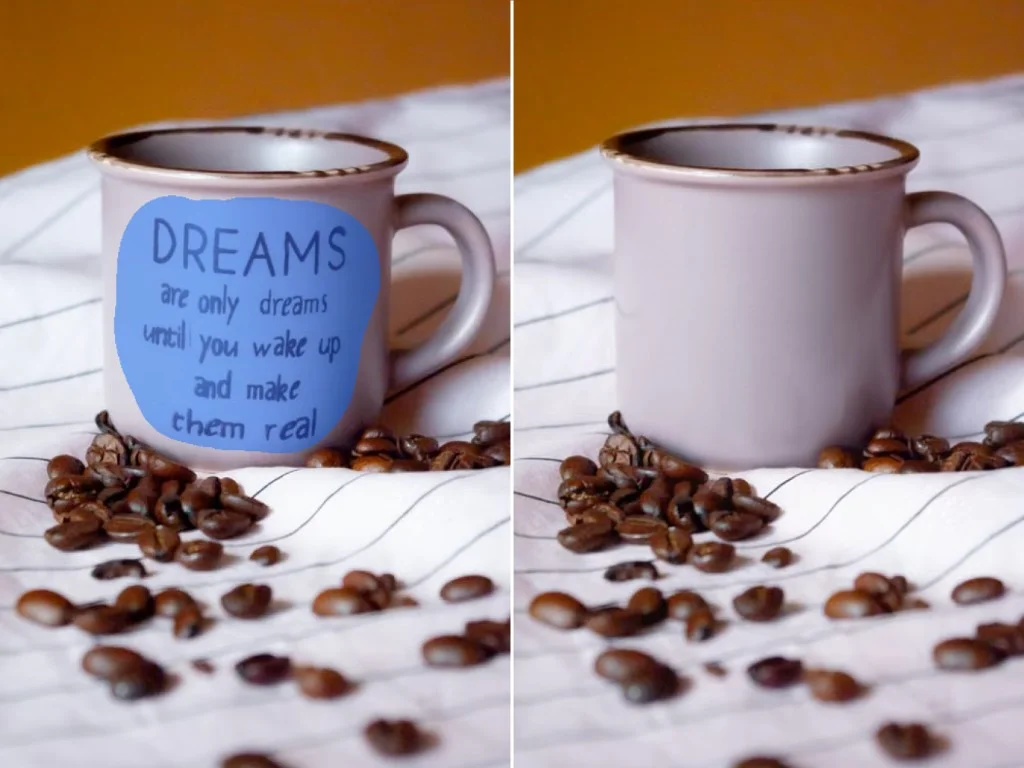
Remove text, logos, and watermarks from photos
Date stamps, burned-in captions, corner logos, and watermark overlays can ruin an otherwise strong image. Brush over the lettering or mark you want gone and Object Remover rebuilds the surface underneath so type and texture blend back into the scene. Use it on screenshots, scanned prints, stock cleanup, and brand mockups where the composition works but the overlay does not.
Examples














Remove objects from photos via the API
Send a photo and mask to the remove-object endpoint and get back a clean image with the selected area filled in. Built for marketplaces, creative tools, and any product that needs programmatic object removal.
Get API Key curl -X POST https://api.ideogram.ai/v1/remove-object \
-H 'Api-Key: YOUR_API_KEY' \
-F '[email protected]' \
-F '[email protected]'