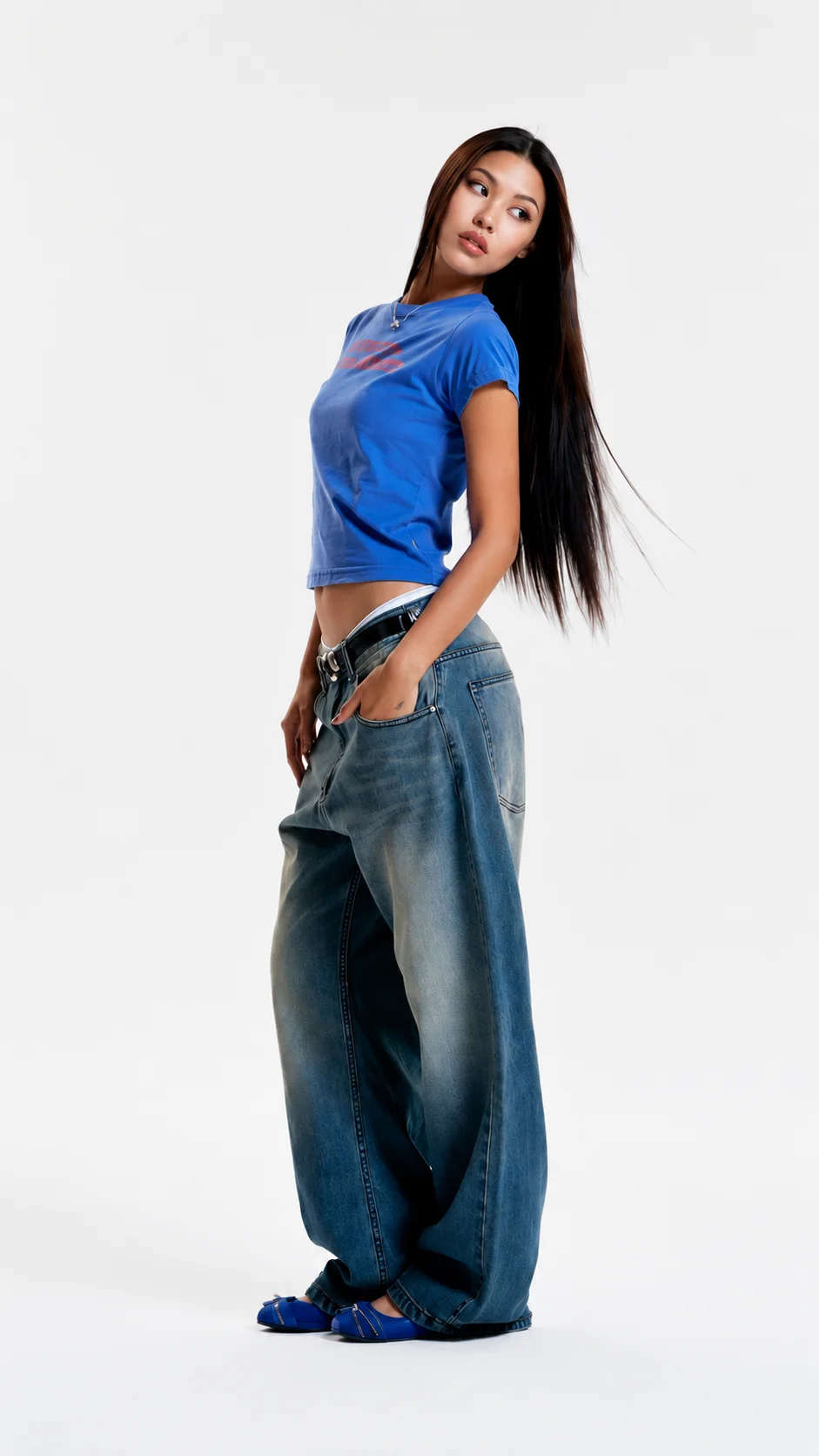
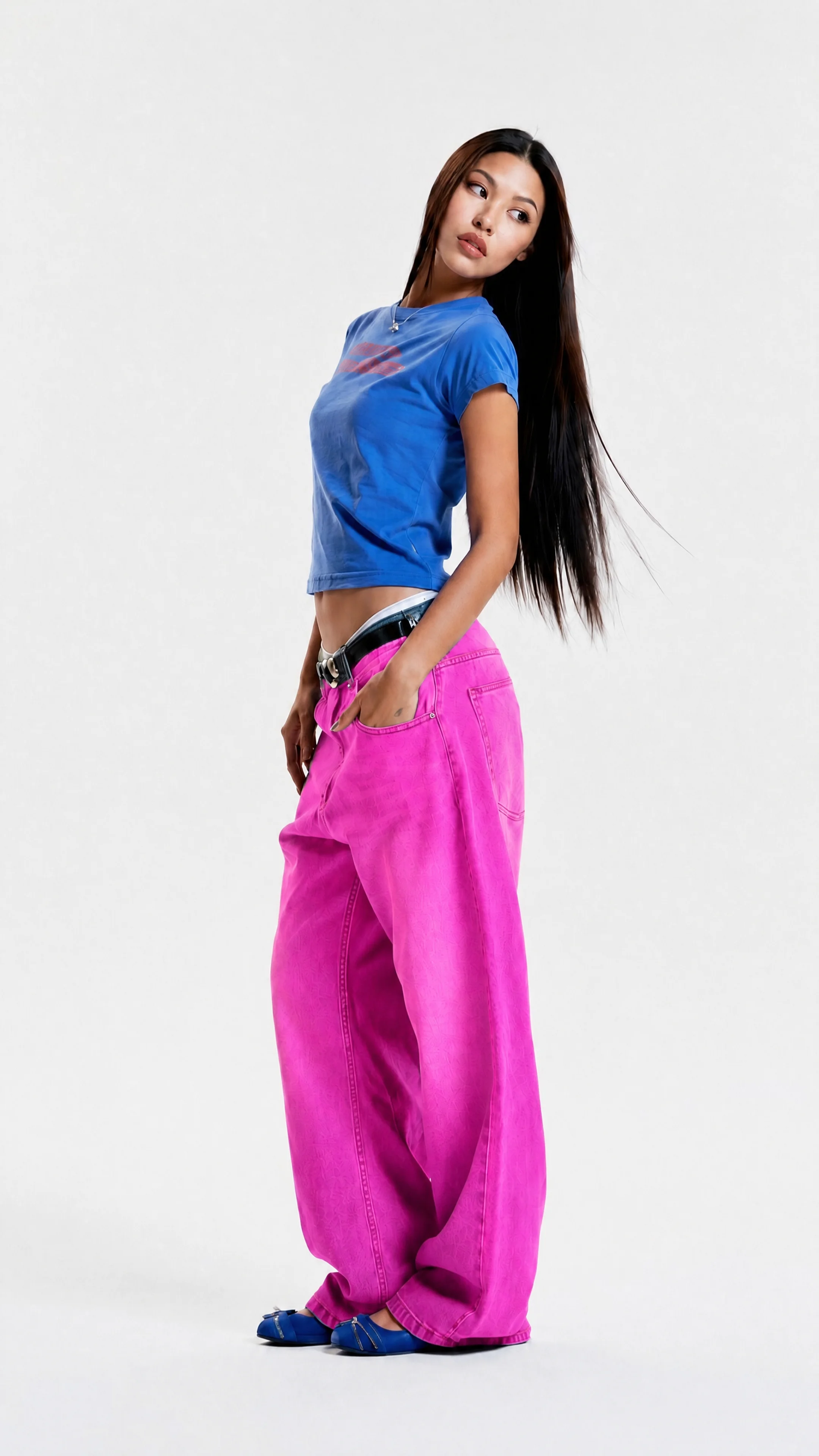
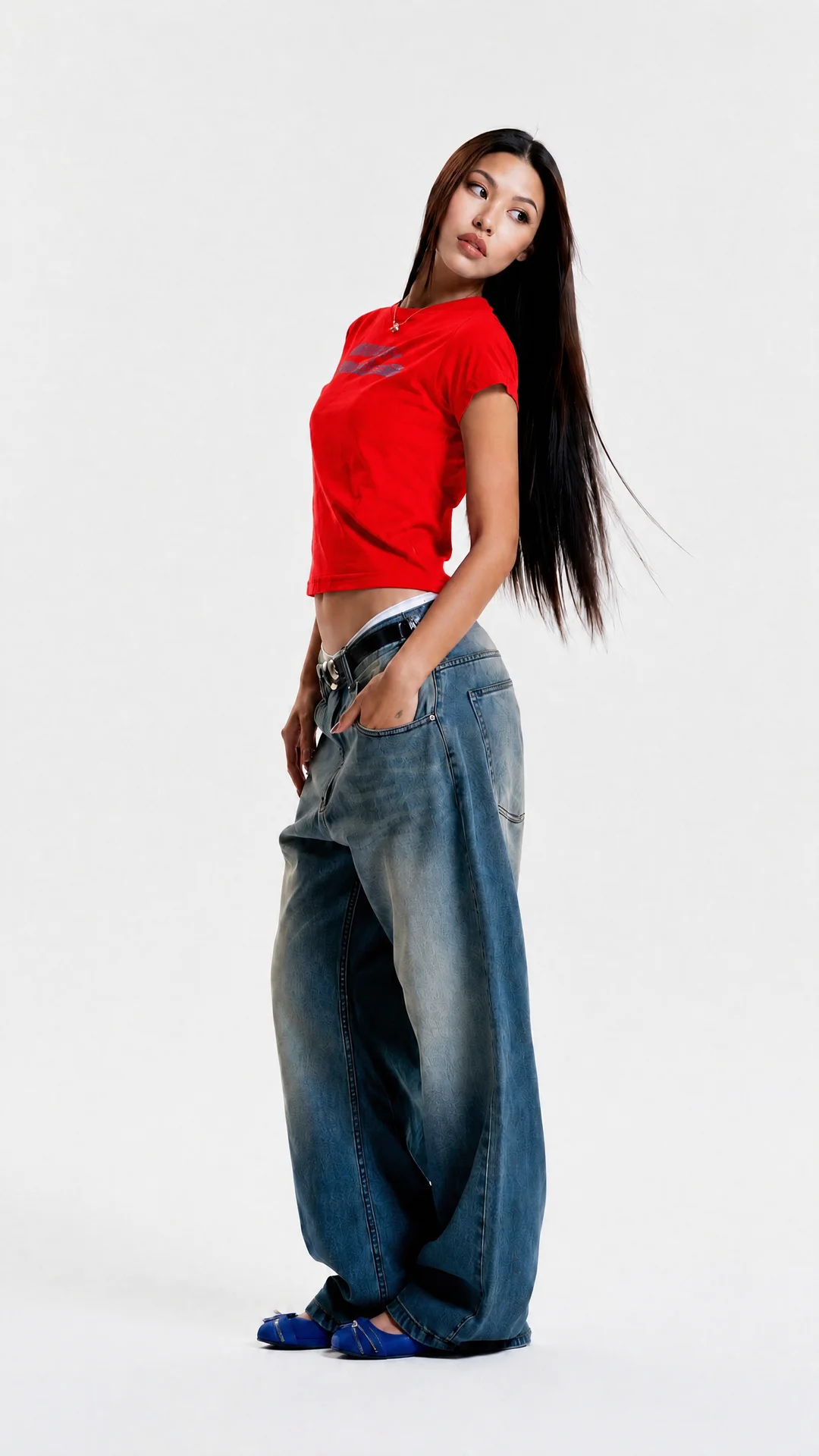
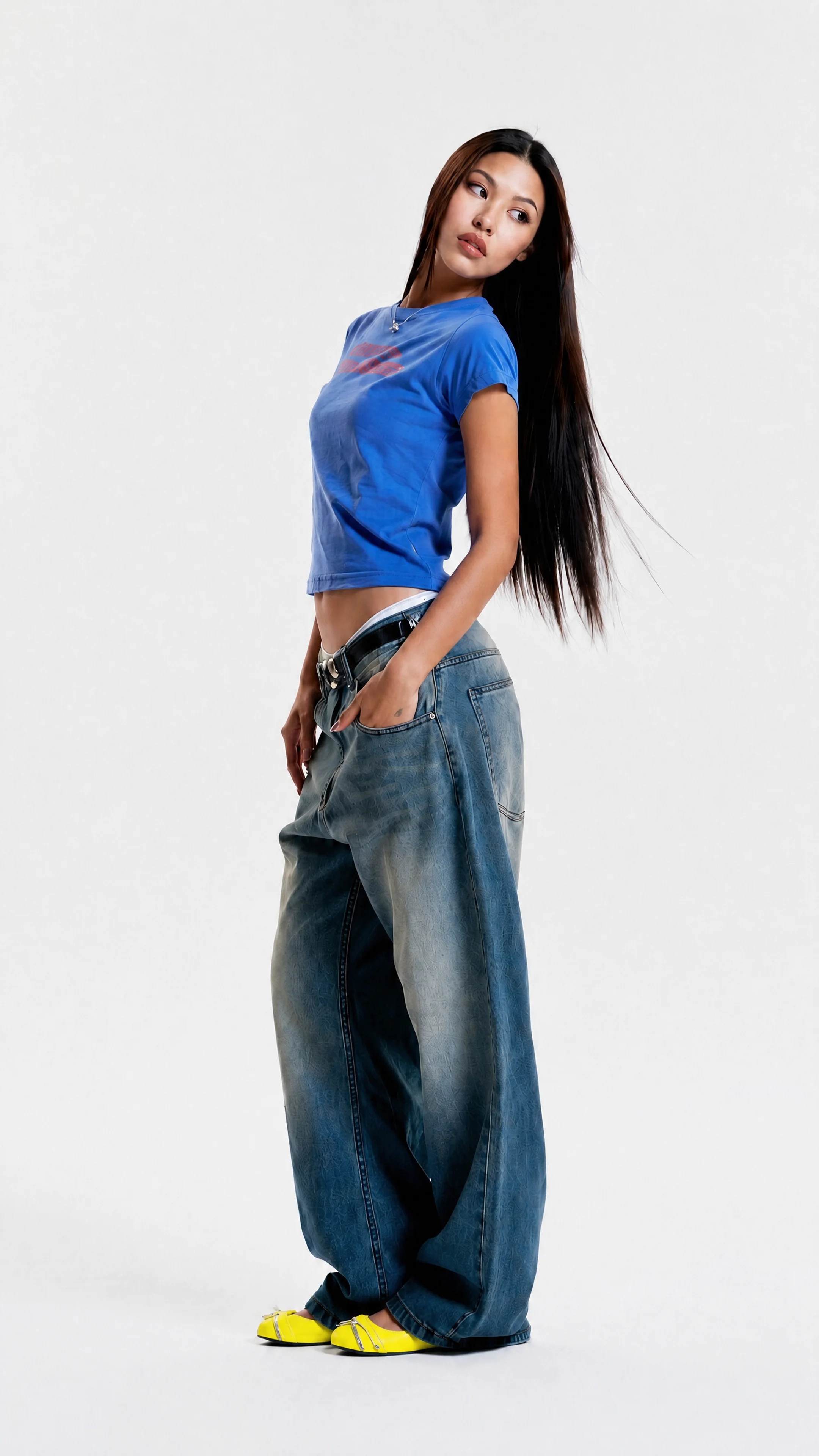
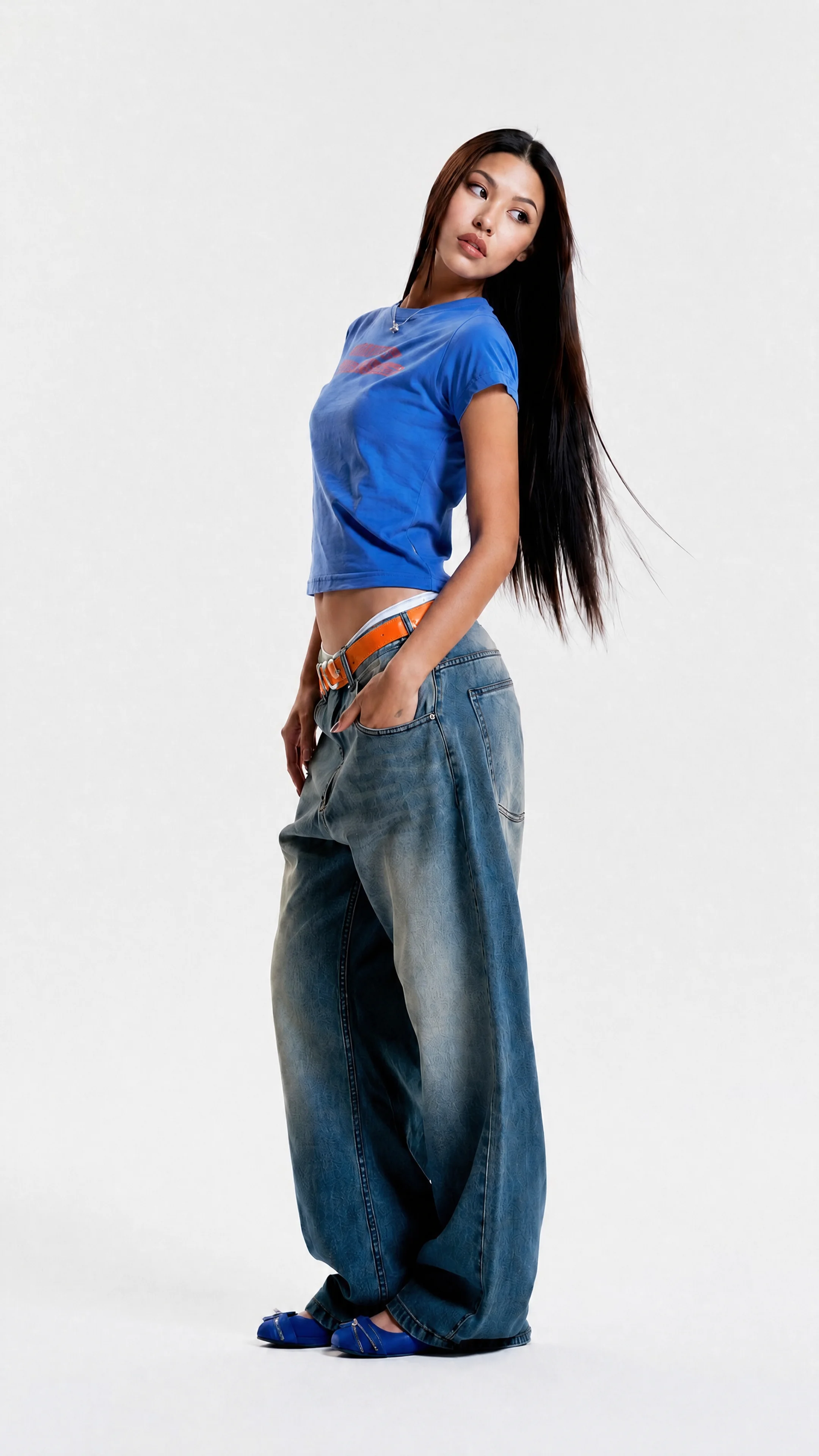
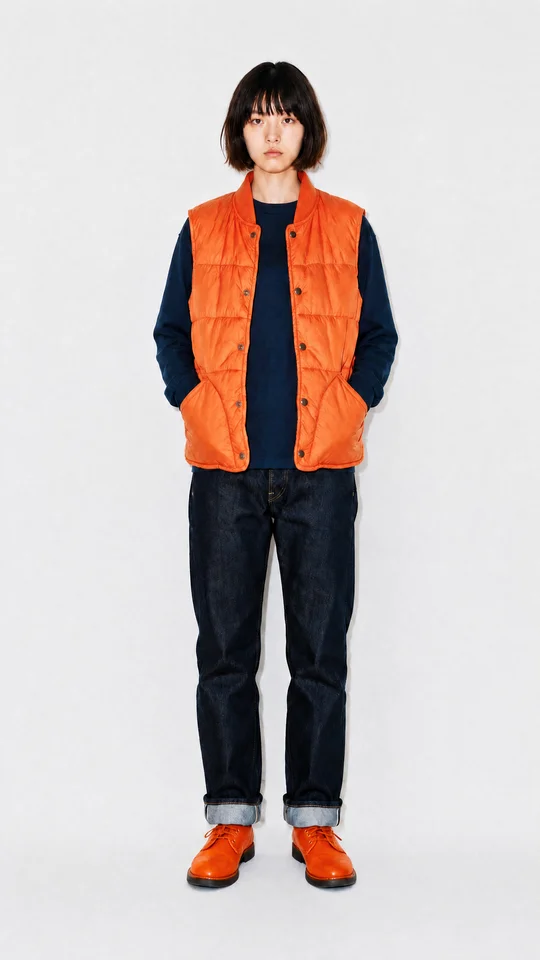
Look 01
Studio denim
This is the source photo, exactly as shot.

Apps / Colorways
Colorways changes the color of a single piece in a photo you already have. The fabric, the light, the pose, and every other garment stay exactly as shot. One sample becomes the whole color range.
Step 1
Start from a look you already shot. A model, a flat lay, or a product shot all work.
Step 2
Select the piece you want to change and the shade you want it in.
Step 3
Export each variation as its own image, ready for a product page or a line sheet.
Pick a piece in either look and watch it take a new color. Everything else in the frame holds still.
Look 01
This is the source photo, exactly as shot.
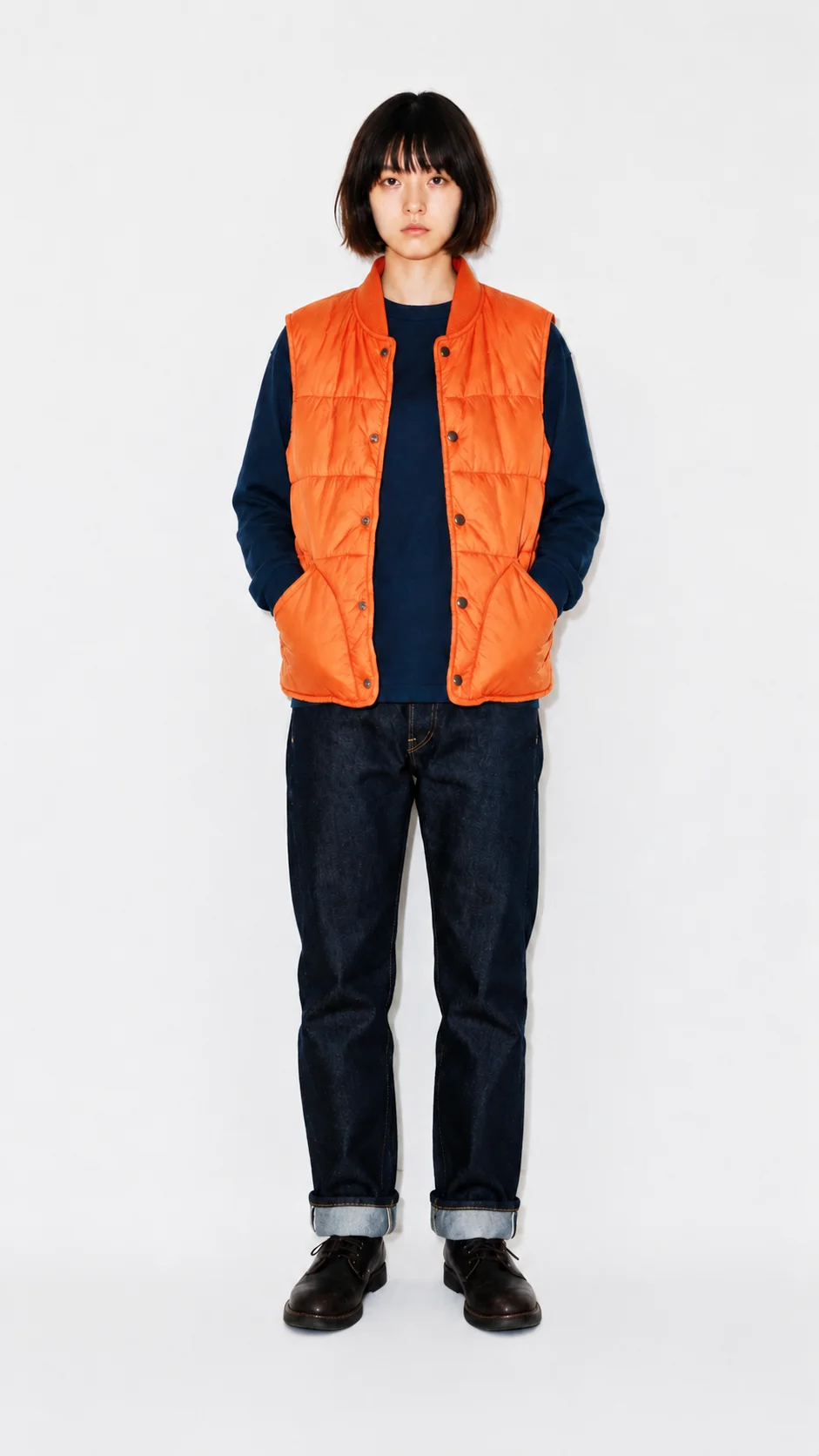
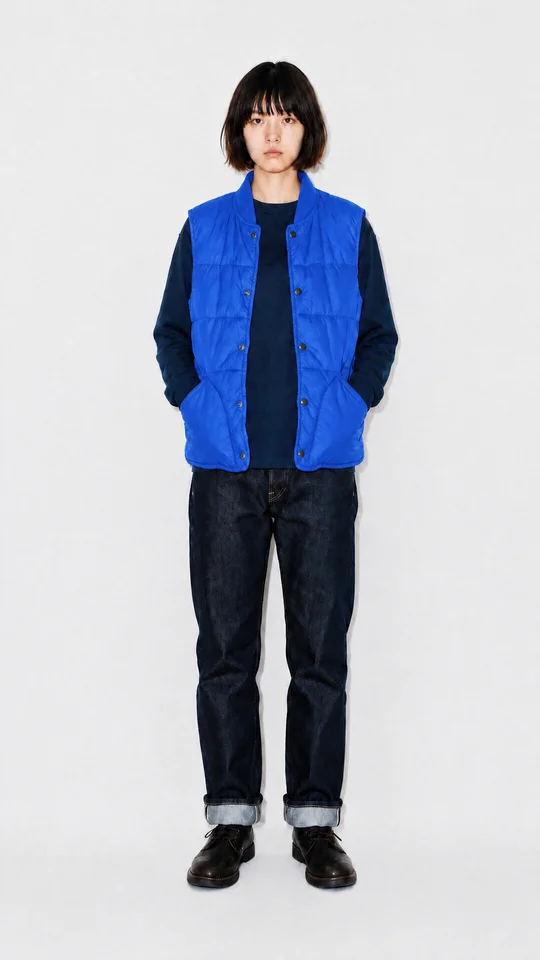
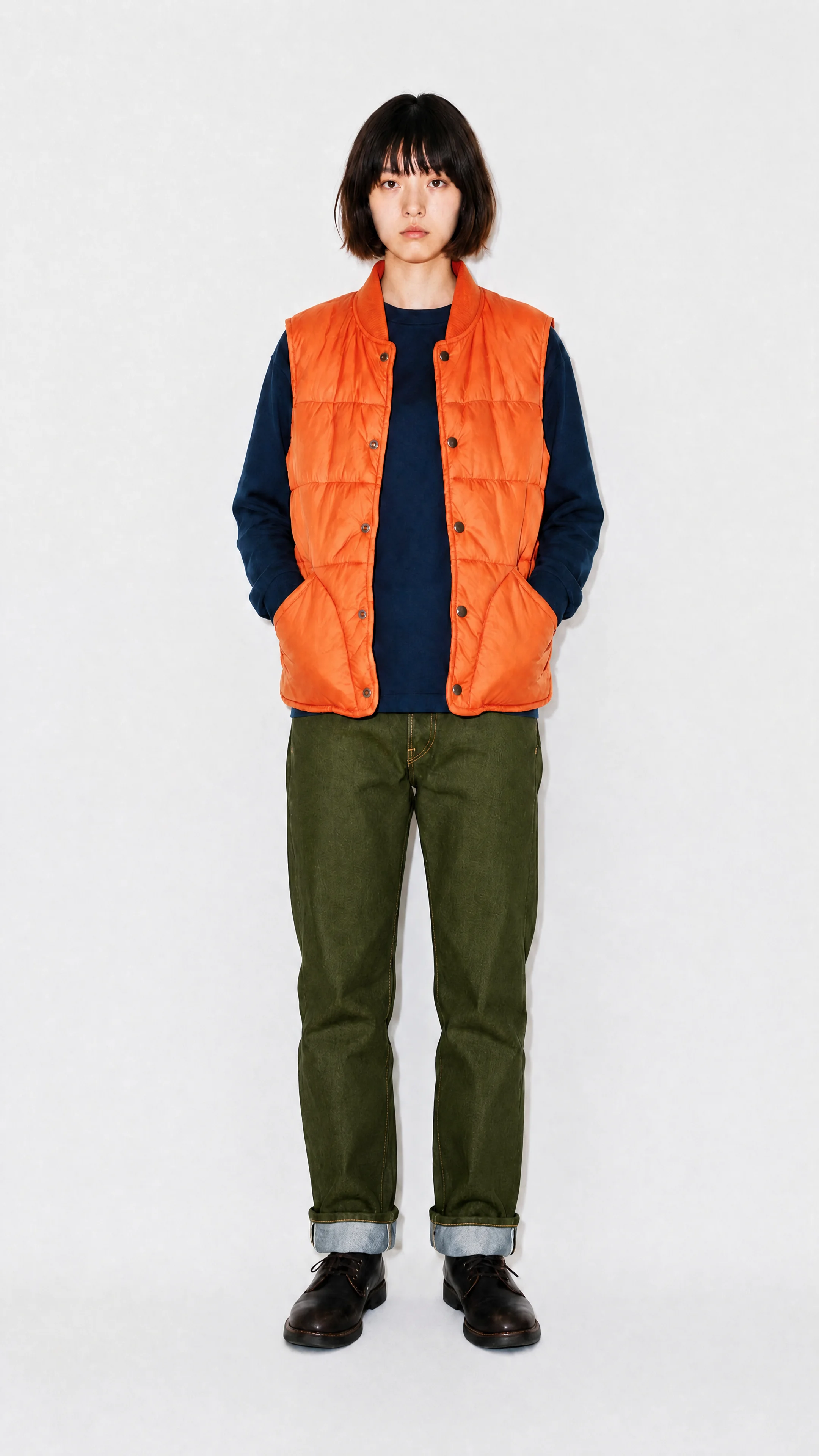
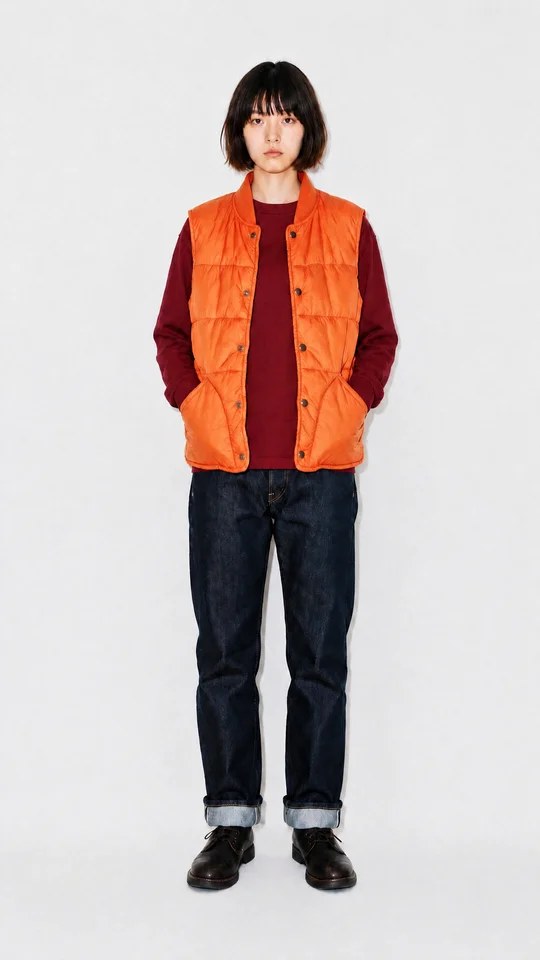
Look 02
This is the source photo, exactly as shot.
Colorways treats your shot as fixed and the color as the variable. That is what keeps a range consistent.
The pose, the light, the shadows, and every other garment stay where they were. The piece you picked is the only thing that takes the new shade.
Denim keeps its wash and nylon keeps its sheen. The new color sits in the fabric instead of flattening it into a tint.
Photograph one colorway and merchandise them all. Test shades before production and keep every product page consistent.