Apply a reference fabric, pattern, texture, or finish to a product while preserving its
shape, construction, lighting, and scene.
How to swap a product material
Step 1
Add the product photo
Choose the product image whose material you want to change.
Step 2
Choose a material reference
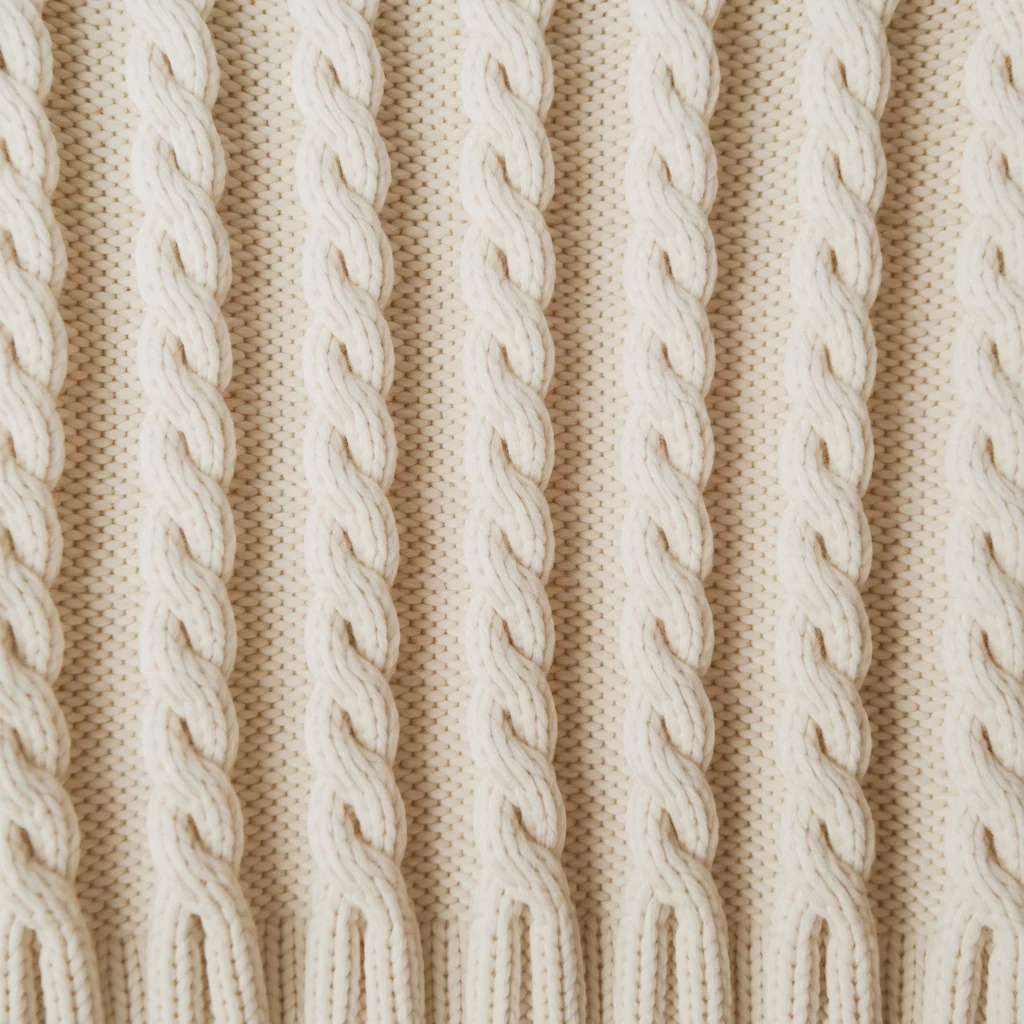
Upload a fabric, finish, pattern, or texture that defines the new surface.
Step 3
Direct the change
Describe the component to update and optionally select it with a mask.
See one product remade in a new material
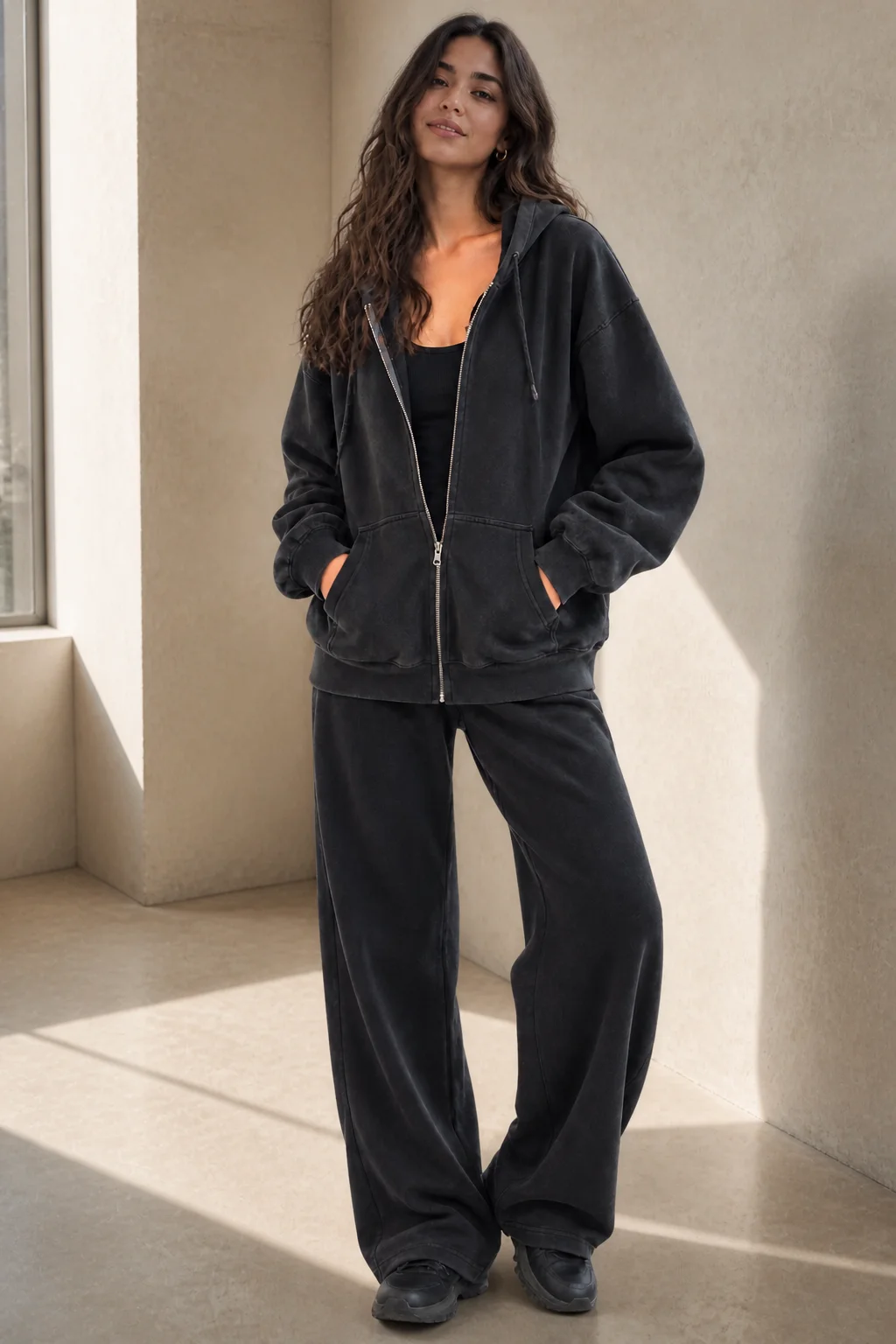
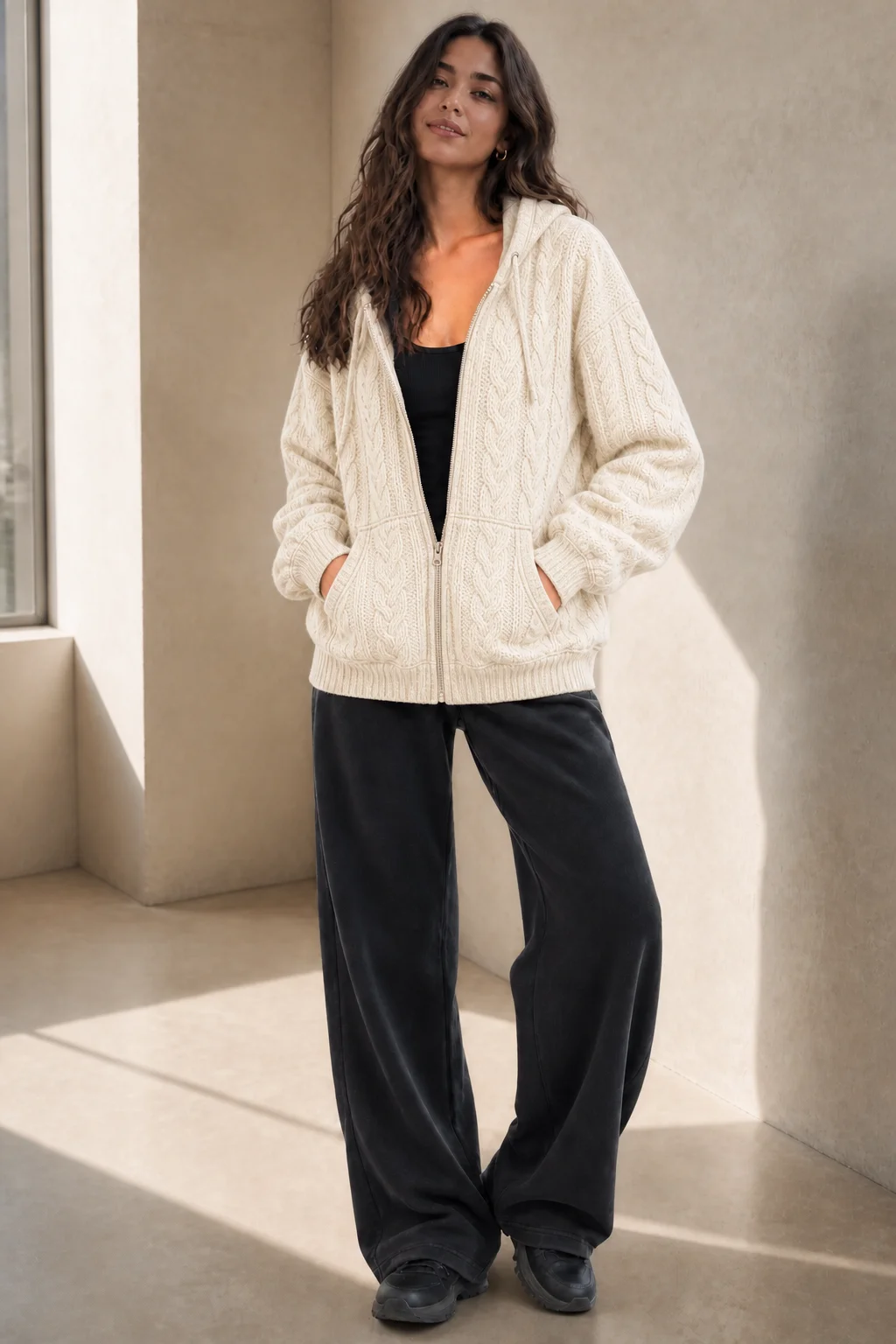
A material reference changes the surface while the product, pose, and composition stay
recognizable.
Product
Reference
Result
One reference, many directions
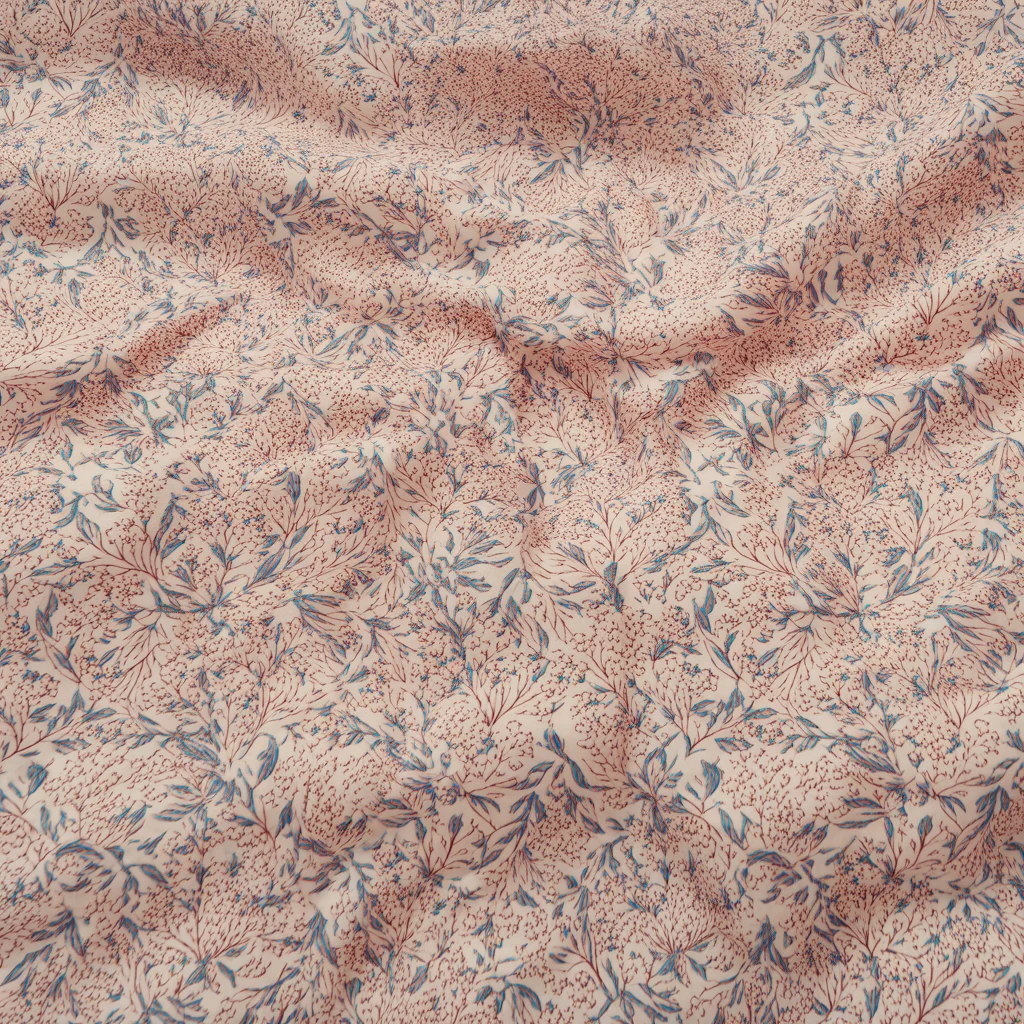
From soft textiles to hard finishes
Explore fabric, leather, wood, stone, metallic finishes, and repeating patterns from the
same product photograph.
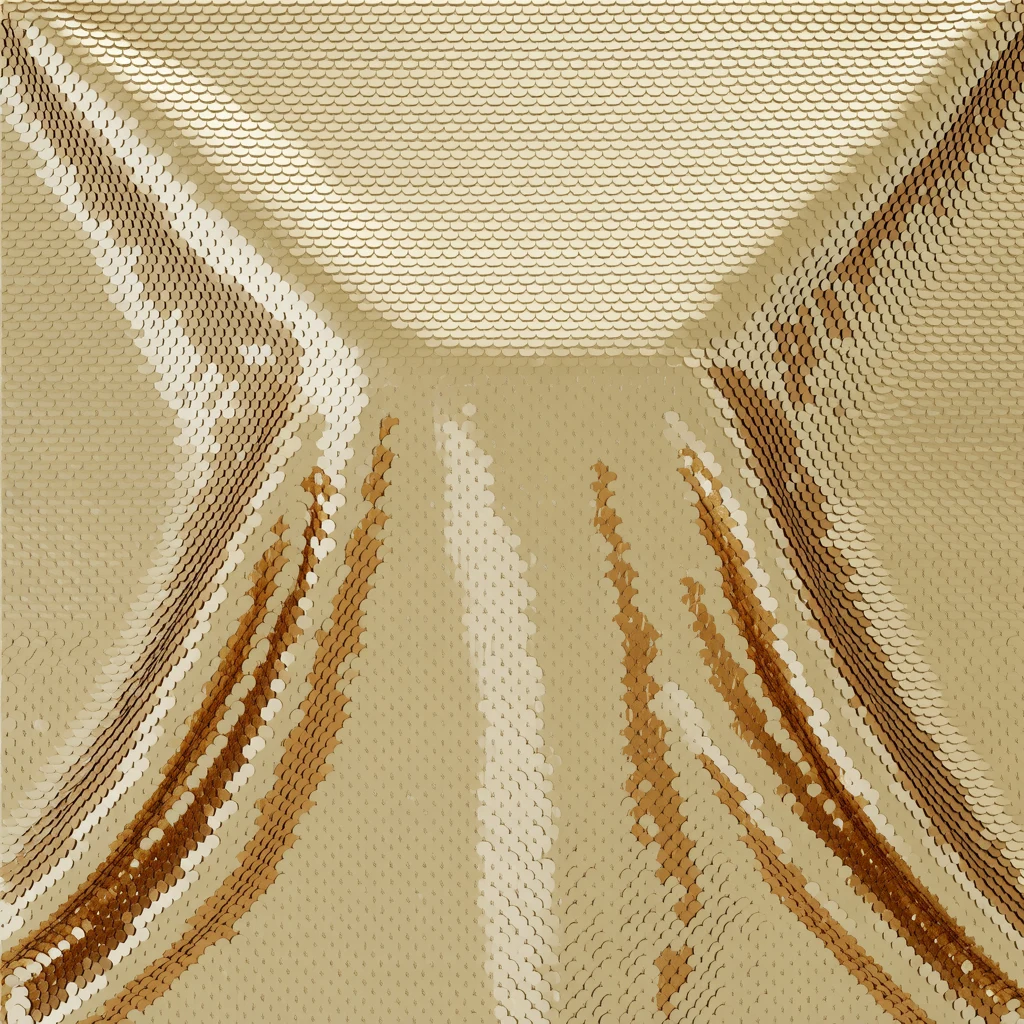
DenimFloral printCable knitGold sequins
Frequently asked questions
What can I use as a material reference?
A clear image of a fabric, pattern, texture, or surface finish. References with visible grain, scale, and lighting give the app more information to work with.
Do I need a mask?
No. You can describe the product component in words. Add a mask when you want to identify a precise region or keep everything outside that region unchanged.
What details does Material Swap preserve?
It is designed to retain the product’s overall shape, seams, hardware, lighting, and surrounding scene while changing the selected material treatment.
Can I use patterns as well as materials?
Yes. The reference can communicate a solid material, repeating pattern, textile weave, grain, or other surface texture.
Contact sales
Tell us what you are building.
Share a few details and our team will follow up about enterprise customization, API,
licensing, or partnerships.
Request received
✓
Thanks, we received your request.
We will review the details and follow up at your work email.