
Apps / Background Remover
Remove backgrounds from images with AI
Upload an image and get a clean transparent PNG in one click. Ideogram preserves fine edges on product photos, logos, typography, hair, glass, and intricate cutouts.
How to remove a background with AI
-
Step 1
Upload your image
Start with a product photo, portrait, logo, illustration, or graphic that needs a transparent background.
-
Step 2
Remove the background
Ideogram separates the subject from the scene and preserves fine details like soft edges, type strokes, hair, and glass.
-
Step 3
Download the PNG
Export a transparent PNG ready for marketplaces, catalogs, ads, design mockups, and creative tools.
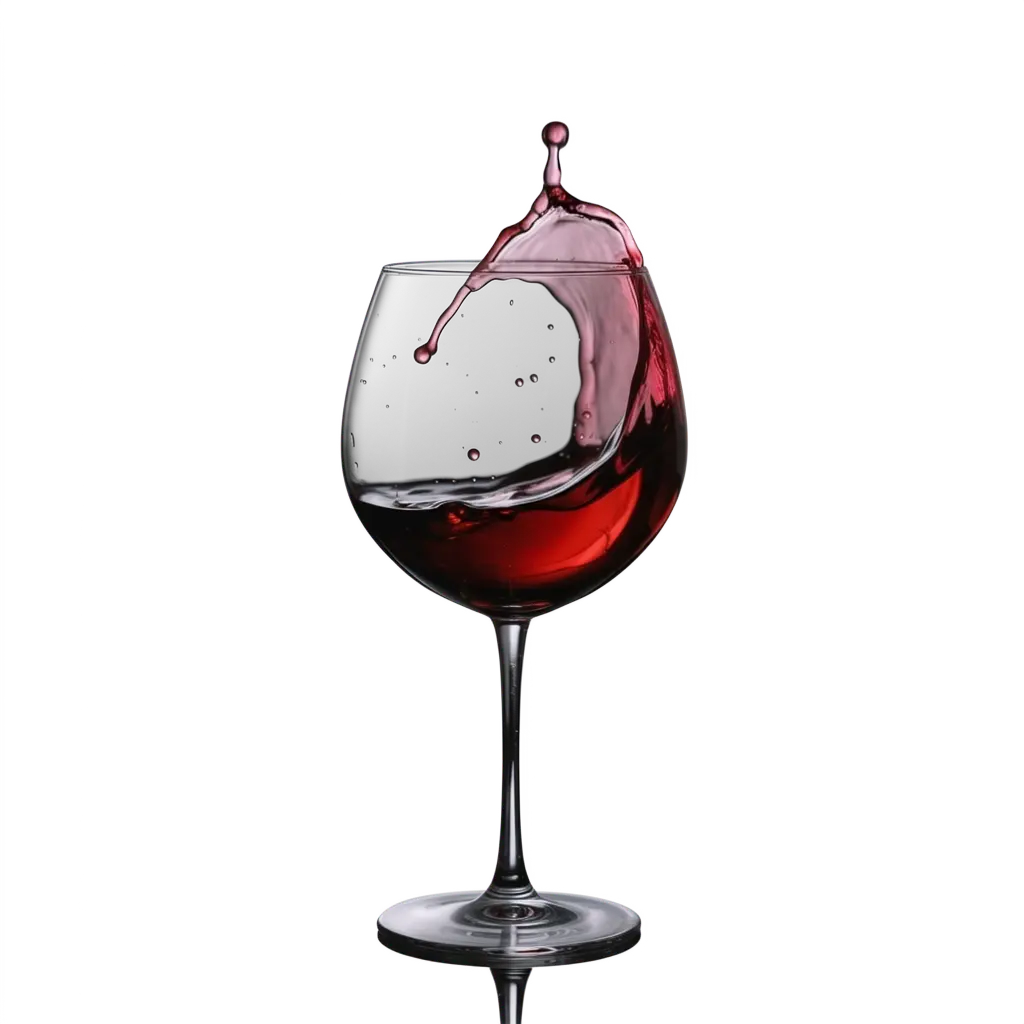
Transparent PNGs with clean edges
Most background removers struggle at the border between foreground and background, leaving halos, fringing, or leftover color. Ideogram focuses on clean alpha channels so logos, typography, product silhouettes, hair, fur, and glass can stay sharp without manual cleanup.
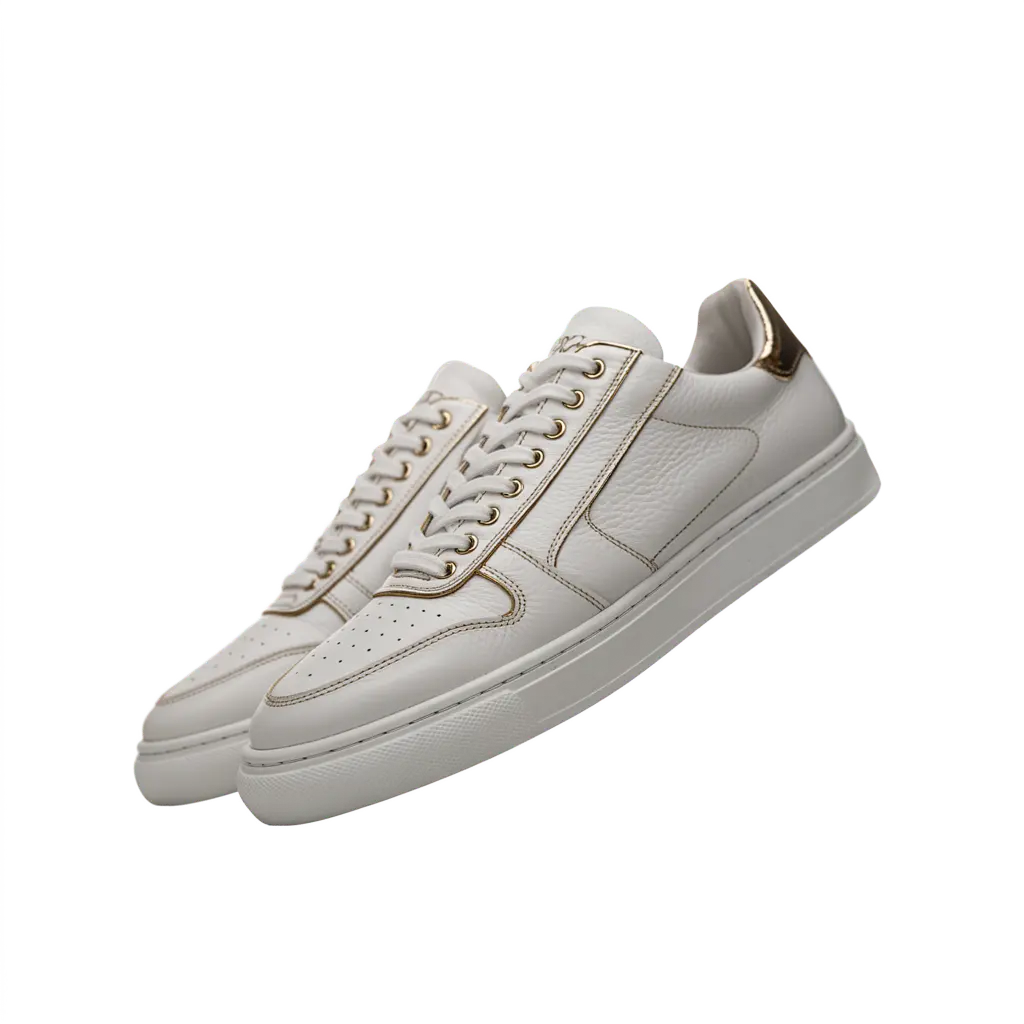
Built for product photography and catalogs
Remove distracting studio, tabletop, and lifestyle backgrounds from product images so every asset is ready for listings, launch pages, ads, and marketplace refreshes. Teams can process one image in the app or send high-volume jobs through the API.

Keep typography, logos, and detailed graphics intact
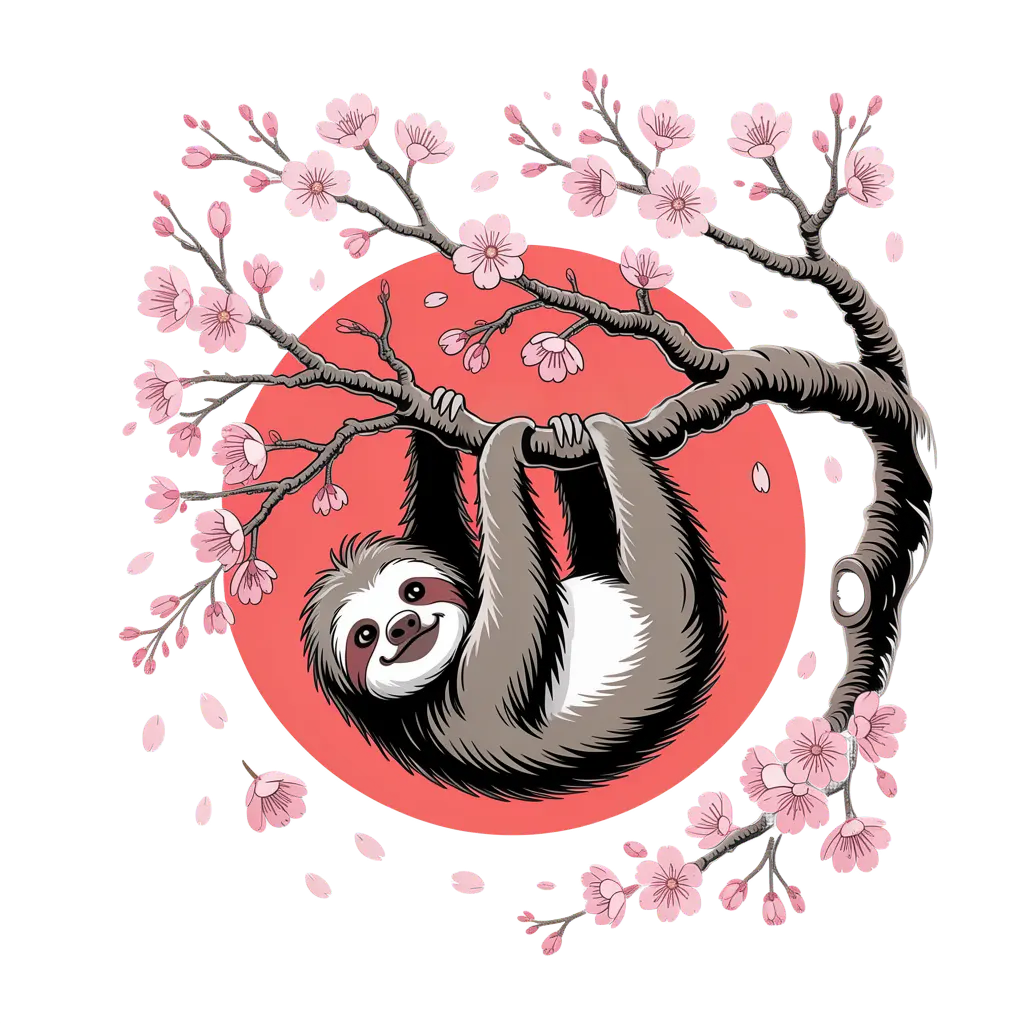
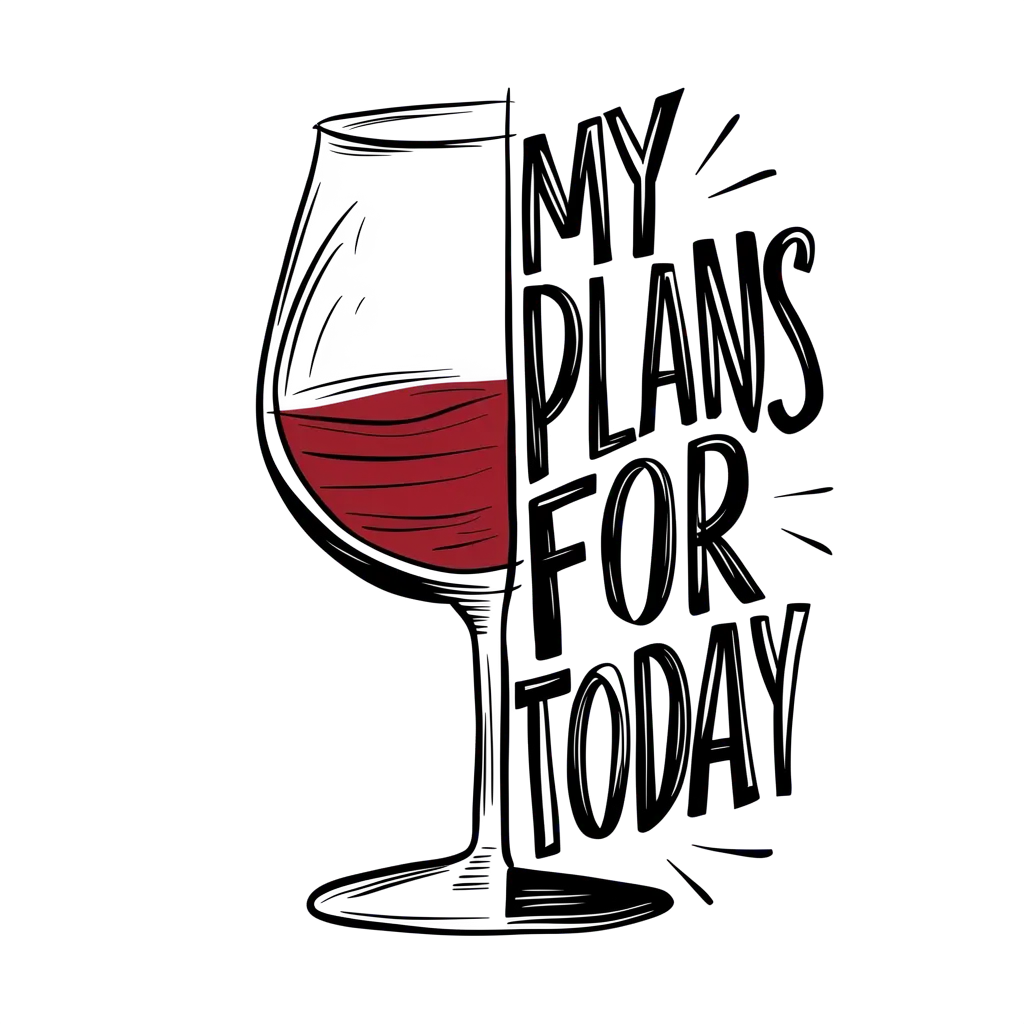
Background removal is hardest when the subject is made of fine strokes and negative space. Ideogram preserves graphic detail in lettering, badges, illustrations, and print-on-demand artwork so the cutout can be reused on new colors and layouts.
Remove backgrounds through the API
POST an image to /v1/remove-background and receive a signed URL for the transparent PNG. The endpoint is built for tools, marketplaces, and production workflows that need consistent background removal across thousands of images.
Examples

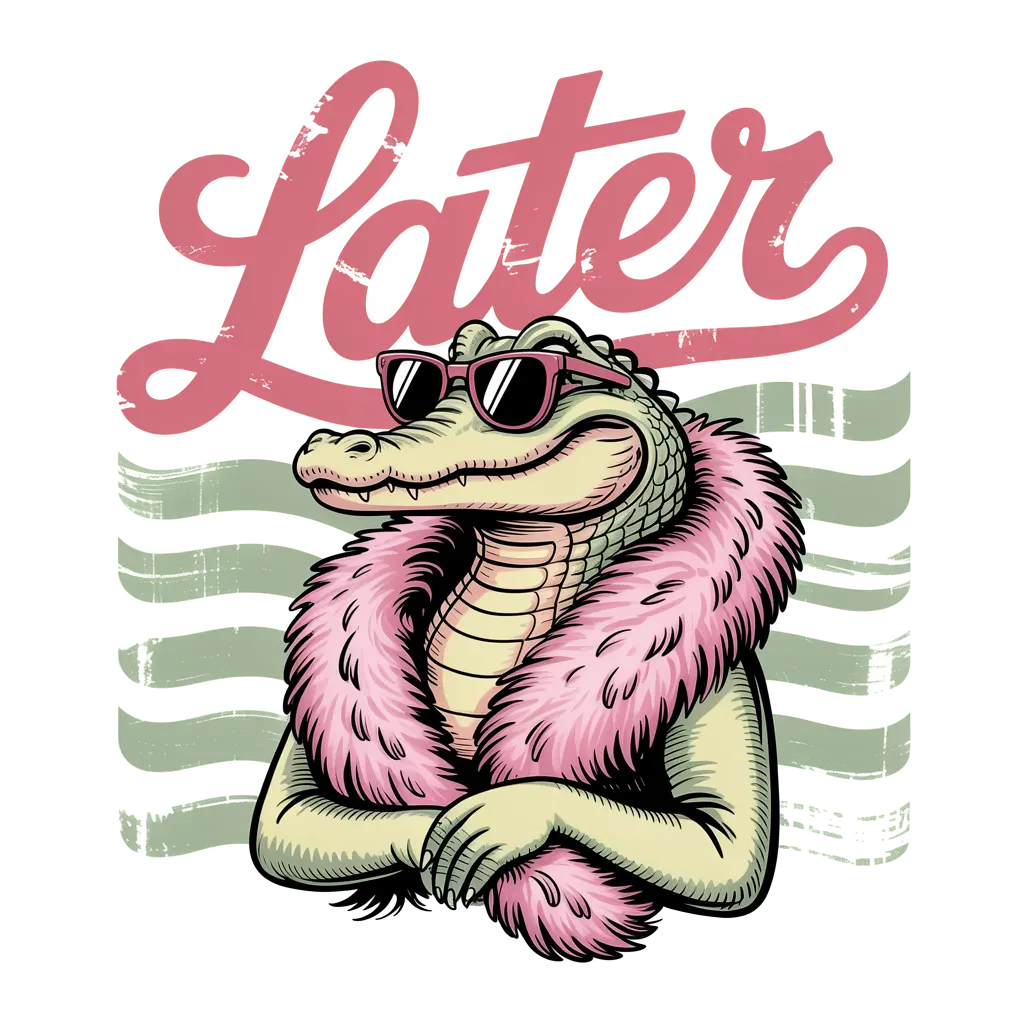



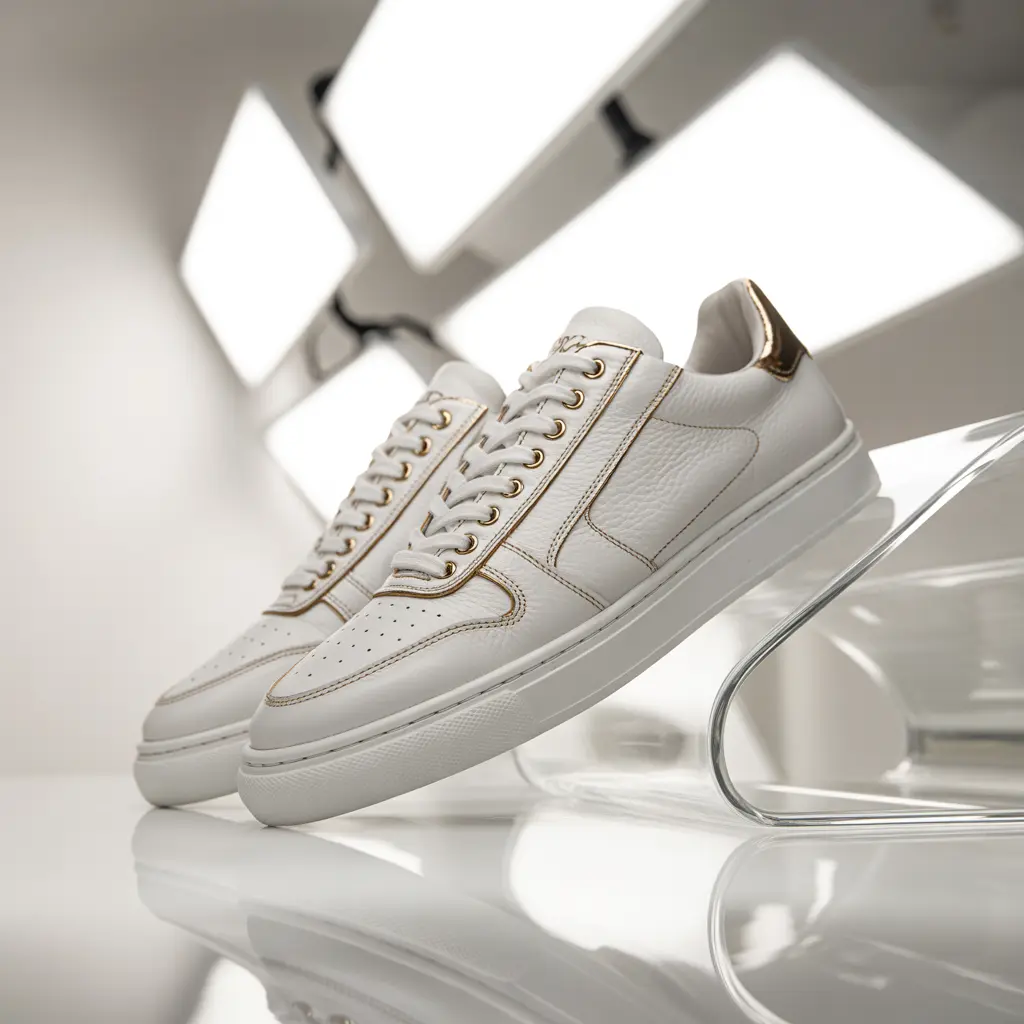



Remove backgrounds via the API
POST an image to /v1/remove-background and receive a signed URL to the transparent PNG. The endpoint is built for teams running volume across product launches, marketplace listings, and catalog refreshes that need consistency over thousands of images. The cutout quality is the same on the first request and the ten-thousandth. Pricing is per image, with volume tiers for enterprise teams.
Get API Key curl -X POST https://api.ideogram.ai/v1/remove-background \
-H 'Api-Key: YOUR_API_KEY' \
-F '[email protected]'