Editable Text Layers

Extract and edit text in images with layerize text function.

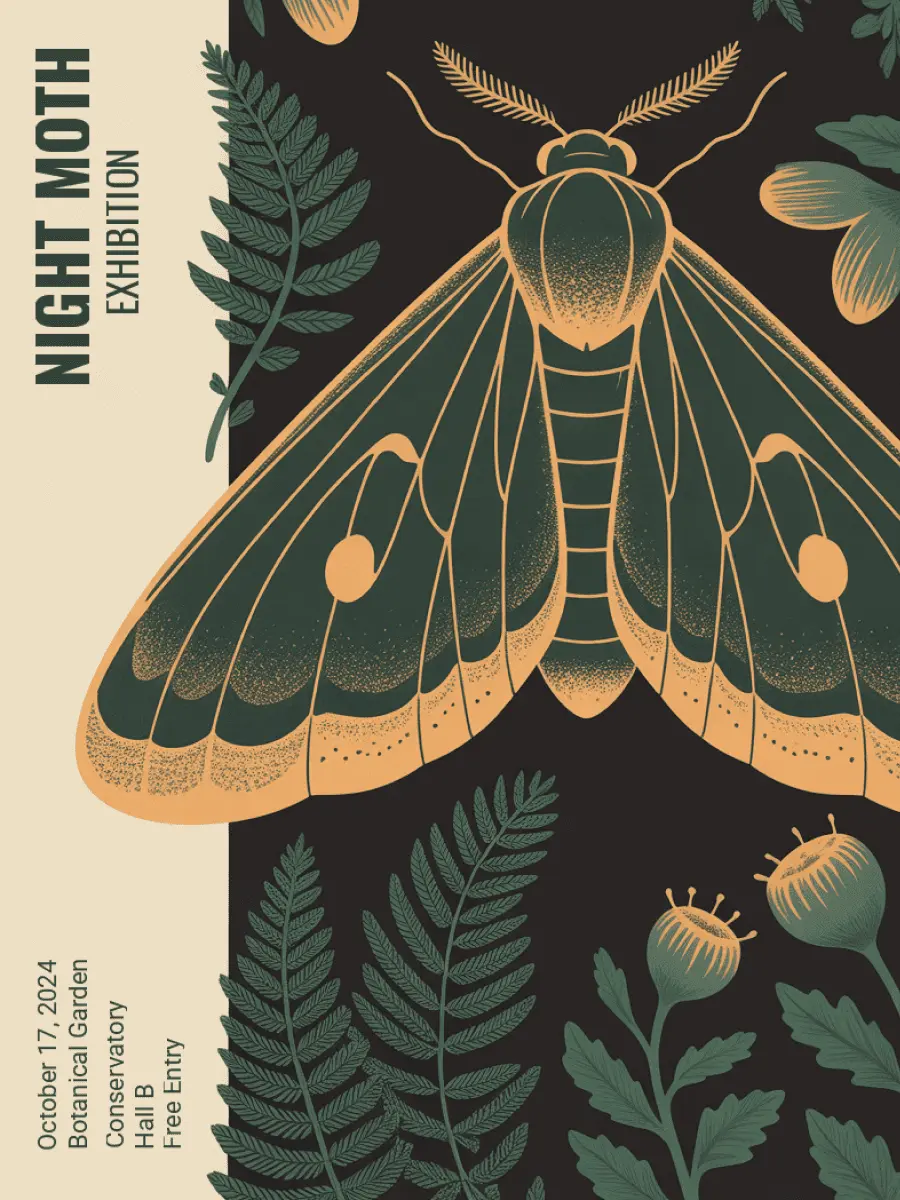
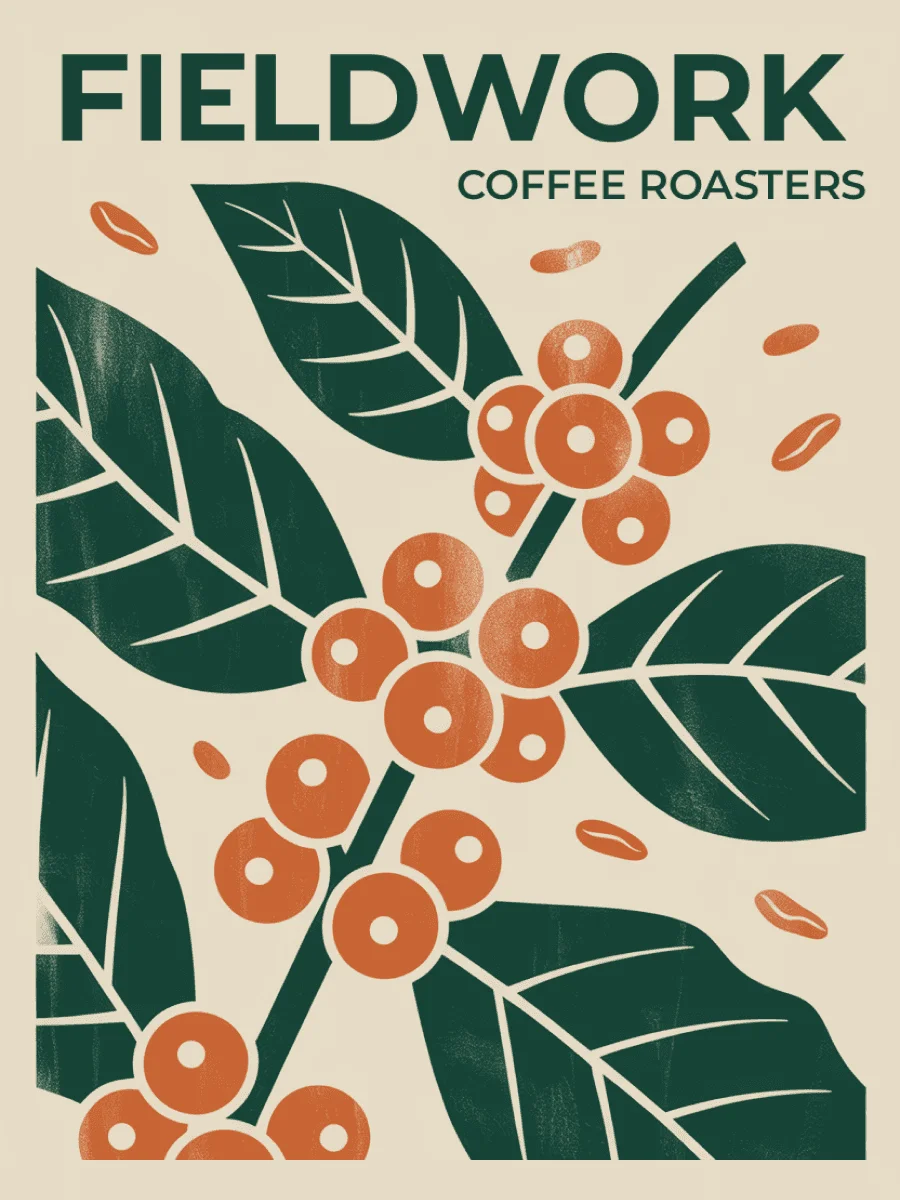
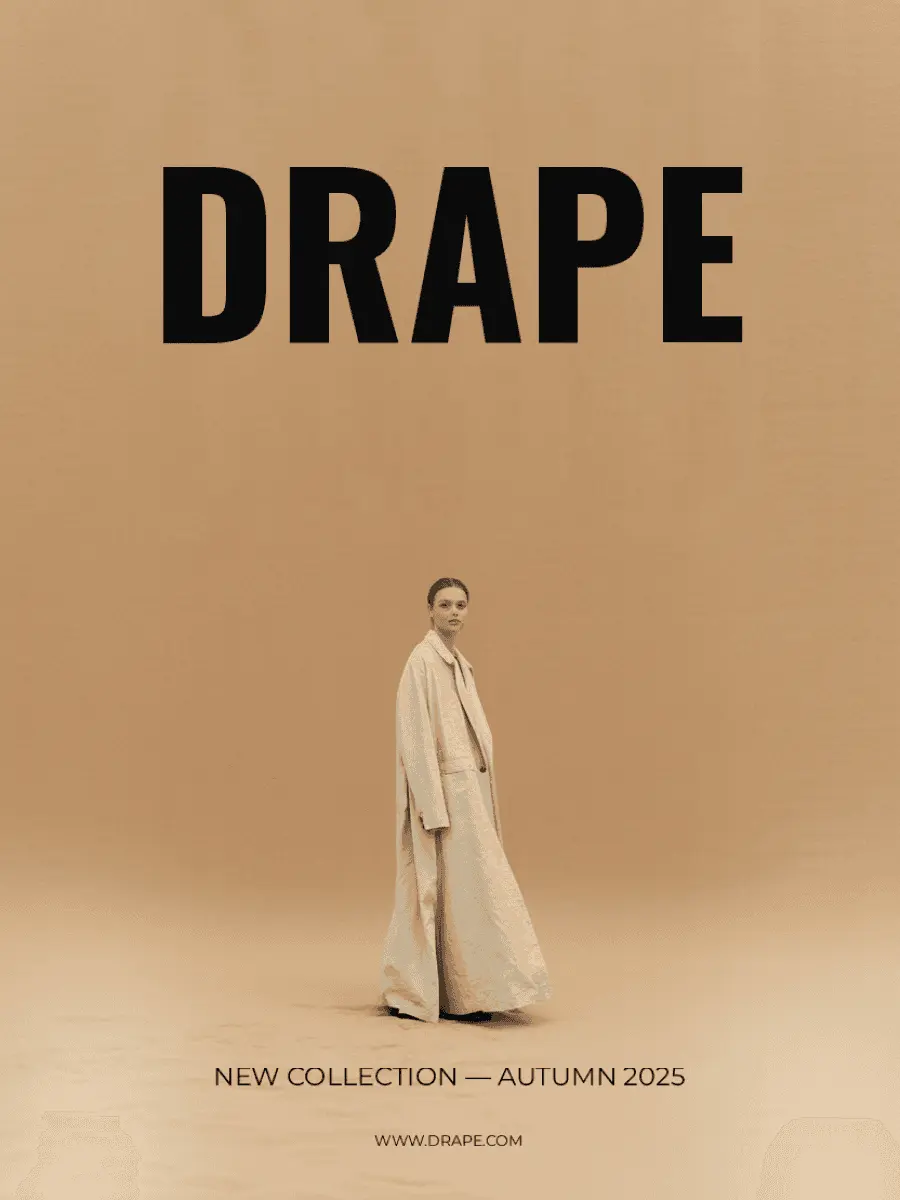
Generate posters, social media graphics, and marketing designs with AI, then layerize to edit the text. Change the headline, swap the font, or rewrite the copy without re-prompting.

Start designing Available on all plans and via the API.

The problem

Text locked inside an image is text you can't use.

Most AI-generated designs produce flat raster images. The text on your poster, book cover, or social graphic is baked in. Fixing a typo means regenerating. Swapping a headline means starting over. That friction kills the workflow.

The solution

No more trapped text.

Press Layerize Text and every line of text becomes its own editable component. Select it, retype it, change the font, adjust the size. The design stays intact. The text becomes yours to control.

Layerize Text feature showing editable text layers on a design

Examples

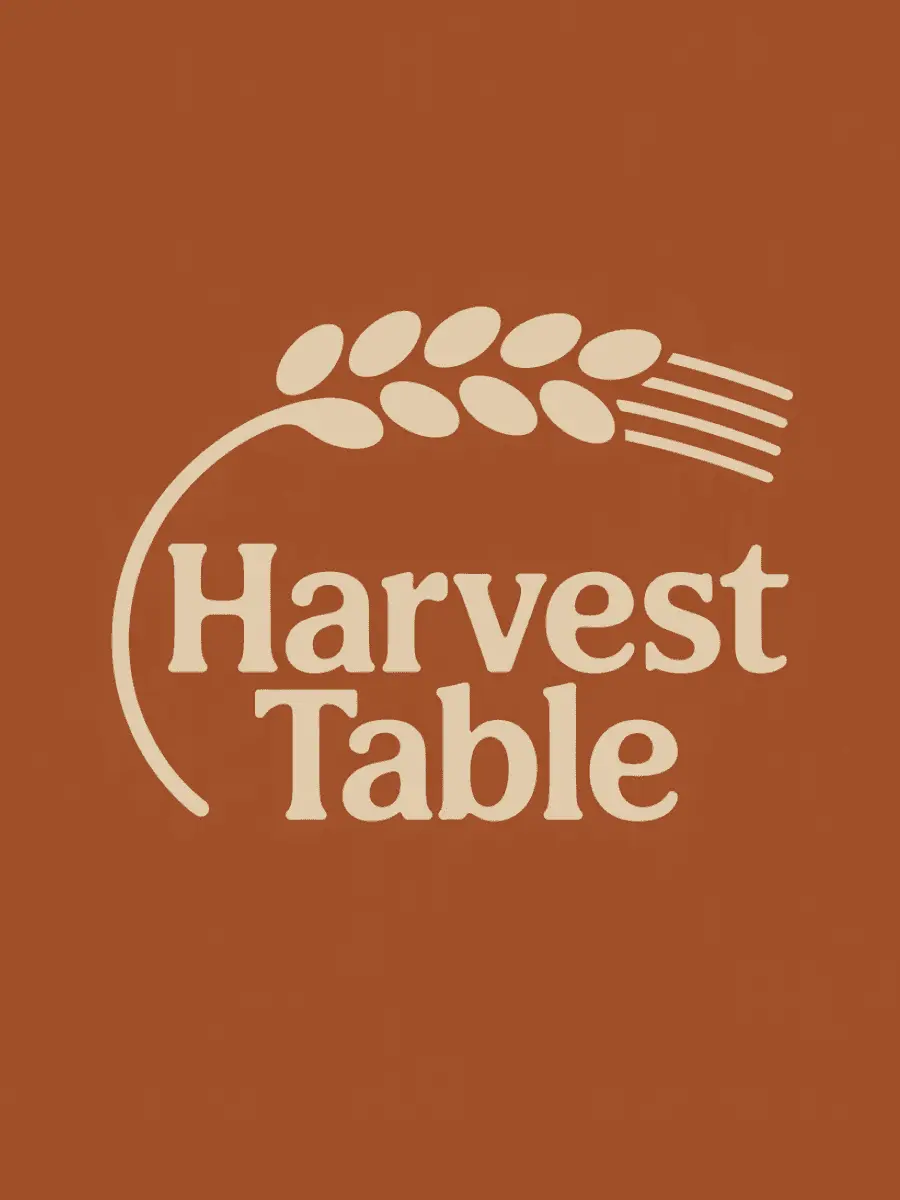
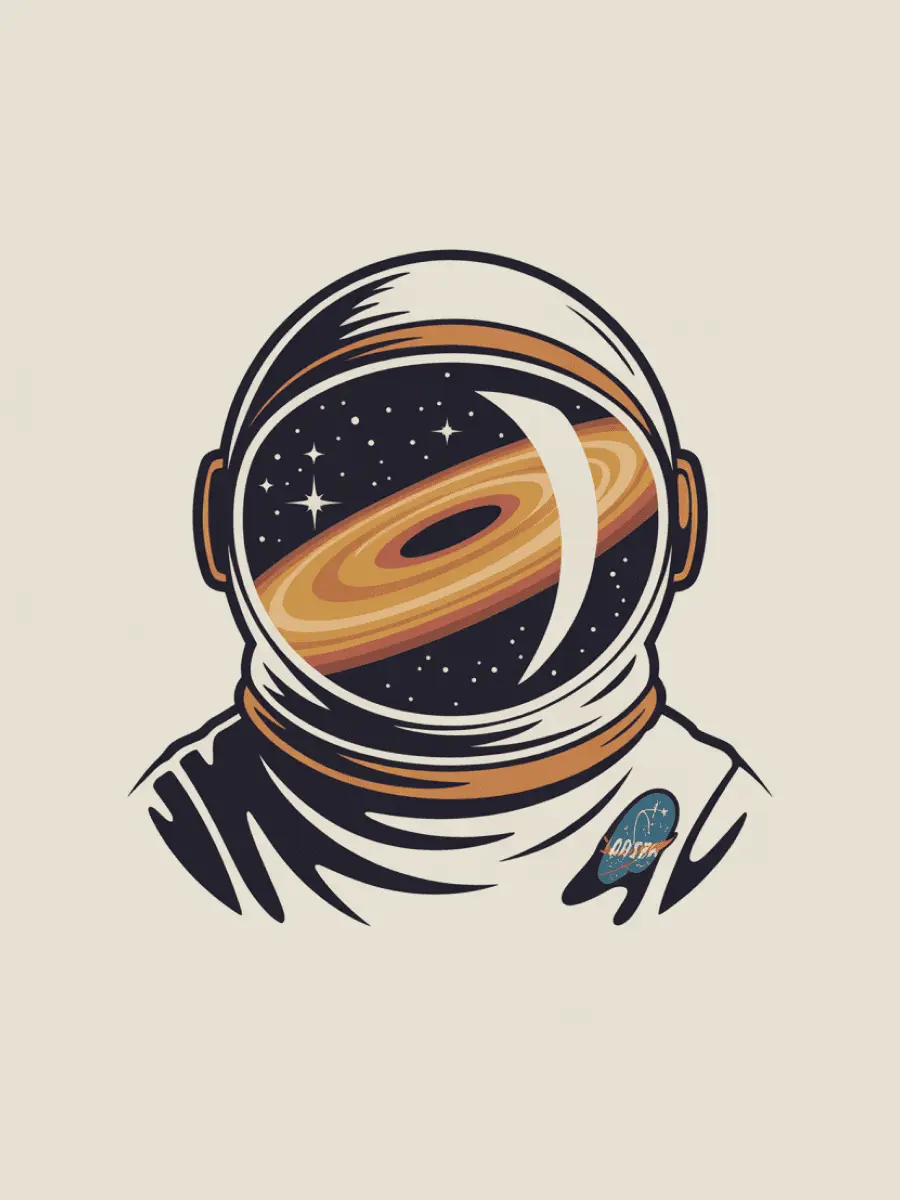
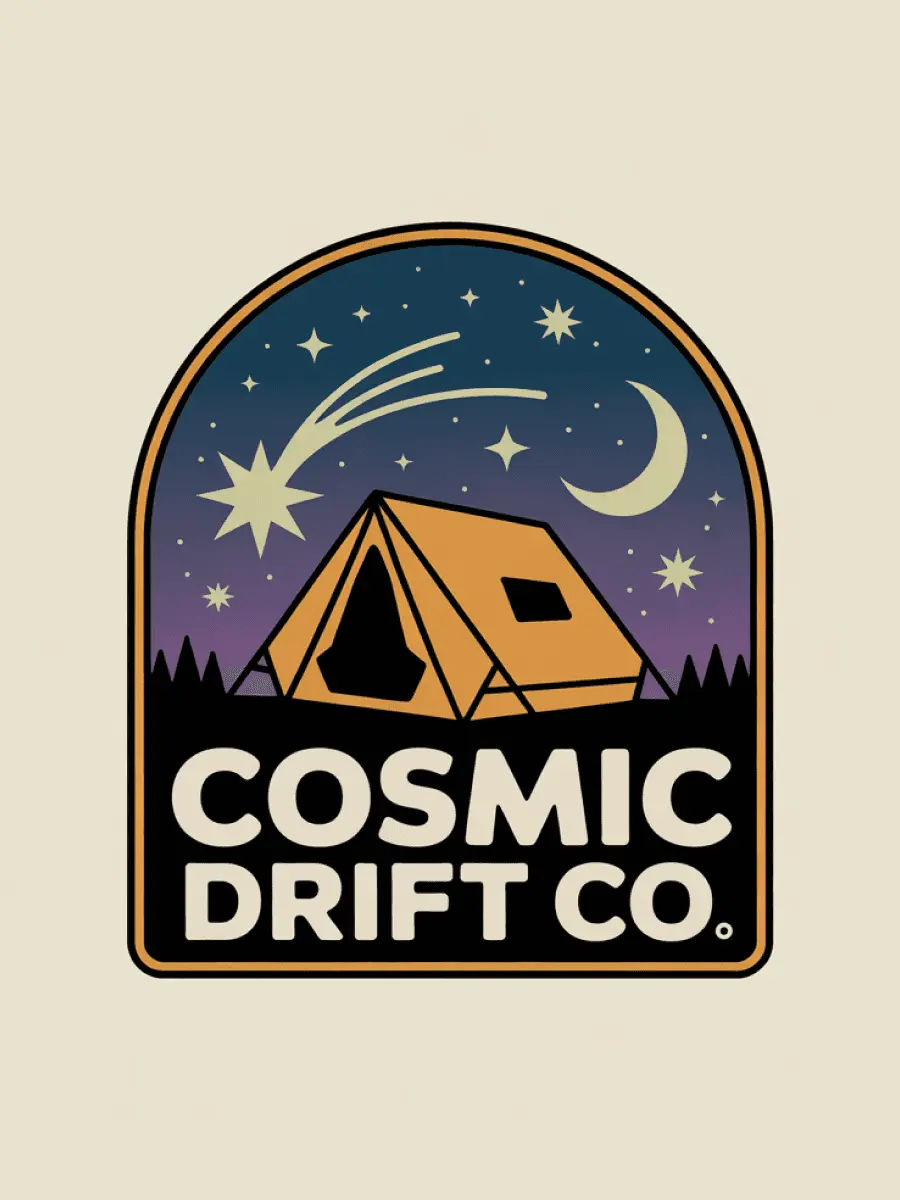
Posters, book covers, social graphics, merch.

Every design starts with a category tuned for the format you need. Generate, layerize, edit. All inside Ideogram.


How it works

Three steps to editable designs.

01
Generate

Pick a design category and describe what you need. Ideogram generates publication-ready designs with accurate text, proper layout, and professional composition.

02
Layerize

Press Layerize Text. Every line of text in your design becomes a separate, selectable layer. The visual design stays exactly as generated.

03
Edit

Click any text layer to rewrite the copy, swap the font, or adjust the size. No regeneration. No external tools. The design adapts to your changes.

Questions

Have more questions?

What are editable text layers?+
When you generate a design in Ideogram, the text is part of the image. Editable text layers let you extract that text into separate, editable components. You can then change the wording, font, or size without regenerating the entire design.
How do I edit text on an AI-generated image?+
Generate a design using any design category, then press Layerize Text. Every line of text becomes selectable. Click on any text to edit it directly.
Is this free?+
Yes. Editable text layers are available on all plans, including the free tier. Layerize Text is also available via the API.
Which design categories support text layers?+
All design categories that generate text support layerization. This includes posters, social media graphics, book covers, logos, marketing materials, merchandise, and more.
Can I use Layerize Text via the API?+
Yes. The Layerize Text endpoint is available in the Ideogram API. Generate a design, then call the layerize endpoint to extract editable text components programmatically.
Does Layerize work with any text in an image?+
Text Layerize is in beta. It works best with clear, straight text in standard typography. Curved, highly stylized, decorative, or graphic-embedded text may not be detected. If Layerize can't find readable text, try a design with more conventional type.
Can I edit image elements, not just text?+
Currently, Layerize Text extracts text layers specifically. For image modifications, you can use Ideogram's editing tools including inpainting and Canvas.

Start designing with editable text.

Pick a category. Generate. Layerize. Edit. All inside Ideogram.

Start designing