
Launch with every asset ready. Keep every name and number exact.
Make the launch graphics, app store screenshots, blog headers and event cards a software release needs, for every channel and market.
Creative work, in context
Keep pace with the release calendar.
Software companies ship every week, and each release needs graphics for the blog, social feeds, app stores and events. These examples follow one fictional company, Cinderlane, through a launch season. Every image was generated or edited with Ideogram.
Product launches
Take one launch graphic to every channel.
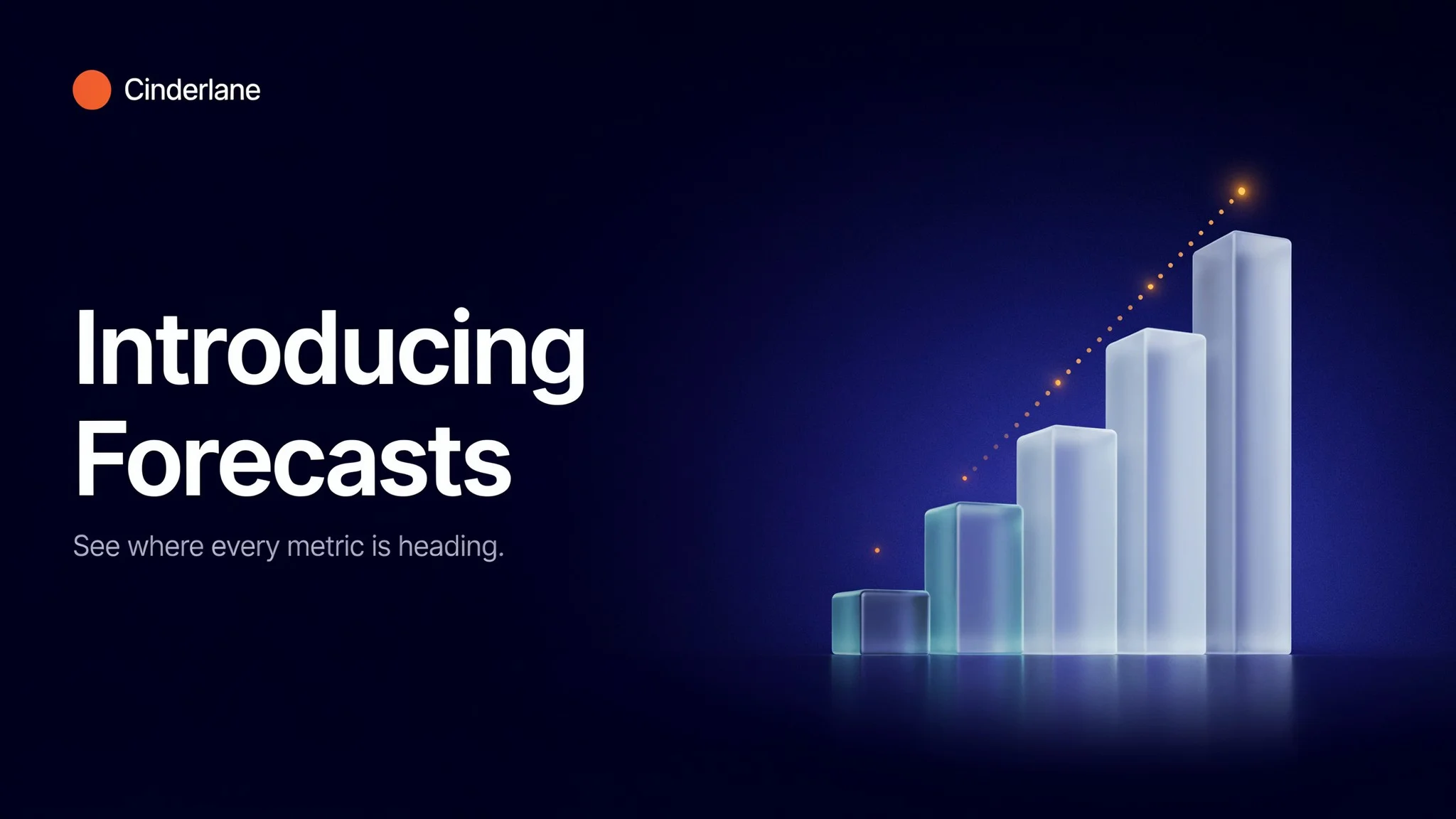
The launch graphic is generated once, with the feature name and the line beneath it set exactly. Ad Resizer then recomposes it for feeds, stories and email, moving the headline and the chart into place instead of cropping them.
Explore the versions
Blog header
The launch graphic is generated at 16:9 for the announcement post.
App store listings
Localize the store listing without redrawing it.
Precise Edit replaces the caption on an app store screenshot with each market's wording, in a matching type style, size and position. The phone and the dashboard on its screen stay as they were.
Have a native speaker review every caption before the listing goes live.
Explore the versions
English
The screenshot is generated with the caption “Your metrics, wherever you are”.
Blogs, guides & changelogs
Give every post a header in the same style.
Engineering posts, security notes, setup guides and changelogs each get a header with the post title set in the brand's type. The first header is the style reference for the rest, so every illustration that follows is drawn the same way.
Explore the versions
Engineering
A stopwatch illustrates a post about faster queries.
Events & webinars
Make a speaker card for every session.
One speaker card becomes the template for the whole lineup. Precise Edit swaps the name, role, session title and portrait while the layout stays fixed, and Ad Resizer builds the tall version for stories.
The speakers and portraits are fictional. For a real event, place each speaker's approved headshot in the finished cards.
Explore the versions
Maya Okafor
The first card is generated with the event name, the session and the date.
Built around your team
Your creative standard.
A workflow to match.
Every step builds on your imagery, your references and the work your team needs to deliver.
- 01
Start with the release
Bring the release notes, the brand's type and colors, the channels and the markets.
- 02
Generate, edit and resize
Generate the key graphic, change text and languages with Precise Edit, and recompose for every placement with Ad Resizer.
- 03
Review before it ships
Check names, figures, dates and translations before anything is published.
Frequently asked questions
Can these jobs run inside our own release tools?
Yes. Generation, Precise Edit and Ad Resizer are available through the Ideogram API, so launch, localization and event graphics can be produced from your own pipeline. Talk with our team about volumes and terms.
Can we keep our real interface in app store screenshots?
Yes. Start from a screenshot of the real interface, use Precise Edit on the caption and the background around the device, and check that the interface itself is unchanged before release. The dashboard in these examples is generated, so it is a concept rather than a real product.
Are Cinderlane and the speakers real?
No. Cinderlane, its app, its blog and the speakers are fictional, and every image on this page was generated or edited with Ideogram.
More in Media, Services & Platforms
Explore related industries.
Let's shape what comes next
Bring Ideogram into your next launch.
Talk with our team about launch, localization and event workflows for software companies.