
Apps / Ad Resizer
Resize one finished ad for each placement.
Ad Resizer is an AI ad resizing tool. It turns one finished ad into exact sizes for social posts and stories, display banners, connected TV and print, and it rearranges the headline, product and logo for each shape instead of cropping them.
Ad Resizer is a premium app in Ideogram, and it is also available through the API.
Adapt an existing ad to supported placements
Start from one finished ad with its final headline, price and button. Ad Resizer generates a new layout for each size you select, moving the text, product and logo so they fit and stay readable, and it fills the extra space. Each size comes back as a still image at its exact pixel dimensions.
Upload one JPEG, PNG or WebP. Through the API, files can be up to 25 MB. An instruction such as “keep the price bottom-right” tells the model what matters, but it is a request, not a guarantee. Read every size against the approved source before you publish, especially small banners like 320 × 50 that fit only a few words.
How to use Ad Resizer
-
Step 1
Upload one finished ad
Use the final version of the ad, with all its text, in any shape, whether square, portrait or landscape.
-
Step 2
Choose the sizes
Select every preset size you need. In the Ideogram app, you can first pick a Platform safe zone for where the ad will run.
-
Step 3
Generate and review each size
Each size comes back as its own image at its exact pixel dimensions. Open the results in Assets and read every one before you download it.
Supported sizes for social, banner, video and print placements
Select as many sizes as you need. Each one is a separate still image at the exact pixel size listed. Sizes match the Ideogram app documentation and the API reference as checked on November 11, 2026.
| Preset | Size in pixels | Aspect ratio | Platform safe zones |
|---|---|---|---|
| Social media | |||
| Square | 1080 × 1080 | 1:1 | Google, TikTok |
| Portrait feed | 1080 × 1350 | 4:5 | None |
| Story / Reel | 1080 × 1920 | 9:16 | Google, TikTok, Meta Stories, Meta Reels, Snapchat |
| High-resolution square | 2880 × 2880 | 1:1 | Google, TikTok |
| High-resolution portrait | 2560 × 3200 | 4:5 | None |
| High-resolution portrait | 2448 × 3264 | 3:4 | None |
| Vertical display | 2240 × 3584 | 10:16 | None |
| Full-screen vertical | 2160 × 3840 | 9:16 | Google, TikTok, Meta Stories, Meta Reels, Snapchat |
| Video and streaming | |||
| Connected TV | 1920 × 1080 | 16:9 | Google, TikTok |
| Presentation / display | 3584 × 2240 | 16:10 | None |
| Widescreen video | 3840 × 2160 | 16:9 | Google, TikTok |
| Website and display | |||
| Medium rectangle | 300 × 250 | 6:5 | None |
| Large rectangle | 336 × 280 | 6:5 | None |
| Half page | 300 × 600 | 1:2 | None |
| Website banners | |||
| Leaderboard | 728 × 90 | 8.1:1 | None |
| Wide skyscraper | 160 × 600 | 1:3.75 | None |
| Billboard | 970 × 250 | 3.9:1 | None |
| Mobile banner | 320 × 50 | 6.4:1 | None |
| Mobile banner (alt) | 300 × 50 | 6:1 | None |
| Large mobile banner | 320 × 100 | 3.2:1 | None |
| Vertical banner | 1920 × 3840 | 1:2 | None |
| Wide banner | 3840 × 1920 | 2:1 | None |
| Tall vertical banner | 1280 × 3840 | 1:3 | None |
| Ultra-wide banner | 3840 × 1280 | 3:1 | None |
| Print and out-of-home | |||
| Poster, 36 × 18 in | 1800 × 900 | 2:1 | None |
| Square, 48 × 48 in | 2400 × 2400 | 1:1 | Google, TikTok |
| Banner, 24 × 70 in | 1200 × 3500 | 1:2.9 | None |
| High-resolution landscape | 3200 × 2560 | 5:4 | None |
| High-resolution landscape | 3264 × 2448 | 4:3 | None |
| Portrait print | 2336 × 3504 | 2:3 | None |
| Landscape print | 3504 × 2336 | 3:2 | None |
Keep text inside platform safe zones
In the Ideogram app, choose a Platform safe zone before you pick sizes. Ad Resizer then generates the ad inside the largest rectangle that fits that platform's published safe zone for the shape, and fills the space around it so the file is still the exact size you picked. The Google safe zone covers YouTube and Google Ads. Google and TikTok work with square, 16:9 and 9:16 sizes. Meta Stories, Meta Reels and Snapchat work with 9:16 sizes. With no platform selected, the ad fills the whole frame.
A safe zone guides the composition, so preview the file in the destination platform
before it runs. Through the API, send the platform field with
google, tiktok, meta_stories,
meta_reels or snapchat.
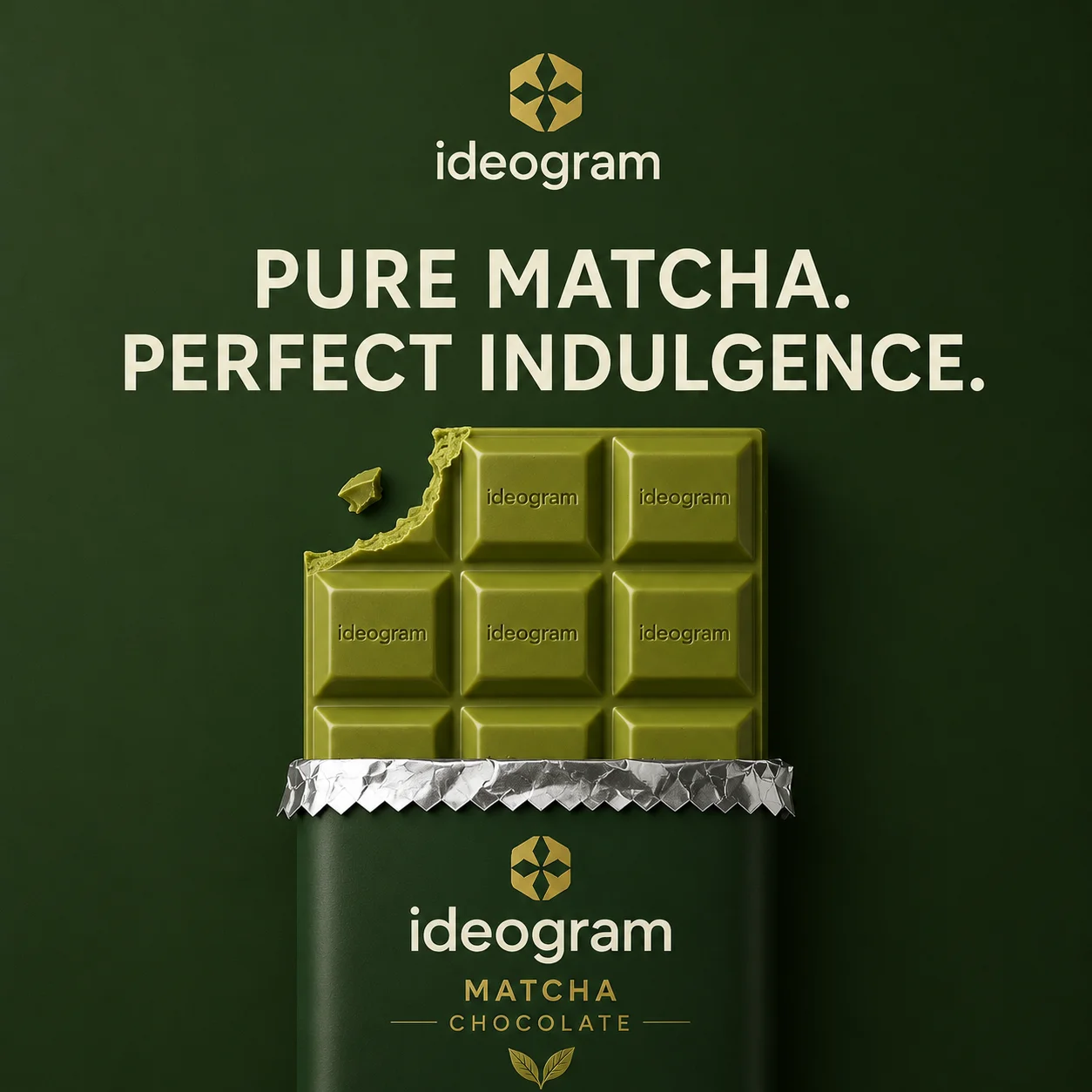
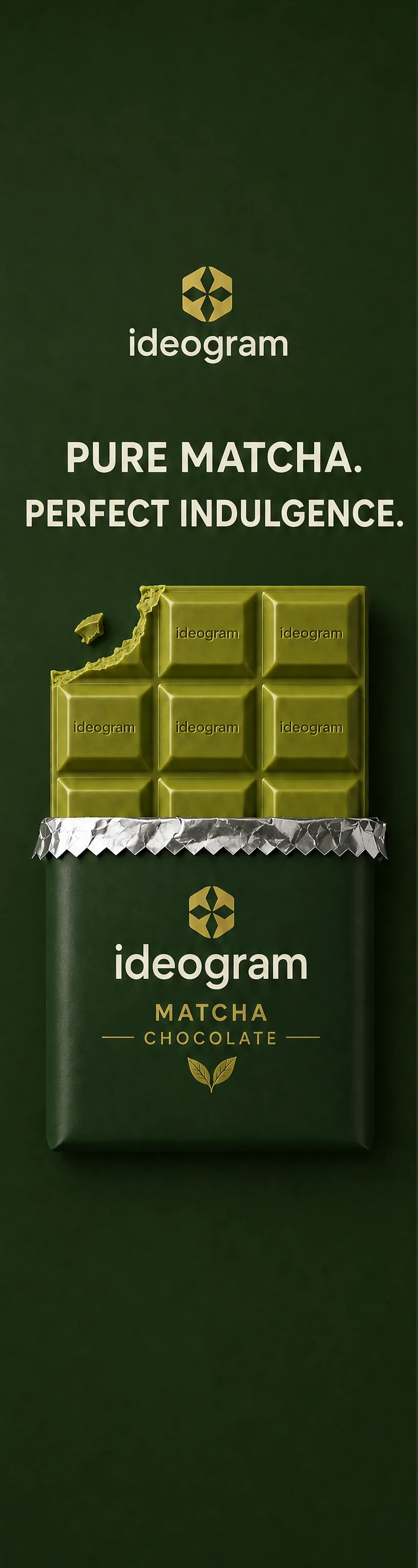
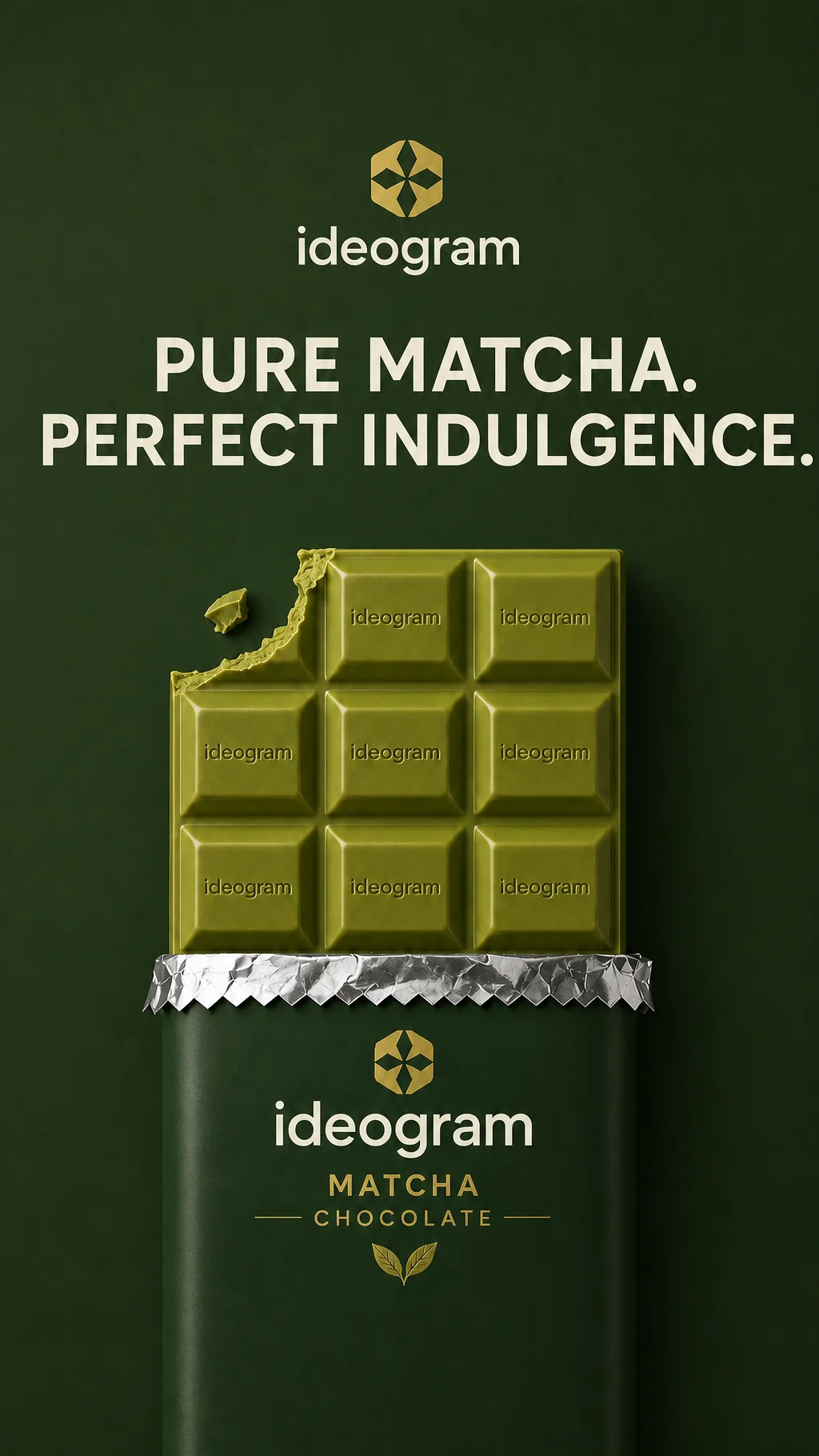
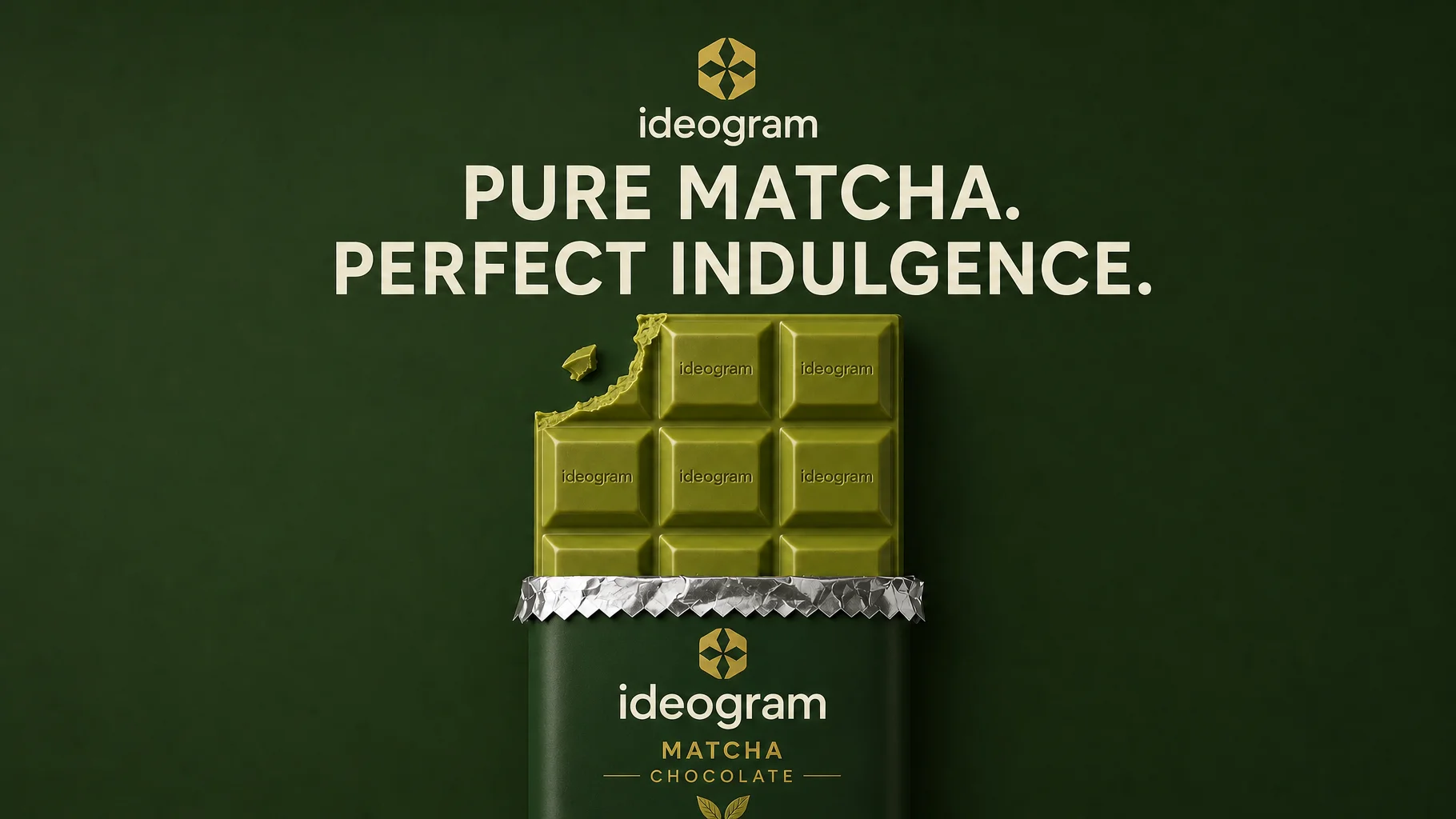
See the same ad reframed for real placements
Click through common placements to see how one source creative is reframed for the surface it runs on. These previews are presentation images, and each export from Ad Resizer is the exact preset size.


Generate and download a placement set
Select as many sizes as the campaign needs and choose 1 to 4 variations per size. Three sizes with two variations each request six images, and the Generate button shows the cost of everything selected before you run it. In the Ideogram app, Quality offers Low, Medium and High, with High as the default.
Results appear in Assets. Download each approved size in a format your plan offers, and name the files by placement, dimensions and version.
When a small banner cannot fit the message, shorten the copy in the source or design that placement separately instead of resizing again. To change wording before you resize, revise the supplied text with Text Layers. For a local fix in one size, such as a logo or a line of small print, open that result in Precise Edit. The guide to resizing ads for multiple formats covers the full workflow.
Pricing
Usage-based pricing
Your total combines the text and image input used to understand the source creative with the image output used to generate each resized variation.
Token pricing
Prices are shown in US dollars per 1 million tokens.
| Modality | Input | Cached input | Output |
|---|---|---|---|
| Text | $6.50 | $1.625 | Not charged |
| Image | $10.40 | $2.60 | $39.00 |
Estimated total price per image
Estimates include one source image, a typical text prompt, and one generated output. Actual charges vary with the source image, target resolution, and selected quality. Each additional variation uses additional image output tokens. These sizes are output resolutions used for the estimate, and some of them are not Ad Resizer presets.
The Generate button in the app shows the cost of a run before you start it. For plan and credit pricing, check current access and usage on the pricing page.
| Output size | Low quality | Medium quality | High quality |
|---|---|---|---|
| 1024 × 768 | $0.014 | $0.056 | $0.197 |
| 1024 × 1024 | $0.020 | $0.080 | $0.285 |
| 1024 × 1536 | $0.023 | $0.070 | $0.232 |
| 1920 × 1080 | $0.022 | $0.069 | $0.205 |
| 2560 × 1440 | $0.025 | $0.088 | $0.304 |
| 3840 × 2160 | $0.031 | $0.147 | $0.537 |