Sign in

Mockup generator / T-shirt

AI T-shirt mockup generator

Show your design on a real-looking T-shirt before you print a single one. Add your artwork, pick a shot, and get a mockup you can use in your shop, ads and social posts.
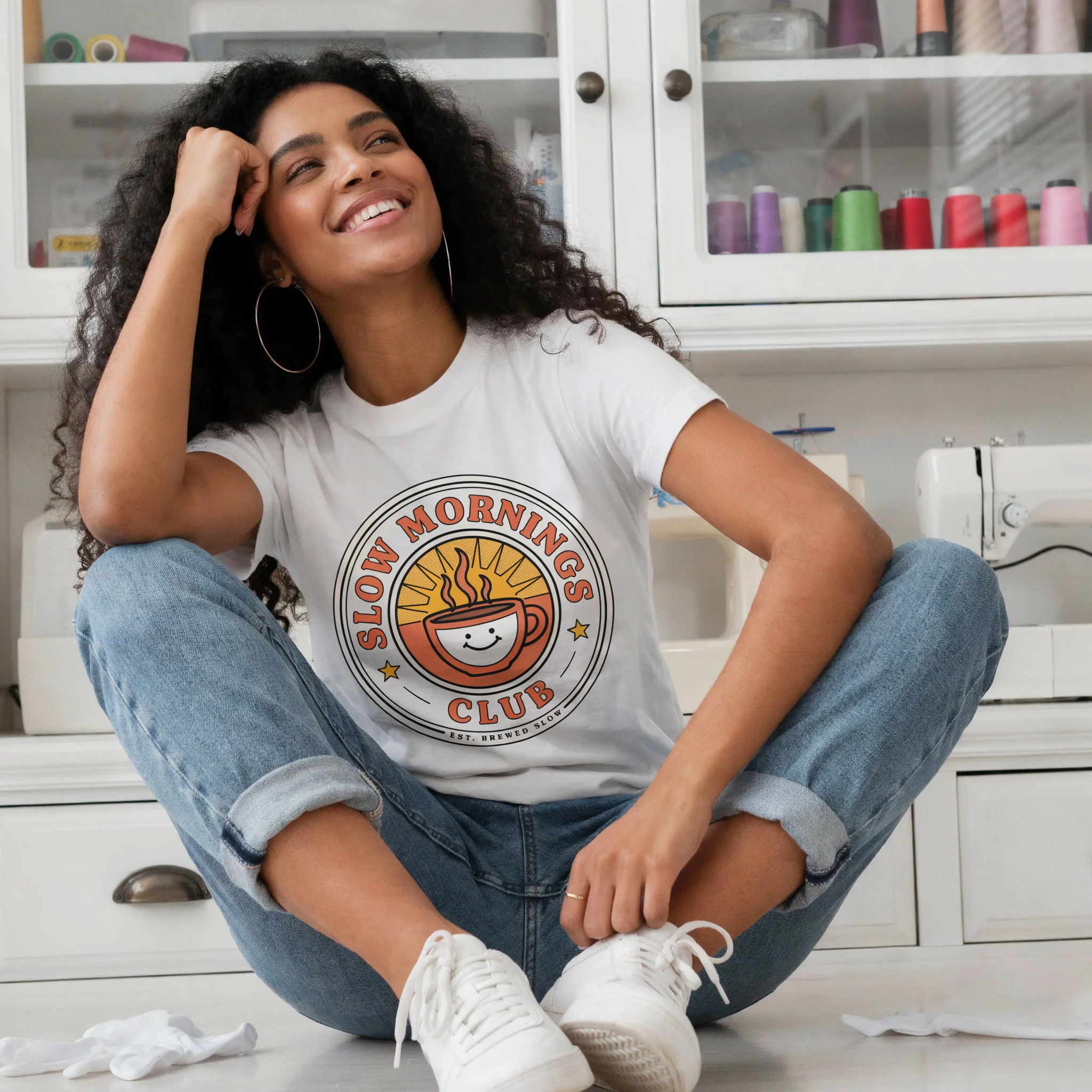
Smiling woman sitting on the floor in a white T-shirt printed with a Slow Mornings Club badge

T-shirt mockups made with Ideogram

How to make a T-shirt mockup

  1. 1

    Add your T-shirt design

    Upload the artwork you plan to print. Designs with a transparent background sit on the fabric most naturally.

  2. 2

    Pick a T-shirt shot

    Choose a template from the T-Shirt category, such as a model, flat lay or hanger shot, or upload a photo of the exact blank you sell.

  3. 3

    Generate and refine

    Ideogram prints the design onto the shirt, following the fabric’s folds and shading. Ask for changes like “smaller chest print” or “warmer light” and run it again.

Try it now

More mockup generators

All mockup products · Hoodies, hats, tote bags, tumblers, phone cases, posters, pillows and more are in the Product mockup app.

Frequently asked questions

Can I show my design on different shirt colors?
Yes. Pick a template in the color you sell, upload your own photo of that blank, or choose a blank shirt and set its color before you generate.
Can I control where the print sits?
Describe the placement in the customization box, for example “small left-chest print” or “large centered back print”, and generate again until it matches your product.
Can I use the mockups in my Etsy, Amazon or Shopify listings?
Yes. Download the mockup and add it to your product listing. Check your marketplace’s image size rules before you upload.
Product mockup, by Ideogram

See it on the product
before you sell it.

Add your design and get your first mockup in seconds.

Make a T-shirt mockup