
AI sticker mockup generator
Show buyers exactly what your sticker looks like, from a die-cut on a laptop to a holographic finish. Add your design, pick a sticker style, and download the mockup.
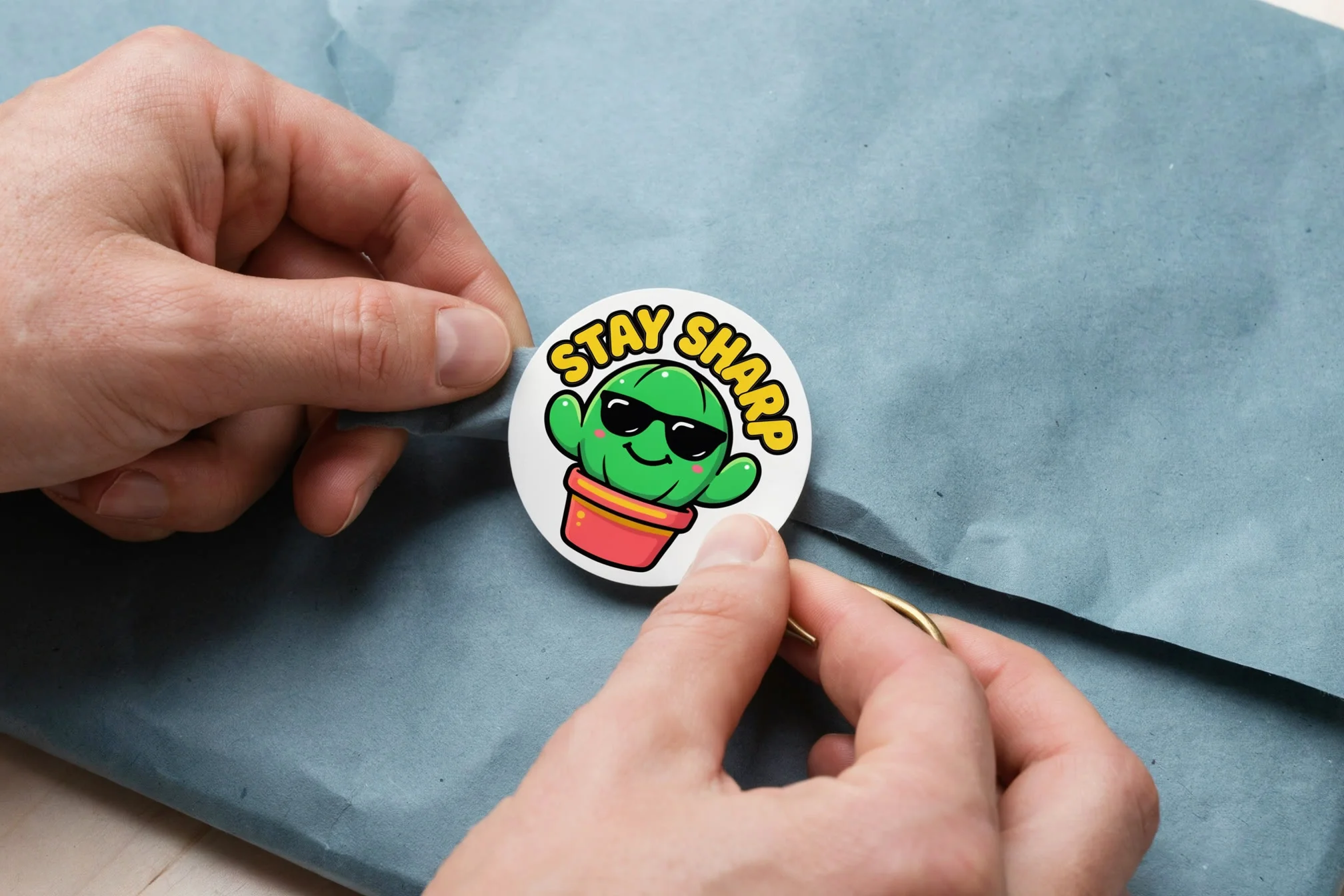
Sticker mockups made with Ideogram
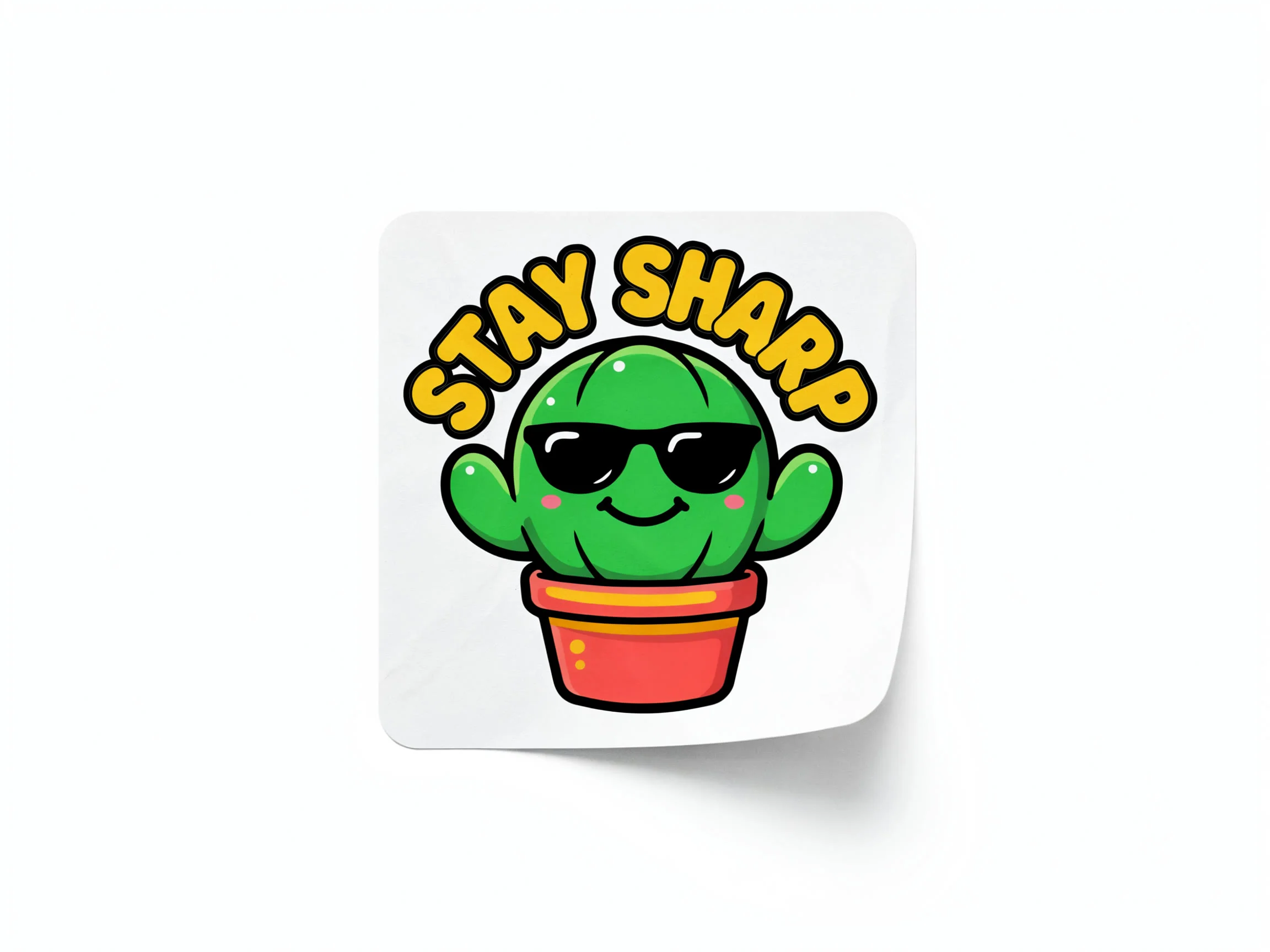
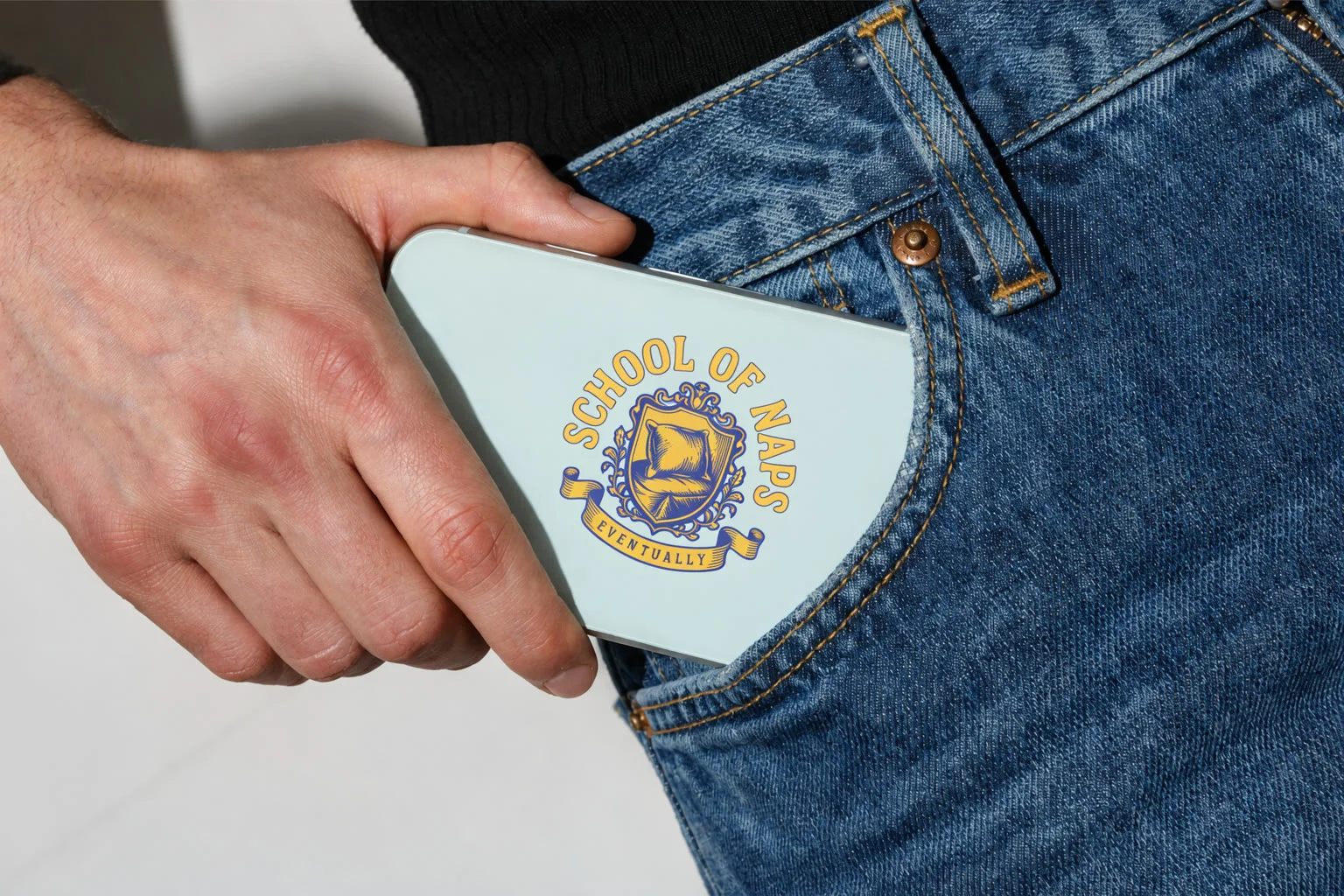
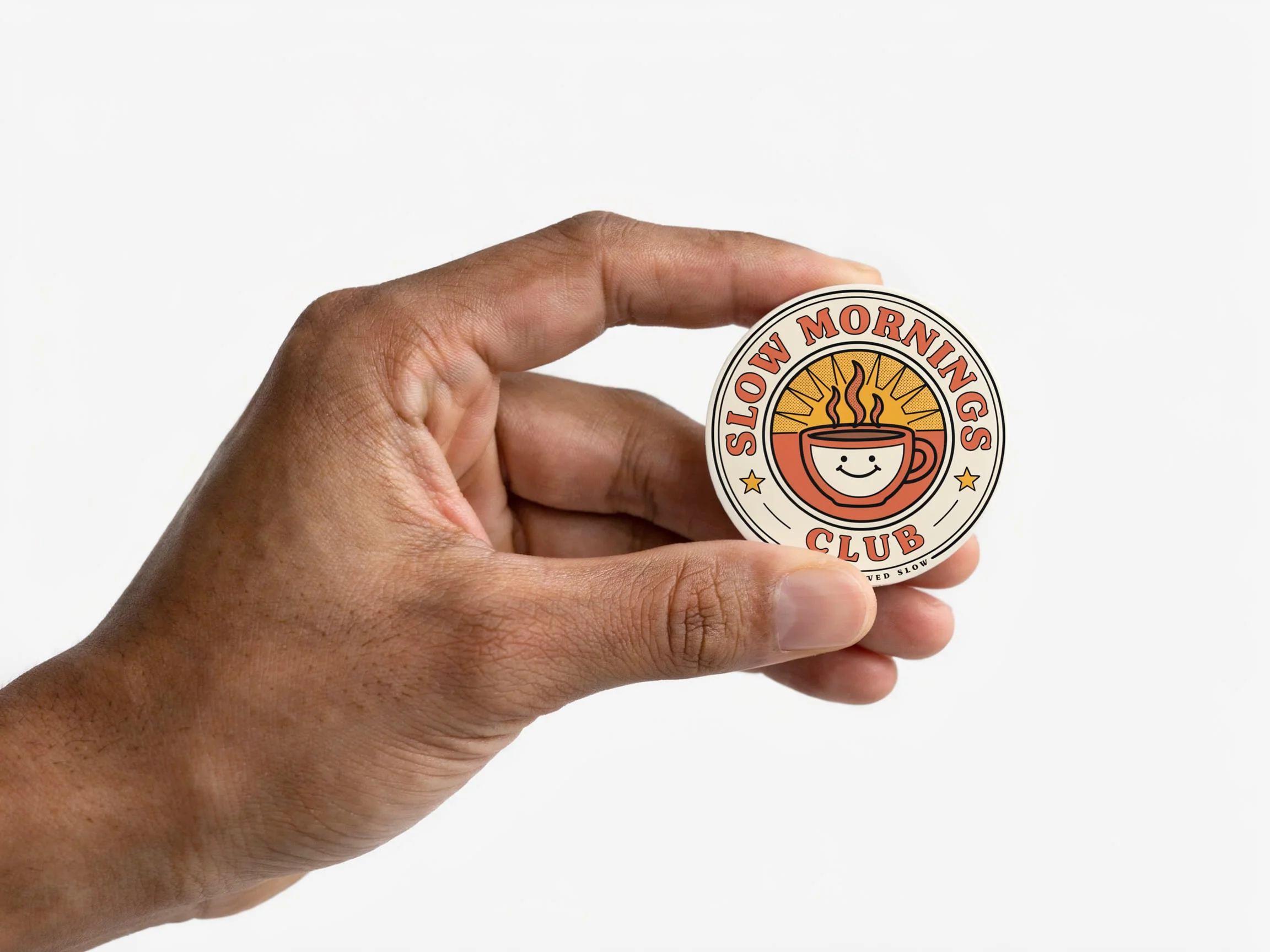
How to make a sticker mockup
- 1
Add your sticker design
Upload your artwork, ideally as a transparent PNG so the die-cut follows the shape of the design.
- 2
Pick a sticker style
Choose a template from the Sticker category, or choose a die-cut, round, square, bumper, holographic sticker or a sticker sheet and describe where it sits.
- 3
Generate and download
Ideogram adds the border, finish and shadow so the sticker looks printed. Ask for a laptop, water bottle or notebook scene to show it in use.
More mockup generators

All mockup products · Hoodies, hats, tote bags, tumblers, phone cases, posters, pillows and more are in the Product mockup app.