
AI mug mockup generator
See your artwork wrapped around a real-looking mug, on a café table or a kitchen counter. Add your design, pick a scene, and download a photo for your listing.

Mug mockups made with Ideogram



How to make a mug mockup
- 1
Add your mug design
Upload your artwork. For a full wrap, use a wide design; for a single logo or slogan, a transparent PNG works best.
- 2
Pick a mug scene
Choose a template from the Mug category, upload a photo of your own mug, or choose a blank mug and describe the setting, like “on a sunny breakfast table”.
- 3
Generate and download
Ideogram curves the design around the mug and matches the light in the scene. Adjust with a short note and run it again until it looks right.
More mockup generators
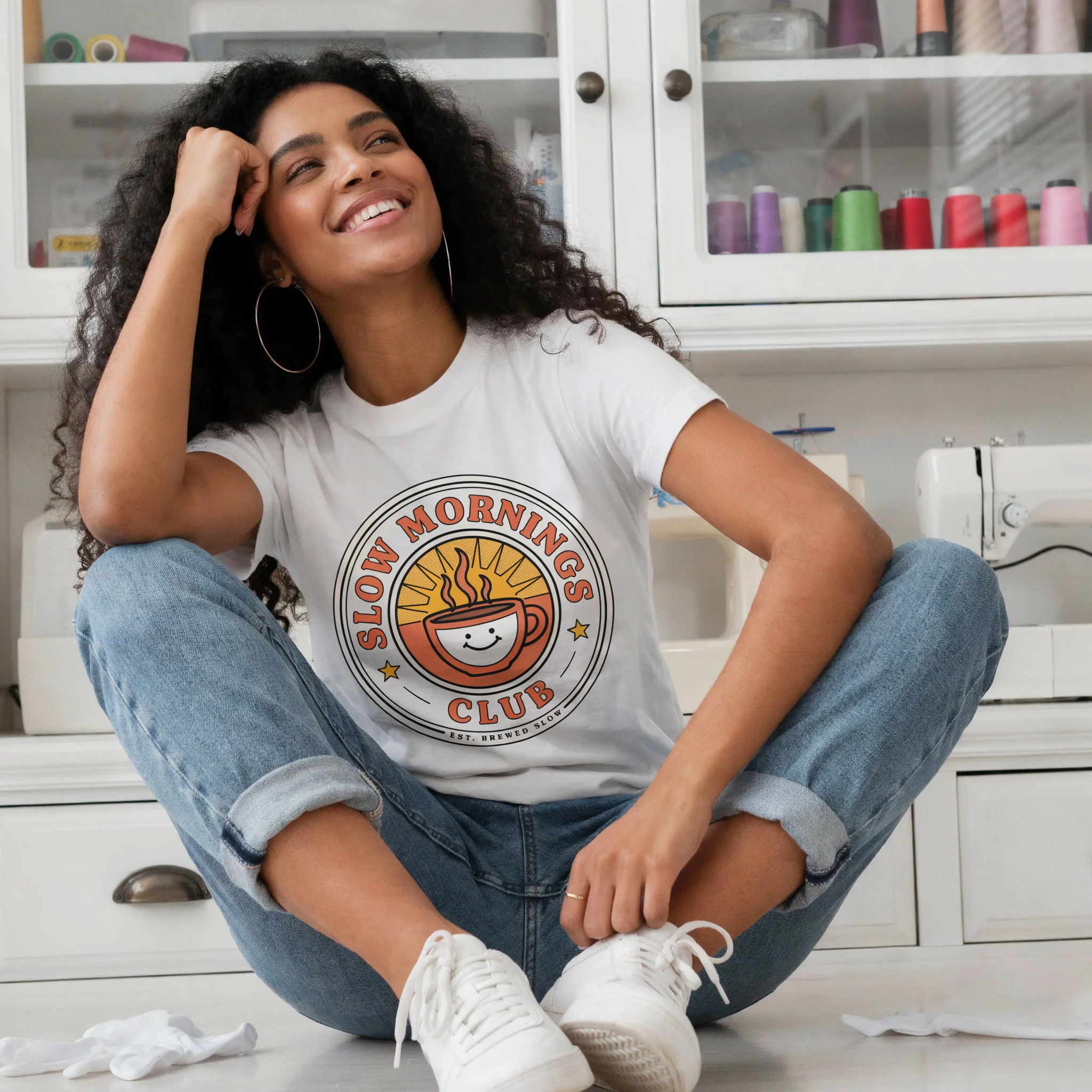
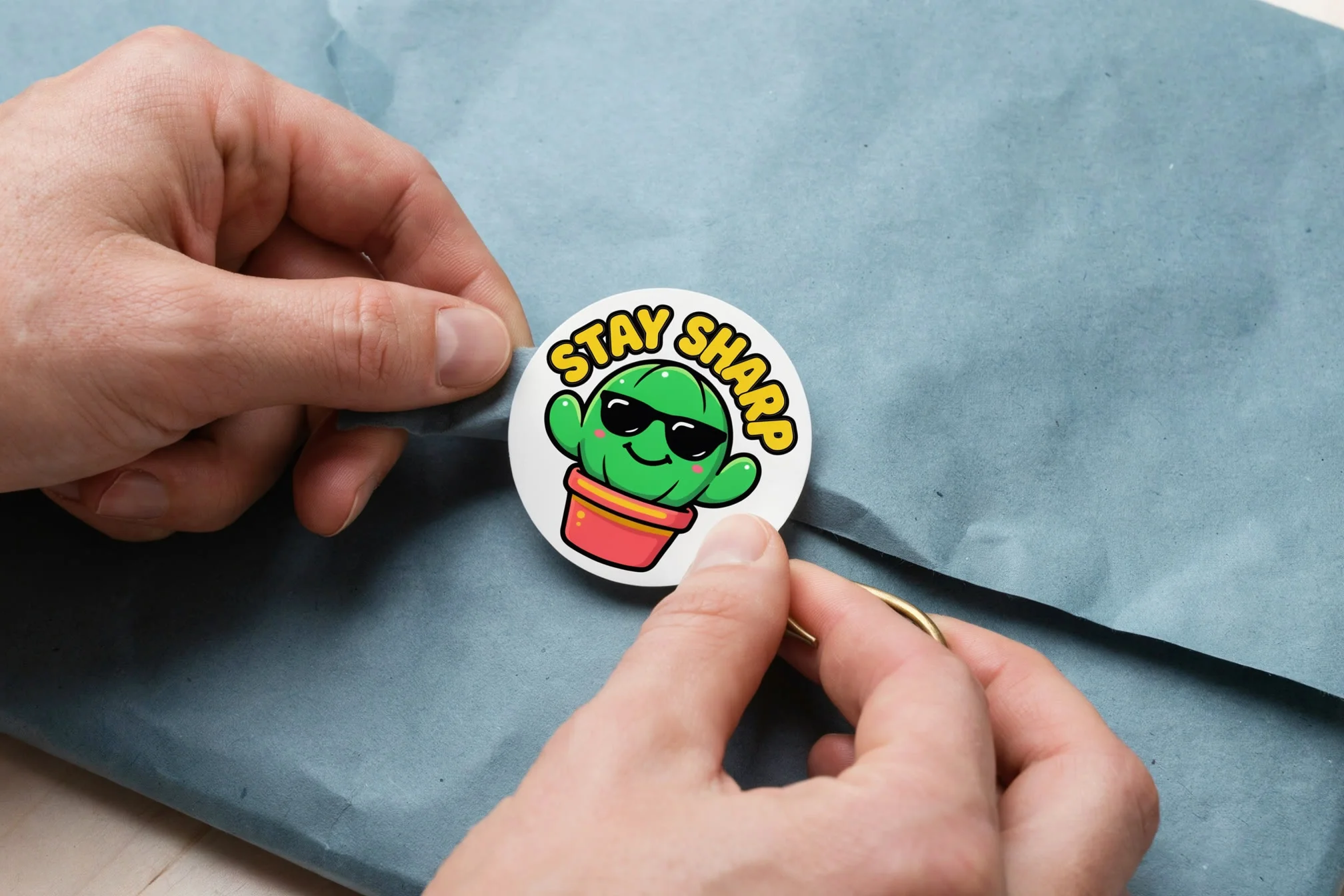
All mockup products · Hoodies, hats, tote bags, tumblers, phone cases, posters, pillows and more are in the Product mockup app.