
Personal care imagery. Made for the next placement.
Extend body-care, foot-care and fragrance imagery across product listings and campaign placements, using current packaging references and existing photography.
Creative work, in context
Keep the product story current.
A new pack, an outdated launch tag or another campaign placement can create work across an existing image set. Explore specific production tasks without treating every example as the same operation.
Packaging updates
Bring the current pack into an existing tile.
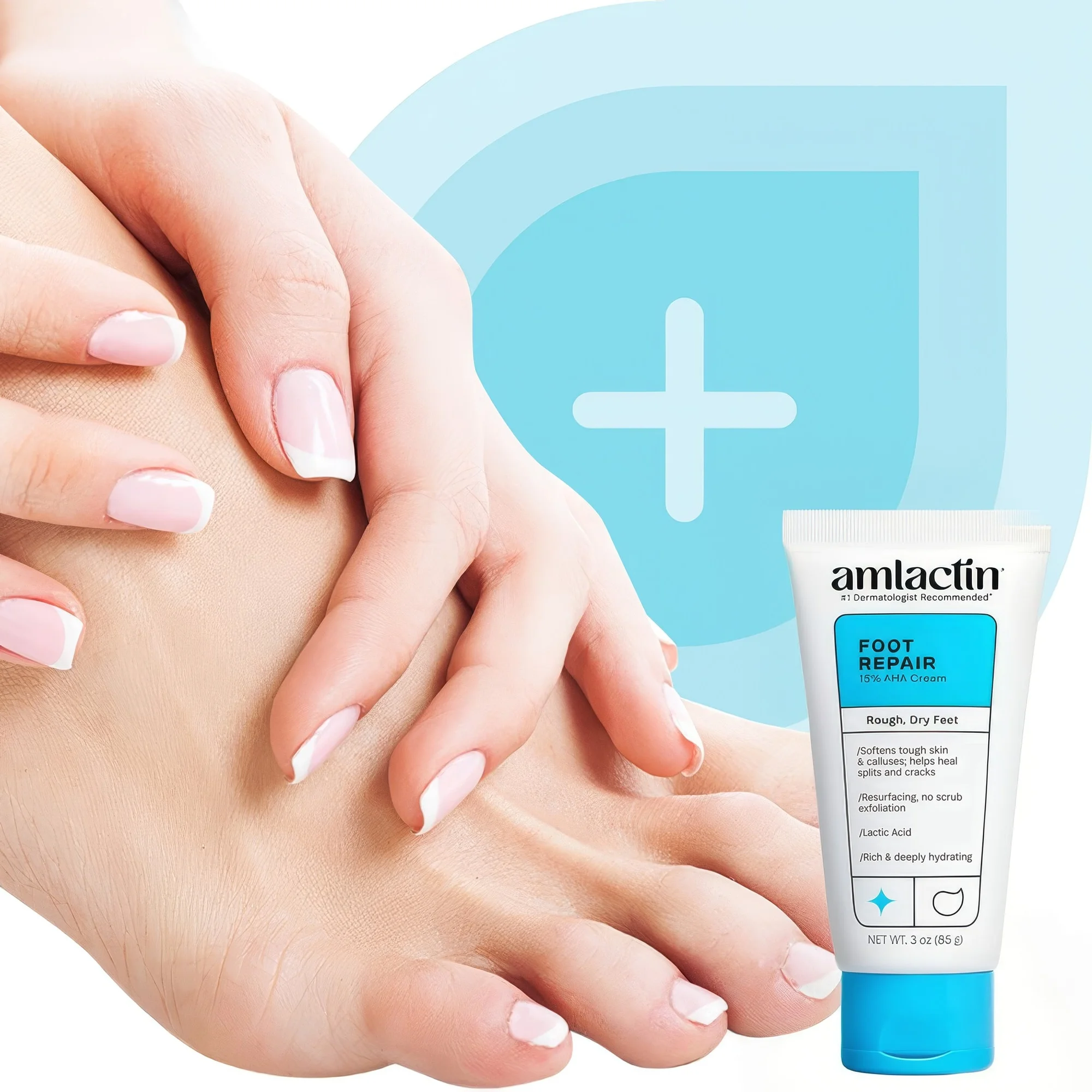
Compare a product-in-use listing tile with its selected packaging update. Current packshots guide the replacement and label retouching. The full study includes the separate three-pack directions tile and website-photo comparison.
Explore the complete study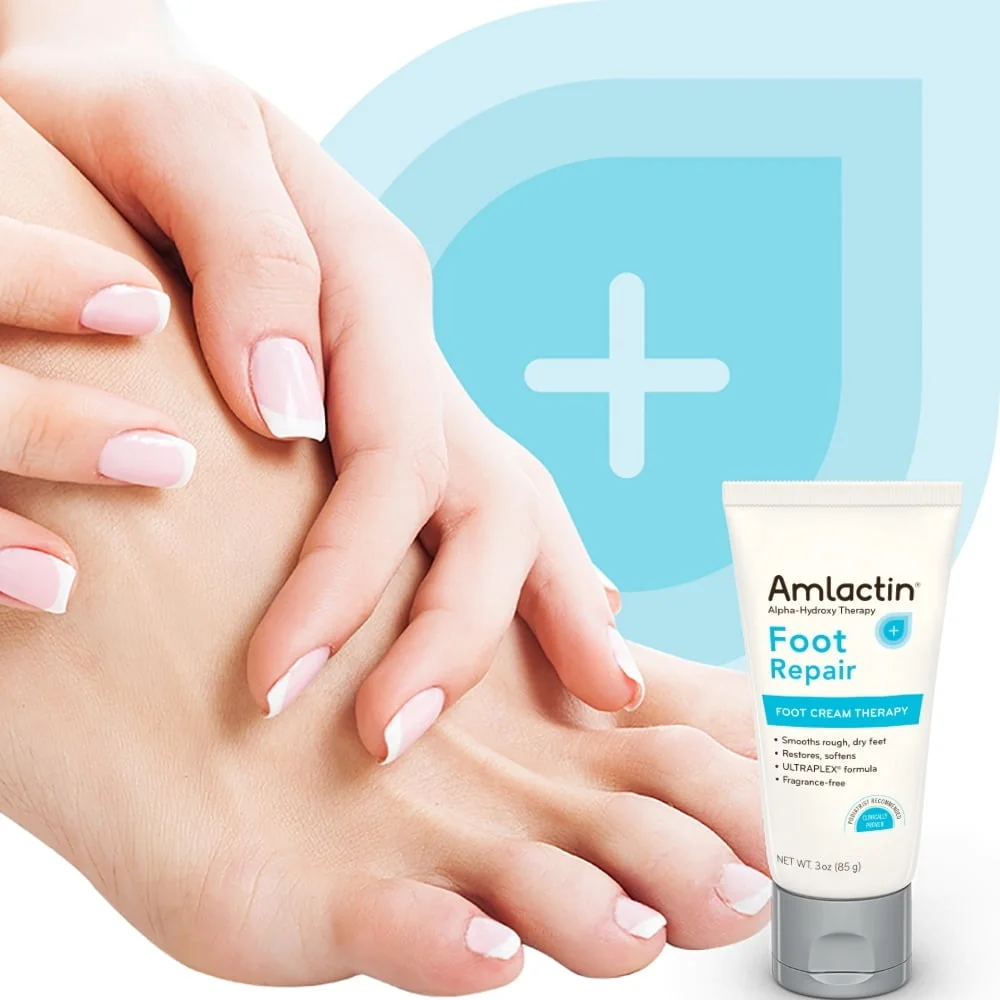
Drag the divider or use the arrow keys to compare.
Listing imagery
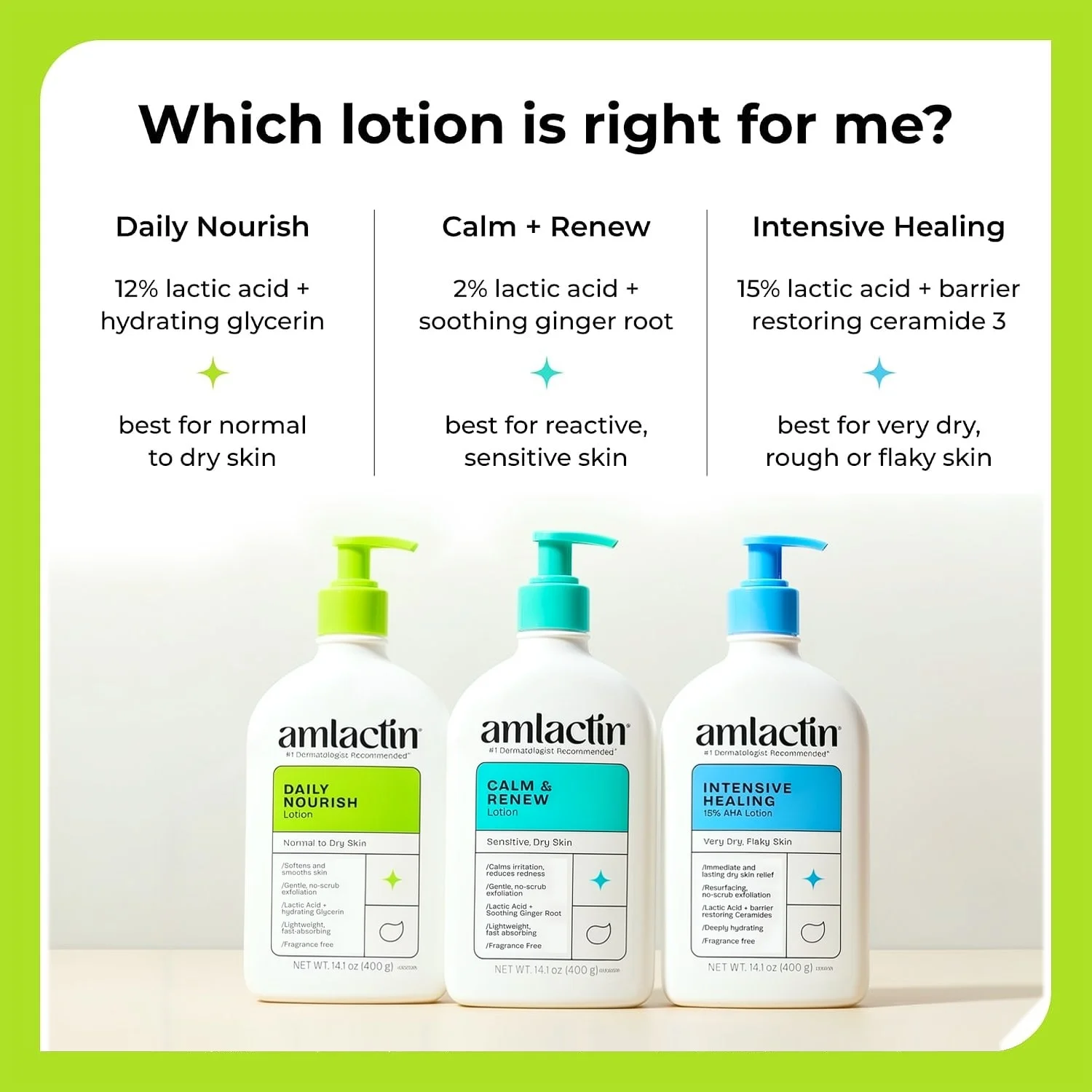
Bring a rendered tile closer to the shoot.
A tile containing three rendered bottles receives a studio-photo treatment, guided by a supplied photographed tile. Package-lettering checks and retouching are part of the preparation. Related product substitutions remain separate examples in the full study.
Explore the complete study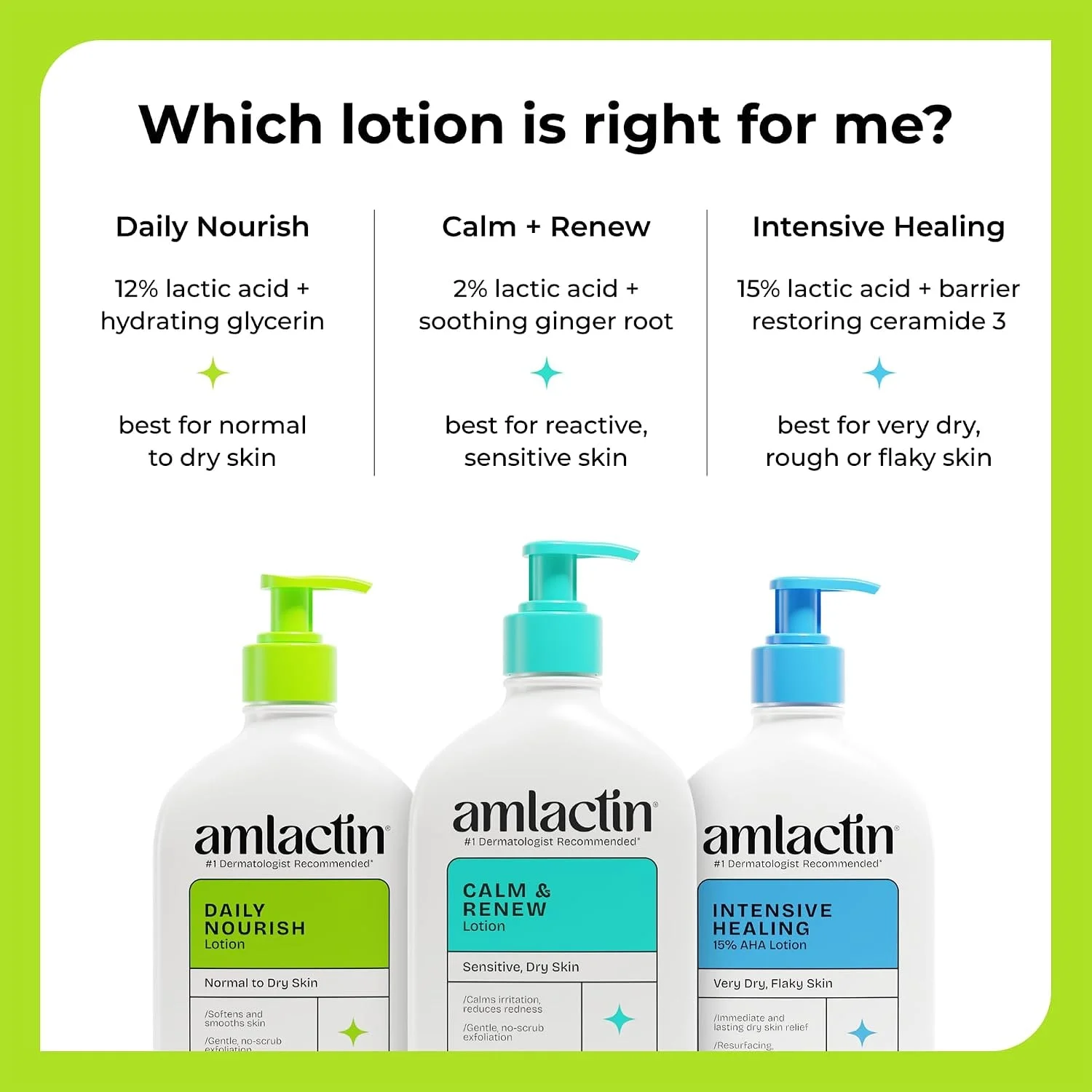
Drag the divider or use the arrow keys to compare.
Creative maintenance
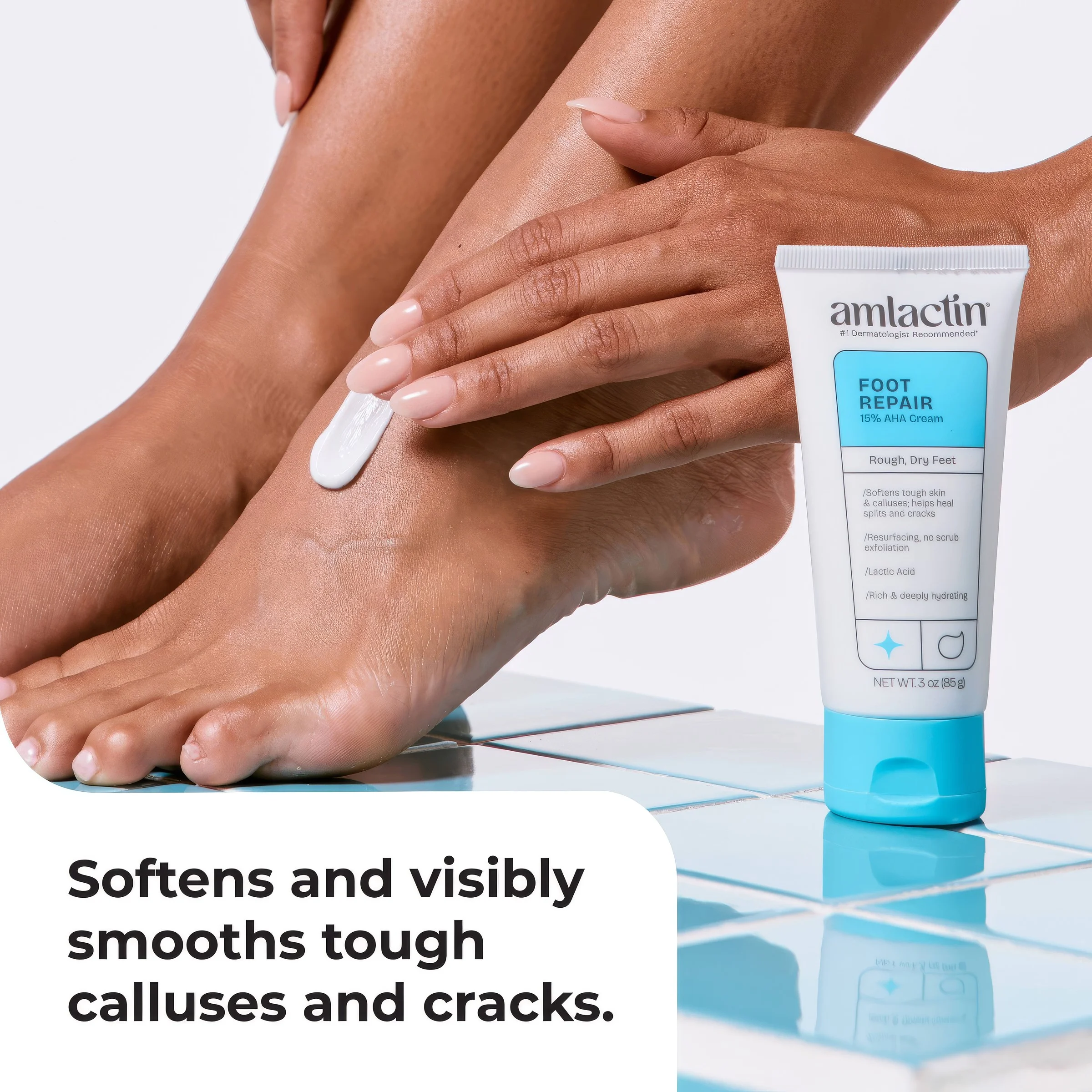
Clear the launch message when the moment has passed.
Compare a launch tile before and after the yellow “New look” flag is removed. The complete study includes all four tile pairs and a separate masked cleanup of older product callouts.
Explore the complete study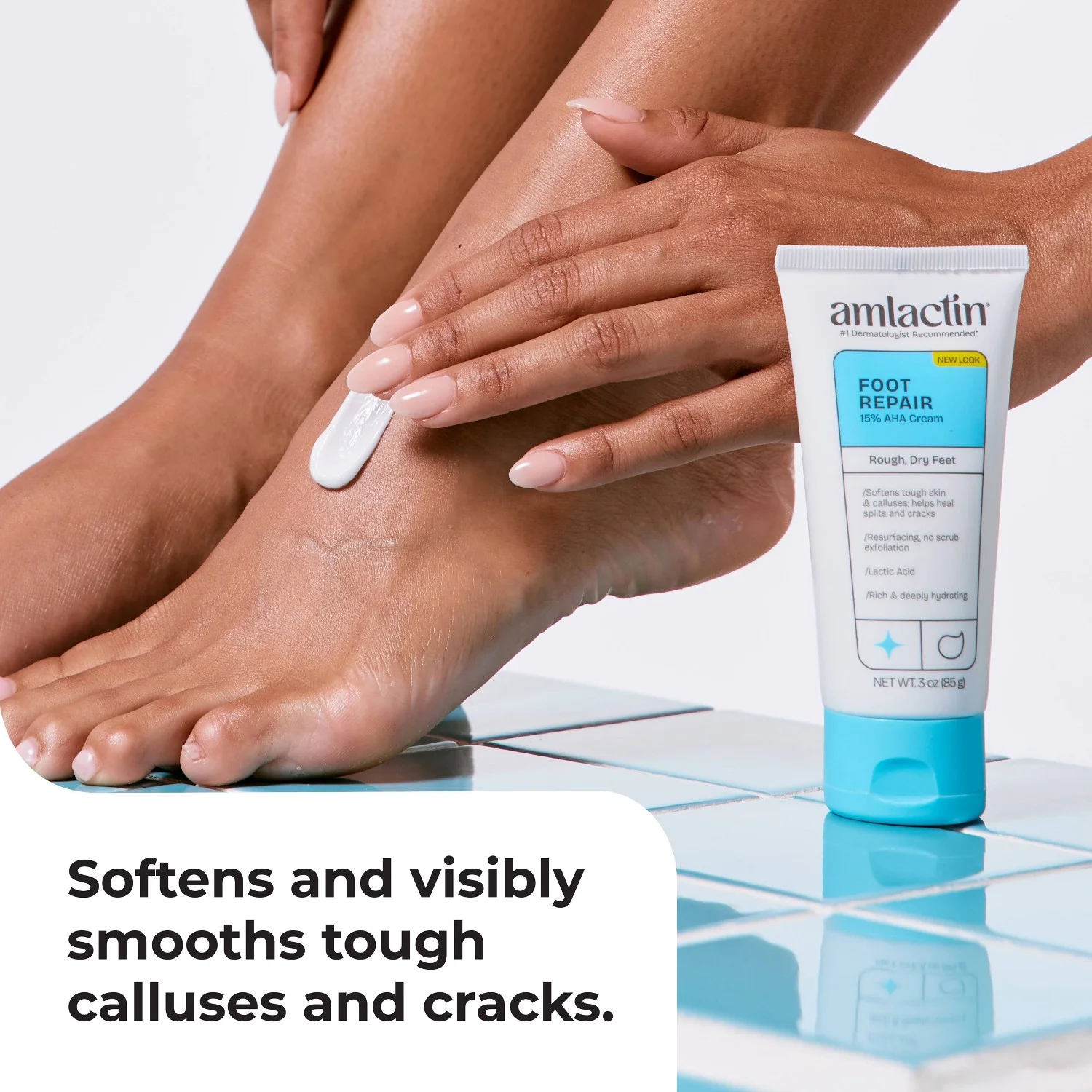
Drag the divider or use the arrow keys to compare.
Scenes & placements
Give each placement the image it needs.
Explore three independent examples: an enhanced-content header, a packshot-led spa setting and a Stories adaptation of a different product-page tile. Explore the separate workflows and prepared casting choices in the full study.
Explore the complete studyExplore the versions
Content header
A square carousel tile adapted to a 970 × 600 enhanced-content header.
Fragrance
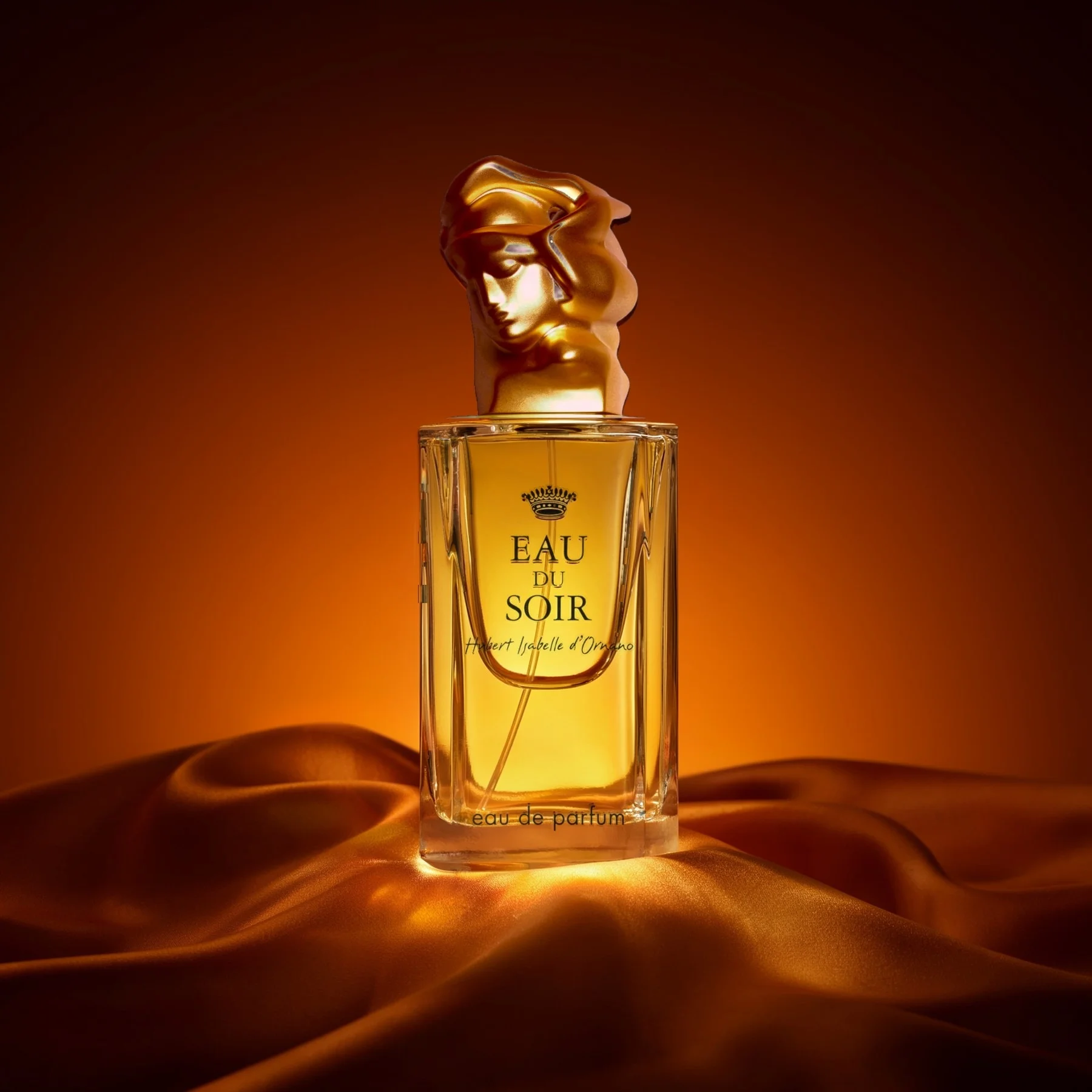
Let transparent glass take on the scene’s light.
Compare a generated fragrance draft with the finished treatment. The sculpted cap is tone-matched from the source, and printed lettering is transferred onto the scene-generated bottle. The original packshot remains available in the study.
Explore the complete study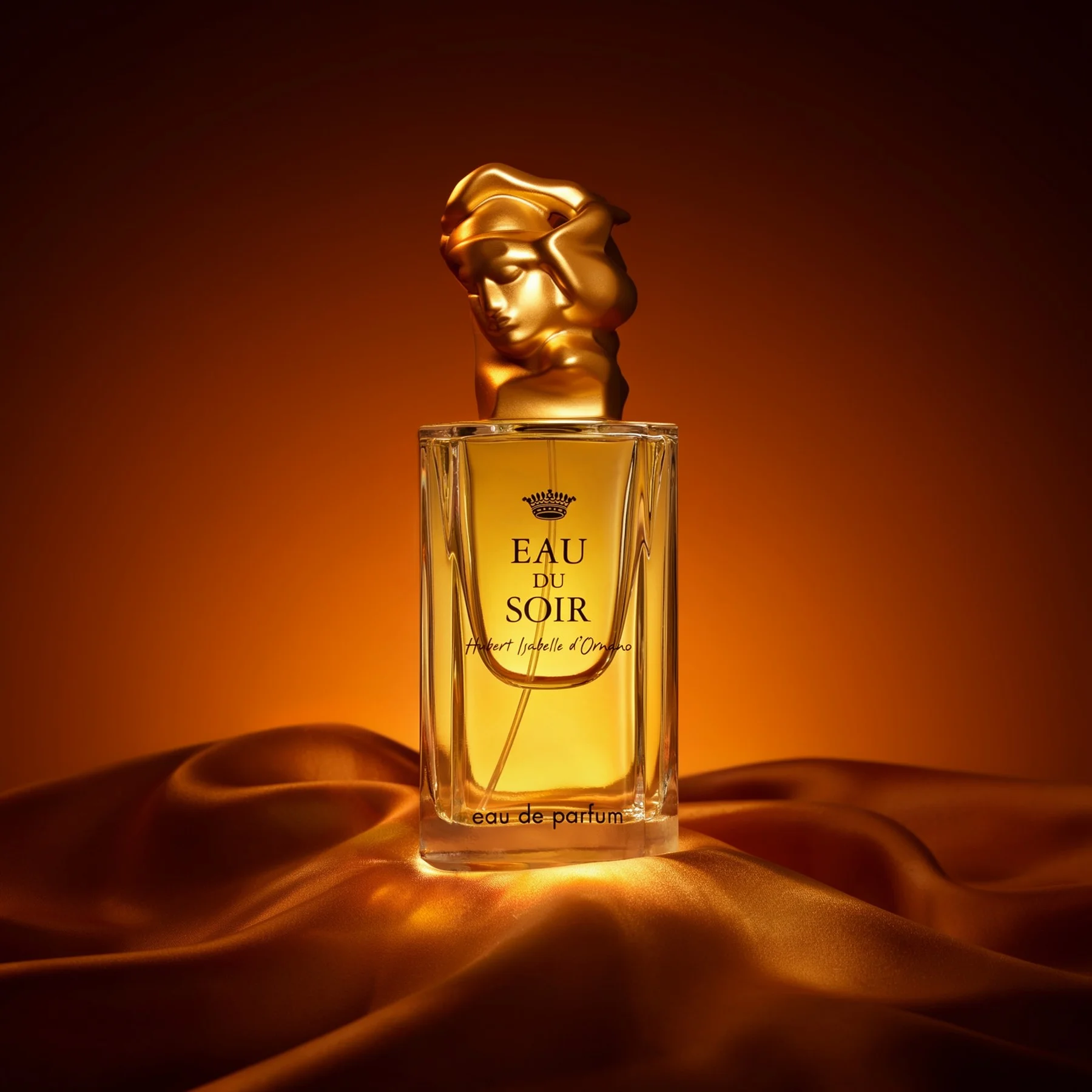
Drag the divider or use the arrow keys to compare.
Take a closer look
Open the complete studies.
Each one holds the full references, comparisons and interactive examples.
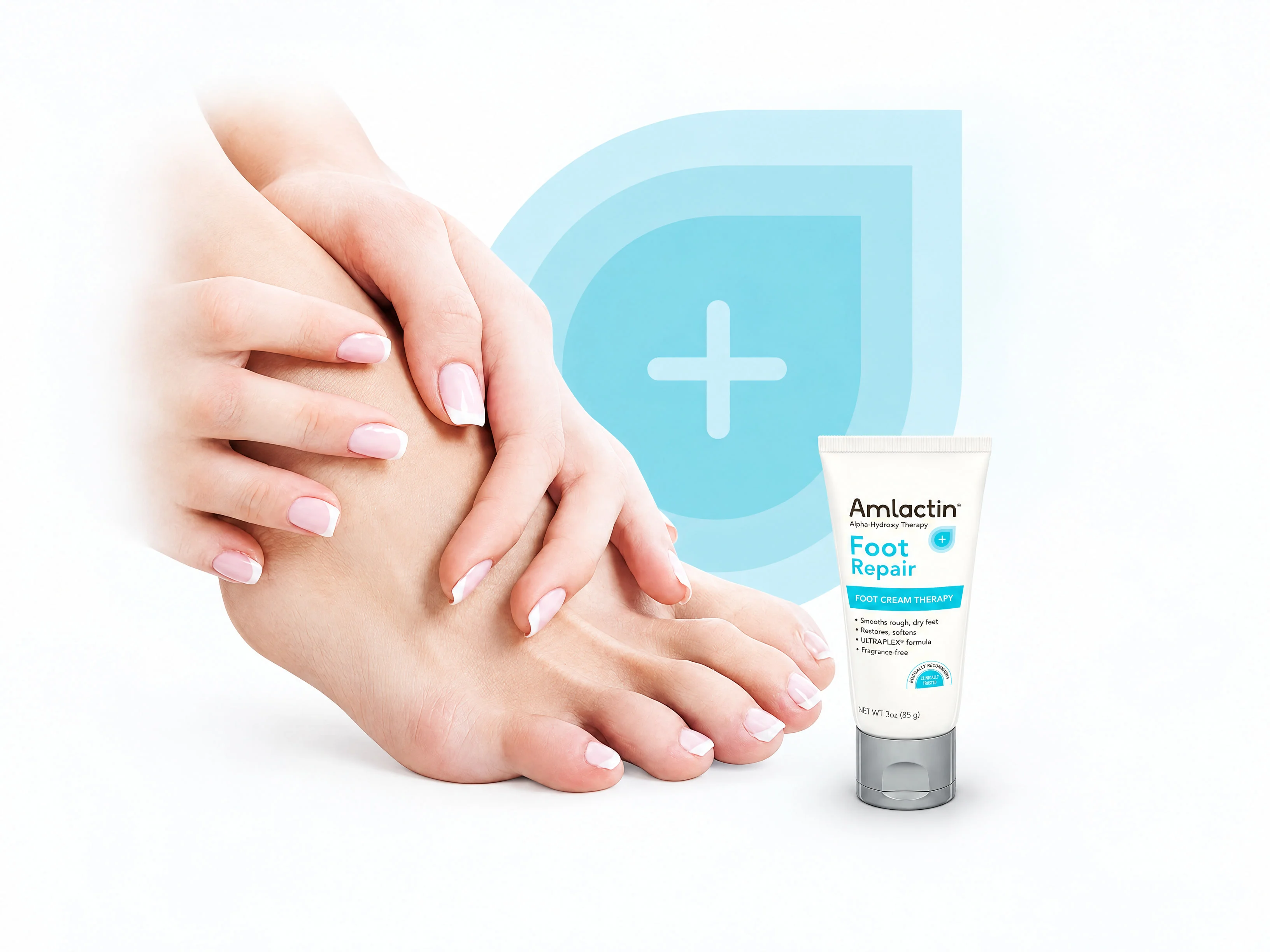
Packaging and listing maintenance
Compare both packaging tiles, the website update, a body-care product swap, all four launch-tag cleanups, render-to-photo treatment and the masked callout edit.
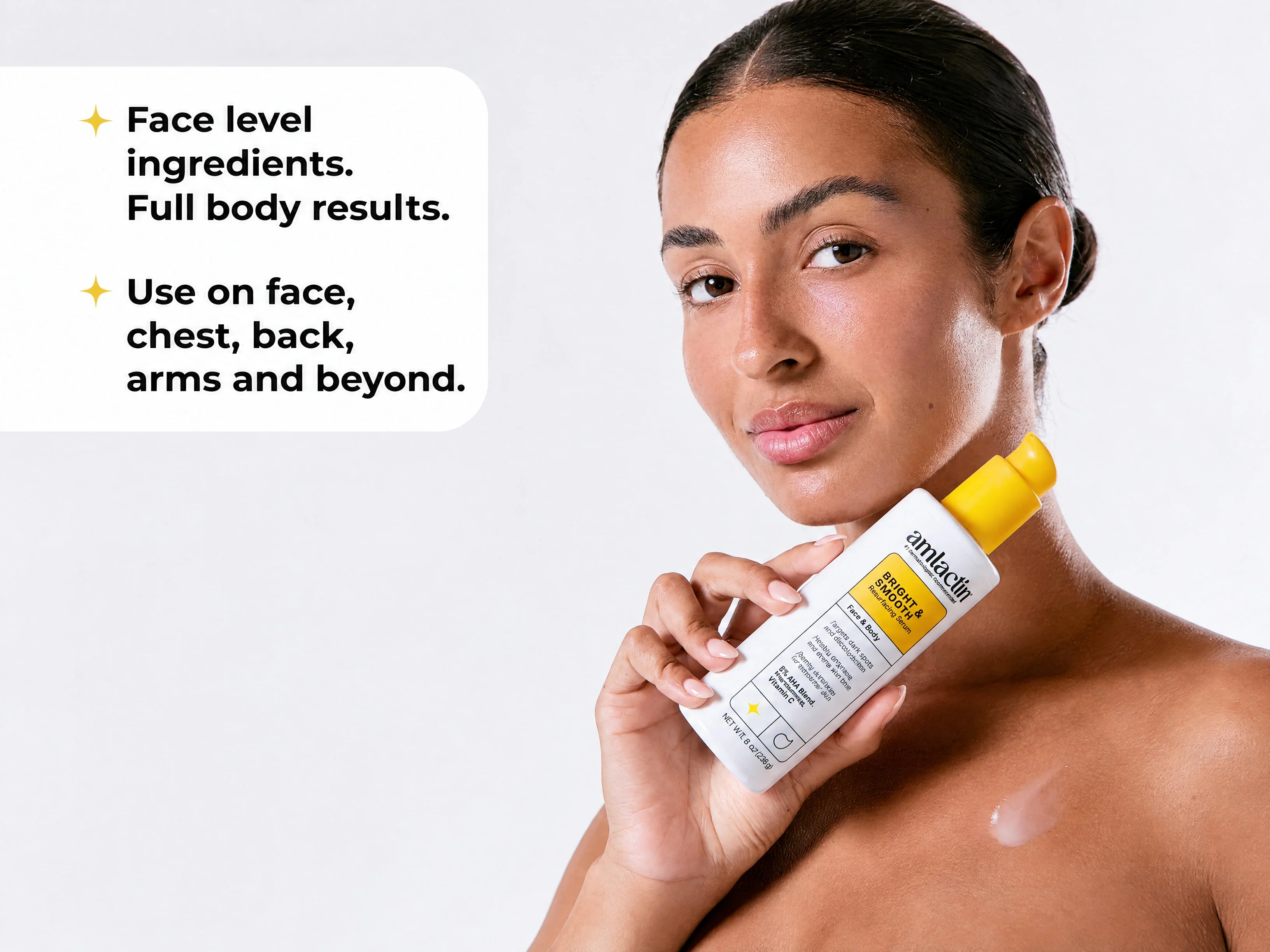
People, scenes and placements
Inspect prepared casting choices, the carousel-to-header comparison, a packshot-led spa scene and a separate tile-to-Stories adaptation.
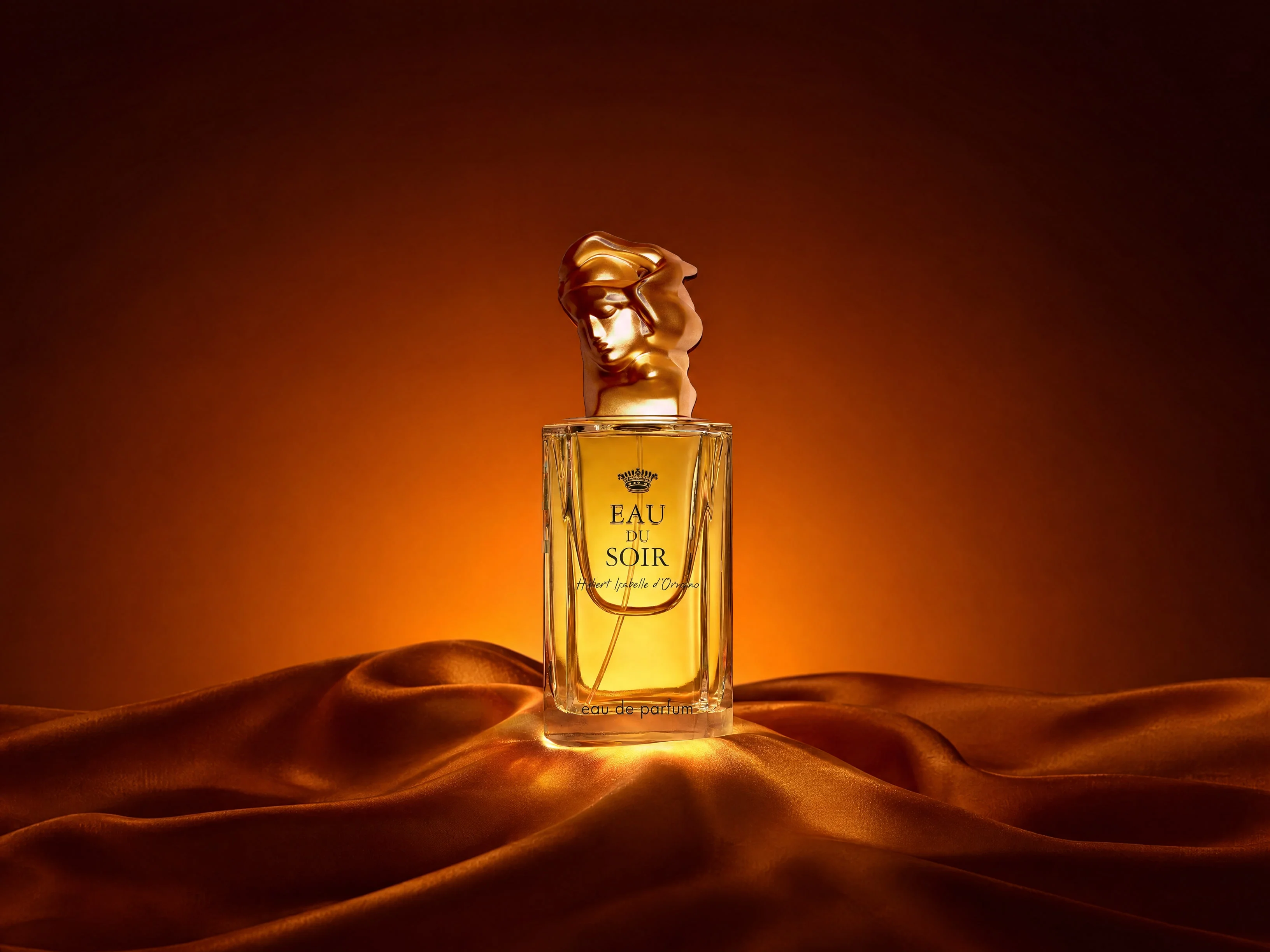
Fragrance and transparent glass
Compare the source packshot, generated draft and finished fragrance treatment, including the cap tone-matching and transferred lettering.
Built around your team
Your creative standard.
A workflow to match.
Every step builds on your imagery, your references and the work your team needs to deliver.
- 01
Bring the current product artwork
Start with current packshots, product-page tiles, existing photography and the specific update your team needs.
- 02
Match the operation to the image
Separate packaging replacements, masked edits, label finishing, scene development and placement adaptations.
- 03
Review the image set
Inspect package wording, product shape, hand contact, glass treatment and the final placement before selecting the creative.
Frequently asked questions
Can a packaging update reach more than the hero image?
The study includes a product-in-use listing tile, a three-pack directions tile and a separate website-photo comparison. Current product references and the preparation notes stay with each example.
Are the spa scene and Stories image one sequence?
They are separate examples. The spa setting is guided by a foot-care packshot. The vertical Stories image adapts a different existing product-page tile.
How is the fragrance bottle finished?
The example tone-matches the sculpted cap from the source and transfers printed lettering onto a scene-generated bottle. The draft, finished treatment and original packshot can be compared in the full study.
More in Beauty & Personal Care
Explore related industries.
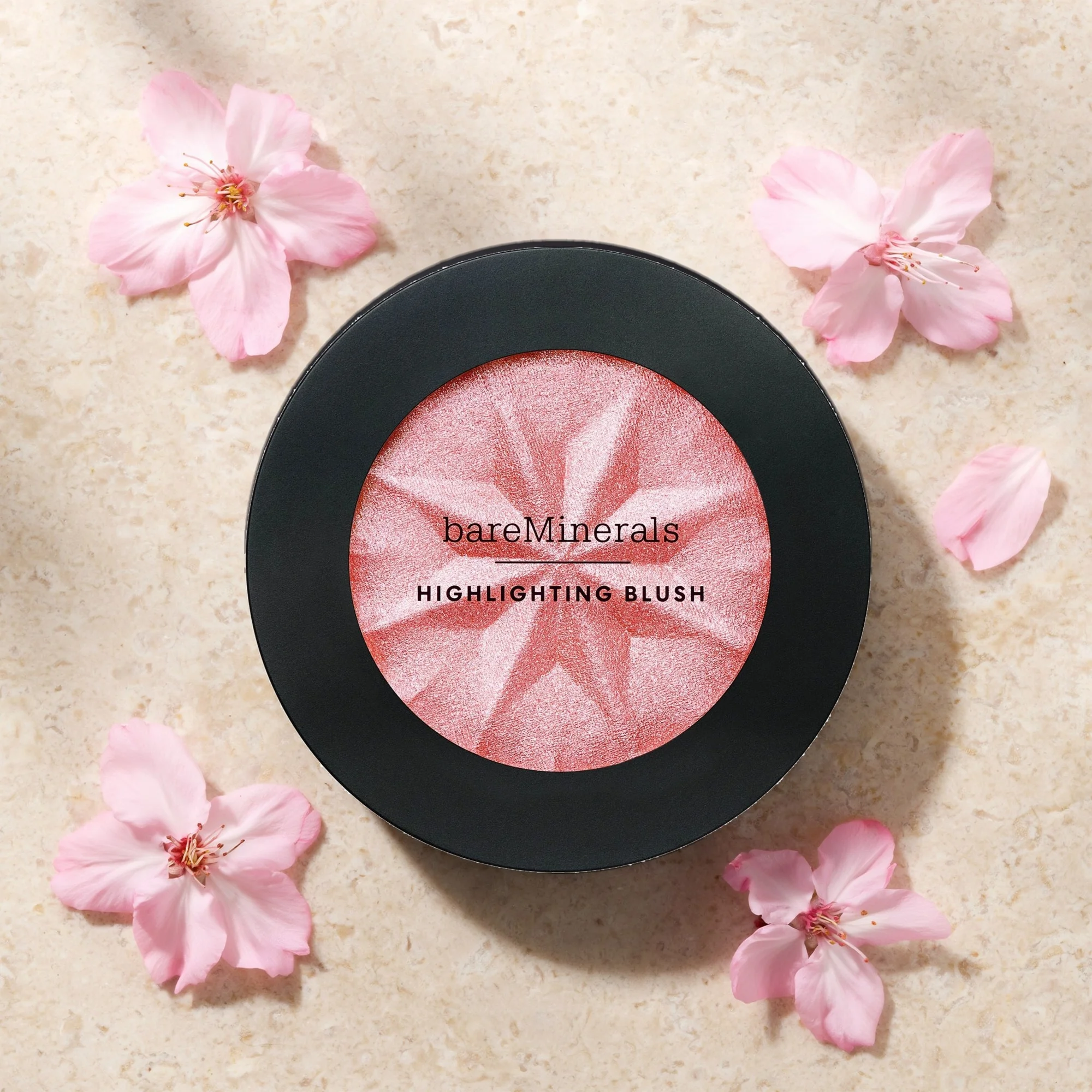
Let's shape what comes next
Bring the next product update into focus.
Talk with our team about personal-care imagery, current packaging and campaign placement workflows.