
Cosmetics campaigns. Every shade, considered.
Build connected imagery for complexion, lip and eye collections, using each product’s supplied packshot and shade reference.
Creative work, in context
Create the setting. Finish with the product.
The campaign scene sets the mood; the product photograph supplies the compact, tube and shade detail. These examples show generation and separate product compositing as parts of the same production workflow.
Complexion campaigns
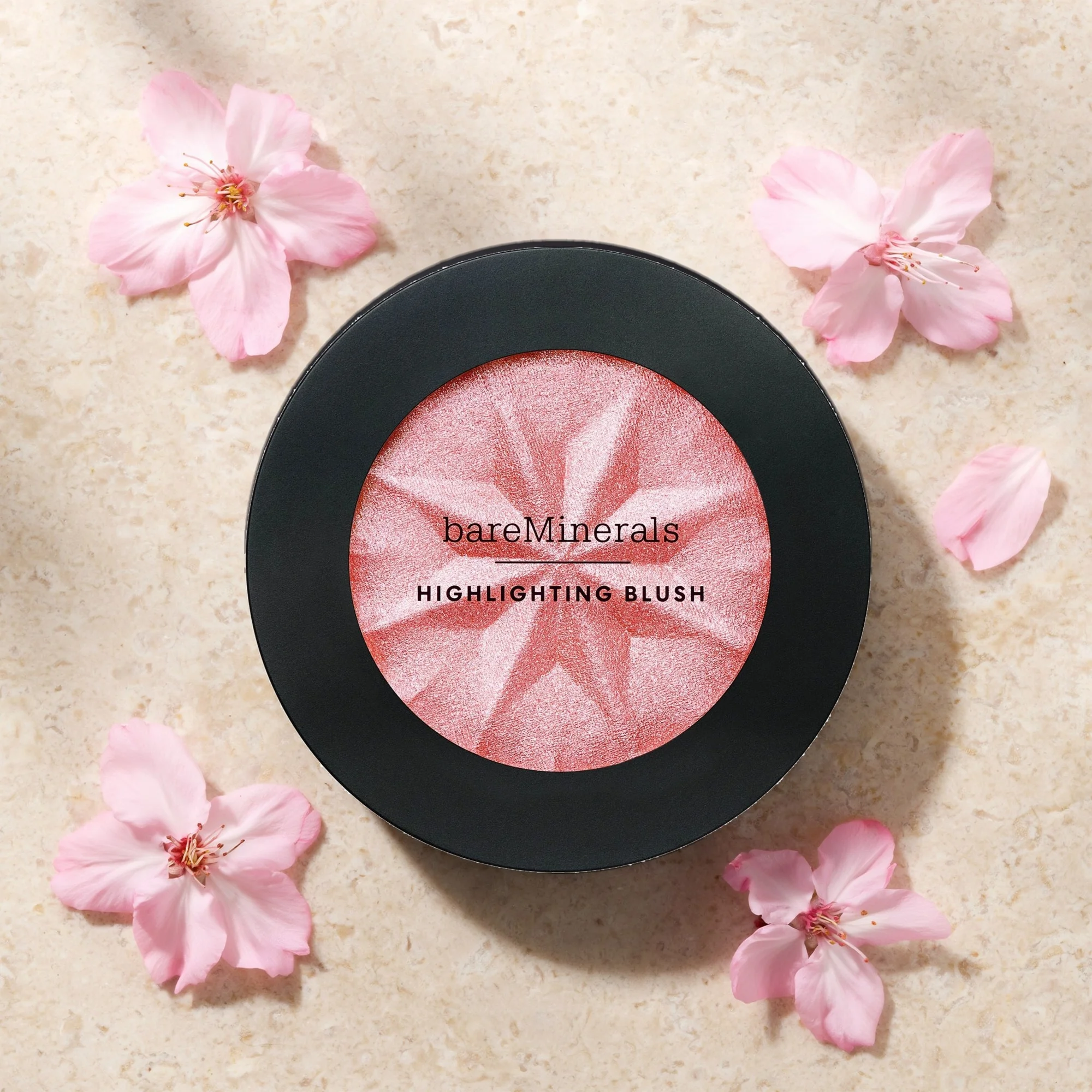
Make the supplied compact the hero.
Compare the generated draft with the finished composite. The supplied packshot restores the pan color, star-cut pattern and lettering within the limestone-and-petals setting. Explore four placements and four editable language treatments in the full study.
Explore the complete study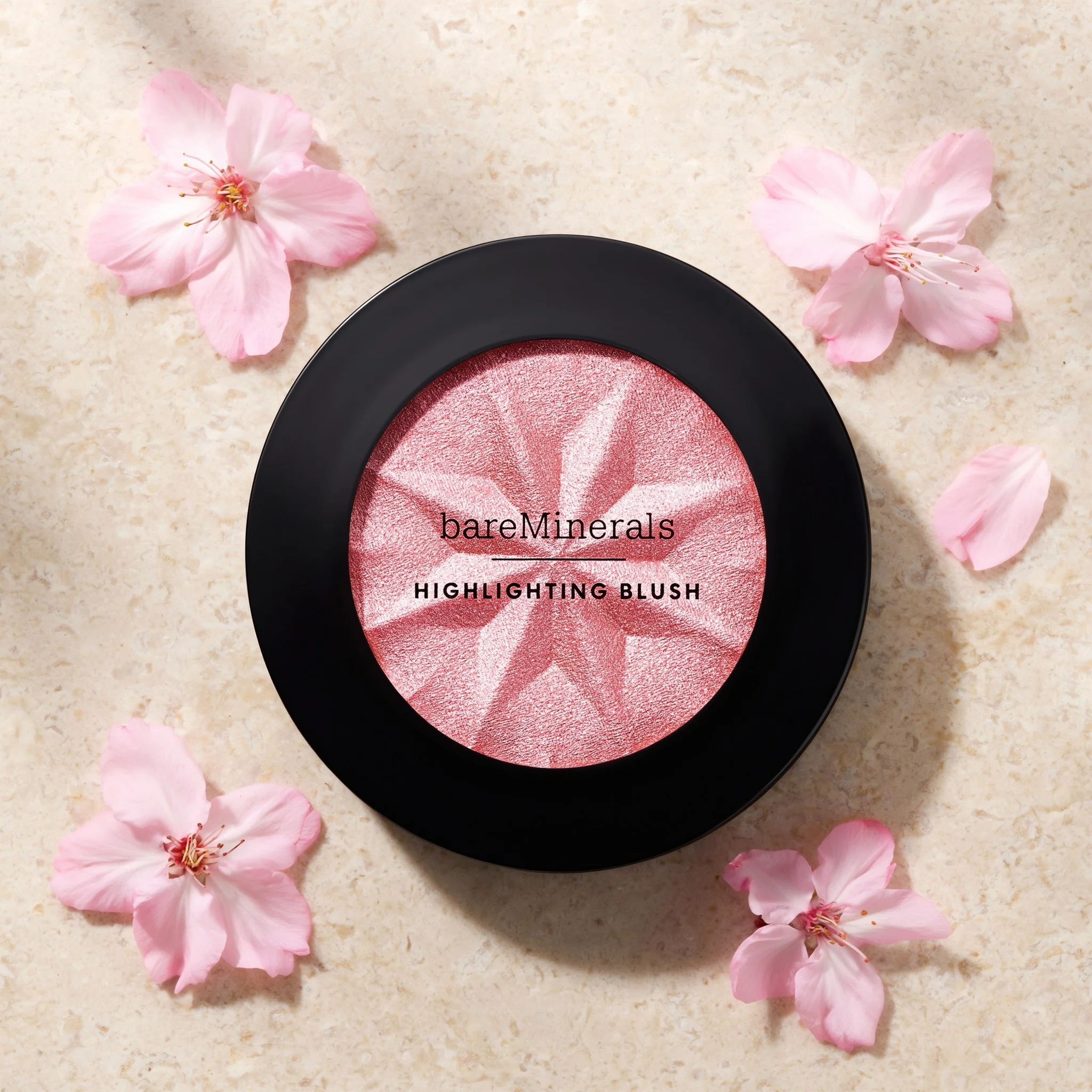
Drag the divider or use the arrow keys to compare.
Lip gloss
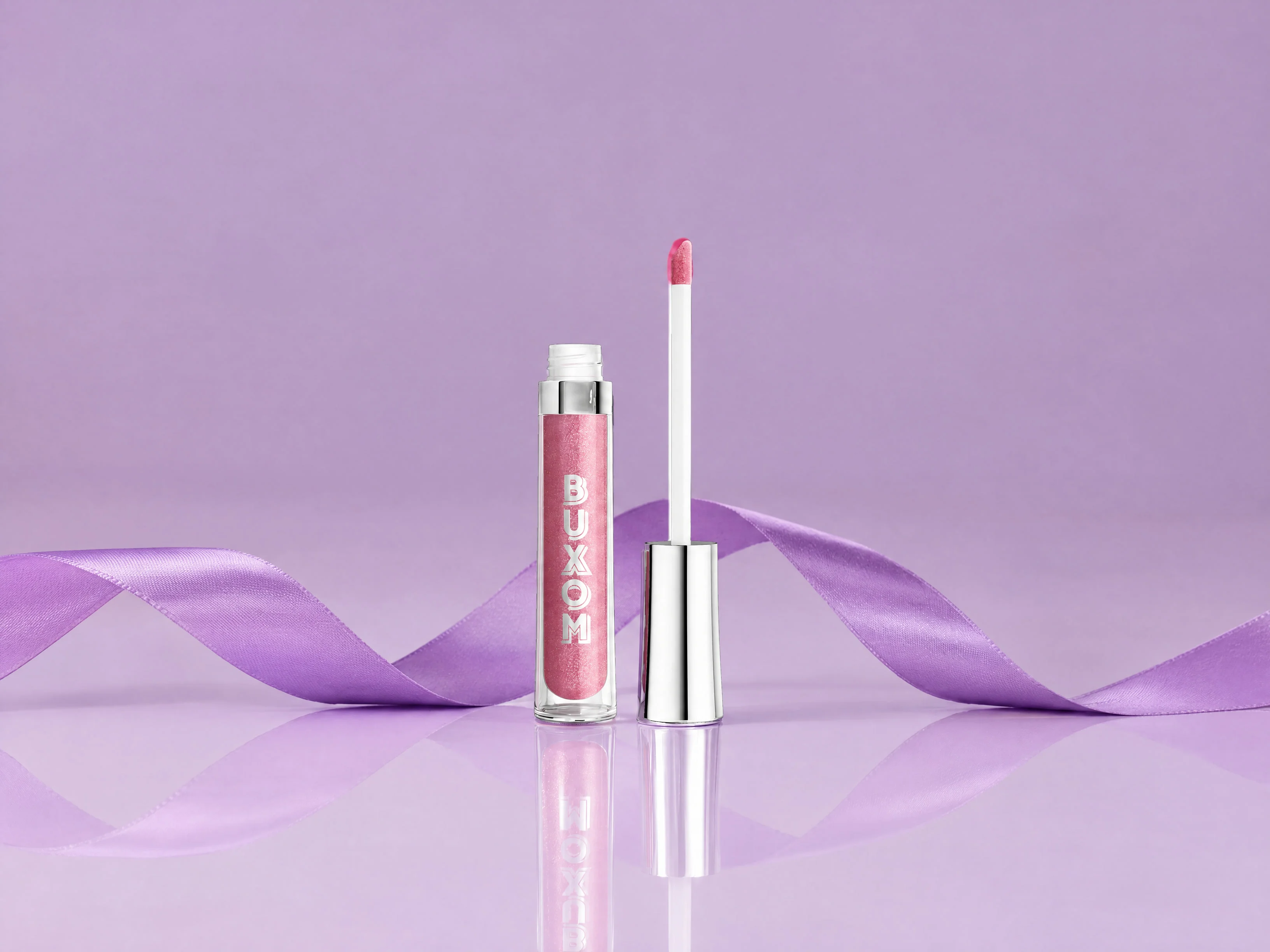
Give every gloss shade its own product image.
Six shades share one campaign setting. Each composite uses that shade’s own supplied product photograph. Open the full study to inspect every packshot alongside its matching result.
Explore the complete studyExplore the complete shade collection
Dolly
Campaign composite using this shade’s own product photograph.
Eye color
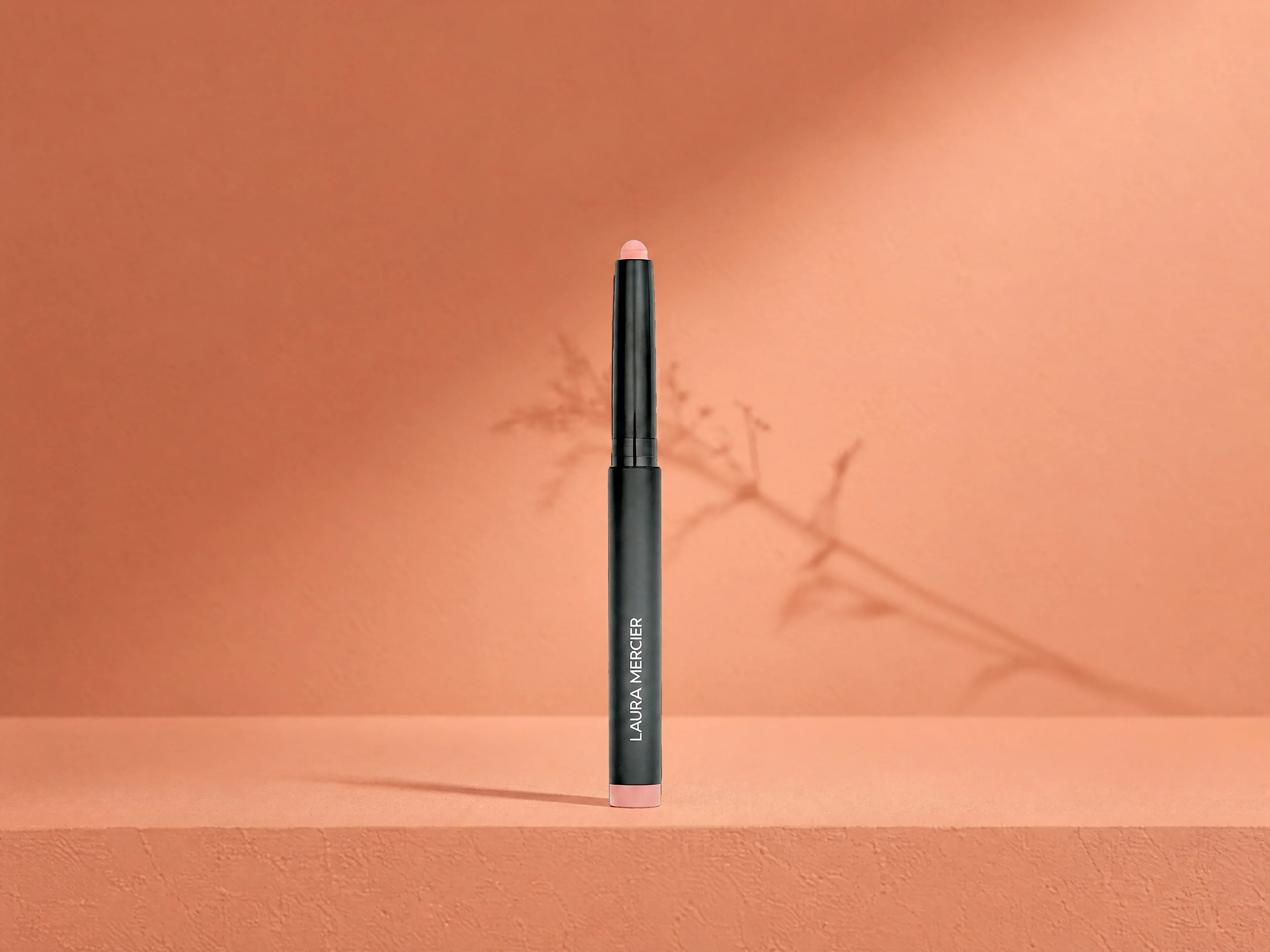
Carry the eye-color range through one setting.
Explore four shadow-stick shades against warm plaster. Each tip, tube and shade comes from its own packshot, placed into the prepared scene through a separate compositing step.
Explore the complete studyExplore the complete shade collection
Peach
Campaign composite using this shade’s own product photograph.
Lipstick
Let each shade complete the collection.
Six lipstick photographs share a glossy campaign direction. The product changes with the selected shade, while the compositing step brings its engraving and patterned tube into the setting.
Explore the complete studyExplore the complete shade collection
10 Beige Nude
Campaign composite using this shade’s own product photograph.
Take a closer look
Open the complete studies.
Each one holds the full references, comparisons and interactive examples.
Complexion campaign production
Inspect the generated draft and finished product composite, compare all four placements and edit the four-language sample copy over the prepared photograph.
Lip-color collections
Explore all six gloss shades and six lipstick shades with each product’s supplied packshot and matching campaign composite.
Eye-color collection
Compare all four shadow-stick shades, their individual product photographs and the prepared warm-plaster campaign setting.
Built around your team
Your creative standard.
A workflow to match.
Every step builds on your imagery, your references and the work your team needs to deliver.
- 01
Bring the shade references
Start with each product’s own packshot, shade information and the campaign direction your collection needs.
- 02
Develop the campaign setting
Explore the atmosphere and composition, then finish with the supplied product photography.
- 03
Review the full collection
Inspect the shade, product shape, lettering and placement together across the campaign set.
Frequently asked questions
Are the finished products generated inside the scene?
These examples use a generated setting and a separate product-compositing step. Supplied product photographs provide the final compact, tube and shade details.
Does every shade use its own packshot?
Yes. The six gloss shades, four eye-color shades and six lipstick shades each have a matching supplied product photograph. In the complete studies, compare each shade’s source packshot with its campaign result.
Can we explore different campaign wording?
The complexion study includes English, French, Spanish and Japanese sample-copy presets. Text can be selected, edited, moved or hidden over the prepared photograph, then reset for comparison.
More in Beauty & Personal Care
Explore related industries.
Let's shape what comes next
Build the next collection campaign.
Talk with our team about cosmetics imagery, shade collections and campaign production workflows.