
Lip-color collections
Explore all six gloss shades and six lipstick shades with each product’s supplied packshot and matching campaign composite.
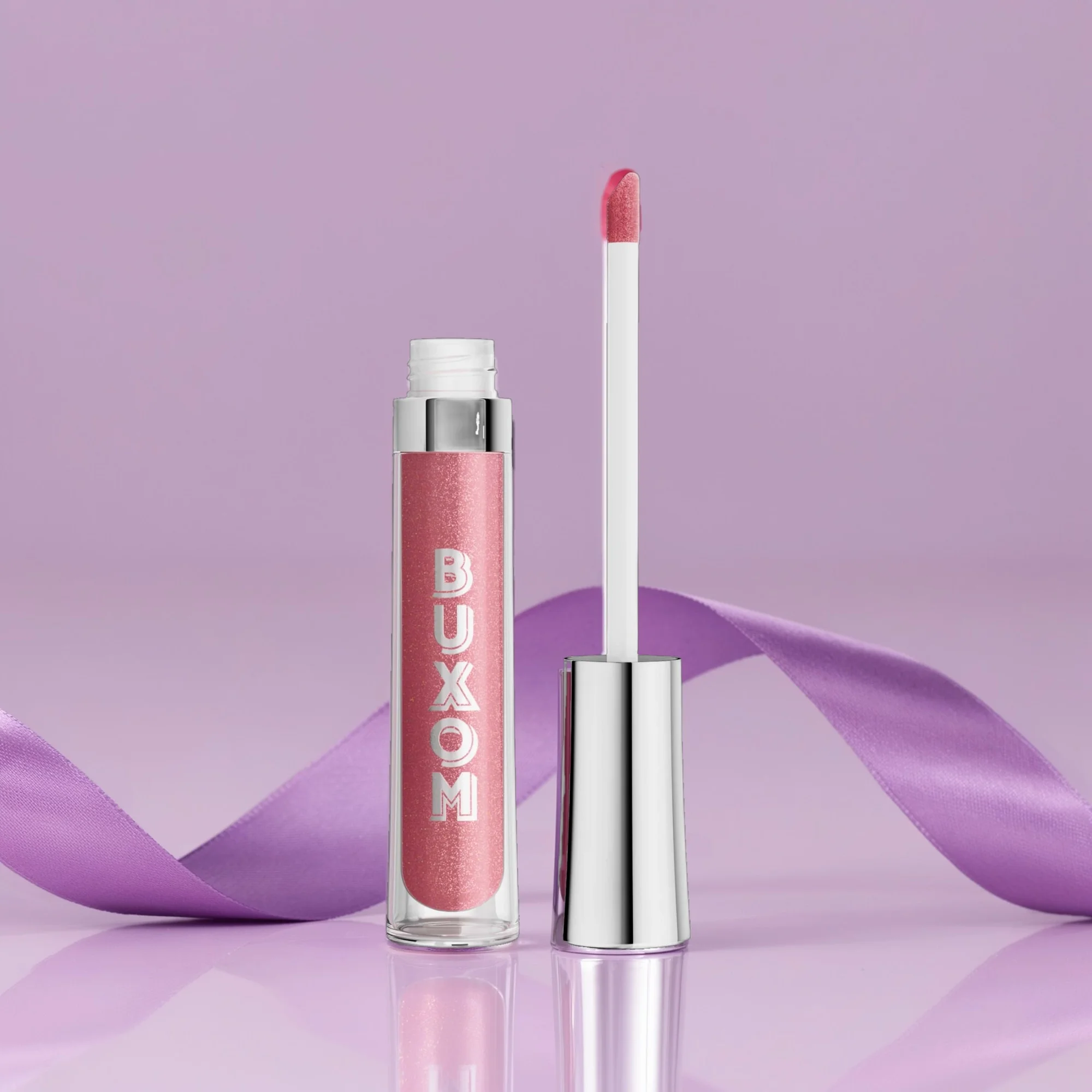
Lip gloss
Every shade, with its own product photograph.
Six gloss shades share one campaign scene. Each result uses that shade’s own supplied packshot through production compositing, so the reference panel changes with the selected shade. This is a packshot-led collection workflow rather than a generic color filter.
Explore the complete shade collection
Dolly
Campaign composite using this shade’s own product photograph.
Original shade packshot · Dolly
Original shade packshot · Amber
Original shade packshot · Brandi
Original shade packshot · Celeste
Original shade packshot · Kanani
Original shade packshot · Starr
Lip color
Bring all six lipstick shades into one campaign world.
Six lipstick packshots share a glossy campaign setting. The product photograph changes for every shade, preserving the visible engraving and patterned tube through a separate compositing step.
Explore the complete shade collection
10 Beige Nude
Campaign composite using this shade’s own product photograph.
Original shade packshot · 10 Beige Nude
Original shade packshot · 20 Rose Sweet
Original shade packshot · 22 Rose Punch
Original shade packshot · 30 Orange Spice
Original shade packshot · 41 Rouge Flame
Original shade packshot · 42 Rouge Royal
Keep exploring
Continue with another Cosmetics study.
Each one holds the full references, comparisons and interactive examples.
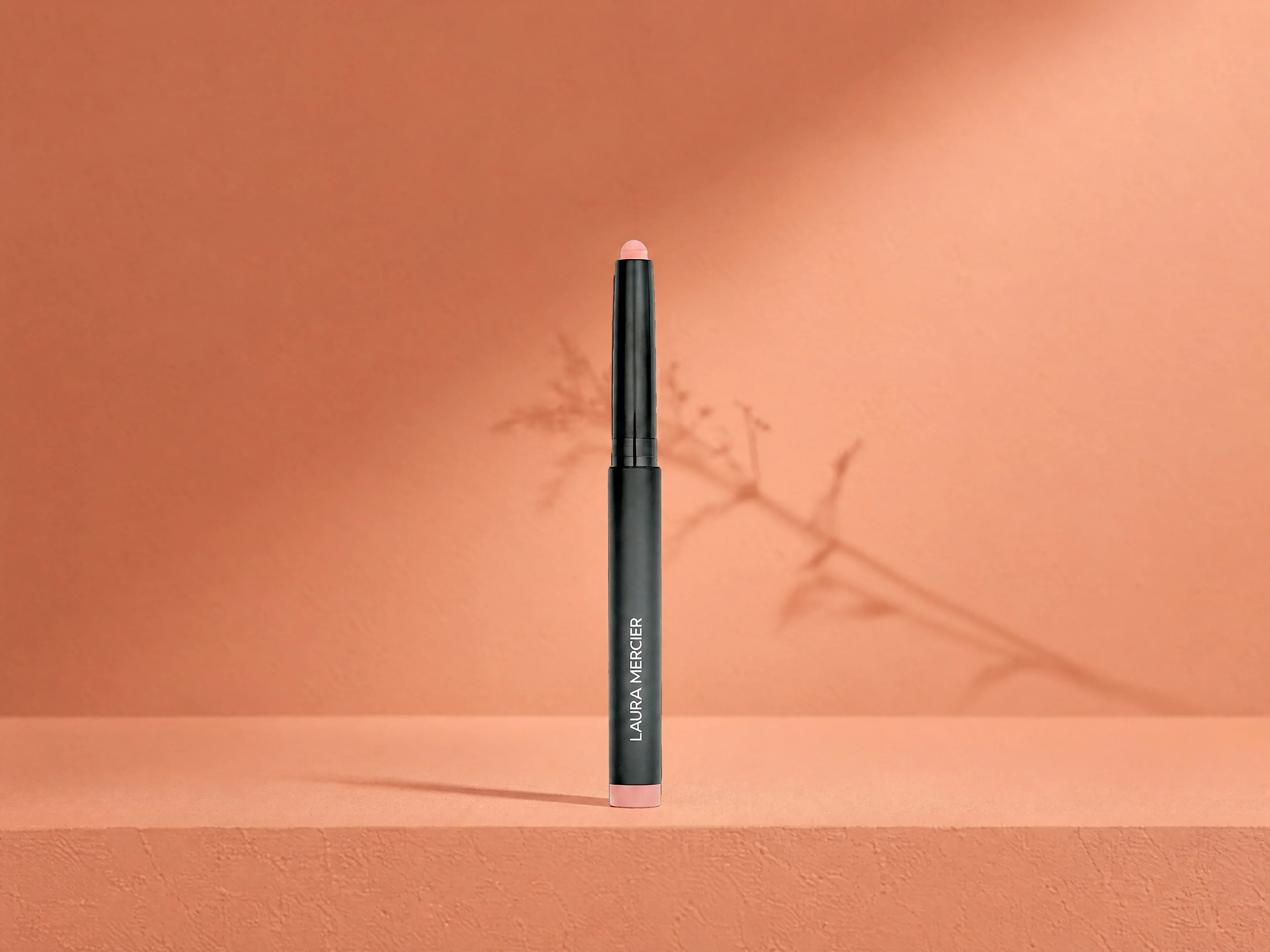
Eye-color collection
Compare all four shadow-stick shades, their individual product photographs and the prepared warm-plaster campaign setting.
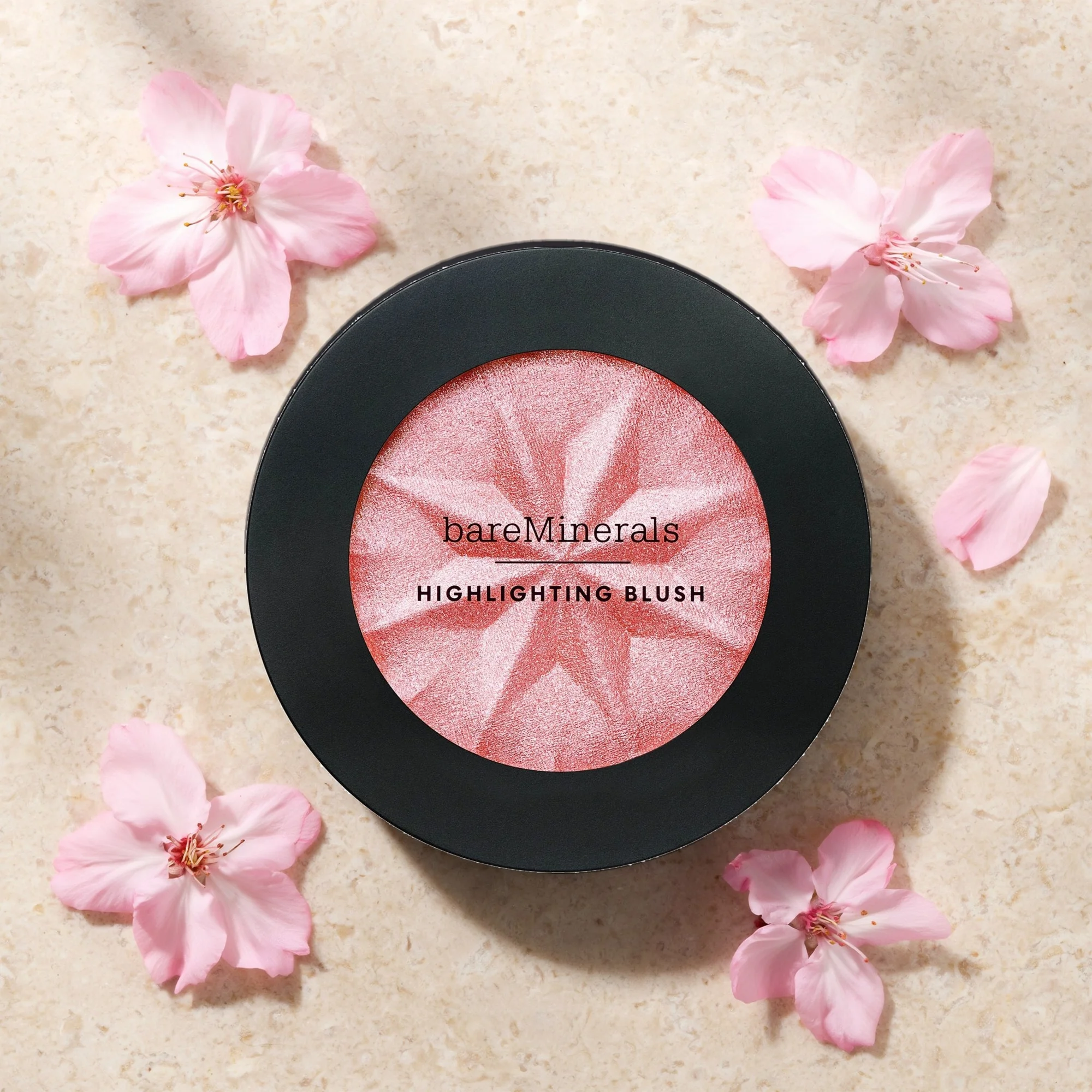
Complexion campaign production
Inspect the generated draft and finished product composite, compare all four placements and edit the four-language sample copy over the prepared photograph.
Let's shape what comes next
Build the next collection campaign.
Talk with our team about cosmetics imagery, shade collections and campaign production workflows.