
Packaging and listing maintenance
Compare both packaging tiles, the website update, a body-care product swap, all four launch-tag cleanups, render-to-photo treatment and the masked callout edit.
Personal-care packaging
Bring the current pack into existing listing tiles.
A packaging change reaches more than the hero product image. Explore a product-in-use listing tile and a directions tile containing three tubes. The current packshot guides each replacement, with targeted edits and label retouching used during production.
Explore packaging-refresh examples
Lifestyle tile
Compare the original listing tile with the packaging-refresh result, prepared with source-photo masking where appropriate.
Current package reference
Current package reference
Packaging refresh · Source-photo masking
Replace the pack within the existing product photograph.
A foot-care lifestyle tile uses the tube packshot to guide a product replacement. The replacement layer is composited through a soft-edged mask into the original photograph. Move the reveal to inspect the finished composition.
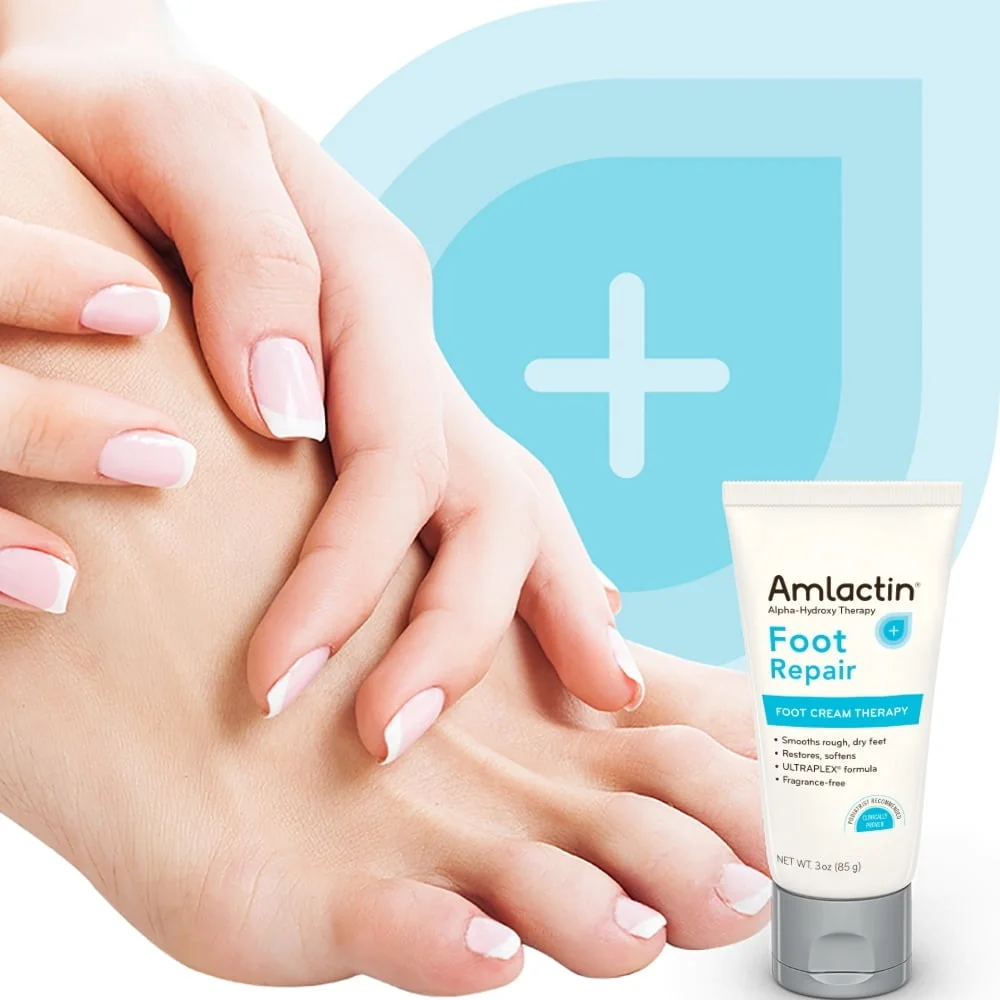
The current package reference
Reference · Current packaging
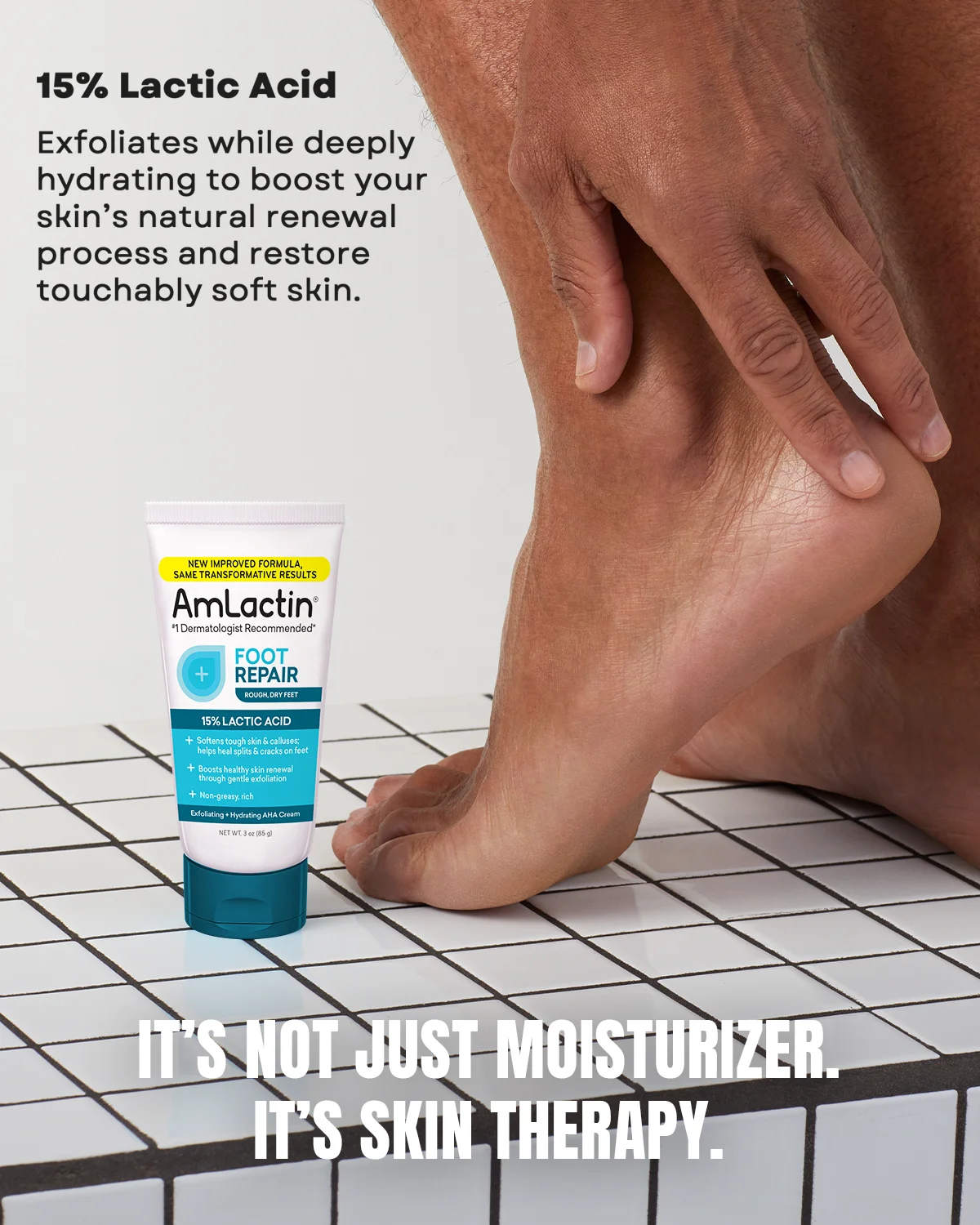
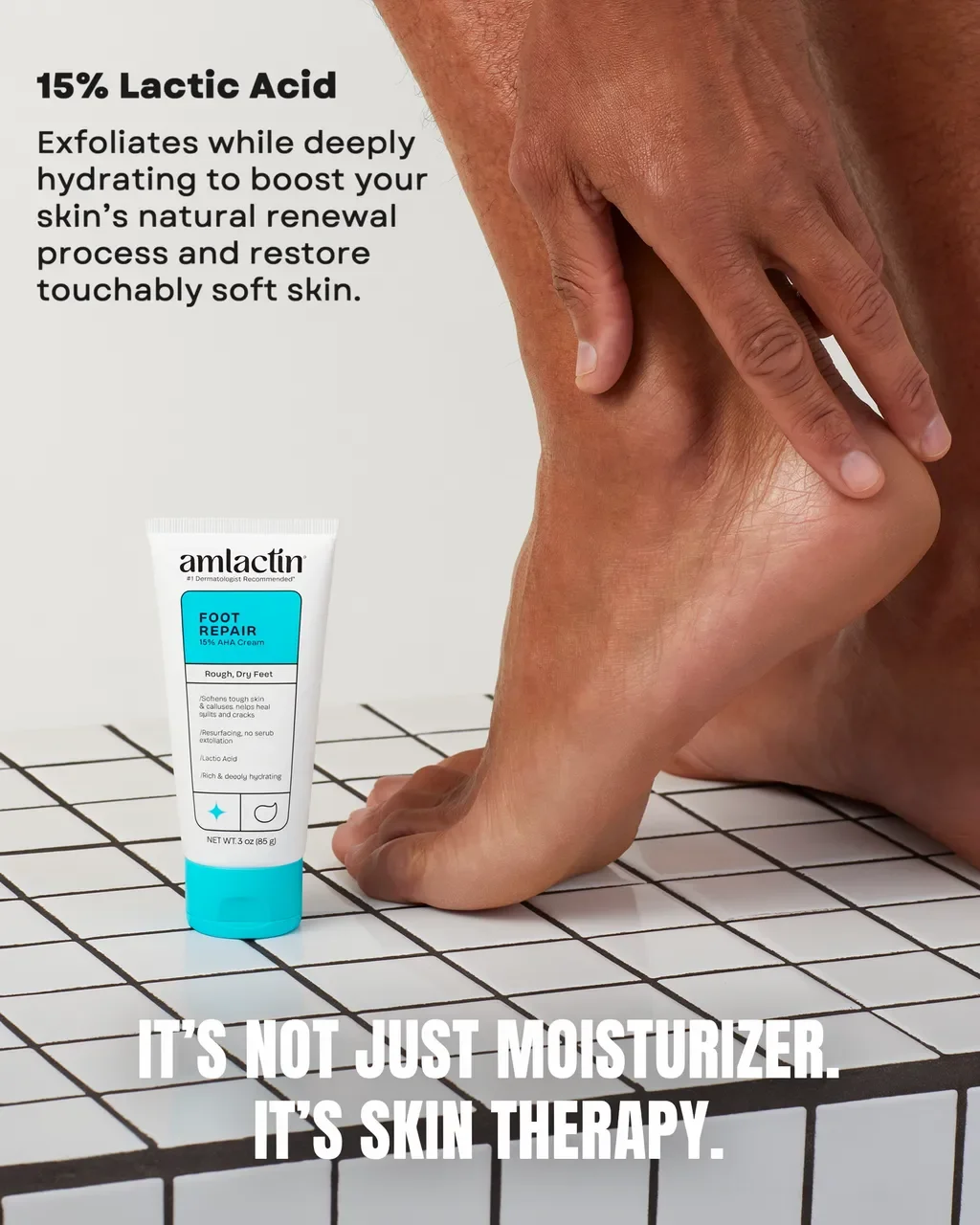
Drag the divider or use the arrow keys to compare.
Body-care launches
Put a different product into an existing shoot.
A photograph of a person holding a lotion bottle becomes a version featuring a different body-care product. The replacement layer is composited through a soft-edged mask into the original photograph, showing how source-photo masking supports the finished result.
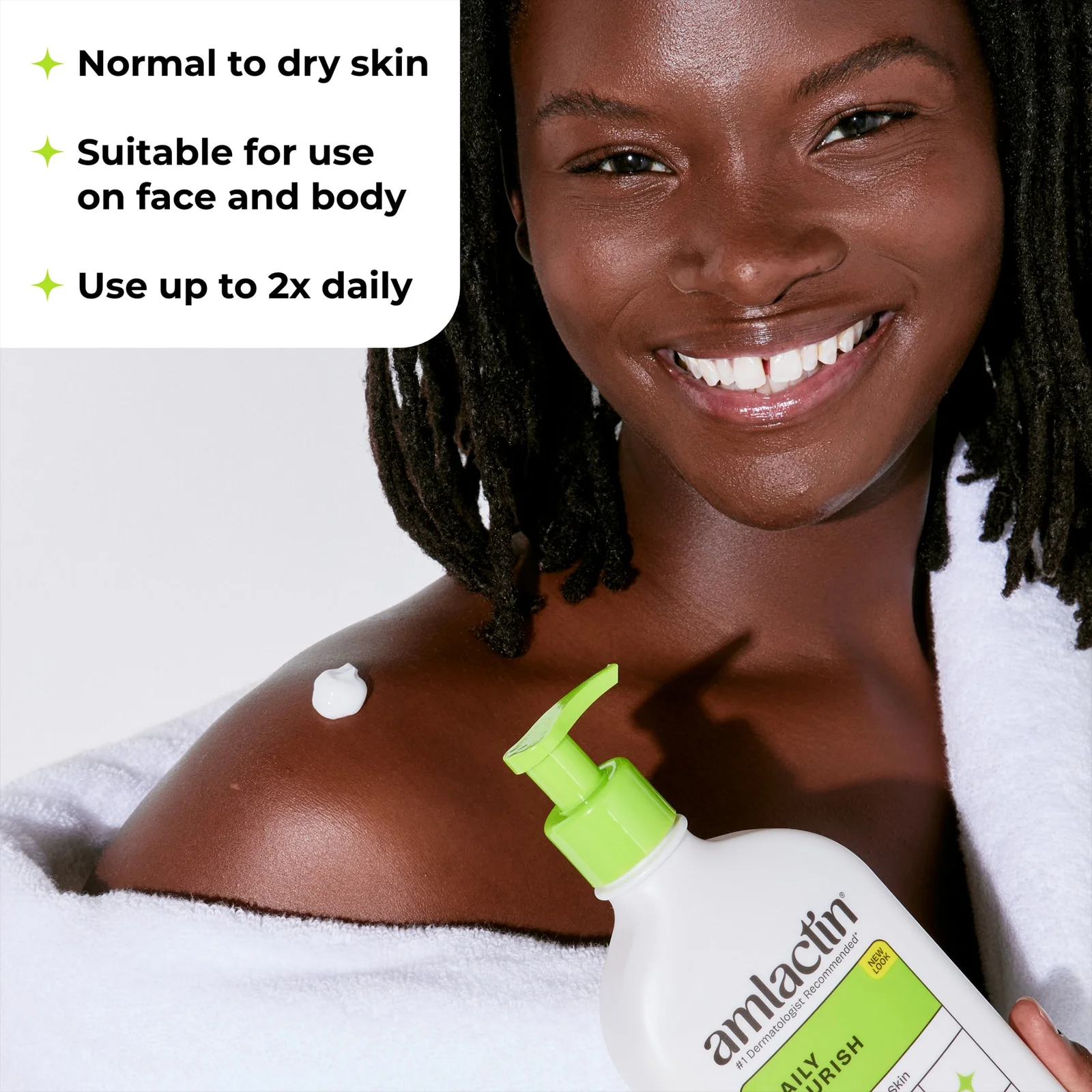
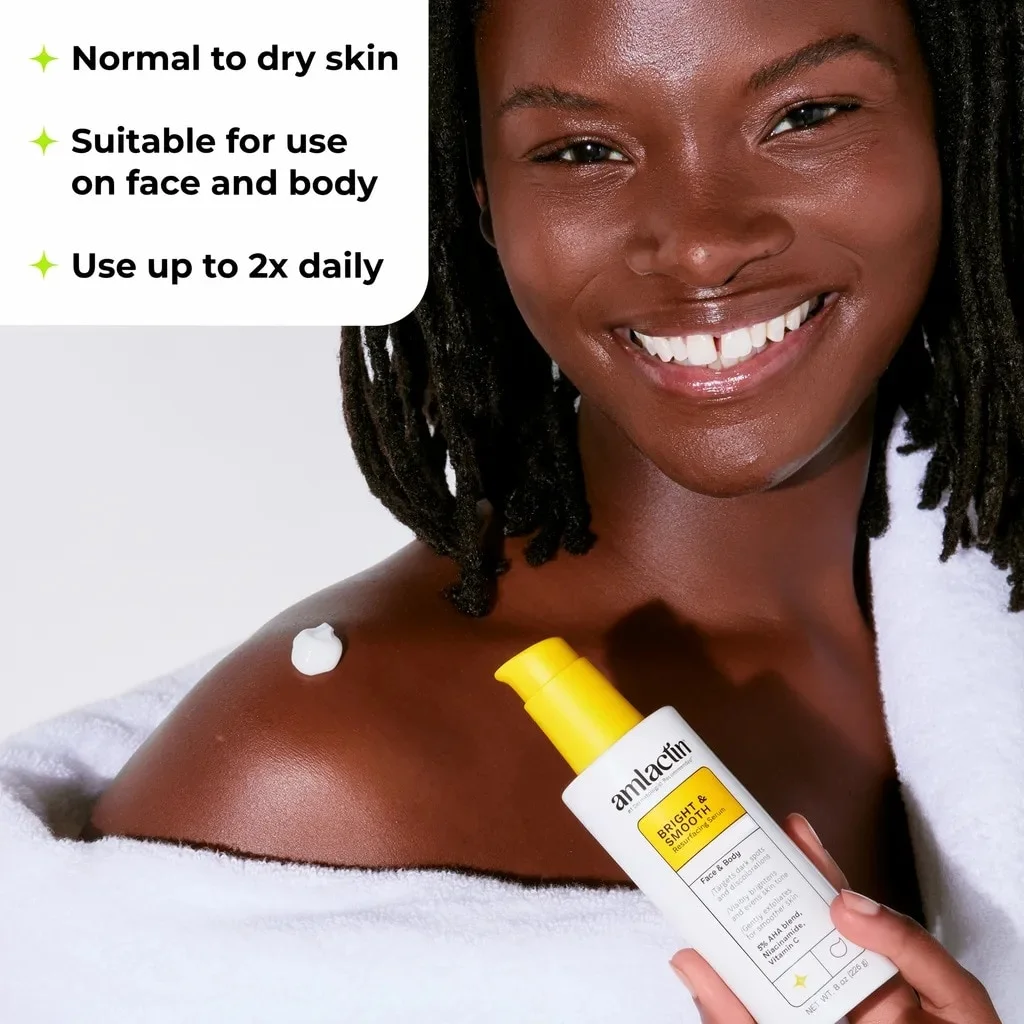
Drag the divider or use the arrow keys to compare.
Listing maintenance
Retire the launch tag across different tiles.
The same cleanup request is applied to several product-page layouts. Explore the original and edited versions of a launch tile, a foot-care tile, and two body-lotion tiles, with the yellow “New look” flag removed from each selected output.
Explore launch-tag cleanup
A launch tile
Selected source tile and its launch-tag removal output.
Carousel consistency
Bring rendered product tiles closer to the shoot.
A comparison tile’s three rendered bottles are developed into a studio-photo treatment, guided by a supplied photographed tile. The selected production includes checks against package lettering and label retouching, helping the carousel move toward a more consistent visual direction.
Original photographs and product references
Reference · Existing photographed tile
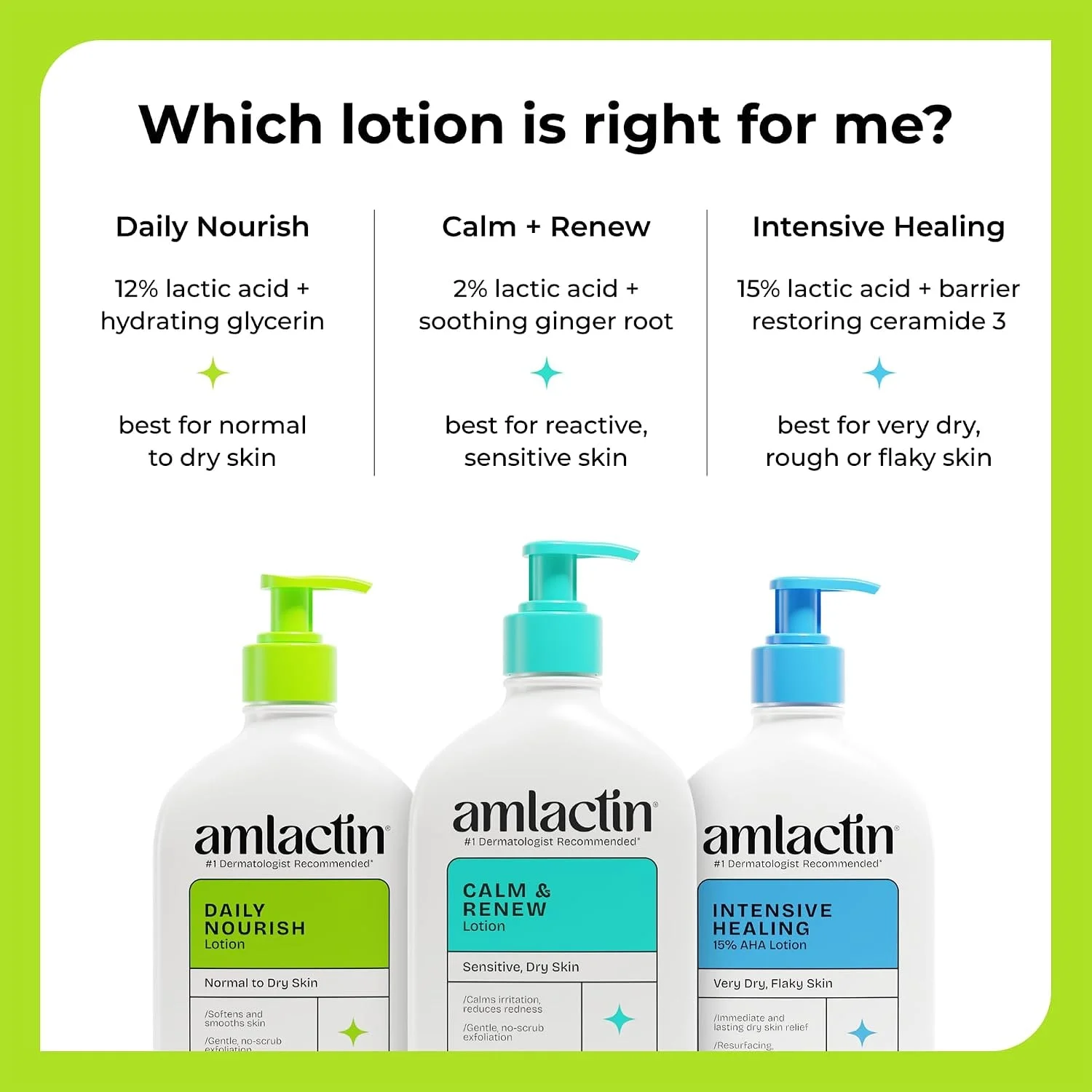
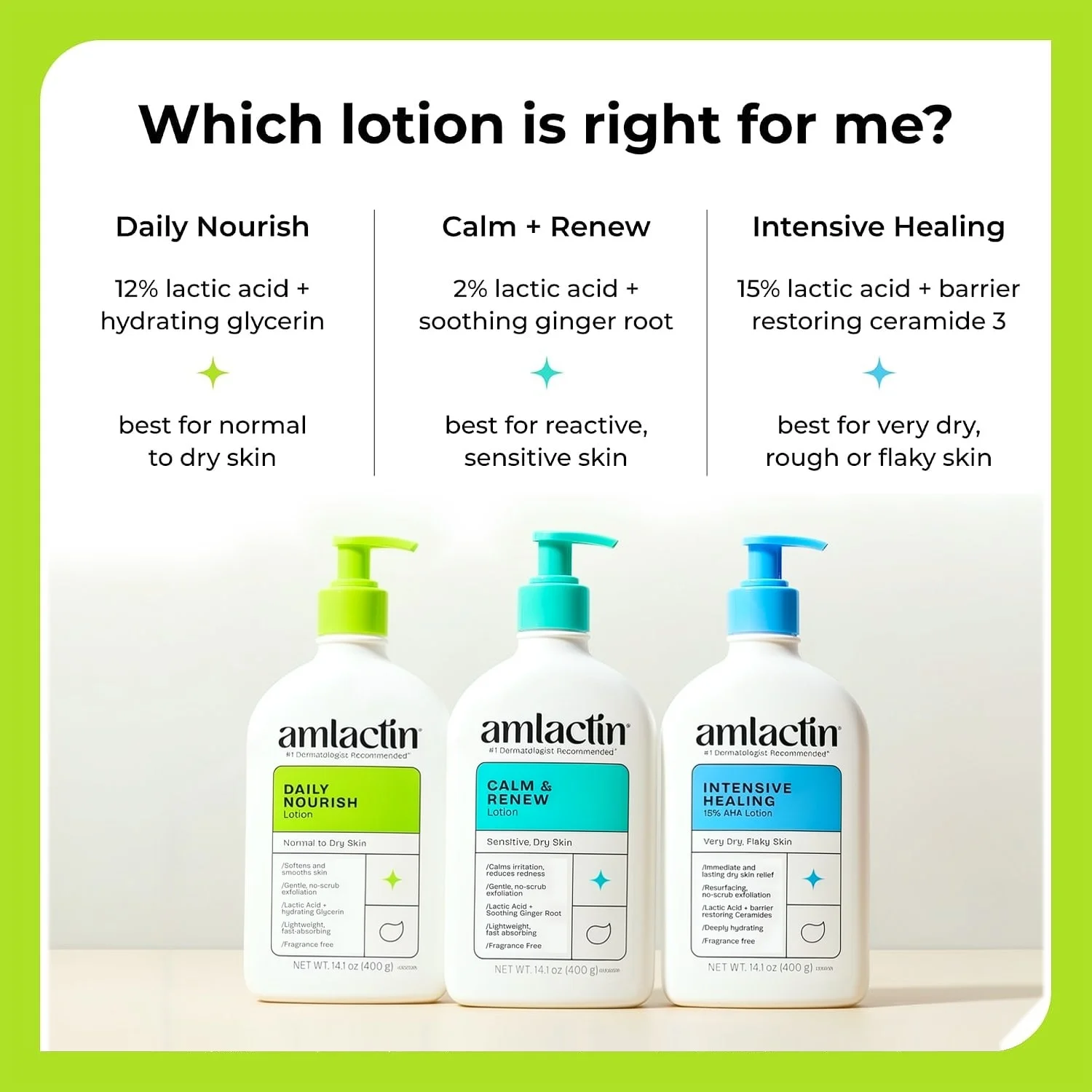
Drag the divider or use the arrow keys to compare.
Reusable product imagery
Clear old callouts before developing new creative.
A serum product-page photograph supplies the person, product, and setting. The callout-clearing edit is composited over the original through a soft-edged mask. Compare the finished composition before developing another message.
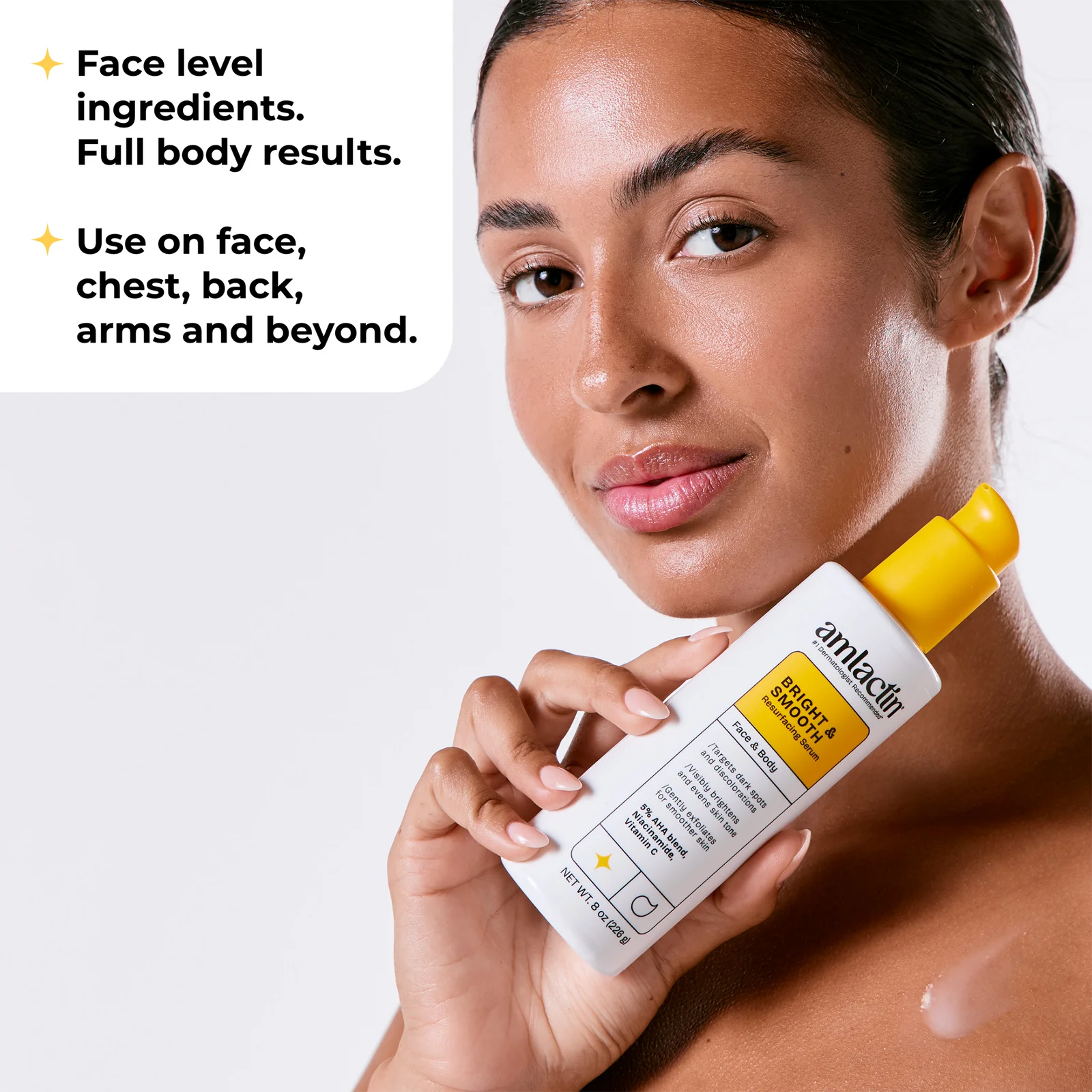
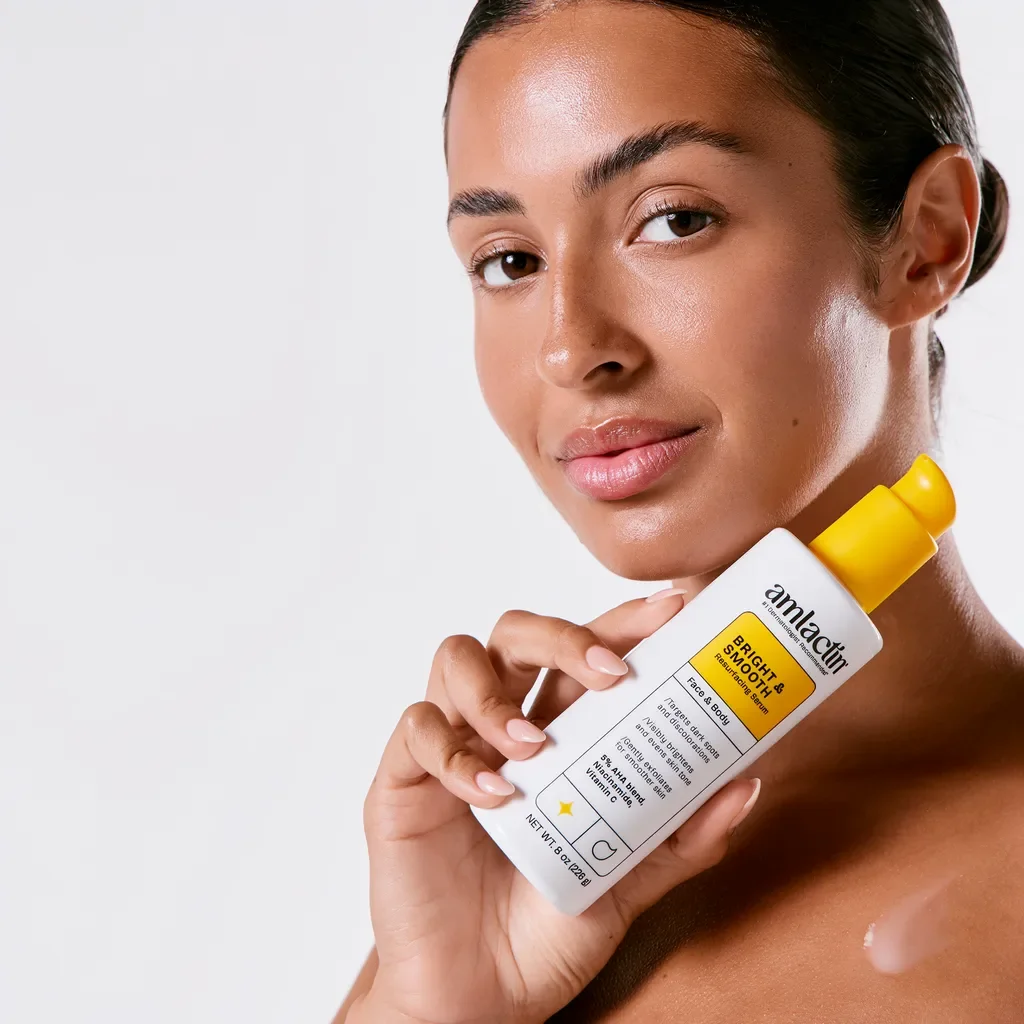
Drag the divider or use the arrow keys to compare.
Keep exploring
Continue with another Personal Care study.
Each one holds the full references, comparisons and interactive examples.
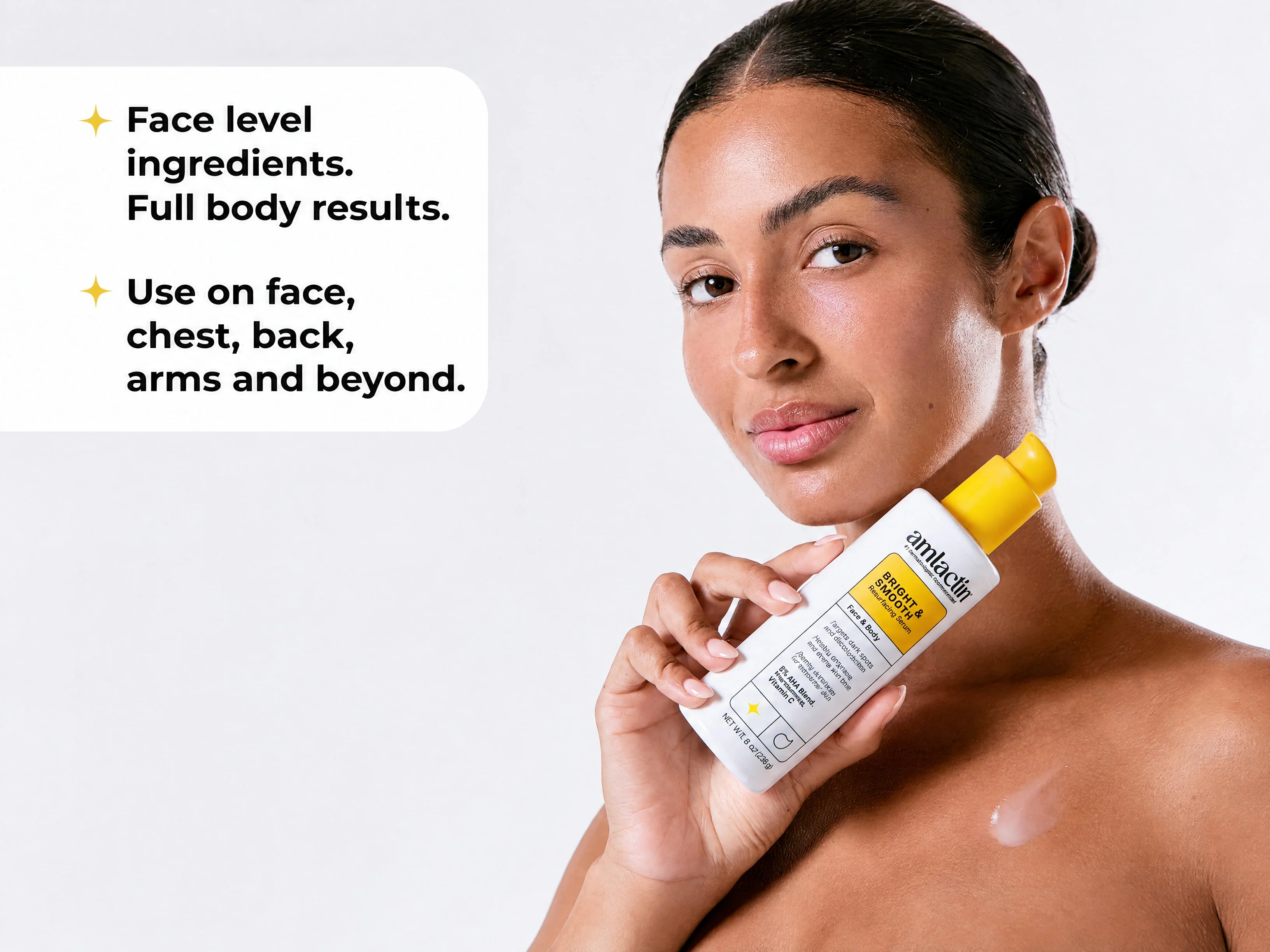
People, scenes and placements
Inspect prepared casting choices, the carousel-to-header comparison, a packshot-led spa scene and a separate tile-to-Stories adaptation.
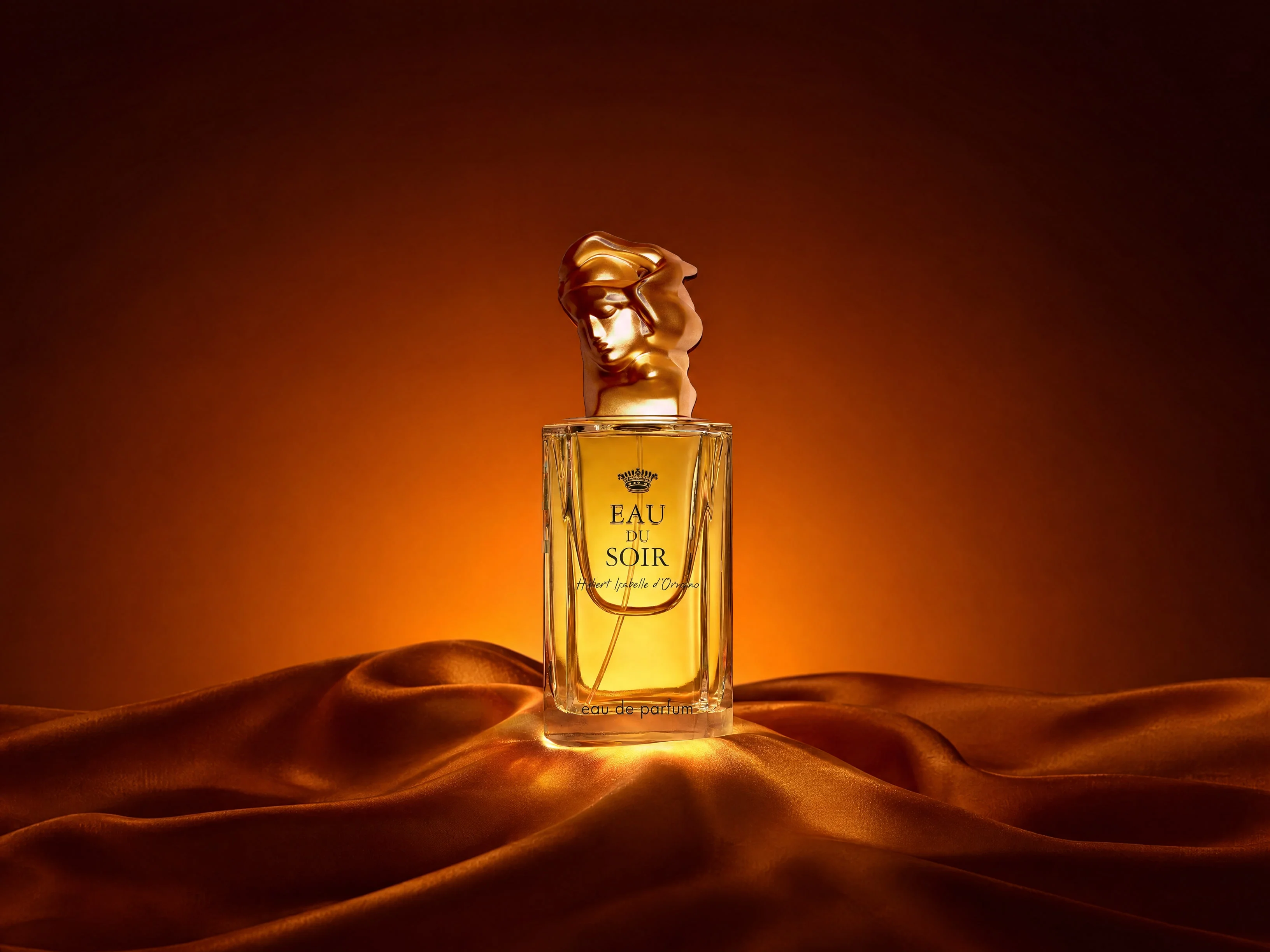
Fragrance and transparent glass
Compare the source packshot, generated draft and finished fragrance treatment, including the cap tone-matching and transferred lettering.
Let's shape what comes next
Bring the next product update into focus.
Talk with our team about personal-care imagery, current packaging and campaign placement workflows.