
Snowwear and jacket panels
Explore eight children's snowwear colorways, separate jacket-panel edits, three inspection comparisons, snowy scene composites and clearly identified prepared casting concepts.
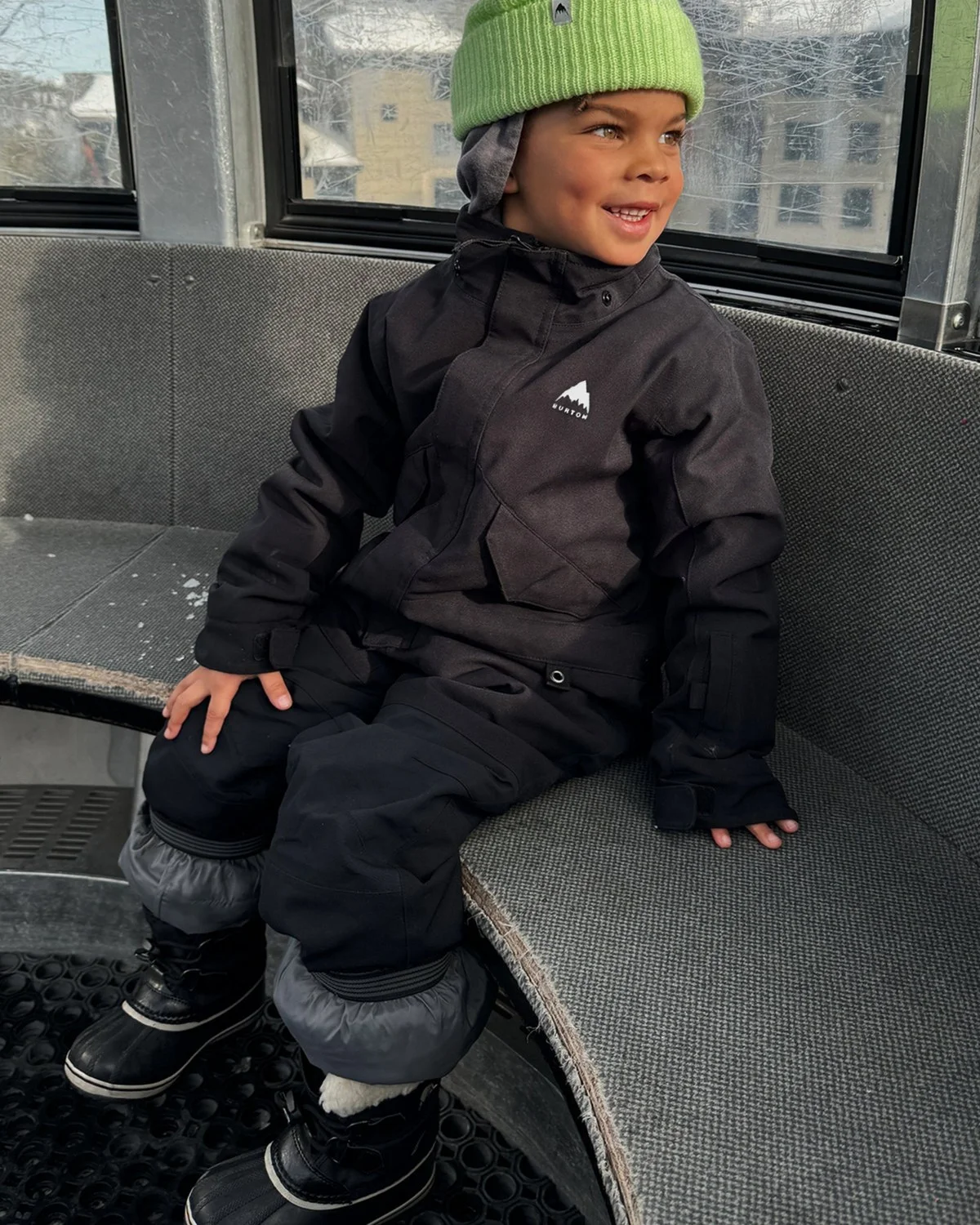
Kids’ snowwear
Eight colorways within one family photograph.
The original black one-piece becomes seven more solid, panel, and print treatments in the same gondola moment. The product references guide the hood, collar, shoulders, and suit panels as each colorway is reviewed.
Explore the versions
Black source
Original customer photograph.
Product colorway reference · Black source
Product colorway reference · Black and golden yellow
Product colorway reference · Purple circle print
Product colorway reference · Blue illustrated print
Product colorway reference · Multicolor crumple print
Product colorway reference · Forest and blue panels
Product colorway reference · Teal and lilac panels
Product colorway reference · Paint-stripe print
Technical outerwear
Treat the body and yoke as separate decisions.
A two-tone jacket needs more than a global color shift. Separate body and yoke edit areas guide three color treatments, with actual product photography available beside each adaptation for comparison.
Starting photographs and product references
Original jacket photograph
Catalog comparison · Original rose and brown
Catalog comparison · Additional olive catalog color
Explore the versions
Taupe green
Separate garment-panel edit areas guide the body and yoke.
Existing color reference · Taupe green
Existing color reference · Navy
Existing color reference · Black
- The catalog photographs include the source color and an additional olive color for comparison. The selector shows the three prepared panel adaptations.
Panel edit inspection
Black: inspect the edit area.
Compare the adapted jacket with its original photograph, then show the edit-area map to inspect where the image changed. The supplied color photograph provides a separate visual reference for the panels.
Starting photographs and product references
Existing color reference · Black
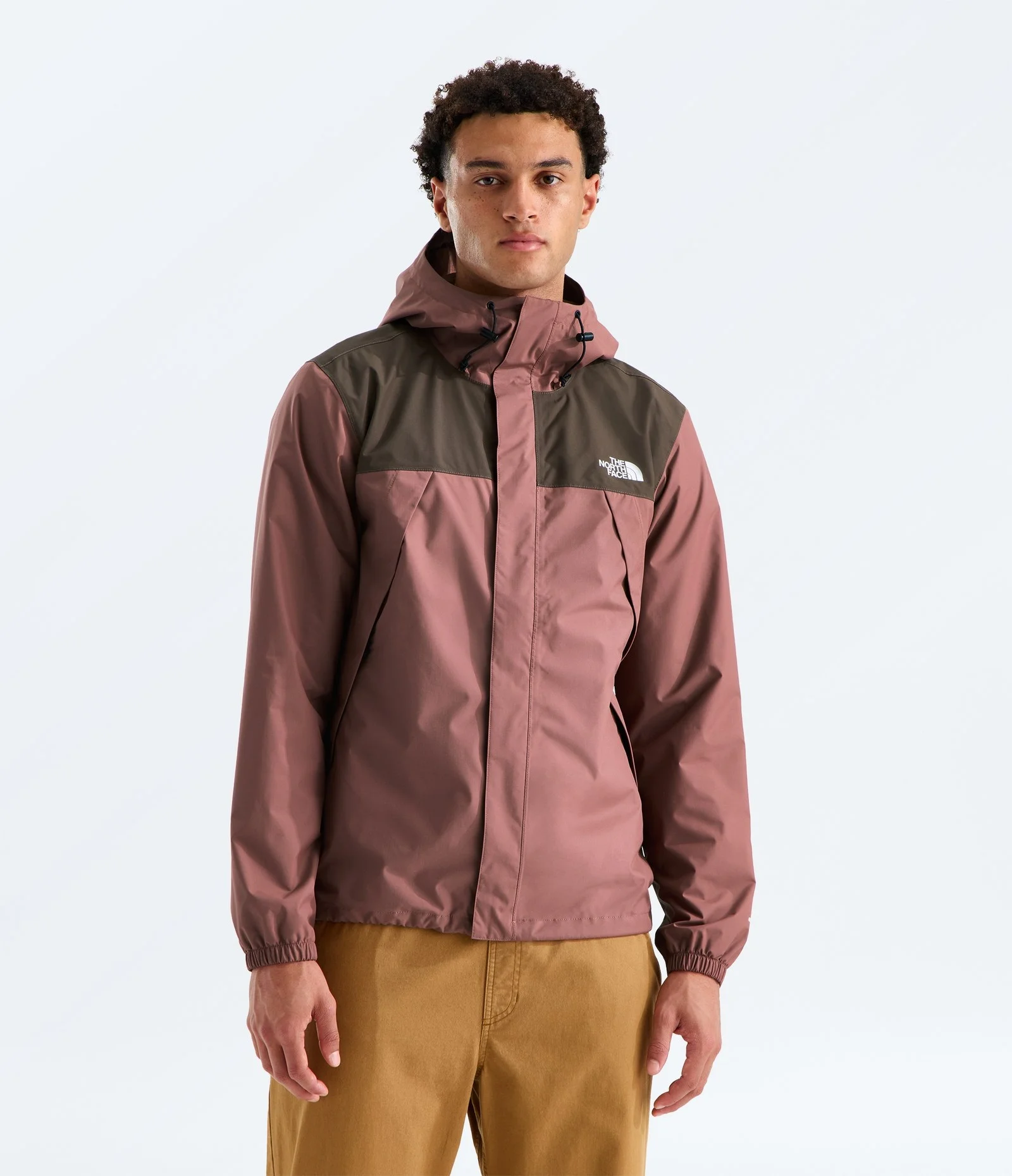
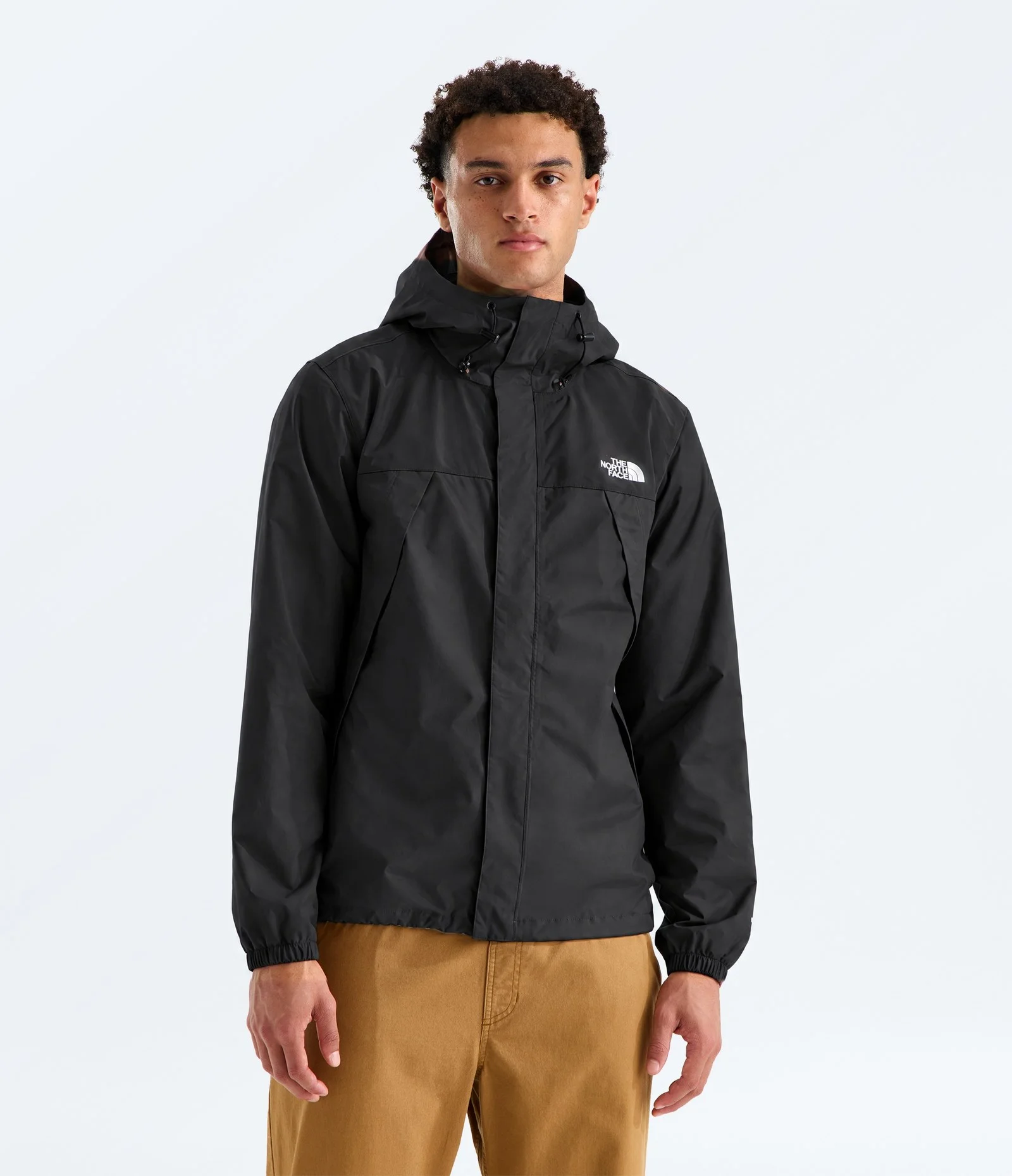
Panel edit-area map · Black
Drag the divider or use the arrow keys to compare.
Panel edit inspection
Navy: inspect the edit area.
Compare the adapted jacket with its original photograph, then show the edit-area map to inspect where the image changed. The supplied color photograph provides a separate visual reference for the panels.
Starting photographs and product references
Existing color reference · Navy
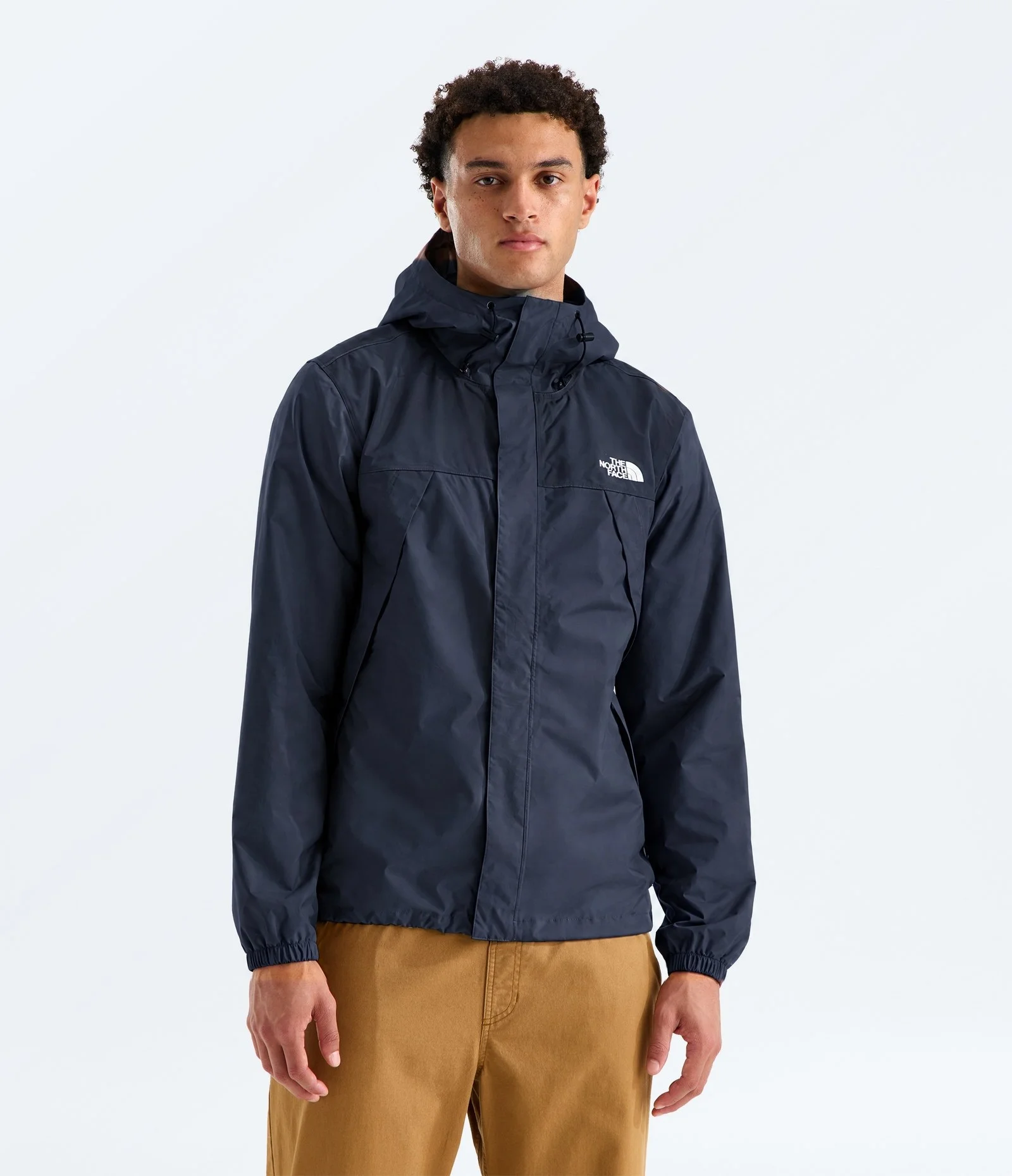
Panel edit-area map · Navy
Drag the divider or use the arrow keys to compare.
Panel edit inspection
Taupe green: inspect the edit area.
Compare the adapted jacket with its original photograph, then show the edit-area map to inspect where the image changed. The supplied color photograph provides a separate visual reference for the panels.
Starting photographs and product references
Existing color reference · Taupe green
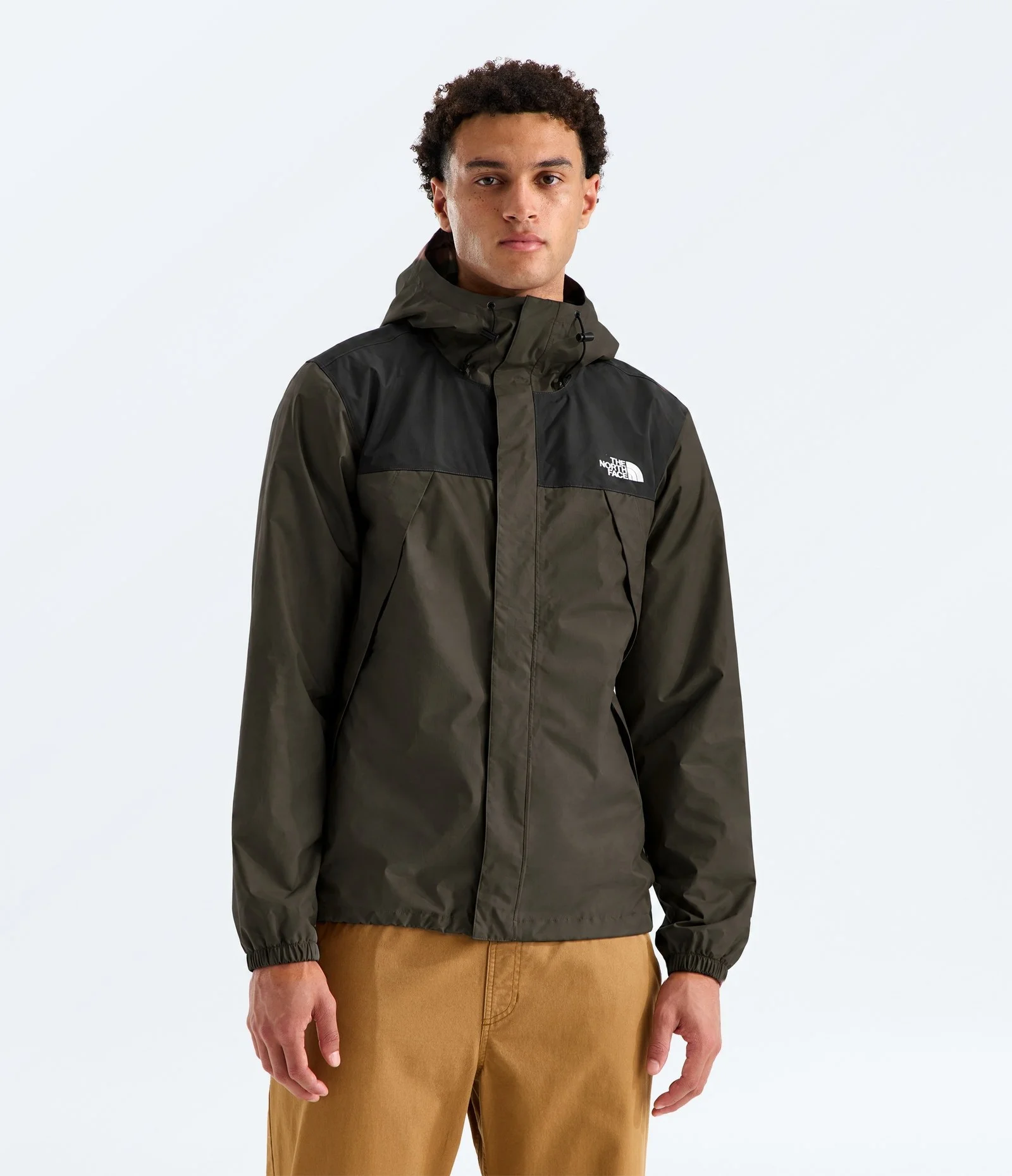
Panel edit-area map · Taupe green
Drag the divider or use the arrow keys to compare.
Outerwear campaign settings
Move the studio subject into a campaign landscape.
A snowy background plate provides a new setting for the original photographed subject and jacket. Compare the feed composite, square crop, and vertical extension; the vertical version adds sky and lower-scene content around the retained subject.
Starting photographs and product references
Original jacket photograph
Explore the versions
1:1
Square crop of the snowy composite.
Prepared model workflows
Explore different casting within the product setup.
The same source jacket photograph guides two fictional-model concepts. Switch between the original photograph and both prepared outcomes to review the face, fit presentation, jacket panels, and studio styling.
Starting photographs and product references
Original model photograph
Explore the versions
Model 1
Mixed-model image-editing workflow; inspect the jacket and styling against the original photograph.
- Prepared model concepts made with an additional image model. Compare the jacket panels, shape, and styling with the original photograph.
Keep exploring
Continue with another Apparel study.
Each one holds the full references, comparisons and interactive examples.
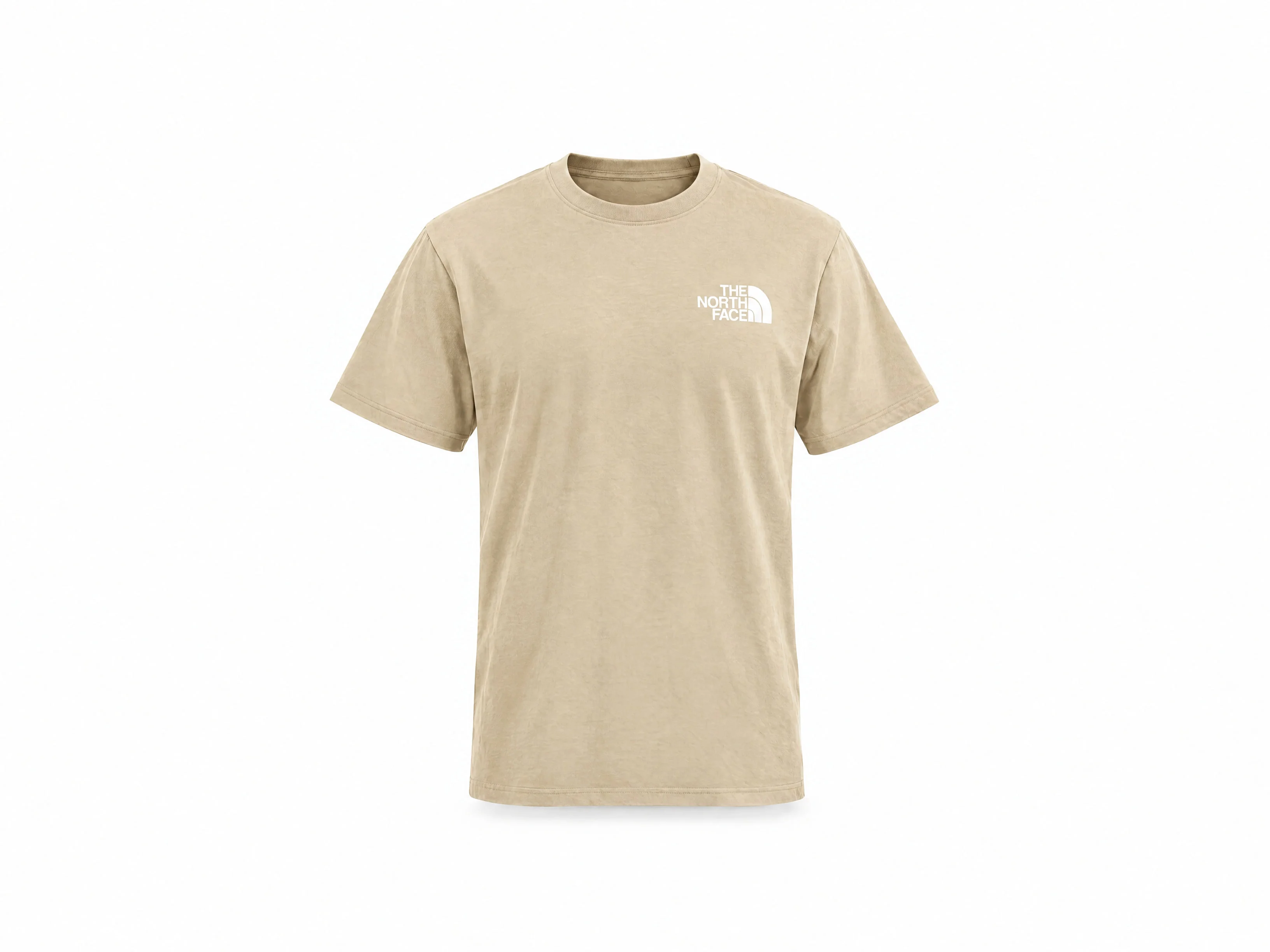
Garment forms and presentation
Follow front and rear tee photographs through product forms and prepared model concepts, then inspect the supplied fleece, knitted-top and trouser presentation references.
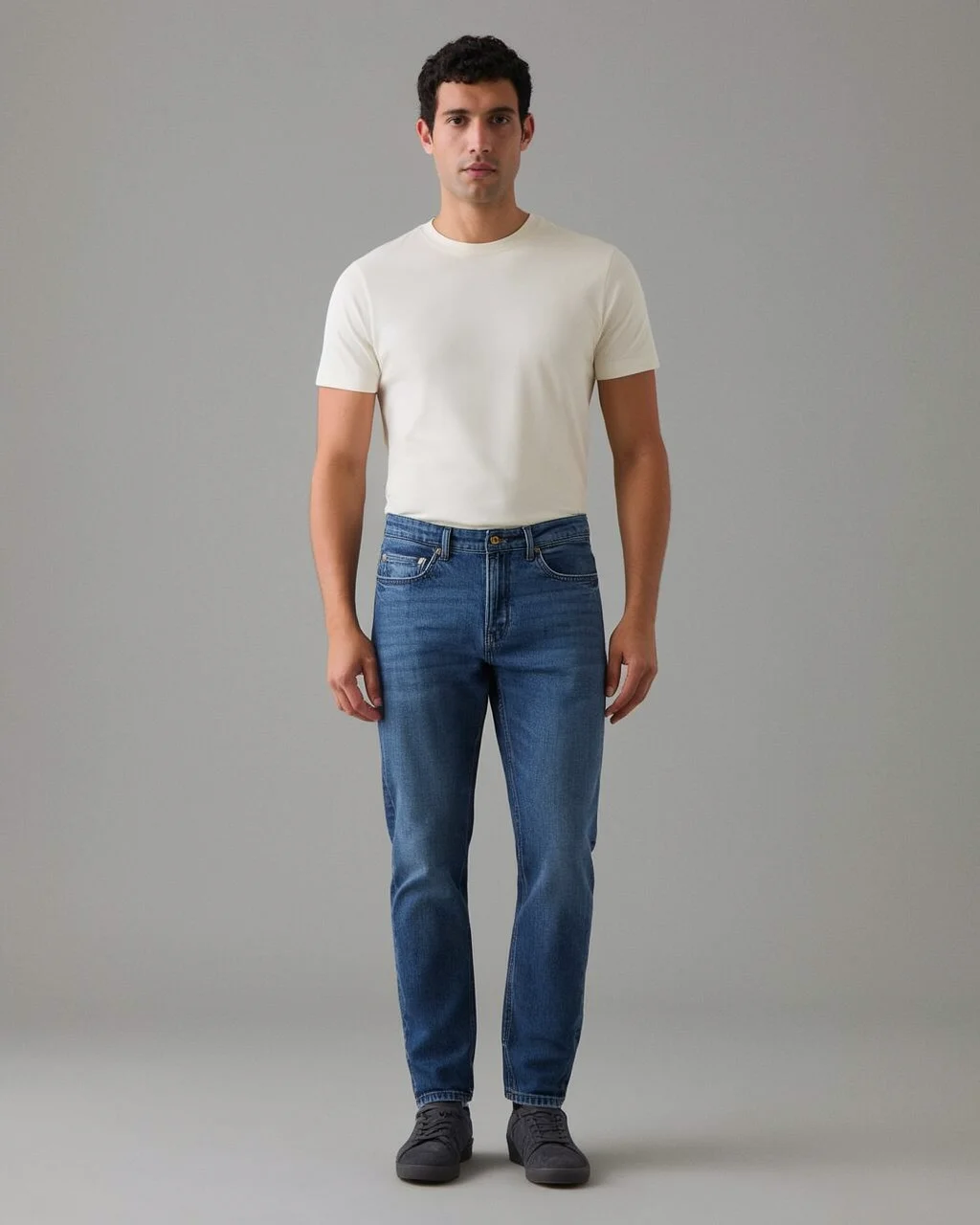
Menswear product views
Inspect construction references, front and rear concepts, controlled edits and each earlier/final denim comparison.
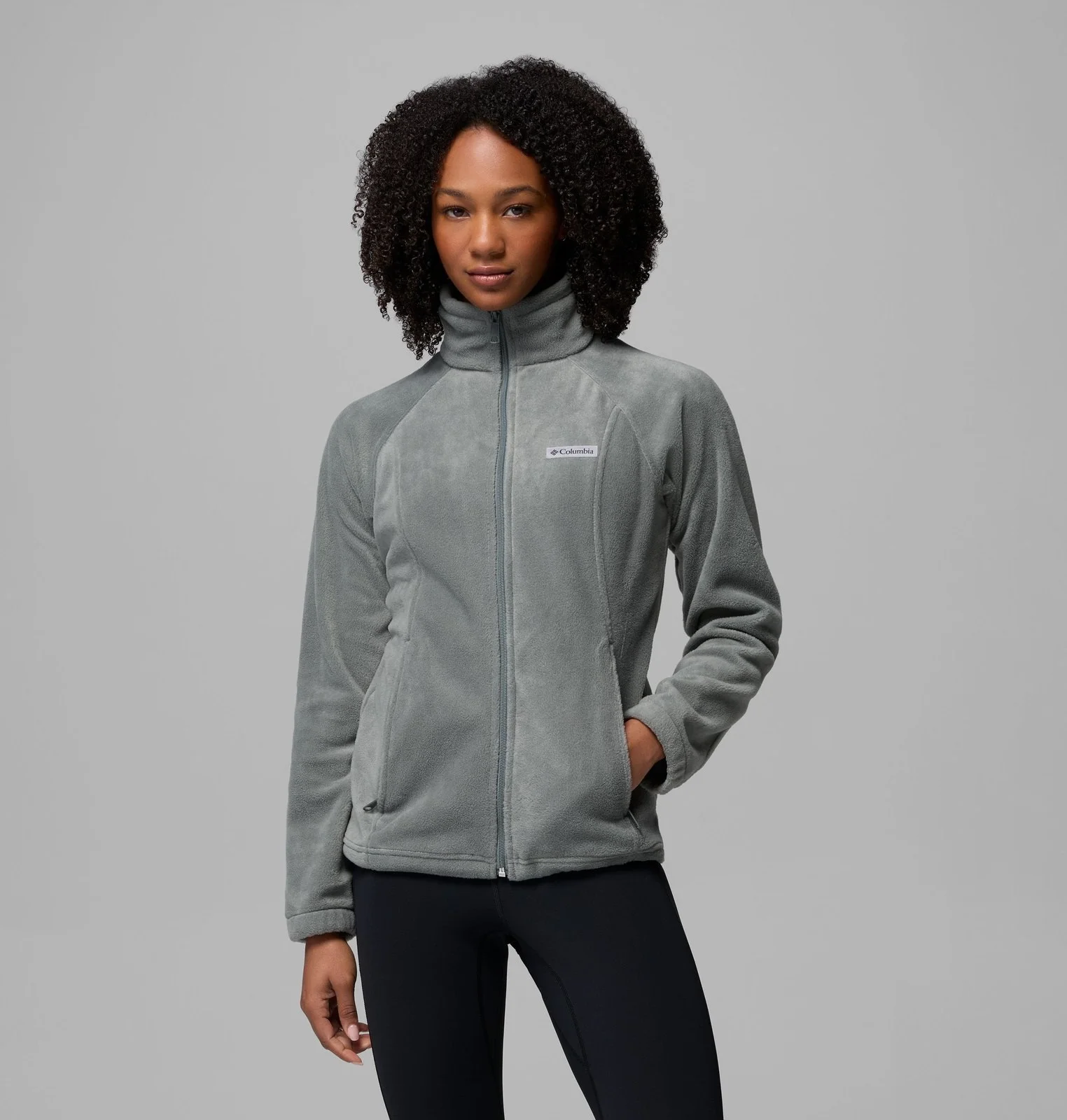
Garment colors and catalogs
Inspect every fleece model set, seven face-free source/result pairs, patch details, diagnostic maps, twenty product-only colors and the complete six-edit sequence.
Let's shape what comes next
Build the next product image set.
Talk with our team about apparel photography, garment variations and the views your catalog needs.