
Garment colors and catalogs
Inspect every fleece model set, seven face-free source/result pairs, patch details, diagnostic maps, twenty product-only colors and the complete six-edit sequence.
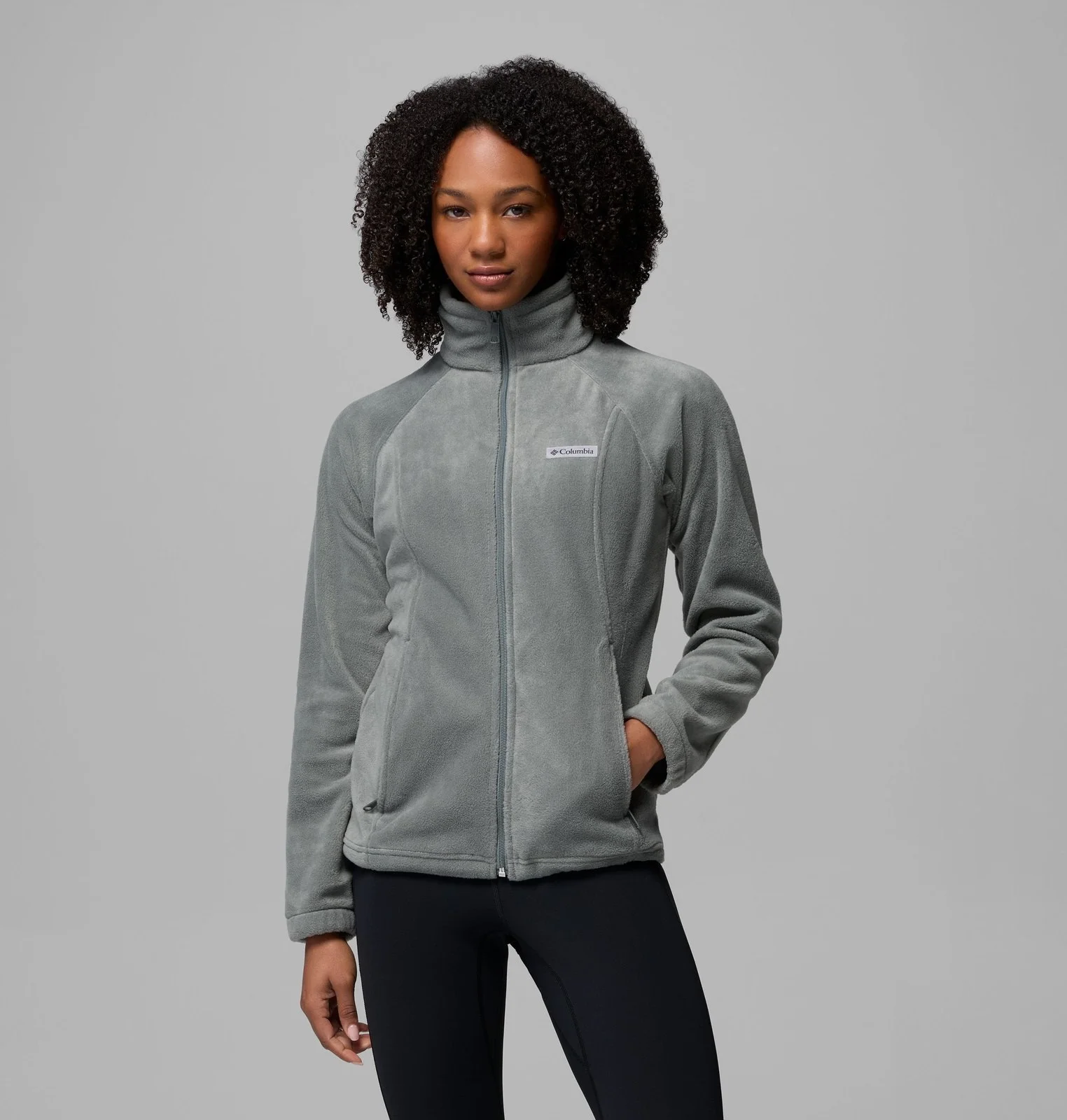
Fleece photography
Sage-source model: extend the color through the set.
Use this model’s existing fleece photographs to show the burgundy color within the same shoot. Compare the source and adapted versions across the supplied views. The older burgundy photographs are included as the product-color context.
Starting photographs and product references
Existing color photography · View 1
Existing color photography · View 2
Existing color photography · View 3
Explore the versions
Original photographs
Supplied model photography.
Alternative product framing
Give the garment a face-free presentation.
The same photograph can be cropped below the face to concentrate the presentation on the garment. Compare the five corresponding source and burgundy-adapted crops across the product views.
Explore the versions
Source crops
A crop of the corresponding supplied photograph.
Fleece photography
Blue-source model: extend the color through the set.
Use this model’s existing fleece photographs to show the burgundy color within the same shoot. Compare the source and adapted versions across the supplied views. This is a separate supplied model set, rather than another person generated from the first.
Explore the versions
Original photographs
Supplied model photography.
Fleece photography
Pink-source model: extend the color through the set.
Use this model’s existing fleece photographs to show the burgundy color within the same shoot. Compare the source and adapted versions across the supplied views. This is a separate supplied model set, rather than another person generated from the first.
Explore the versions
Original photographs
Supplied model photography.
Fleece colorways
Give another color the same studio treatment.
Start from one model photograph and develop blue and red fleece variations, guided by the existing product photography for each color. Switch colors to compare how the fabric and patch read within the same lighting and pose.
Starting photographs and product references
Original model photograph · Sage grey
Explore the versions
Deep blue
Color adaptation and finishing guided by the supplied product photograph.
Product color reference · Deep blue
Product color reference · Brick red
Garment detail inspection
Keep the small details in the color review.
Switch between the original patch and both adapted versions to inspect the lettering, edge, and contrast at close range alongside the complete garment images.
Explore the versions
Original patch
Actual close crop of this garment image.
Color review
Deep blue: inspect the changed area.
The diagnostic overlay marks the jacket region changed in this color adaptation. Compare it with the complete output and the supplied color photograph as part of creative review.
Starting photographs and product references
Original model photograph · Sage grey
Product color reference · Deep blue
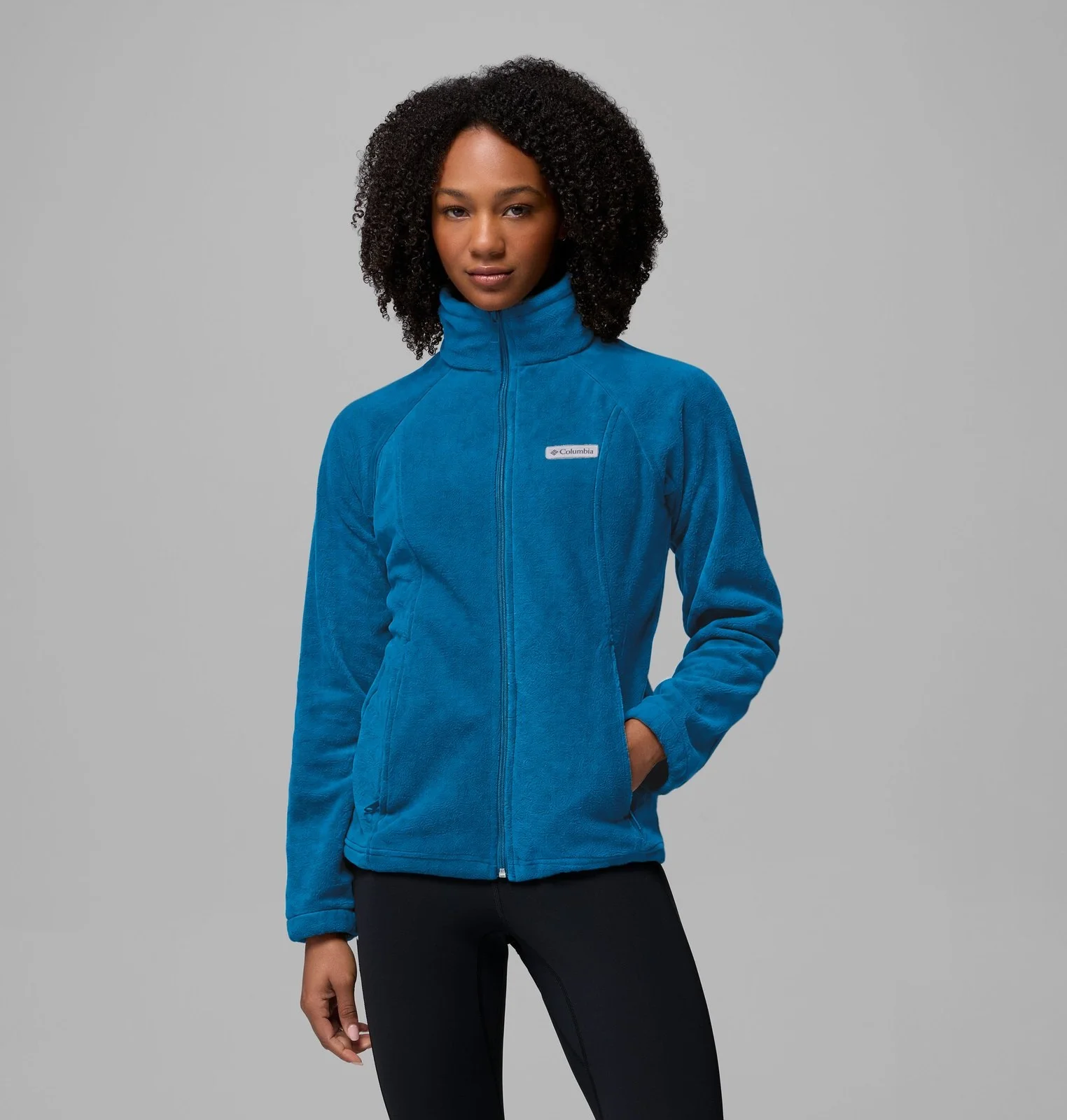
Diagnostic change map · Deep blue
Drag the divider or use the arrow keys to compare.
Color review
Brick red: inspect the changed area.
The diagnostic overlay marks the jacket region changed in this color adaptation. Compare it with the complete output and the supplied color photograph as part of creative review.
Starting photographs and product references
Original model photograph · Sage grey
Product color reference · Brick red
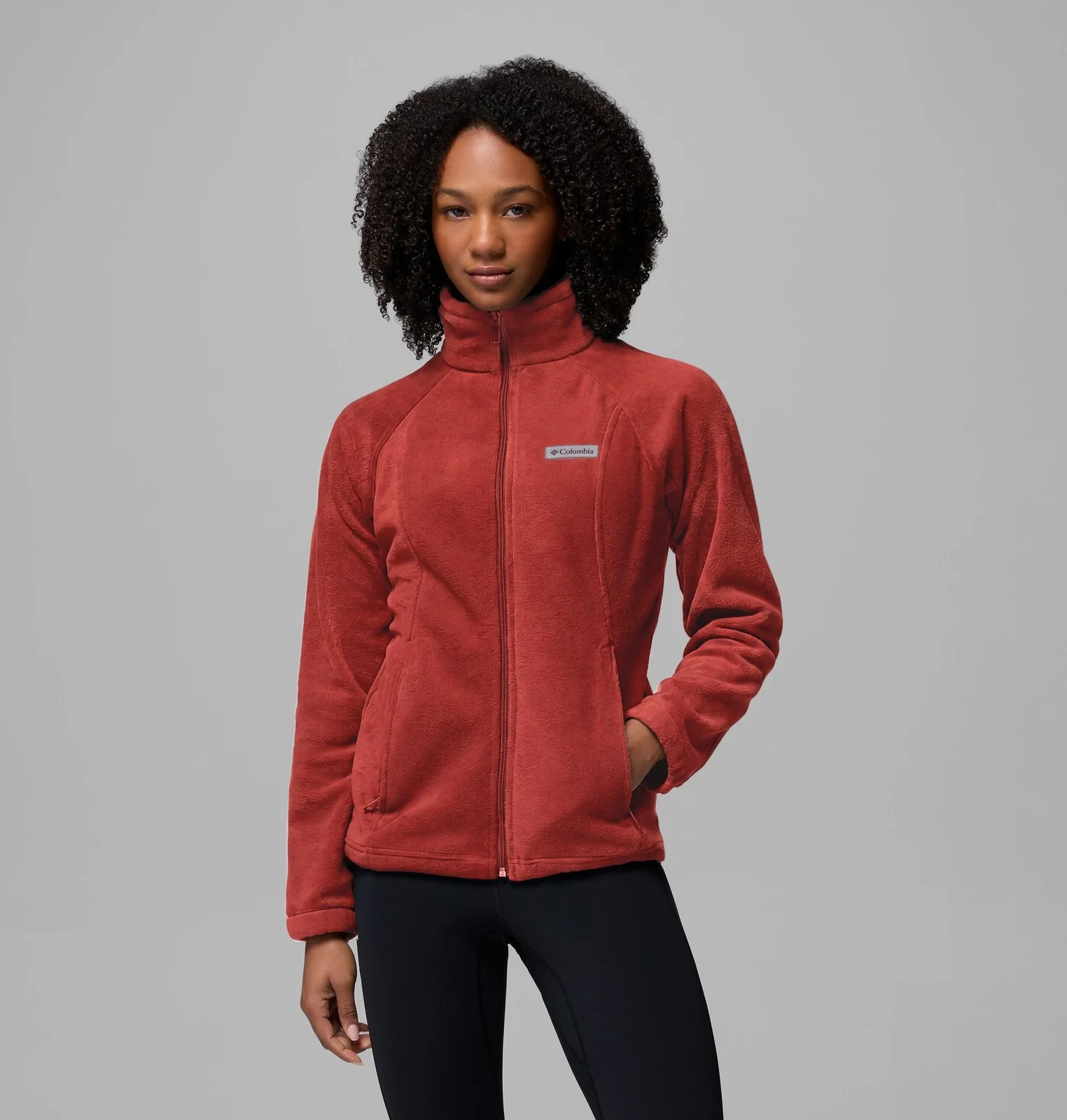
Diagnostic change map · Brick red
Drag the divider or use the arrow keys to compare.
Product-only catalogs
Twenty colors. No model in the product frame.
Five on-model photographs guide a product-only presentation for the full twenty-color fleece family. Each color gets a garment-led image on white, including the patch treatment associated with that color.
Starting photographs and product references
Source model photograph · 1
Source model photograph · 2
Source model photograph · 3
Source model photograph · 4
Source model photograph · 5
Explore the versions
Sedona Sage
Product-only presentation from supplied model photography.
Catalog revisions
Follow the color, patch, backdrop, and canvas.
An existing fleece photograph moves through six successive catalog edits. The requests cover garment color, patch contrast, a marketplace background, and a square canvas. The later recolors show a slightly embossed texture in this example, so the sequence is presented for inspection rather than as a texture-fidelity guarantee.
Successive edits to one image
Original sage-grey portrait
Keep exploring
Continue with another Apparel study.
Each one holds the full references, comparisons and interactive examples.
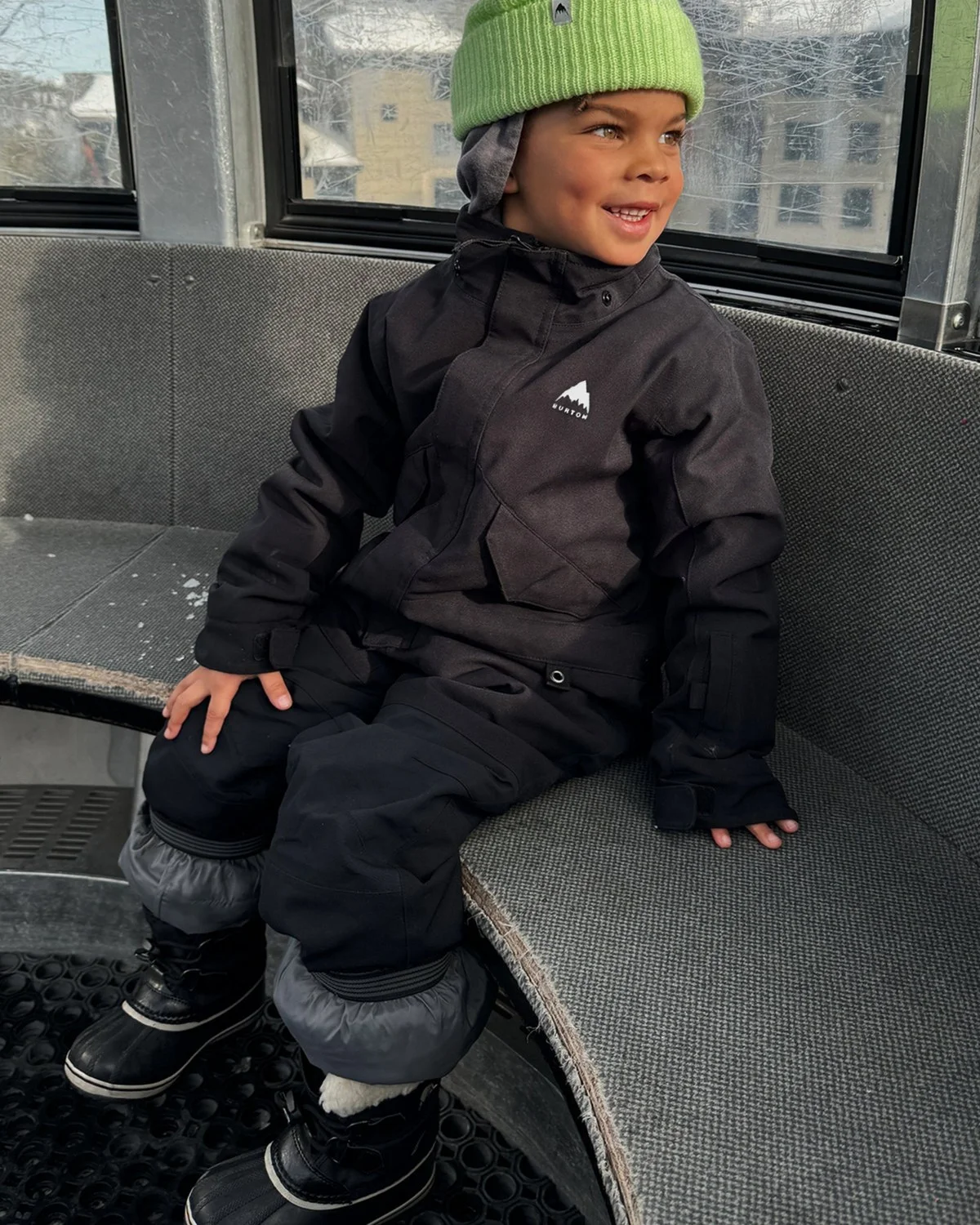
Snowwear and jacket panels
Explore eight children's snowwear colorways, separate jacket-panel edits, three inspection comparisons, snowy scene composites and clearly identified prepared casting concepts.
Garment forms and presentation
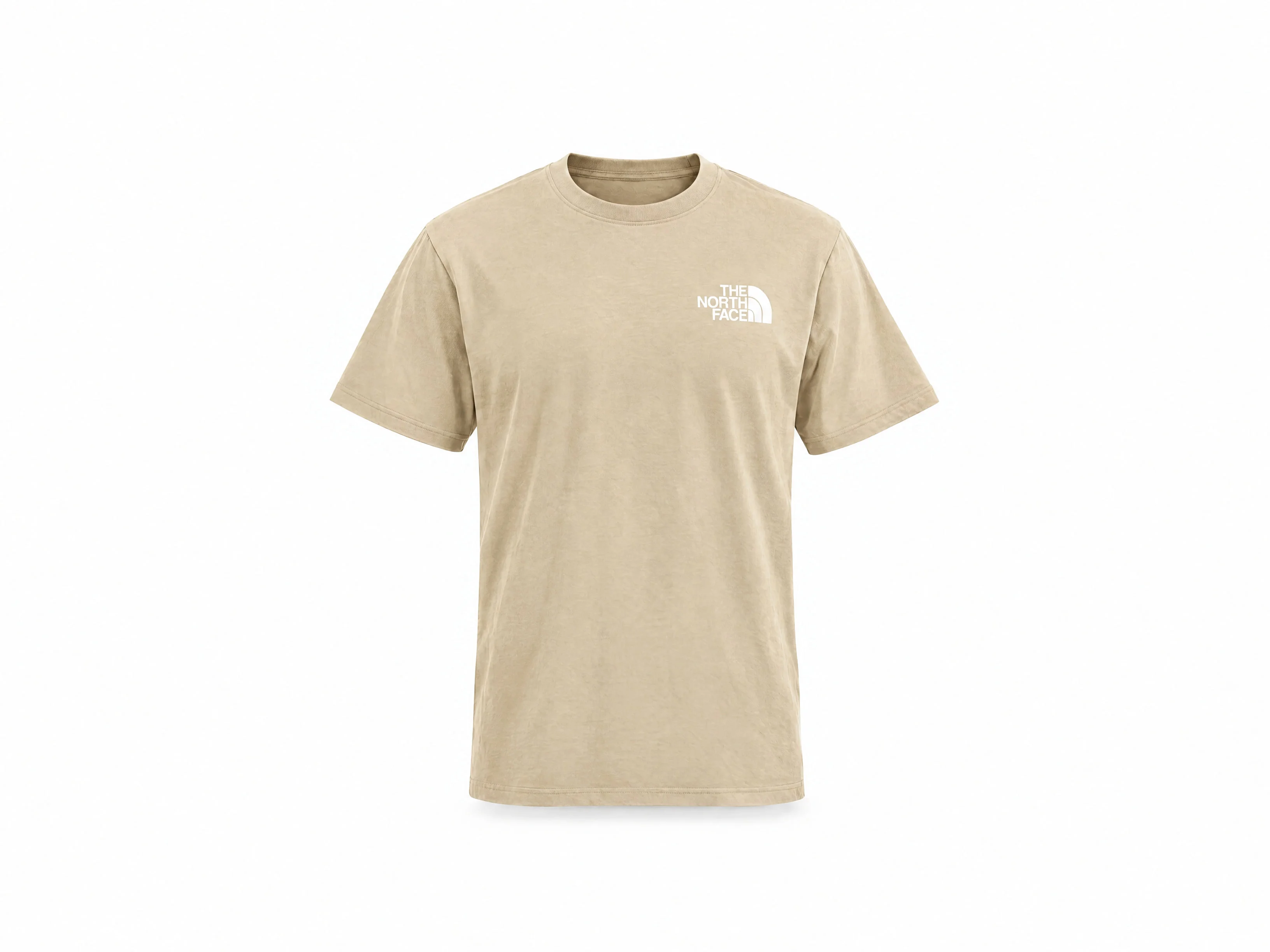
Follow front and rear tee photographs through product forms and prepared model concepts, then inspect the supplied fleece, knitted-top and trouser presentation references.
Menswear product views
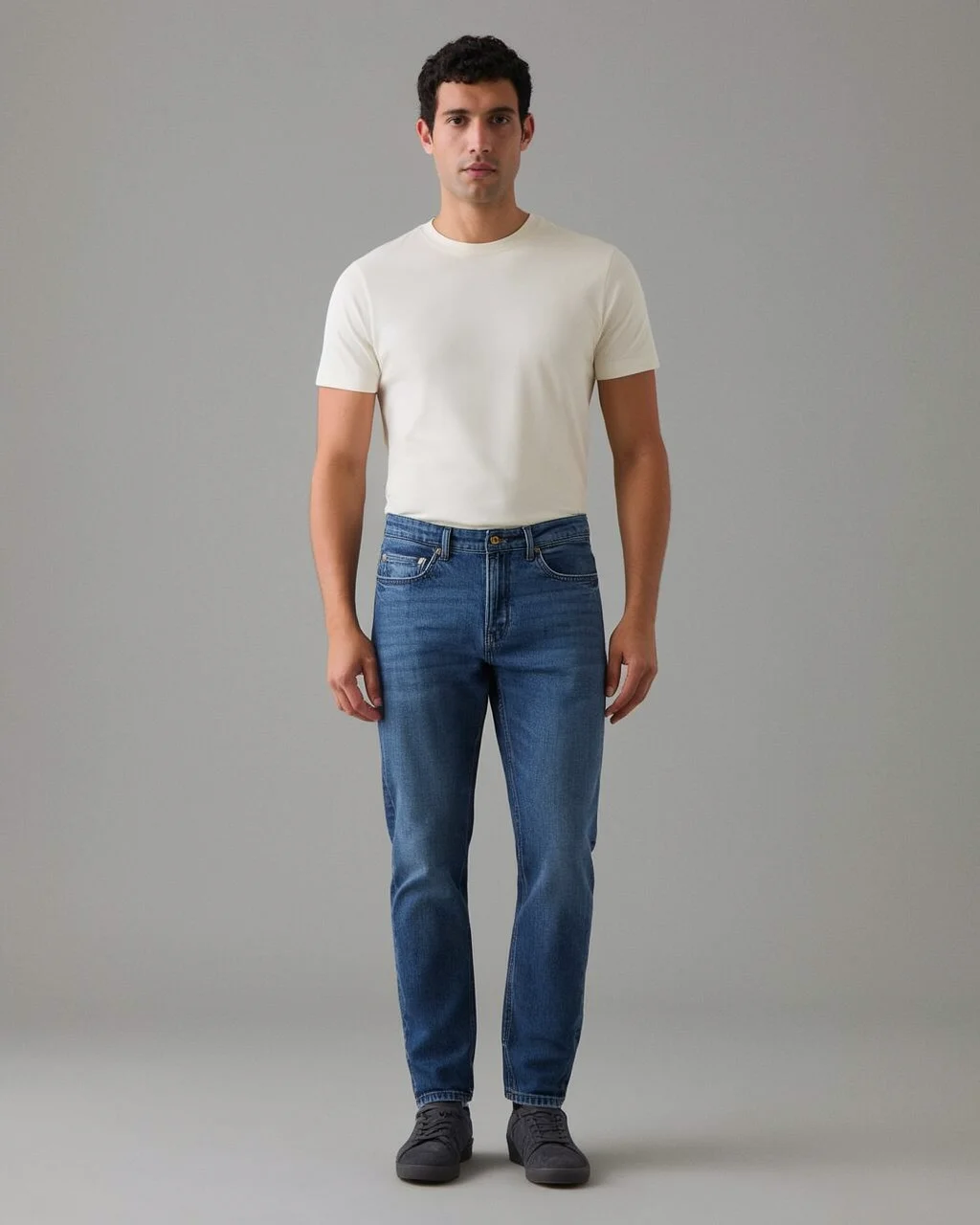
Inspect construction references, front and rear concepts, controlled edits and each earlier/final denim comparison.
Let's shape what comes next
Build the next product image set.
Talk with our team about apparel photography, garment variations and the views your catalog needs.