
Product artwork, editable layers and placements
Review the packaging-led campaign, explore the complete English, French and Spanish layer editor, and compare square, landscape and wide campaign adaptations.
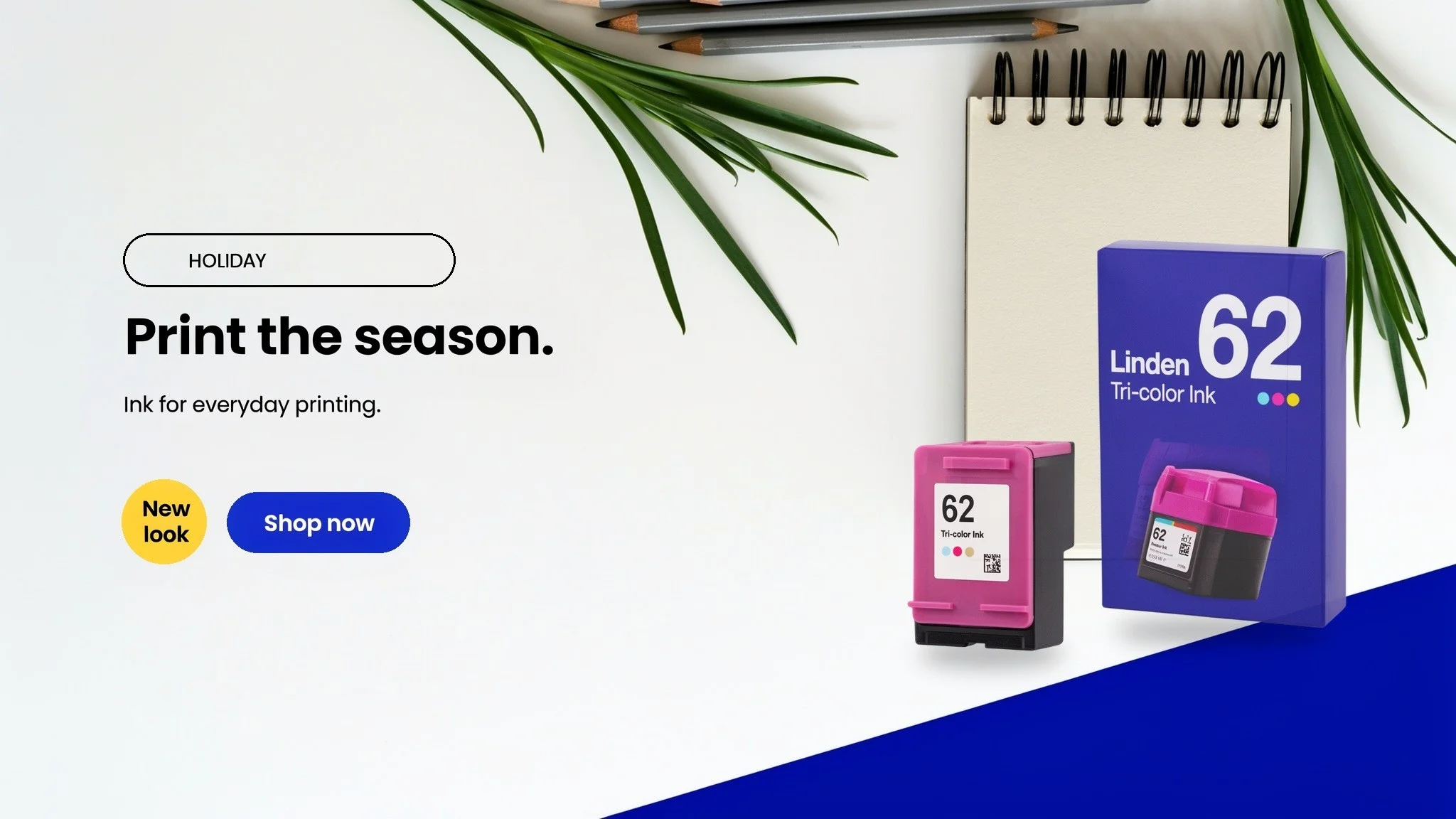
Packaging-led campaigns
Keep approved artwork part of the creative process.
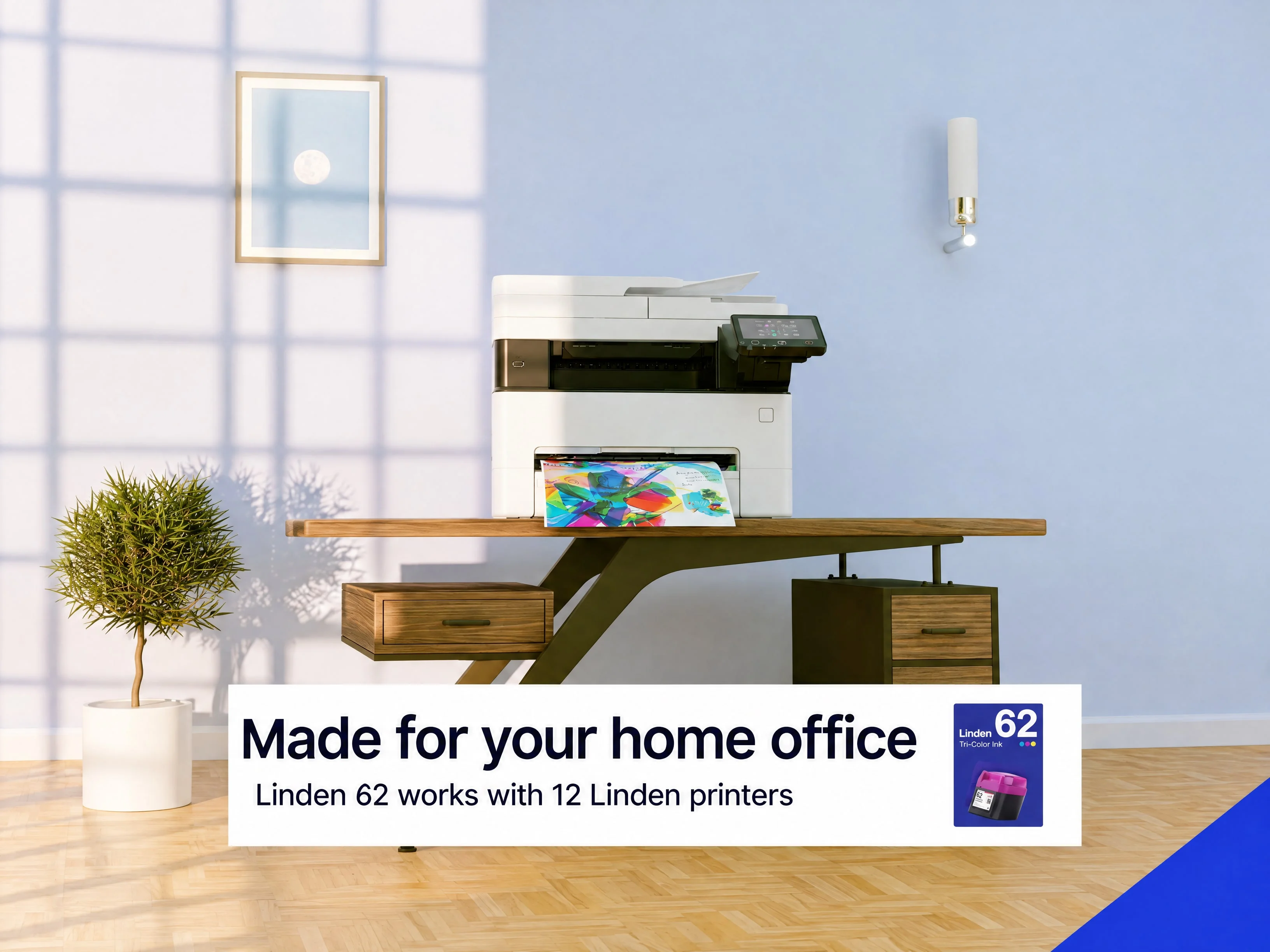
Clean packshots rendered from the packaging and cartridge photographs are placed on a prepared background, so the package lettering stays exact. The campaign copy is then set in the open space beside them.
Starting campaign and product references
Source · Packaging photograph
Reference · Cartridge photograph
Editable campaign layers
Open the banner back up into movable parts.
The background photograph, product box, cartridge, badge, label outline and campaign text are separate layers. Select an object to move it, change a line of sample copy, or explore English, French and Spanish treatments. The product layers are transparent packshots rendered from the packaging and cartridge photographs.



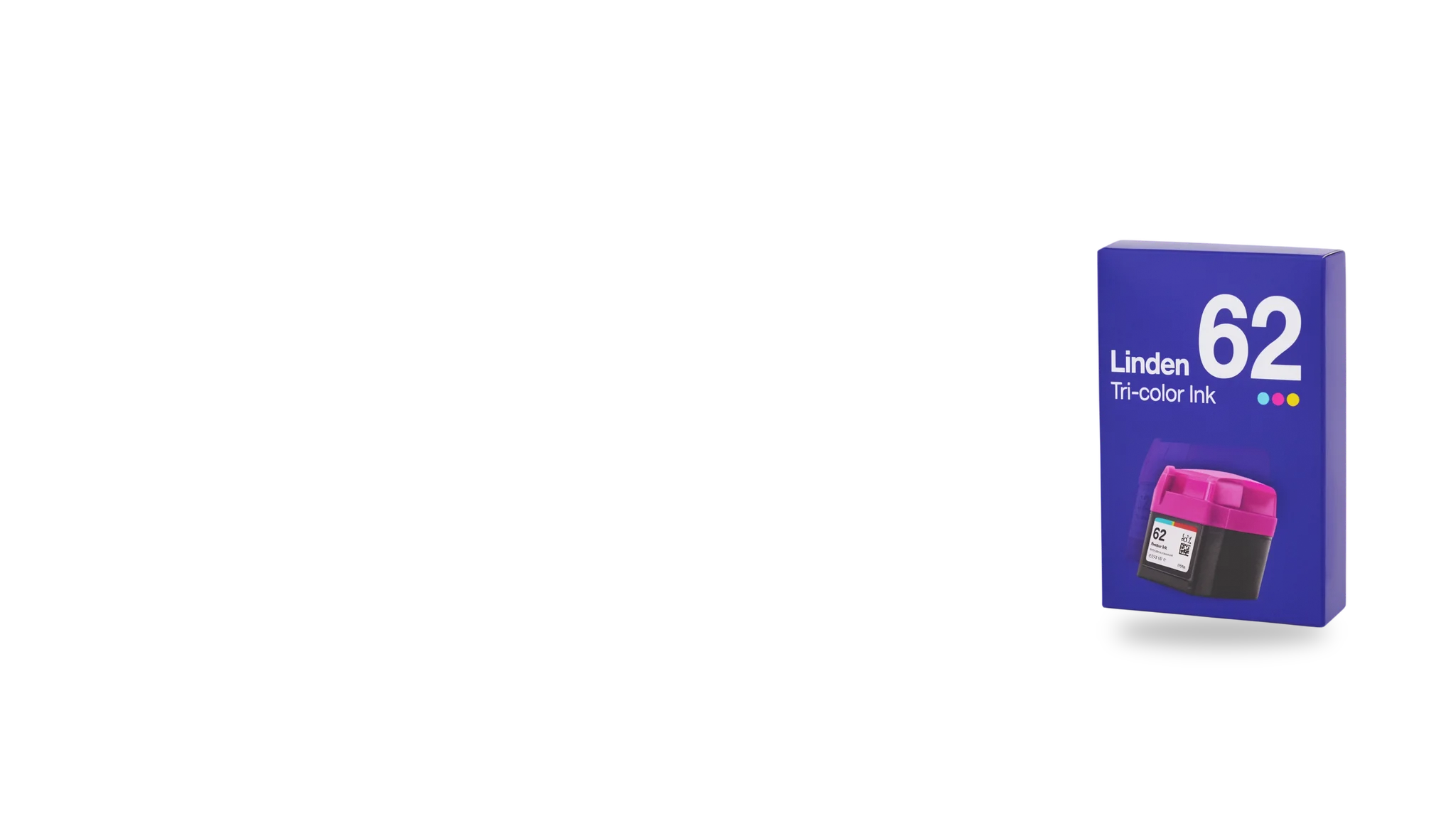
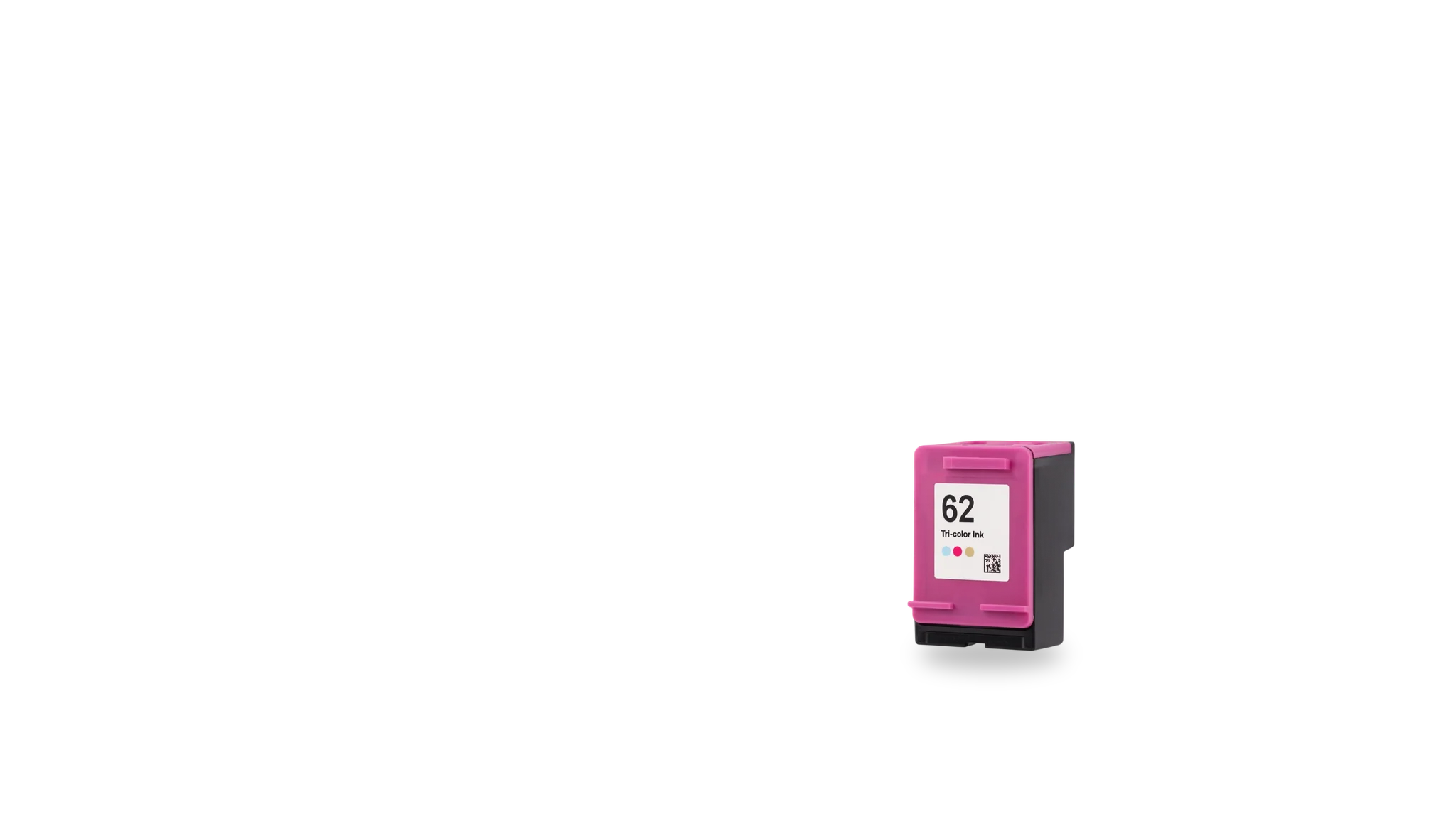
Select a layer to edit it. Drag it on the canvas, or use the position controls.
Explore the campaign layers
Changes here are a preview. Reset to return to the prepared campaign.
- Language choices demonstrate editable sample copy. They do not certify a market-ready translation or product claim.
Print-supply placements
Build a connected set for square, landscape, and wide placements.
Ad Resizer extends the same product-led direction into a square composition, a landscape campaign and a wide banner. Compare how the copy, the diagonal blue band and the product arrangement respond to each format.
Starting campaign and product references
Campaign concept · Product compositing
Adapted placement · Square
Adapted placement · 16:9
Adapted placement · 3:1
Keep exploring
Continue with another Office Supplies study.
It holds every reference, comparison and interactive example.
Let's shape what comes next
Make the next product story clear.
Talk with our team about office supply listings, product artwork and editable campaign workflows.