
Ideogram vs Midjourney: how they differ and which fits your work
Ideogram and Midjourney are both AI image generators, and they are built for different jobs. Ideogram is built for design work that has to be exact: readable text inside the image, edits designed to leave the rest of the picture as it was, SVG files, and a public API priced per image. Midjourney is built around aesthetics and style control, with style codes, moodboards and personalization profiles, and it is sold as a subscription on its website and in Discord.
Every statement about Midjourney below restates Midjourney’s own documentation, and every statement about Ideogram restates an Ideogram page. All of it was checked on November 16, 2026.
Ideogram publishes this post, so use the test at the end to decide with your own prompts.
Overview : Ideogram vs Midjourney at a glance
| Attribute | Ideogram | Midjourney |
|---|---|---|
| Latest model | Ideogram 4.5 | V8.2, the default since July 24, 2026 |
| Lowest price | Free plan with weekly credits, then Plus at $20 a month | Basic at $10 a month, with no free trial on the website or in Discord |
| Pay per image, no plan | Yes, at 1 cent per credit or from $0.03 an image through the API | No, all plans are subscriptions |
| Public API | Yes, prepaid and billed per image | No, with “a few rare exceptions that are explicitly granted” |
| Private images | Pay-as-you-go credits and every paid plan | Stealth Mode, on Pro ($60) and Mega ($120) |
| Where you use it | Web app, iOS app, API and MCP server | midjourney.com and Discord |
Overview : How do Ideogram and Midjourney compare side by side?
Ideogram and Midjourney both generate, edit and upscale images, and they differ most on text, vector output, API access and style tooling. A cell says so where Midjourney’s documentation is silent.
| Attribute | Ideogram | Midjourney |
|---|---|---|
| Models | Ideogram 4.5, 4.0 (open weights), 3.0 and Vector | V8.2 by default, earlier versions by setting, and Niji 7 for anime styles |
| Text in images | States 95% text rendering accuracy, with no test method published | Words go inside double quotation marks; no accuracy figure published |
| Editing | Precise Edit with a mask and an instruction, plus Studio and Object Remover | Edit Model with written instructions, plus an Editor with erase, smart select and layers |
| Styles | 62 presets and up to 10 style reference images on Ideogram 3.0; custom models | Style references and codes, Style Explorer, Style Creator, Moodboards and Personalization |
| Largest output | 2K from the model; upscale up to 8,192 × 8,192 | 2048 × 2048 at 1:1; an HD image “cannot be upscaled further” |
| Widest aspect ratio | 3:1 on Ideogram 4.0 | 14:1, or 4:1 for HD |
| Vector (SVG) | Ideogram Vector, from a prompt or an image | Not stated in Midjourney’s documentation |
| Transparent background | A setting on Ideogram 4.5, plus Background Remover | The Editor can download “a transparent PNG of the areas you erased” |
Checked on November 16, 2026 against the Midjourney documentation and the Ideogram pages linked below.
Comparison : Is Ideogram better than Midjourney for text in images?
Ideogram’s documentation covers longer text than Midjourney’s does. Ideogram’s text rendering page says it handles multi-word headlines, paragraphs and body copy, and Midjourney’s text guide says shorter words or phrases have a better chance of appearing correctly.
Ideogram also publishes a number: its text rendering page states 95% text rendering accuracy. The page does not describe the test behind that figure, so treat it as Ideogram’s claim and check it against your own copy.
Both companies say text works best in the Latin alphabet, and Ideogram adds that English comes out most accurately.
They differ on how you fix a wrong word. Midjourney’s guide suggests Raw mode or a lower Stylize value, then its Editor for minor glitches. In Ideogram, editable text layers turn detected lettering into text you can retype, as the guide to fixing a misspelled word shows.
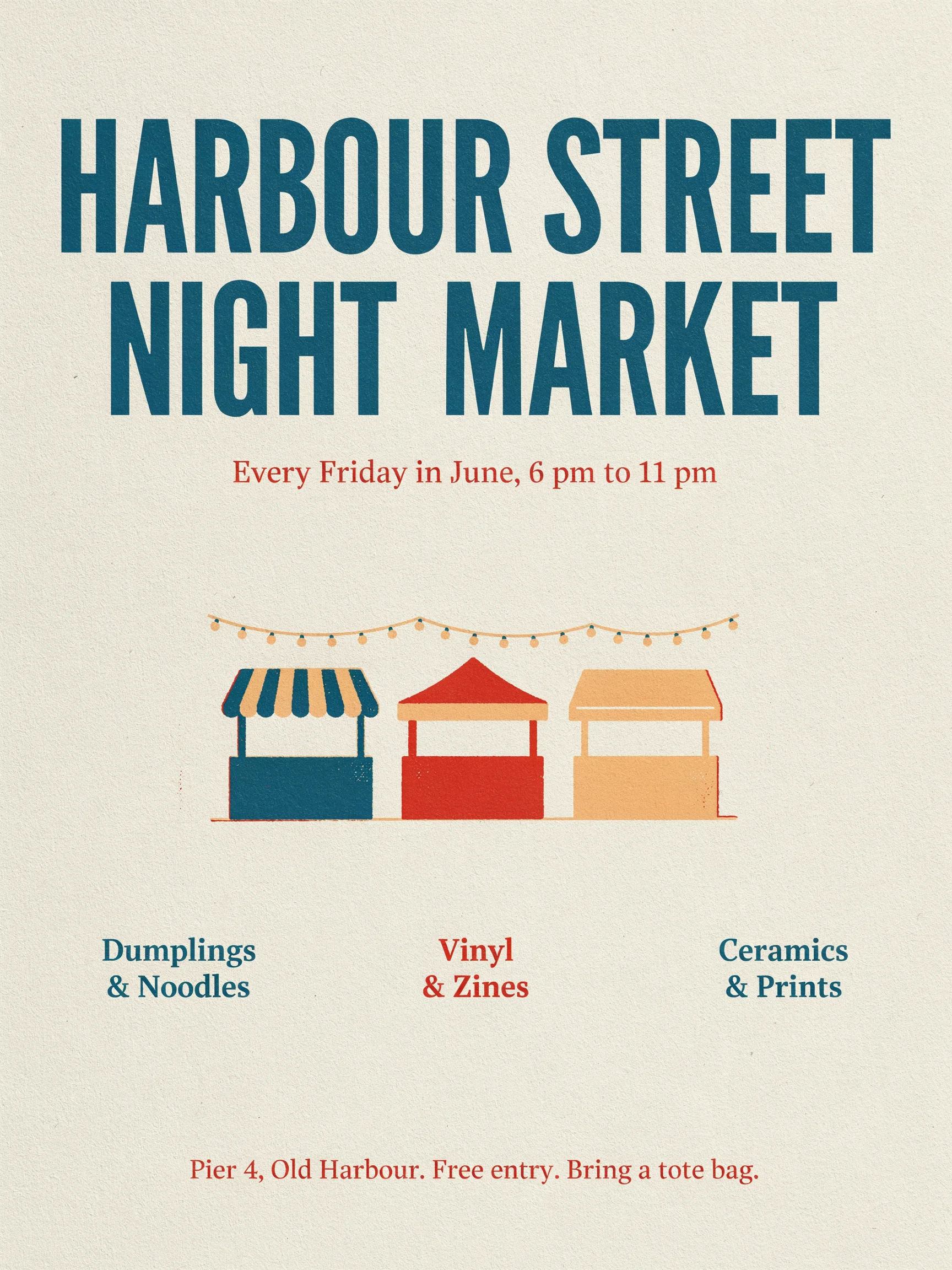
One poster is an example, not a rate, so proofread every word from either tool.
Comparison : How does editing after generation differ?
Ideogram and Midjourney both edit an image from a mask or a written instruction, and their documentation differs on what comes back. Ideogram’s Precise Edit returns the whole image at its original width and height. Midjourney’s version guide says inpainting or outpainting an HD image returns an SD result, which you can upscale back to HD.
In Precise Edit, the mask marks the pixels that may change, and the area outside the edit window is designed to come back as you sent it. Ideogram still tells you to compare the result with the original.
Midjourney’s Edit Model changes an image from a written instruction and accepts up to four reference images. Its Editor adds Erase and Restore brushes, Smart Select, layers, pan and zoom out, and it accepts images you upload.
Comparison : Which keeps characters and styles more consistent?
Ideogram and Midjourney both keep a character consistent from reference images, and Midjourney documents more ways to develop and reuse a style.
For characters, Ideogram 4.5 takes one to five reference images, and Midjourney’s Edit Model takes up to four. Check each result against your references in either tool.
For styles, Midjourney has the longer list. A Style Reference applies the look of an image, and a numeric style code applies a look from Midjourney’s style library. Moodboards and Personalization profiles learn a look from images you choose.
Ideogram’s style controls are 62 presets, up to 10 style reference images and color palettes on Ideogram 3.0. For a look you will reuse, you can train a custom model on 15 to 100 of your own images. Ideogram’s pages describe no equivalent of a personalization profile or of a style library you can browse. If developing a look is the center of your work, that is a reason to choose Midjourney.
Comparison : What do Ideogram and Midjourney cost, and what do you get?
Midjourney starts at $10 a month and Ideogram’s first paid plan is $20 a month. Ideogram also has a free plan and pay-as-you-go credits, and Midjourney’s documentation says all of its plans are subscriptions.
| Plan | Monthly billing | Yearly billing, per month | What it includes |
|---|---|---|---|
| Midjourney Basic | $10 | $8 | 200 minutes of Fast GPU time |
| Midjourney Standard | $30 | $24 | 15 hours of Fast GPU time and unlimited Relax images |
| Midjourney Pro | $60 | $48 | 30 hours of Fast GPU time, unlimited Relax images and Stealth Mode |
| Midjourney Mega | $120 | $96 | 60 hours of Fast GPU time, unlimited Relax images and Stealth Mode |
| Ideogram Free | $0 | $0 | Weekly credits for Google, Apple or Microsoft sign-ins; images are public |
| Ideogram Plus | $20 | $15 | 2,400 priority credits, unlimited slow credits and private generation |
| Ideogram Pro | $60 | $42 | 7,500 priority credits and batch generation |
| Ideogram Team | $30 per user | $20 per user | 3,600 priority credits per user and central billing |
Prices are in US dollars, from Comparing Midjourney Plans and the Ideogram pricing page. Checked on November 16, 2026.
To compare the entry plans, note that Midjourney puts an SD prompt at about 0.8 minutes of GPU time, and each prompt returns four images. Basic’s 200 minutes is therefore about 250 prompts, or about 1,000 images at 1024 × 1024. Ideogram 4.5 uses 6 credits per image at Medium quality, so the 2,400 priority credits on Plus are 400 images at up to 2K.
On that arithmetic, Midjourney’s Basic plan yields more fast images per dollar. Ideogram’s Plus plan adds slow-queue generation and private images, which Midjourney places on Standard and Pro.
If you want to pay per image with no membership, Ideogram sells credits at 1 cent each. Midjourney’s extra Fast time costs $4 an hour and needs an active subscription.
Comparison : Does Midjourney have an API, and how does Ideogram’s work?
Midjourney’s Community Guidelines say that, with a few rare exceptions that are explicitly granted, “Midjourney does not provide an API”. Ideogram has a public API that is prepaid and billed per image, with no subscription.
Midjourney’s Terms of Service add that “You may not use automated tools to access, interact with, or generate Assets” through its services.
Through the Ideogram API, an image from Ideogram 4.5 costs $0.03 at Low quality, $0.06 at Medium and $0.10 at High. A free account can create a key, and requests need a payment method and credits. The API pricing guide lists every rate.
The Ideogram MCP server lets an AI assistant work in your Ideogram account, and the Ideogram 4.0 weights can run on your own hardware under the terms on the licensing page. Ideogram’s Terms of Service also bar automated access to the app itself, so automation belongs on the API.
Comparison : How do privacy and commercial terms compare?
Ideogram and Midjourney both publish your images by default on their lowest tier. They differ on which plan makes images private and which plan a company needs.
- Privacy on Midjourney. Midjourney describes itself as an “open-by-default community”, and every image can appear on its Explore page. Stealth Mode is available on the Pro and Mega plans.
- Privacy on Ideogram. Images made on the free plan are public. On pay-as-you-go credits and every paid plan, new images stay private until you publish them.
- Commercial use on Midjourney. The Terms of Service say you own the assets you create. A company, or an employee of a company, with “more than $1,000,000 USD a year in revenue” must subscribe to Pro or Mega to own its assets.
- Commercial use on Ideogram. The Ideogram Terms of Service say Ideogram does not claim ownership of your outputs and does not restrict commercial use of them. They state no revenue threshold.
Both sets of terms also give the company a license to your content, and both companies restrict adult content and graphic violence, in Midjourney’s Community Guidelines and Ideogram’s Usage Policy. This section summarizes published terms and is not legal advice.
Comparison : Which output formats does each produce?
Ideogram produces pixel images of up to 8,192 × 8,192 after upscaling, SVG vector files and transparent PNGs. Midjourney’s documentation describes pixel images of up to 2048 × 2048 at 1:1, and video, and it describes no SVG output.
- Resolution. Midjourney V8.2 makes SD images at 1024 × 1024 and HD images at 2048 × 2048, and its upscaling guide points to third-party tools for anything larger. Ideogram Upscale enlarges an image 2x, 4x or 8x on paid plans or with purchased credits.
- Vector. Ideogram Vector returns an SVG made of shapes you can recolor, with lettering as outlined shapes.
- Transparency. Ideogram 4.5 has a transparent background setting, and Background Remover returns a transparent PNG.
Choosing : Which should you choose for which job?
The choice between Ideogram and Midjourney depends on the job. Ideogram’s documented capabilities match work where the text, the product or the file format has to be exact, and Midjourney’s match work where the look is the point.
| Job | Documented fit | Why |
|---|---|---|
| Text-heavy design: posters, packaging, logos, ads | Ideogram | Covers headlines, paragraphs and body copy, with editable text layers and SVG output |
| Art-directed illustration and concept art | Midjourney | Style codes, Style Explorer, Moodboards, Personalization profiles and Niji models for anime styles |
| Product and ecommerce imagery | Ideogram | Precise Edit returns the image at its original size, and images are private on every paid plan |
| Brand and campaign systems | Depends on the asset | Ideogram for exact copy and a custom model; Midjourney for a mood you reuse through codes and moodboards |
| Developers building image features | Ideogram | A public API billed per image, an MCP server and open weights |
| Teams and enterprise | Ideogram | A Team plan with central billing and SSO on Enterprise; Midjourney’s documentation says it offers no seat management or SSO |
| Hobby and exploration | Either | Midjourney has its Explore page and Discord community; Ideogram has a free plan |
Choosing : How do you run your own fair test?
A fair test of Ideogram against Midjourney uses the same prompts, the same number of attempts and full-size judging in both tools. A test run by either vendor is not independent, so run this one yourself.
- Write the prompts before you open either tool, and put exact words in double quotation marks, which Midjourney’s text guide requires.
- Use each tool’s current model, V8.2 and Ideogram 4.5.
- Run each prompt on defaults, then on the literal setting, which is Raw in Midjourney and Magic Prompt off in Ideogram.
- Give both tools the same number of attempts. Midjourney returns four images per prompt, so generate four in Ideogram.
- Score every image, not the best one. View the original files at 100% and read every word.
| Test prompt | What it probes |
|---|---|
| A risograph event poster. Headline "HARBOUR STREET NIGHT MARKET". Second line "Every Friday in June, 6 pm to 11 pm". Footer "Pier 4, Old Harbour. Free entry." | Several lines of exact text |
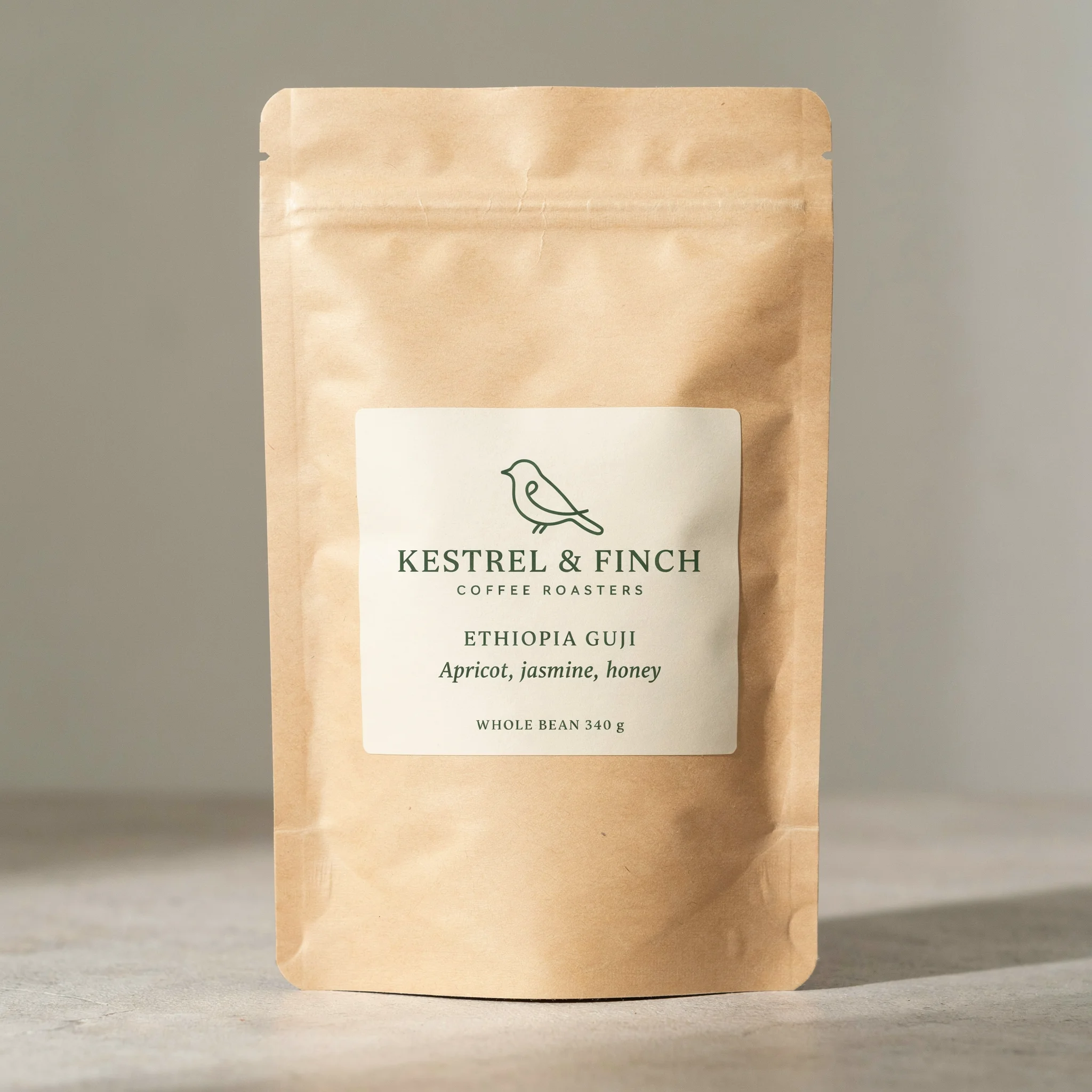
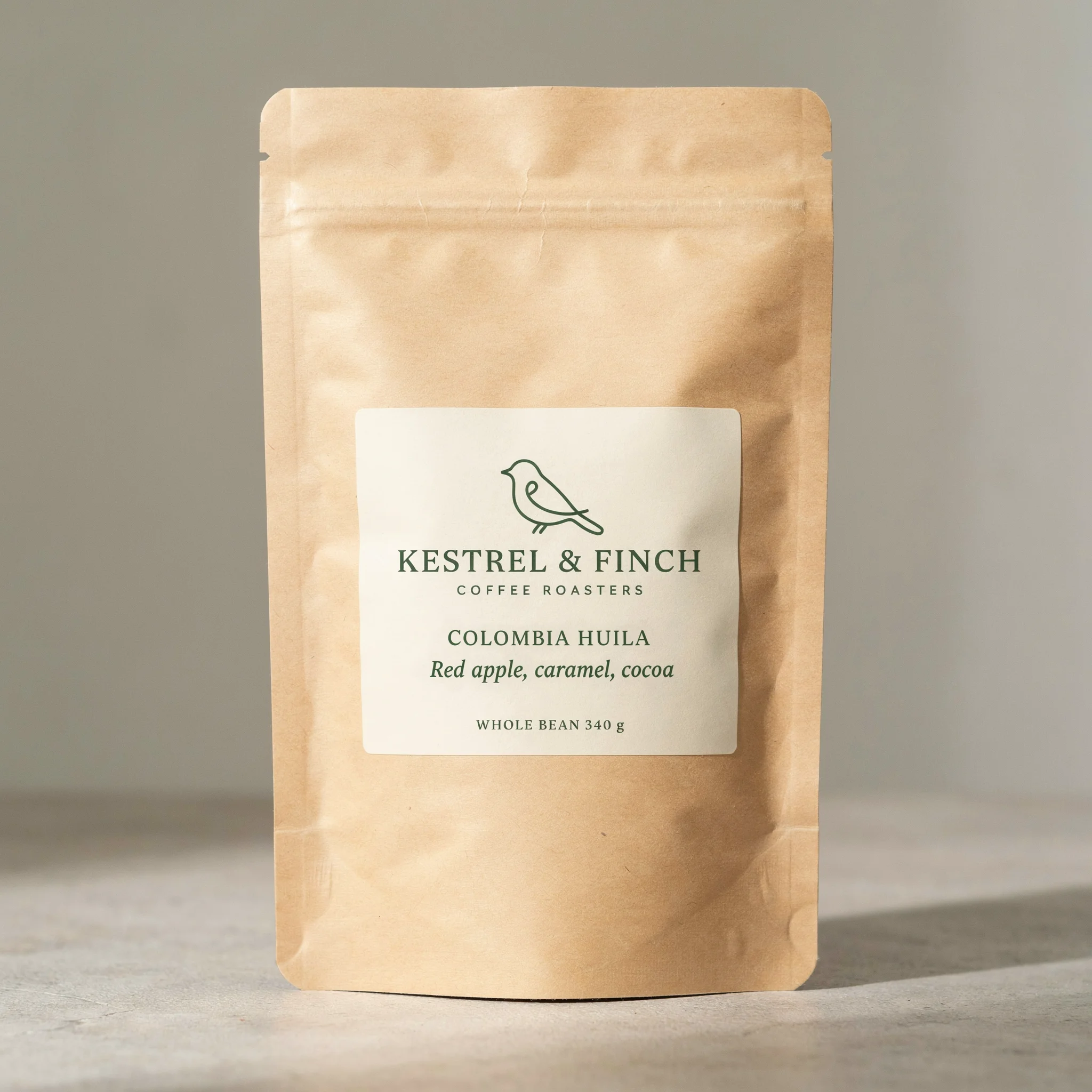
| A kraft coffee bag with a cream label that reads "KESTREL & FINCH", "ETHIOPIA GUJI" and "WHOLE BEAN 340 g" | Small type and numbers on a product |
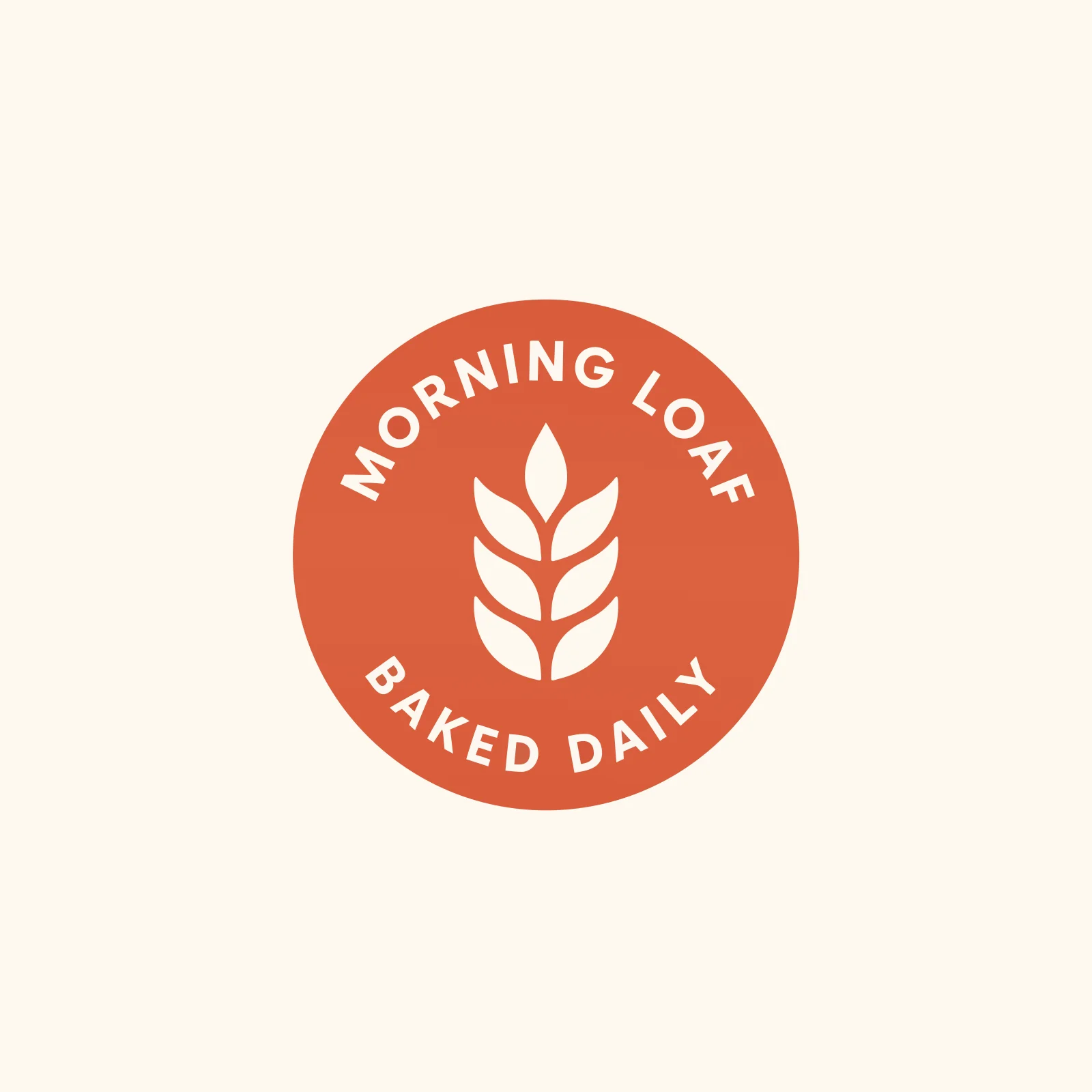
| A flat two-color badge logo for a bakery with the words "MORNING LOAF" curved along the top | Curved lettering, and whether you can get a vector file |
| A lighthouse keeper's kitchen at dawn, gouache illustration, muted palette | Default aesthetic, then each tool’s style controls |
| A red-haired courier with a green satchel, then the same courier in three new scenes | Character consistency from a reference image |
| A product photo you own, with one label line masked and changed | What else changes outside the edit |
Choosing : Frequently asked questions
Is Ideogram a good Midjourney alternative?
Is Midjourney or Ideogram free?
Which is better for logos, Ideogram or Midjourney?
Which is better for anime-style art?
Can Ideogram or Midjourney generate video?
Can you train a custom model on your own images?
Can you use Ideogram and Midjourney together?
Run the test with your own prompts
Run the six test prompts in both tools and keep the one whose results you would ship. You can run the Ideogram side on the free plan.