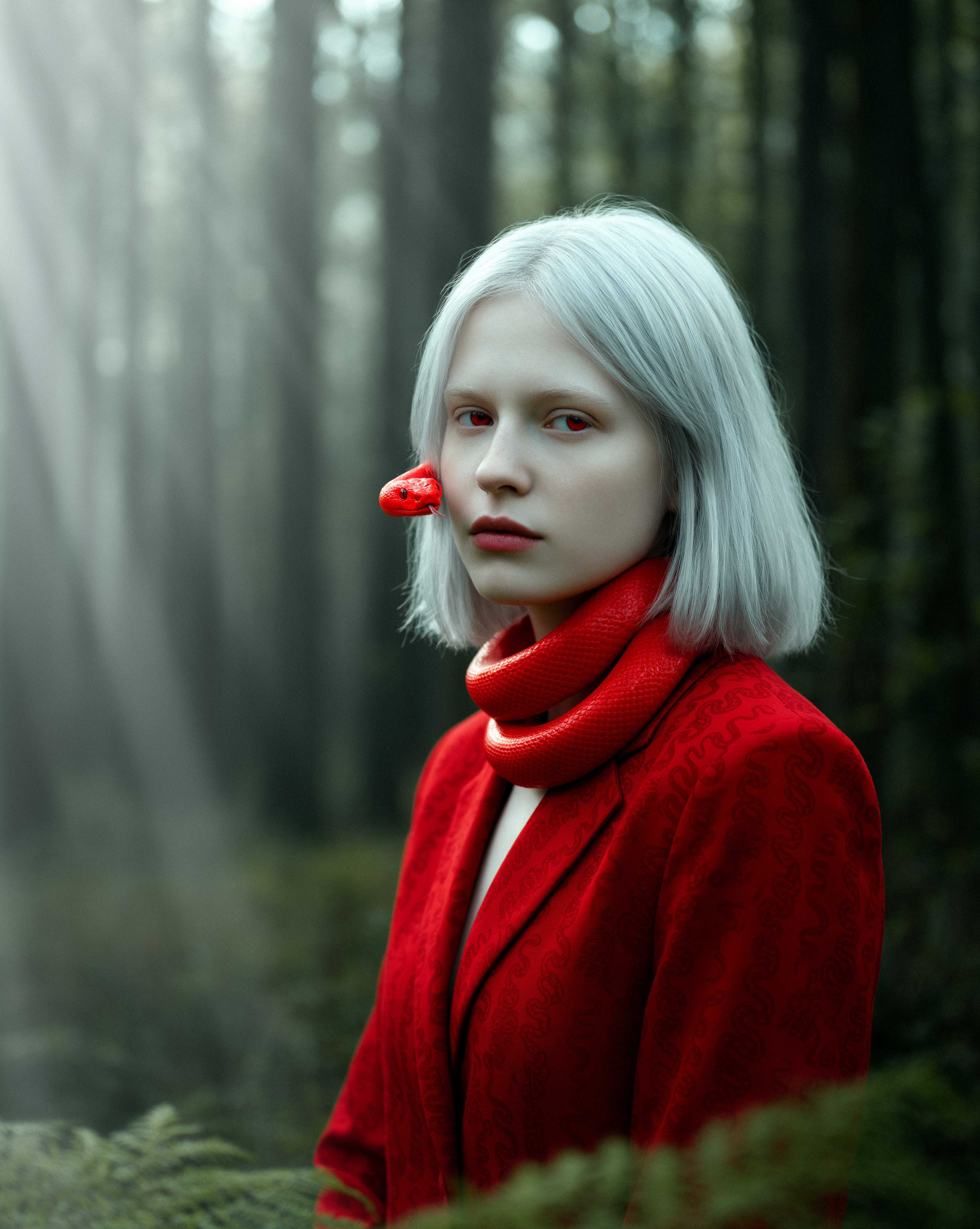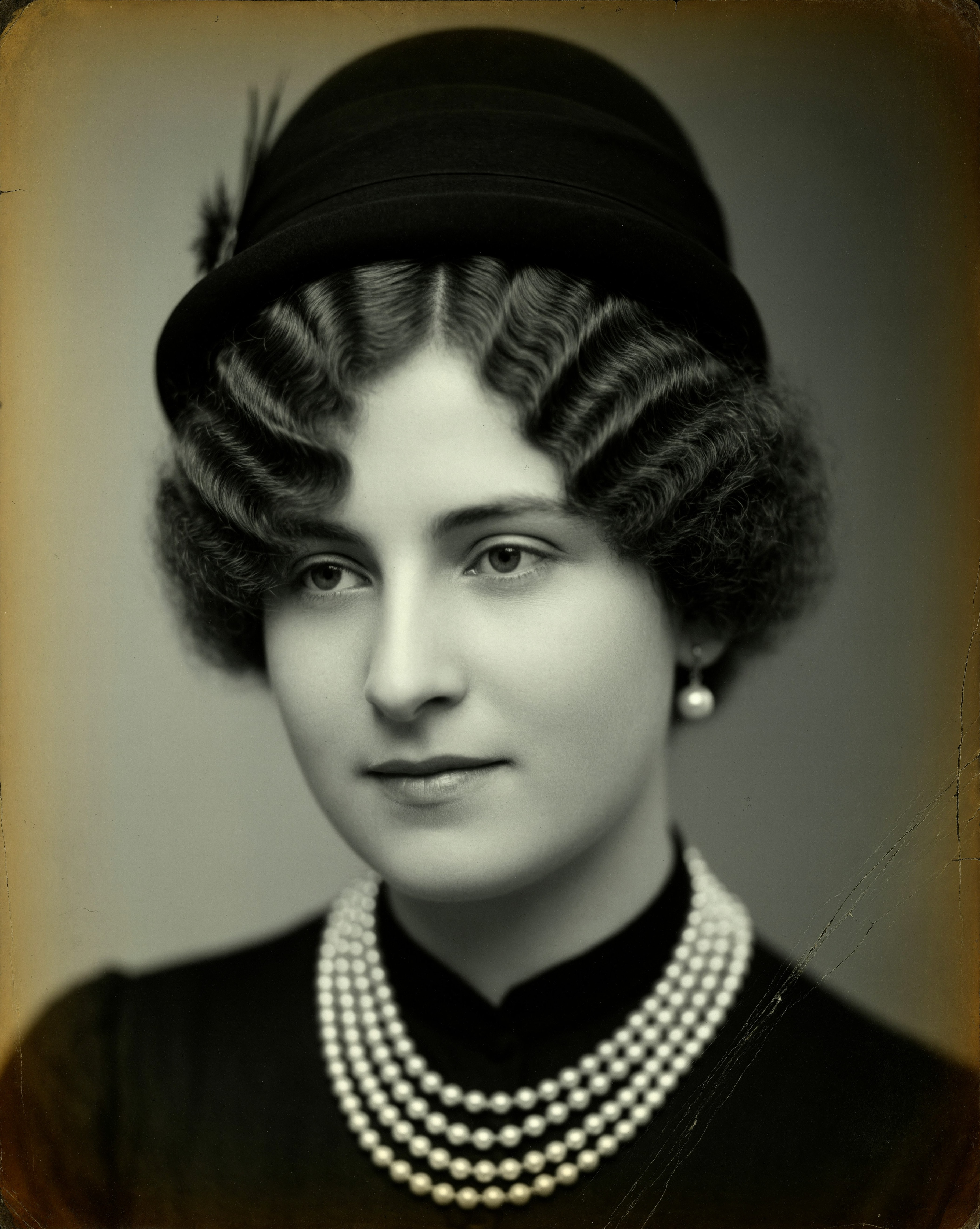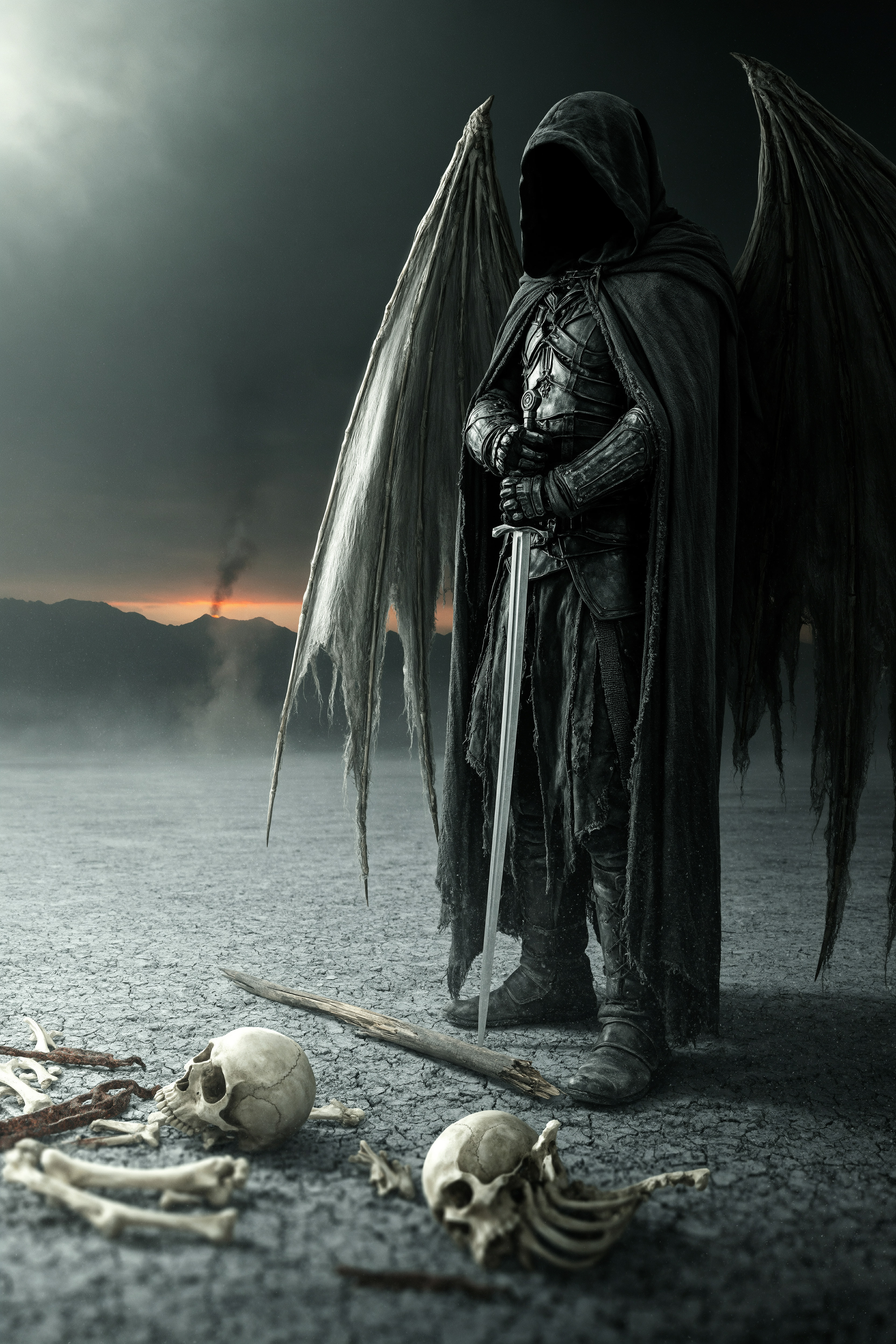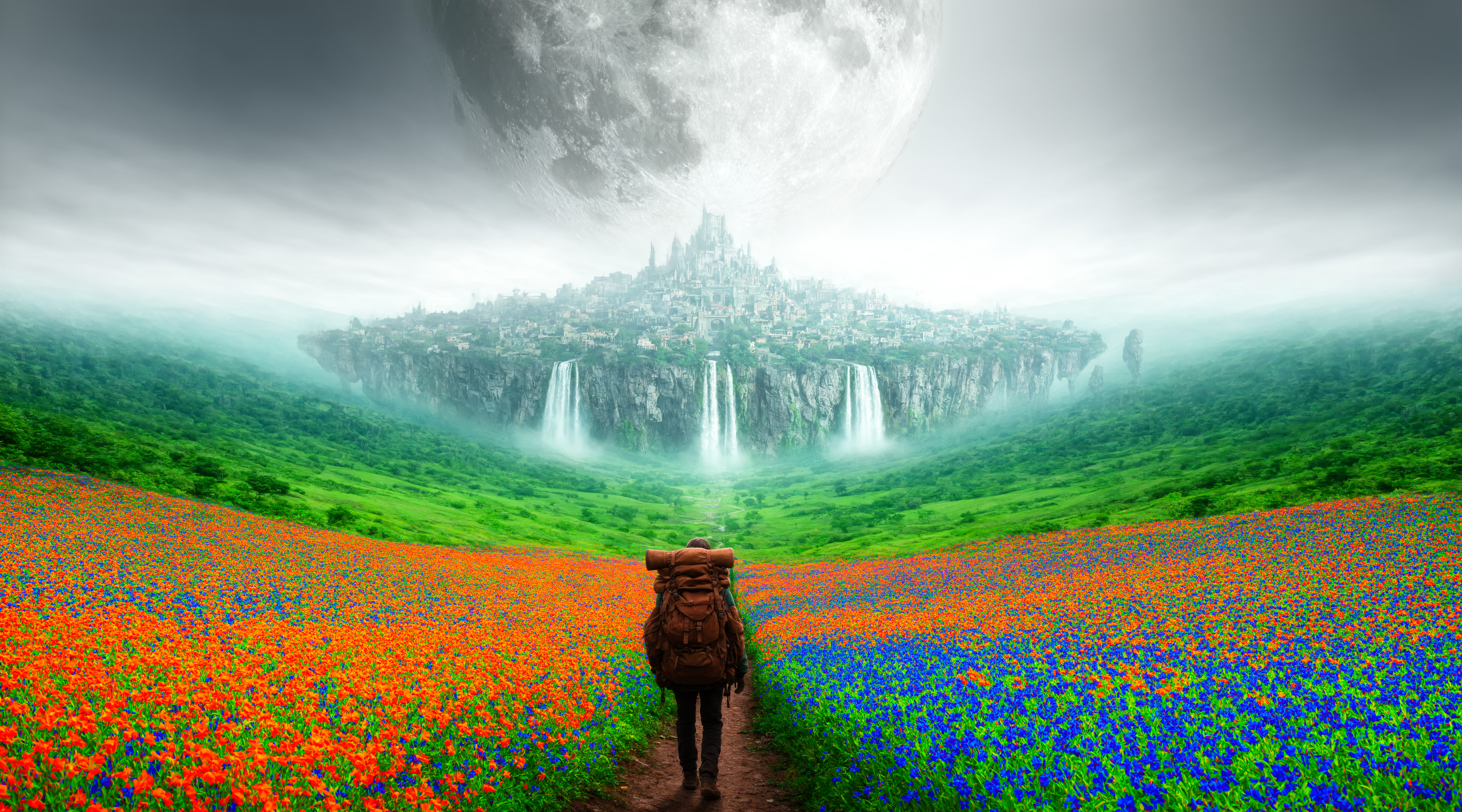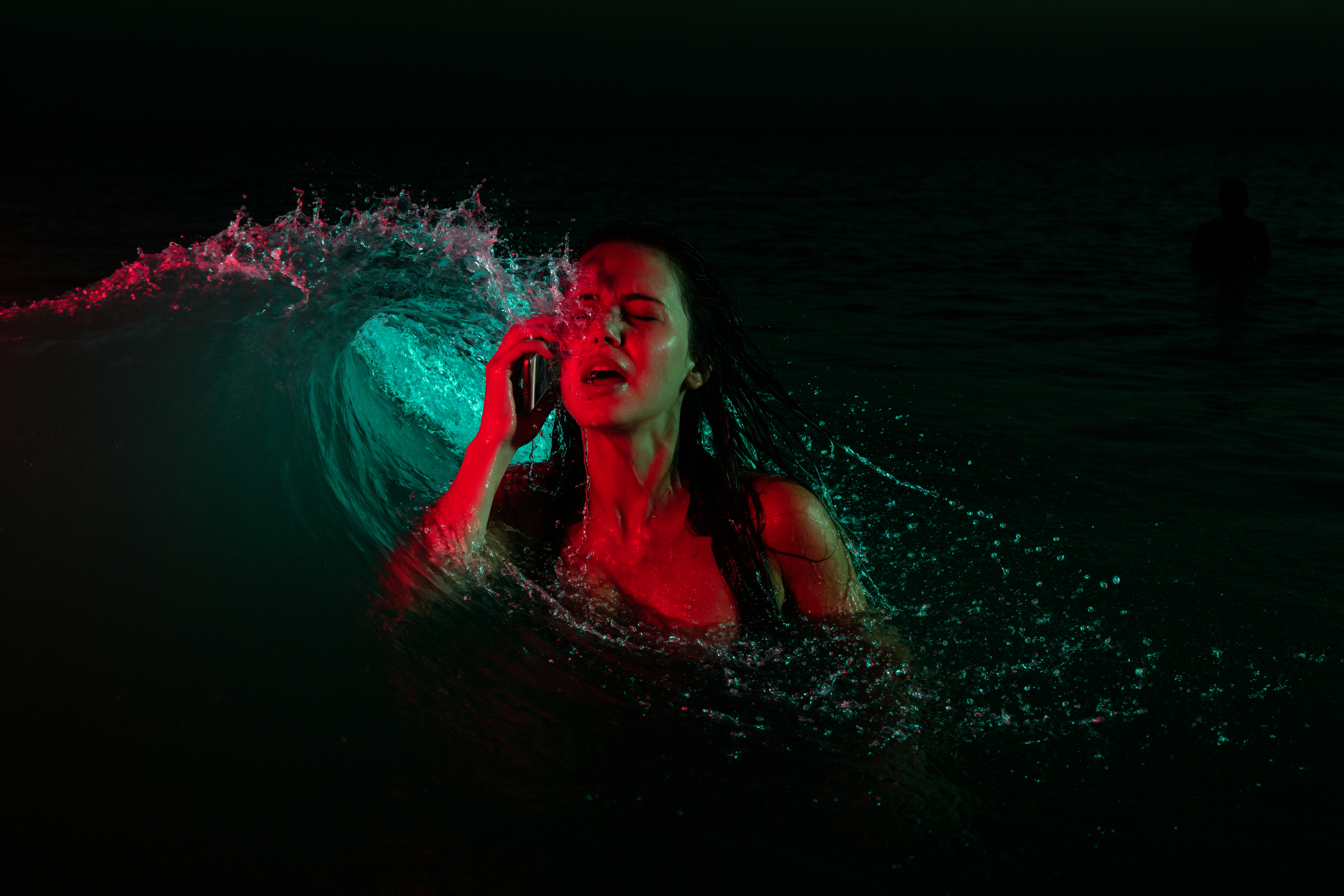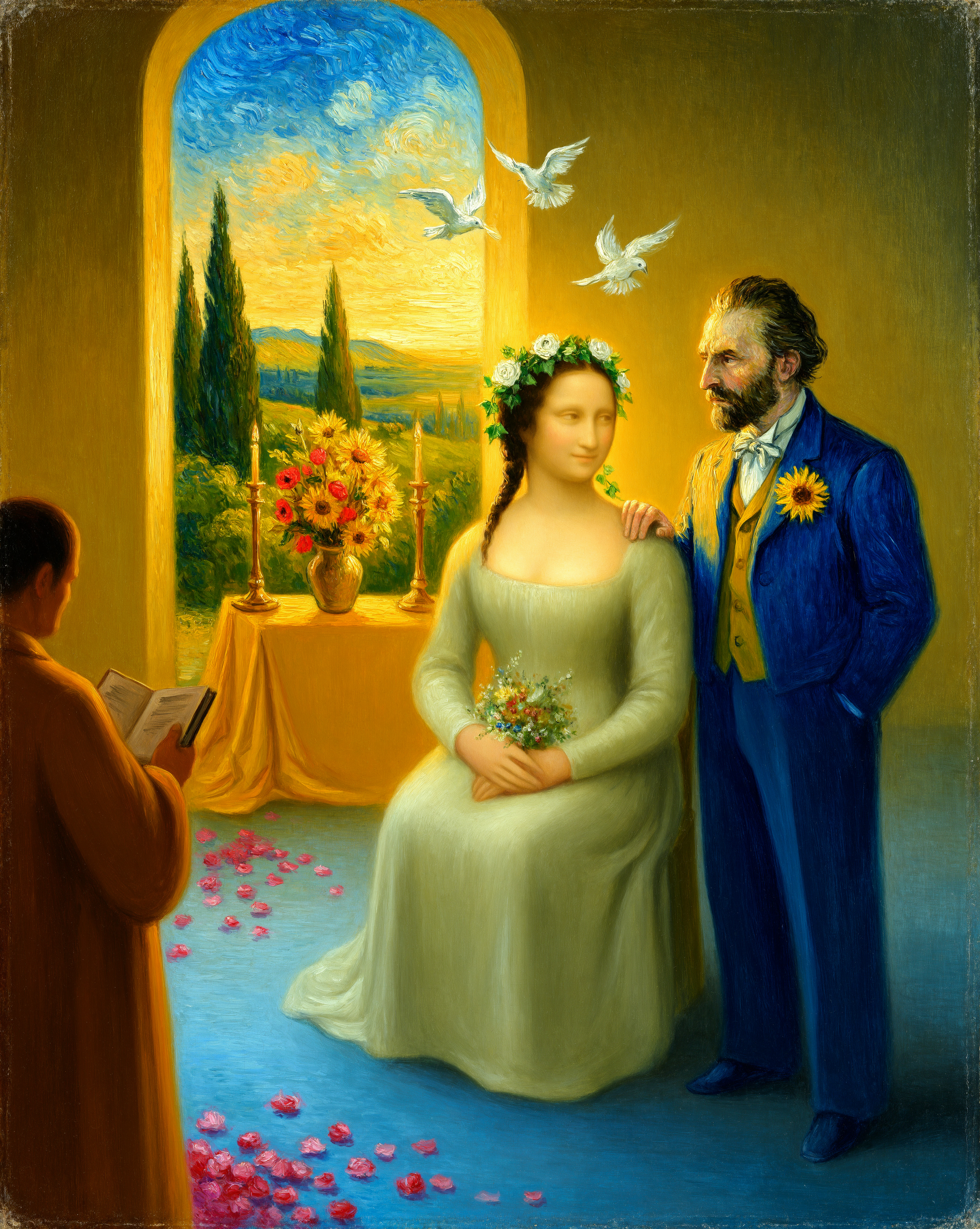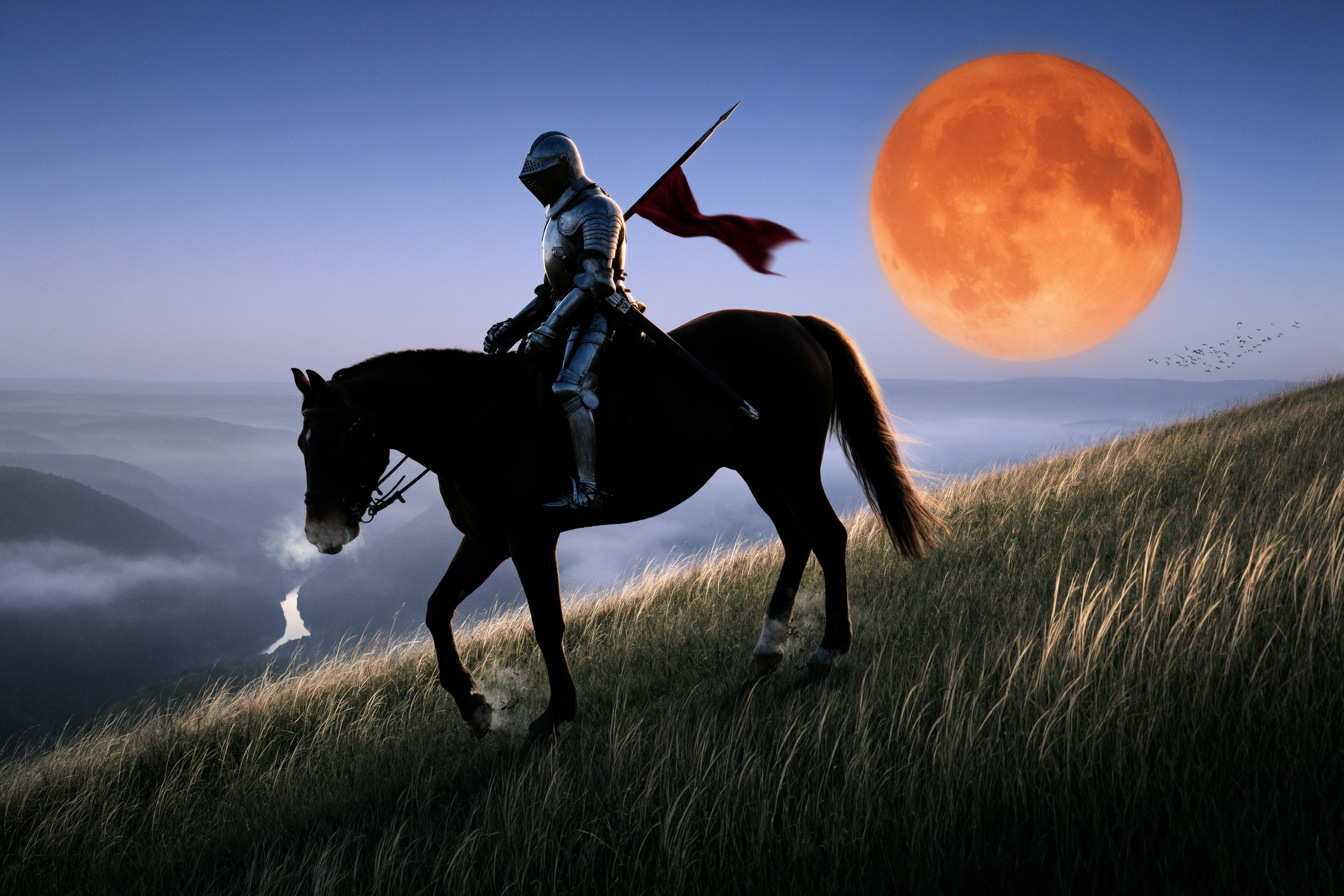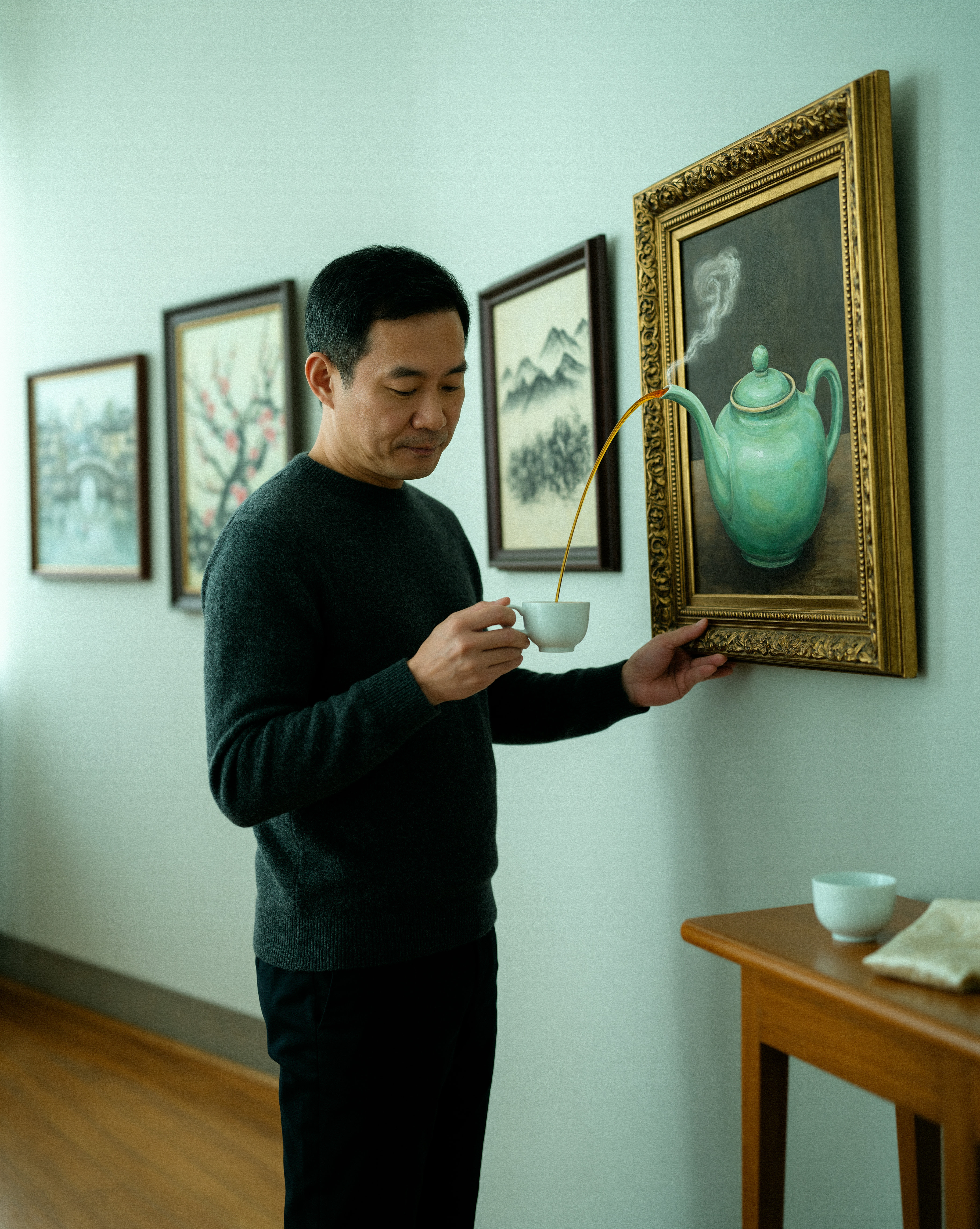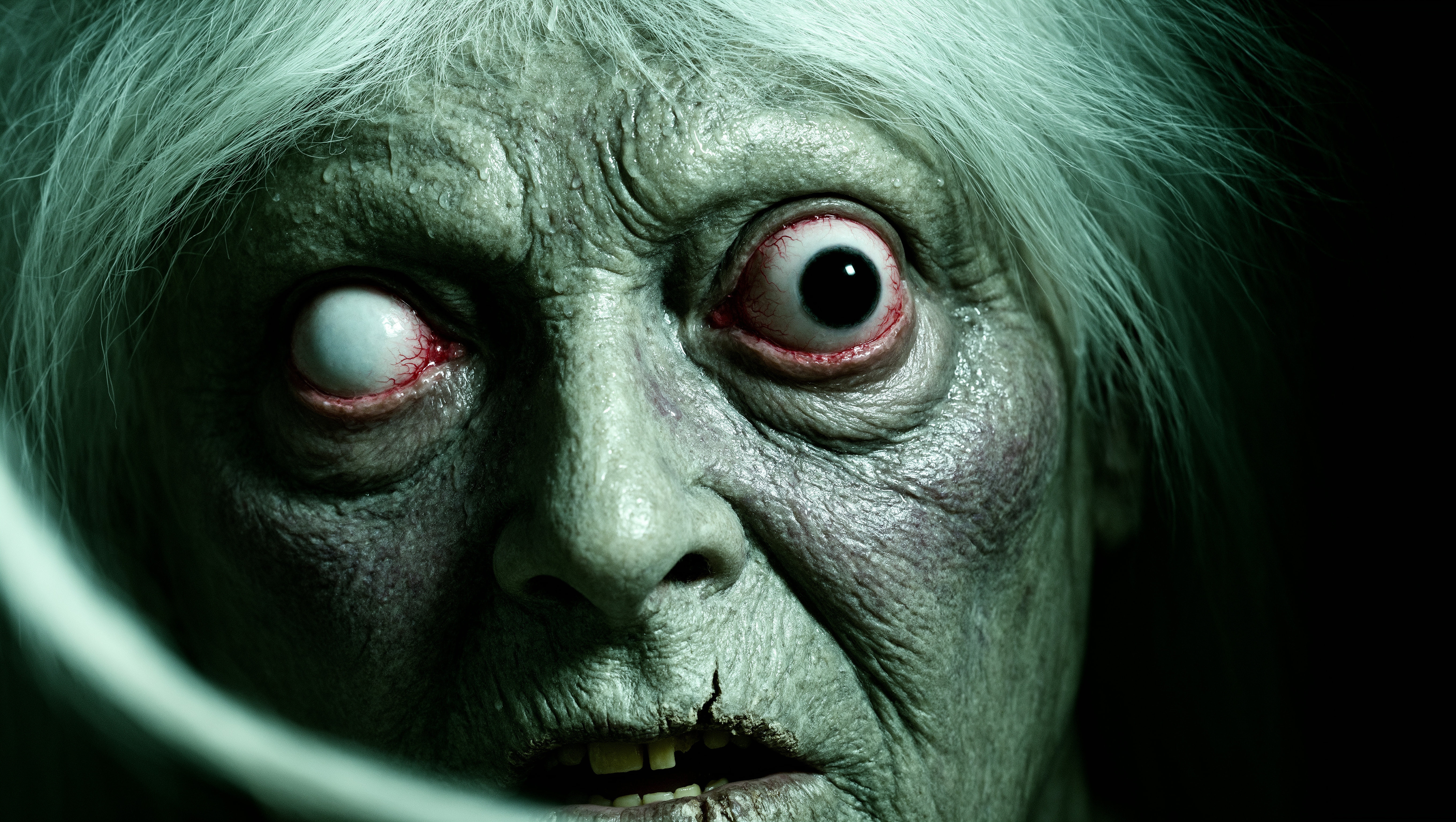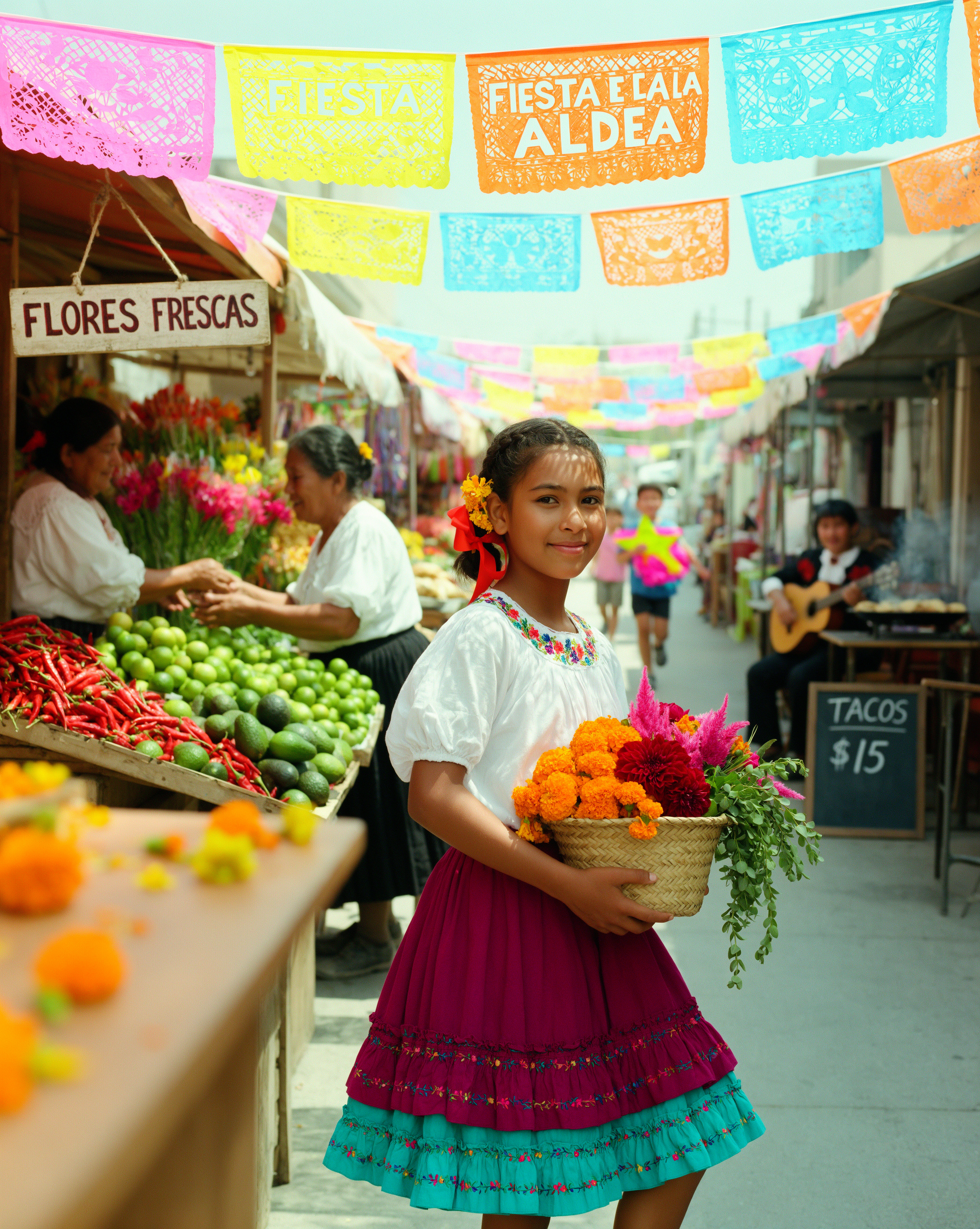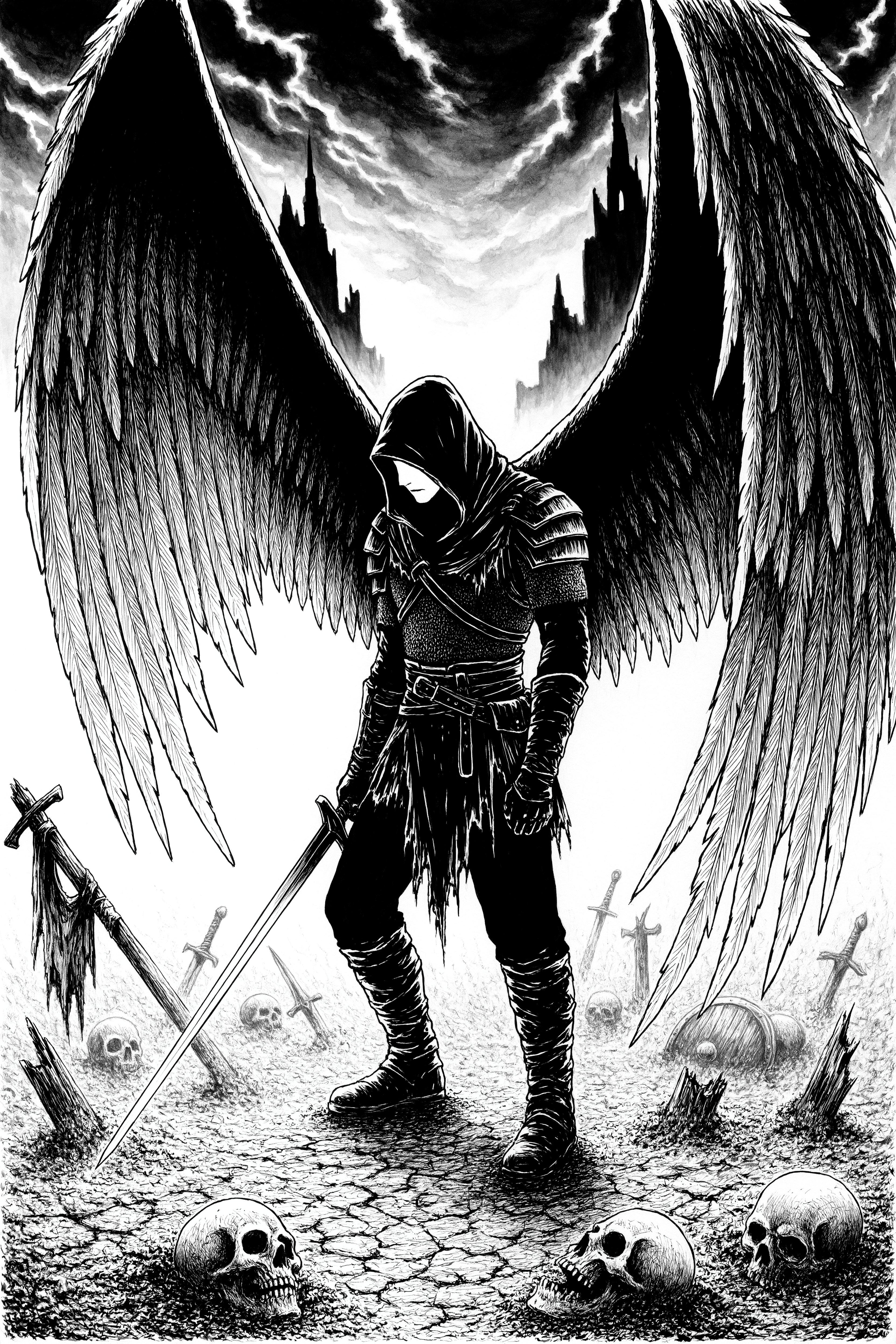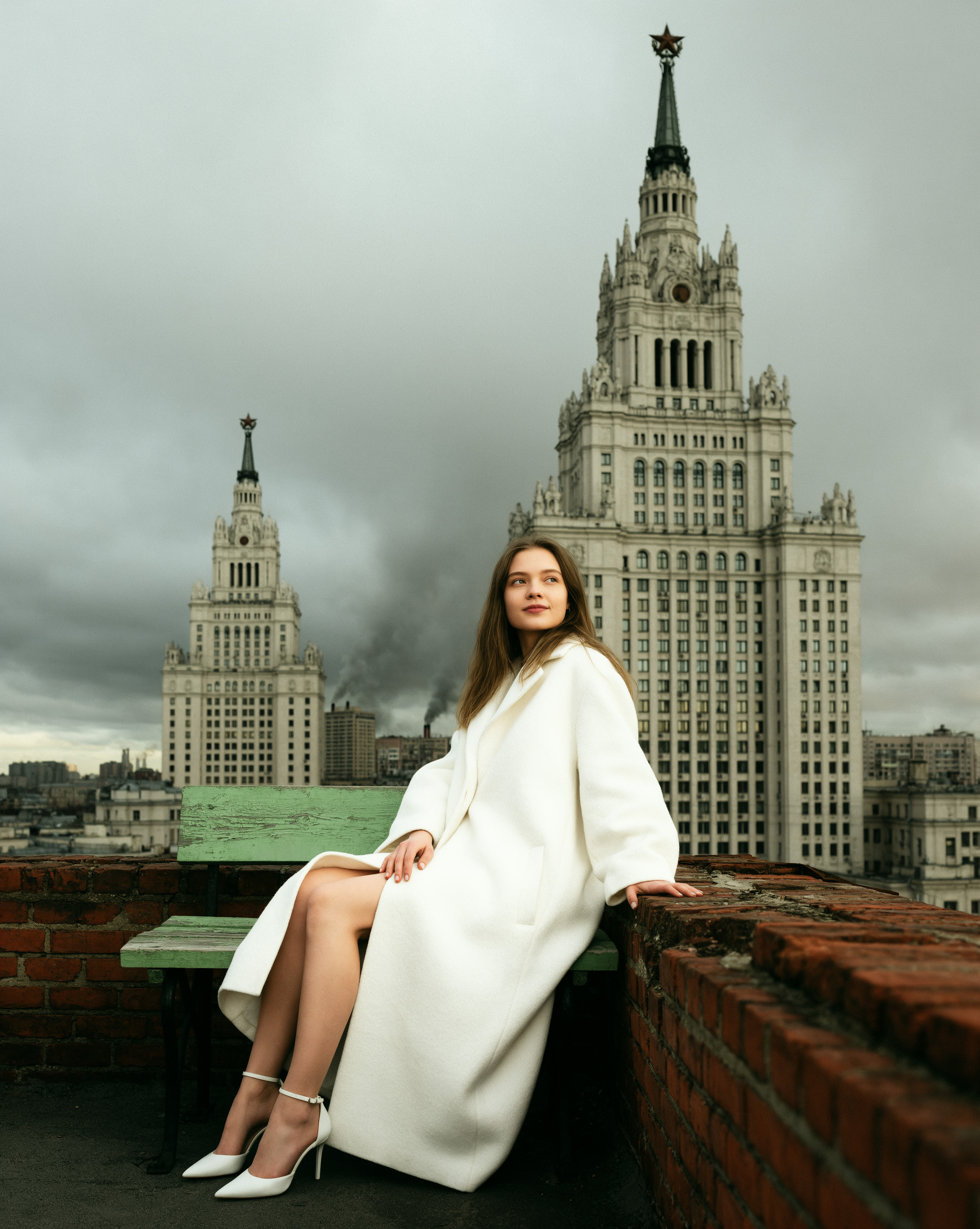










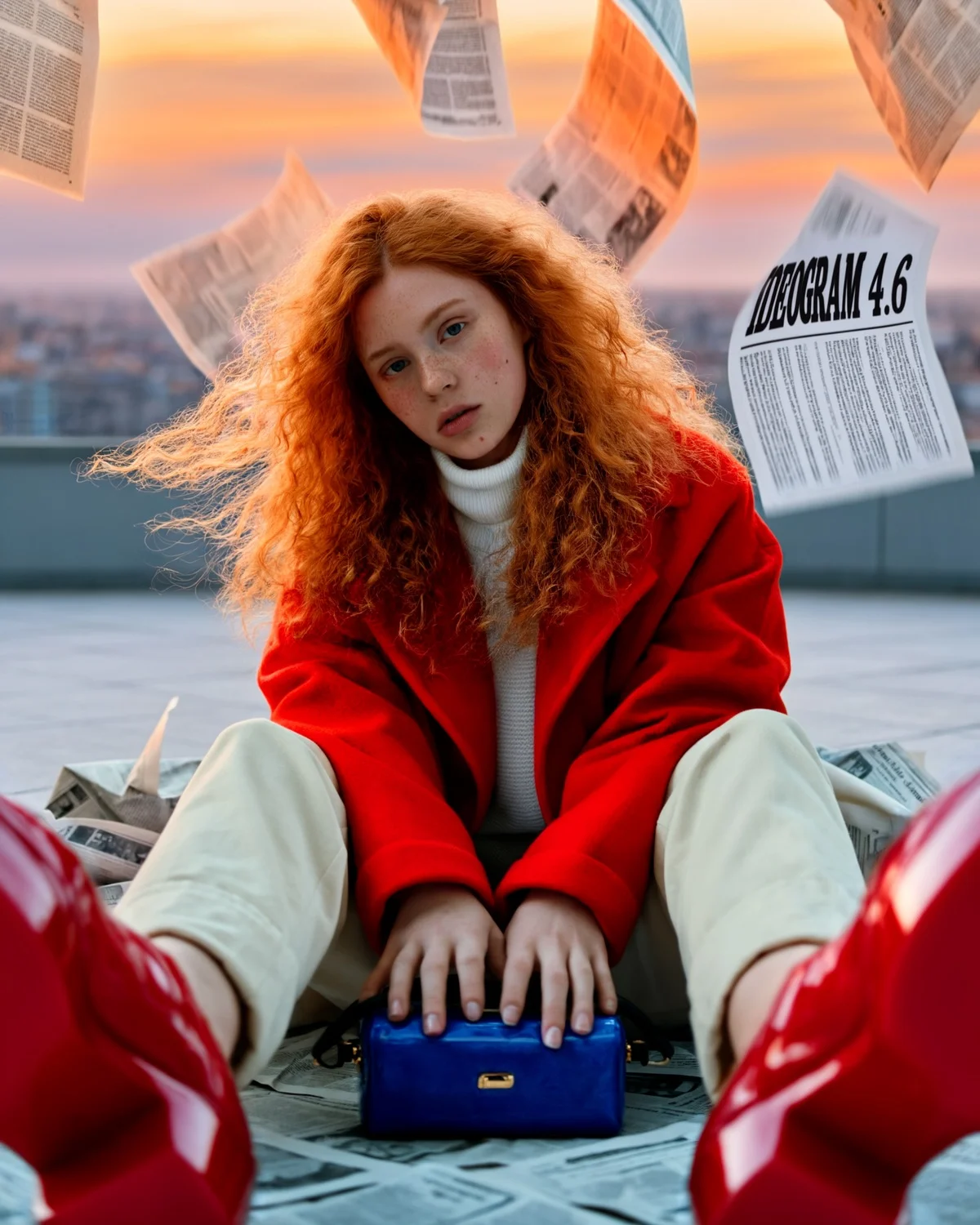






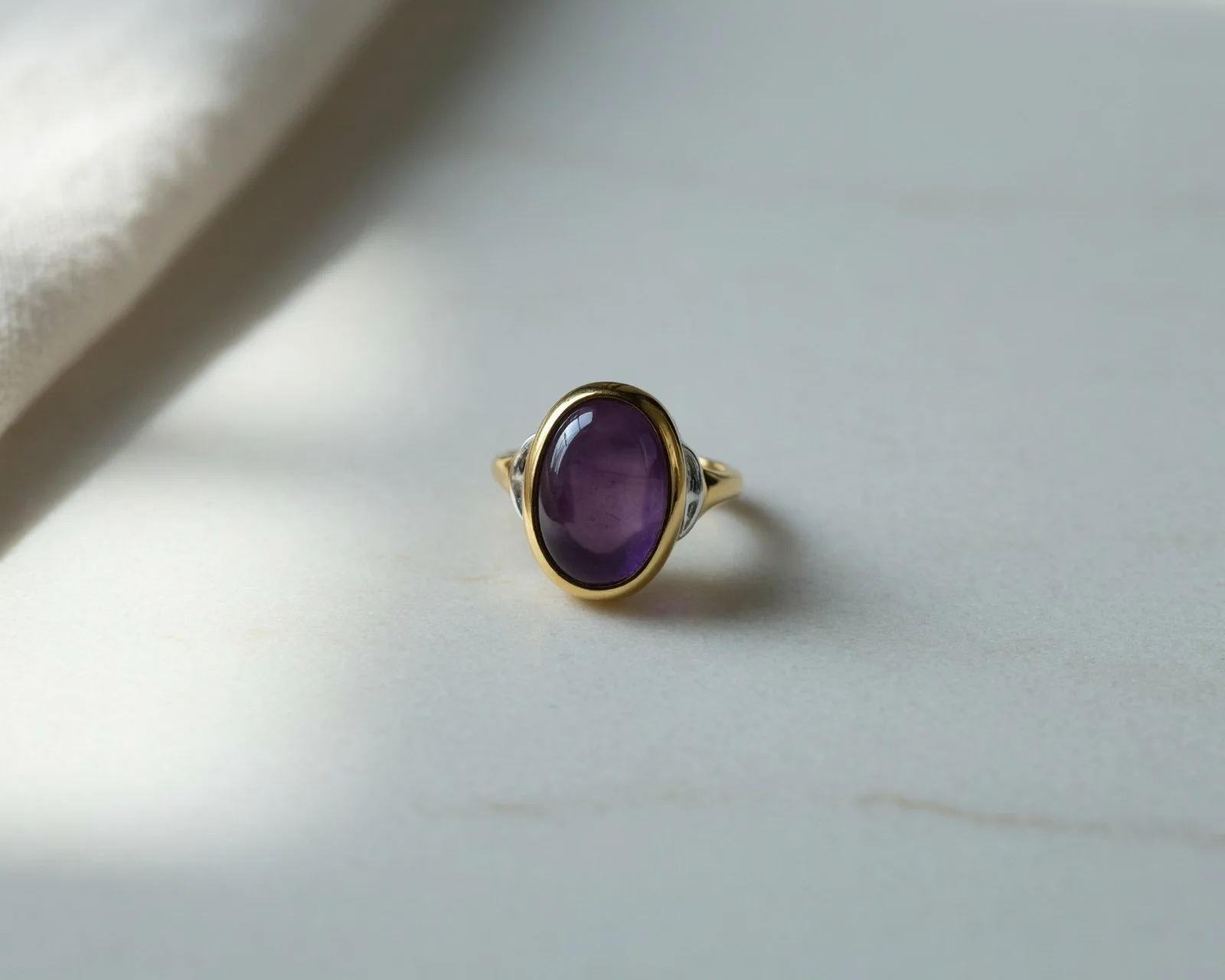
Original image
Small changes. Precise control.
Refine a single detail while keeping the rest of your image intact.

Your vision, down to the last detail. Change colors, restyle products, and reimagine entire scenes while preserving what makes your image yours. Ideogram 4.6 brings precise creative control to every edit, with results at up to 4K.

Meet Ideogram 4.6
Ideogram 4.6 is an image generation and editing model built for precise creative control, with output up to 4K. Make a focused change, review the result, and keep refining the same image across multiple turns. Ideogram 4.6 was released on November 19, 2026, and brings Generate and Precise Edit endpoints to API workflows.
Evaluated by Rapidata
Great edits build on each other. Ideogram 4.6 ranks first in Rapidata’s Multi-step Image Edit benchmark, with a score of 1,892.
From the first change to the finishing touch, keep refining your image with precise creative control.
| Rank | Model | Score |
|---|---|---|
| 1 |  Ideogram 4.6 | 1892 ±32 |
| 2 | Ideogram 4.5 | 1866 ±30 |
| 3 |  Seedream 5.5 | 1805 ±29 |
| 4 |  FLUX 3 Image | 1697 ±27 |
| 5 |  Muse Image | 1406 ±22 |
| 6 |  MAI-Image-2.6 | 1299 ±22 |
| 7 |  Qwen-Image-2.1-Pro (Thinking) | 1291 ±21 |
Source: Rapidata · Overall leaderboard
About the benchmark
The Rapidata Multi-step Image Edit leaderboard compares models on a sequence of image edits. The table above shows the overall leaderboard snapshot from November 17, 2026, where Ideogram 4.6 ranks first with a score of 1,892.
The evaluated configuration is Ideogram 4.6 Precise Edit at High Quality. Ideogram 4.5 is listed at High Quality with High Precision. These leaderboard scores are separate from the task-specific percentages in the comparison chart.
The ± values are reproduced alongside the scores as shown in the source snapshot. Rankings describe this evaluation and configuration; compare results on the images and requests that matter to your workflow.
MULTI-TURN EDITING
Change the color. Swap the material. Reimagine the setting. Build on every edit while keeping the details you love.
Original image
Refine a single detail while keeping the rest of your image intact.
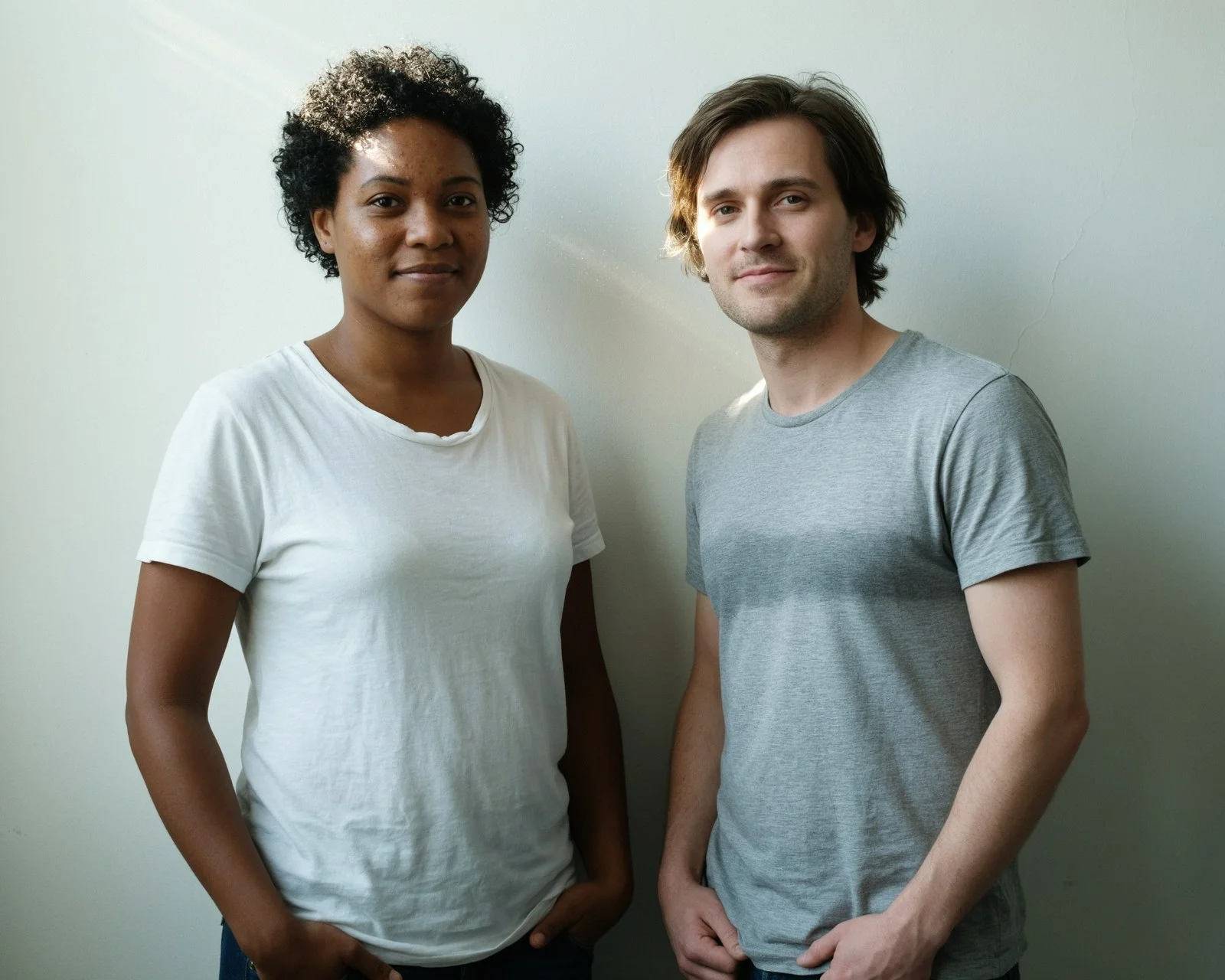
Original image
Direct each edit to the subject you choose, preserving everything around it.
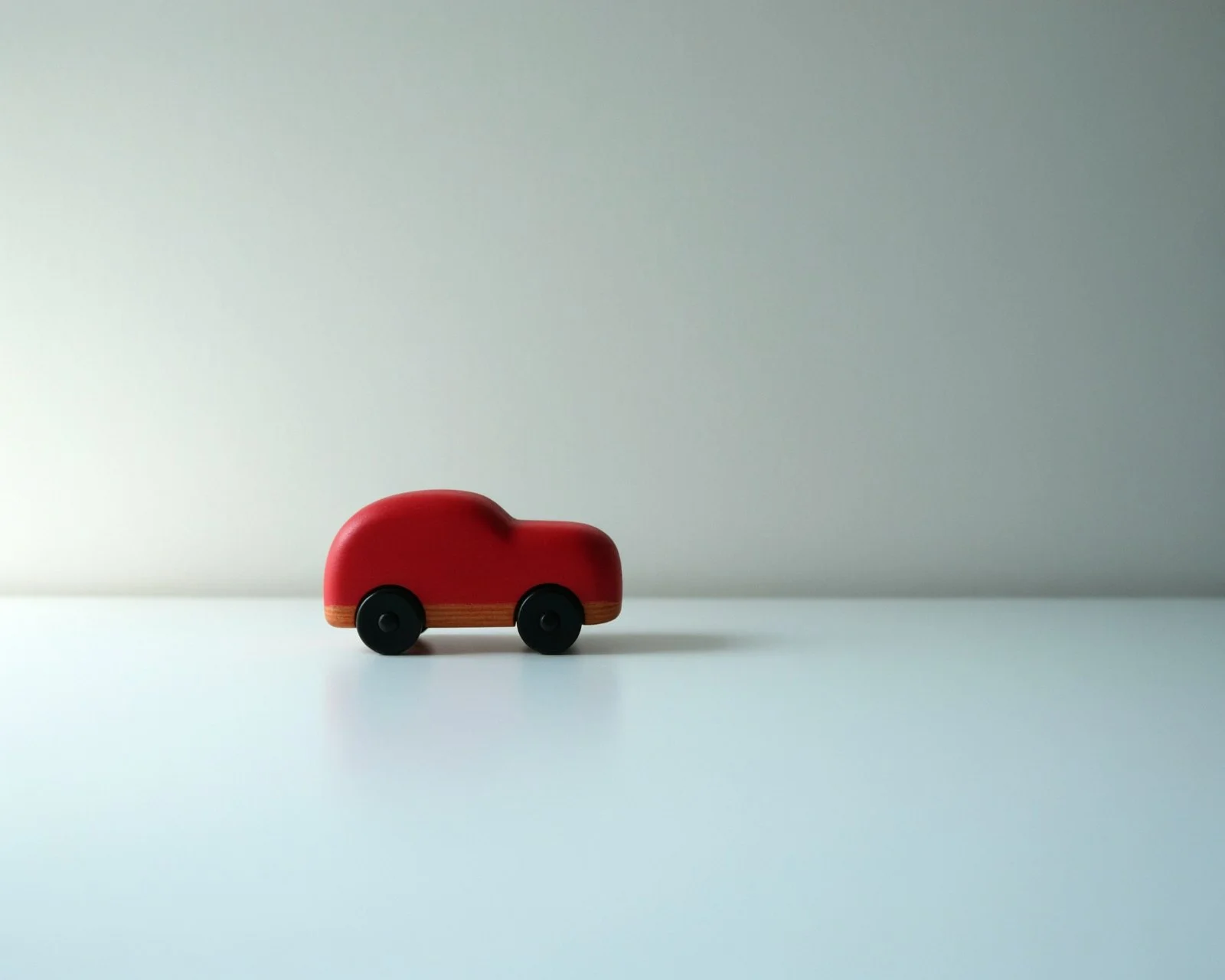
Original image
Try new colors, textures, and materials. Build on each edit until it feels right.
What’s new since 4.5
More usable results across people, colors, product details, and masked edits. These scores show how often each model delivered a usable result on the same requests at High quality.
Keep a person recognizable in a new scene.
85% up from 69% on Ideogram 4.5
Recolor an object to a brand hex code.
83% up from 46% on Ideogram 4.5
Repair a small defect in a product photo.
86% up from 61% on Ideogram 4.5
Stage, restyle and relabel products.
88% up from 66% on Ideogram 4.5
Change only the painted area.
90% up from 82% on Ideogram 4.5
Native 4K text to image
That means no upscaling: every detail, from skin to fabric texture, is generated from scratch at full resolution.
We also worked hard to remove the AI look: no airbrushed finish, with visible pores, fine lines, and natural texture.
Built for your workflow
Bring an image closer to your brand by changing a specific color. Keep refining the shade while preserving the composition and surrounding details.
Update clothing, accessories, or expressions for the person you choose. Build a sequence of changes without starting the scene over.
Explore how a product looks in different materials, textures, and finishes. Compare directions before choosing the version that fits your idea.
Reimagine a setting, change the atmosphere, or develop a new visual direction. Make each request build on the image you already have.
Revise wording within an image and refine the surrounding design in separate steps. Check spelling and placement in the final result.
Repair a small visual defect or focus an edit on a selected area. Use an optional mask when you need to define where the change belongs.
Start with the image you want to refine and describe one change at a time. Review each result before making the next request. For repeatable workflows, use the API to choose the quality mode and provide reference images or a mask as needed.
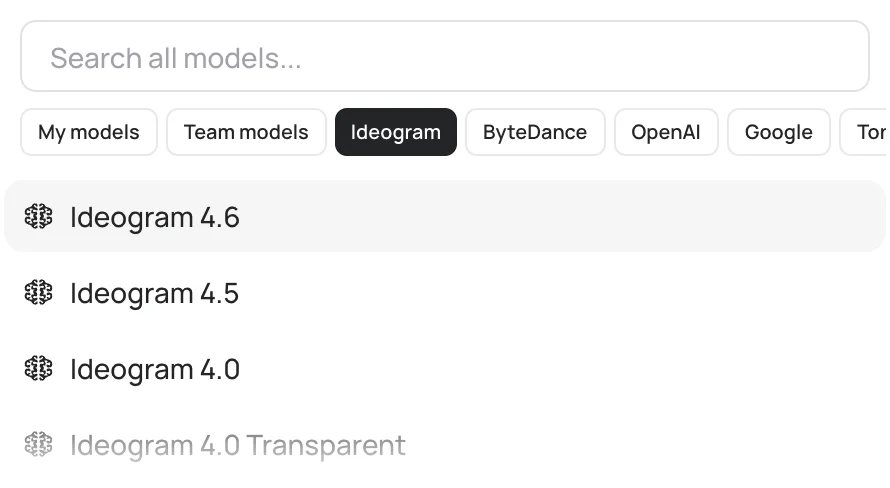
Choose 4.6 for precise edits and output up to 4K, or compare with 4.5 for an existing editing workflow. Explore 4.0 for image creation and Vector when your deliverable needs scalable vector artwork.
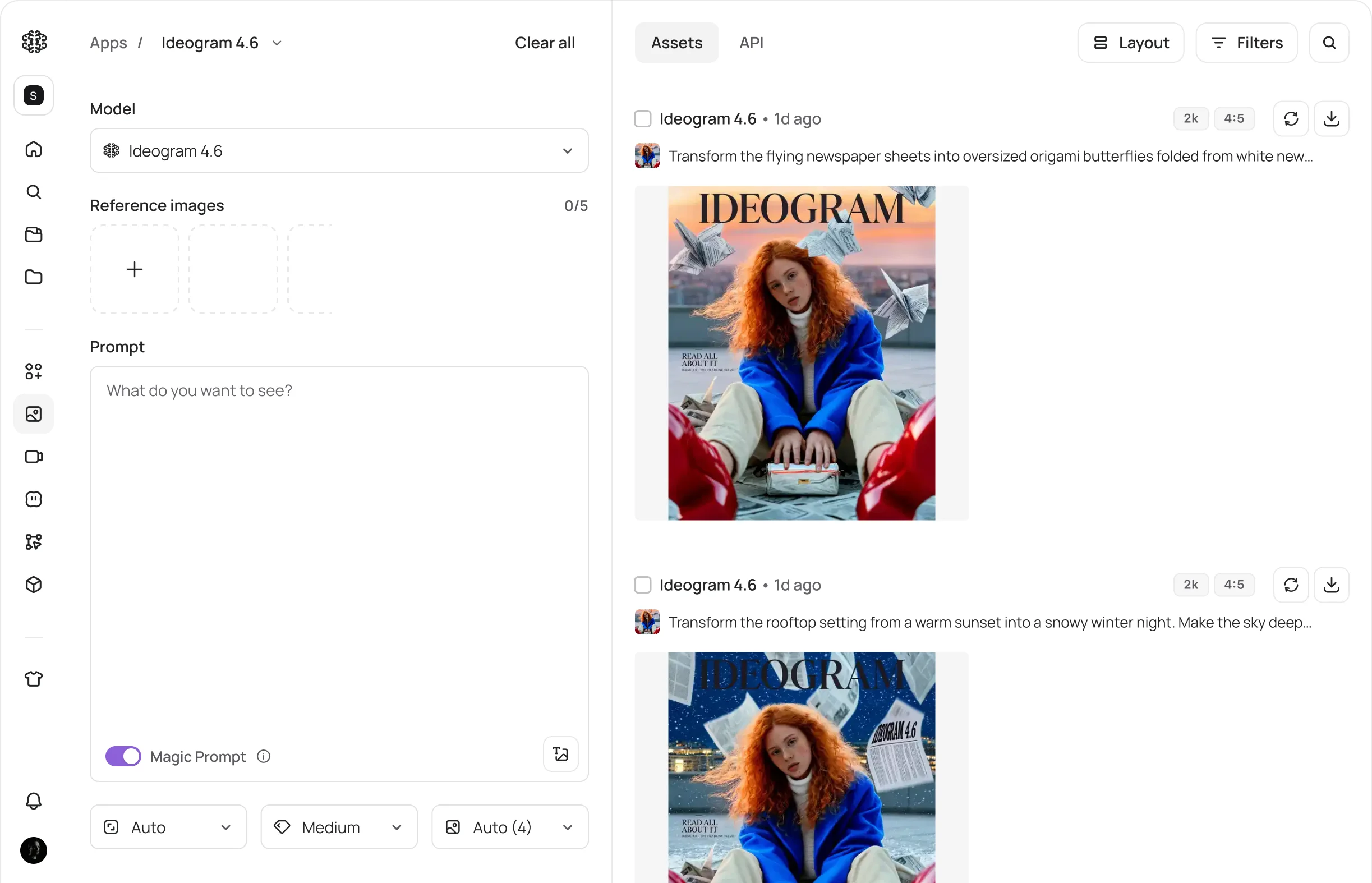
In the app
Credit costs depend on the selected model and settings. The Generate button shows the quote for your run. For account access and subscription options, see plans and pricing. API prices are listed separately below.
API
Two endpoints. Four quality modes. Precise control at up to 4K.
Send your API key in the Api-Key header. Use Precise Edit for a focused change to an existing image, or Generate for a new image or a request with reference images.
POST /v2/image/precise-edit/ideogram-4-6
Change part of an existing image while preserving the rest.
POST /v2/image/generate/ideogram-4-6
Create images from a prompt or edit with up to five reference images.
| Quality | Generate 2K | Generate 4K | Edit 2K | Edit 4K |
|---|---|---|---|---|
| Very low | $0.008 | — | $0.008 | — |
| Low | $0.03 | $0.06 | $0.03 | $0.06 |
| Medium | $0.06 | $0.12 | $0.06 | $0.20 |
| High | $0.10 | $0.20 | $0.22 | $0.60 |
Prices in USD. Edit pricing covers Precise Edit and Generate with reference images. Very low quality supports up to 2K. 4K covers outputs up to 4096 by 4096 pixels, and anything at 2K or below is billed at the 2K price.
Model guide
| Model | When to choose it |
|---|---|
| Ideogram 4.6 | Ideogram 4.6 is our most precise editing model yet.It leaves far less pixel drift outside your edits and holds color more accurately. It also generates in native 4K, with more realism and texture detail than any Ideogram model before it. |
| Ideogram 4.5 | Ideogram 4.5 was our most precise editing model before 4.6.Choose it to keep an existing integration running while you compare results from 4.6. |
| Ideogram 4.0 | Image generationCreate images from a text prompt. Explore its page for generation settings and examples. |
| Ideogram Vector | Scalable artworkChoose vector output when you need an SVG rather than a raster image. |
Limits and provenance
Results depend on the source image and request. Review text, faces, colors, and product details after each edit, especially across longer sequences. The examples on this page show individual editing sequences; results will vary with your images.
Save your original image, prompts, and selected outputs so you can trace how an image changed. Use source material you have the rights or permission to edit, and identify AI-edited content when your publishing context requires it.
Ideogram permits commercial use of outputs under its Terms of Service. You remain responsible for your content and any third-party rights.
Ideogram 4.6 is an image generation and editing model focused on precise changes across multiple edits. It supports output up to 4K and offers Generate and Precise Edit API endpoints.
Ideogram 4.6 was released on November 19, 2026.
Ideogram 4.6 ranks first in the Rapidata Multi-step Image Edit benchmark shown on this page, making it a strong choice for precise, multi-turn image editing. The best model for your workflow depends on your images and requests; compare results on the edits you need to make.
Ideogram 4.6 is designed to make focused changes while preserving the rest of your photo. Describe the change you want, or use an optional mask through Precise Edit to define the area to edit. Review the output to confirm that surrounding details stay as intended.
Ideogram 4.6 delivers more usable results than Ideogram 4.5 across the five editing tasks evaluated on this page at High quality. These tasks cover character consistency, exact color, product detail, product shots, and masked edits. Compare both models on your own images and requests before changing an established workflow.
Ideogram 4.6 supports 2K and 4K output. Very low quality supports up to 2K. Precise Edit preserves the source image’s dimensions.
The API offers Very low, Low, Medium, and High quality modes. Choose a mode based on the level of detail, output size, and price your workflow requires.
The Ideogram 4.6 API starts at $0.008 per image in Very low quality at up to 2K. Prices are in USD and vary by quality, resolution, and whether you generate or edit an image. See the pricing table above for each combination.
The Generate endpoint accepts up to five attached images. When images are supplied, it edits the first image using the request and references.
Yes. The Precise Edit endpoint accepts an optional mask to limit changes to a painted area. Without a mask, describe the change you want in your prompt.
Use the result of one edit as the source for the next. Make a focused request, review the output, and continue refining. The examples on this page show successive changes to the same source image.
Check the credit quote on the Generate button after choosing your model and settings. It is the cost for that run, which may include multiple images. App credits and API prices are listed separately; the API dollar price is not an app-credit amount.
Yes. Ideogram’s Terms of Service permit commercial use of outputs. You are responsible for ensuring your source images and use of the results respect applicable laws and third-party rights. Review the Terms of Service before publishing.
You can compare 4.6 with 4.5 before changing an established workflow. Consider 4.6 for precise editing workflows and output up to 4K. Compare results on your own images before migrating an existing 4.5 workflow, and check the endpoint and quality settings used by your integration.