
Selective accessory removal
Inspect three independent edits: stacked bracelets removed from a cable-knit sleeve, a chain bracelet removed beside gold rings, and a watch removed while the ring stays.
Selective accessory removal
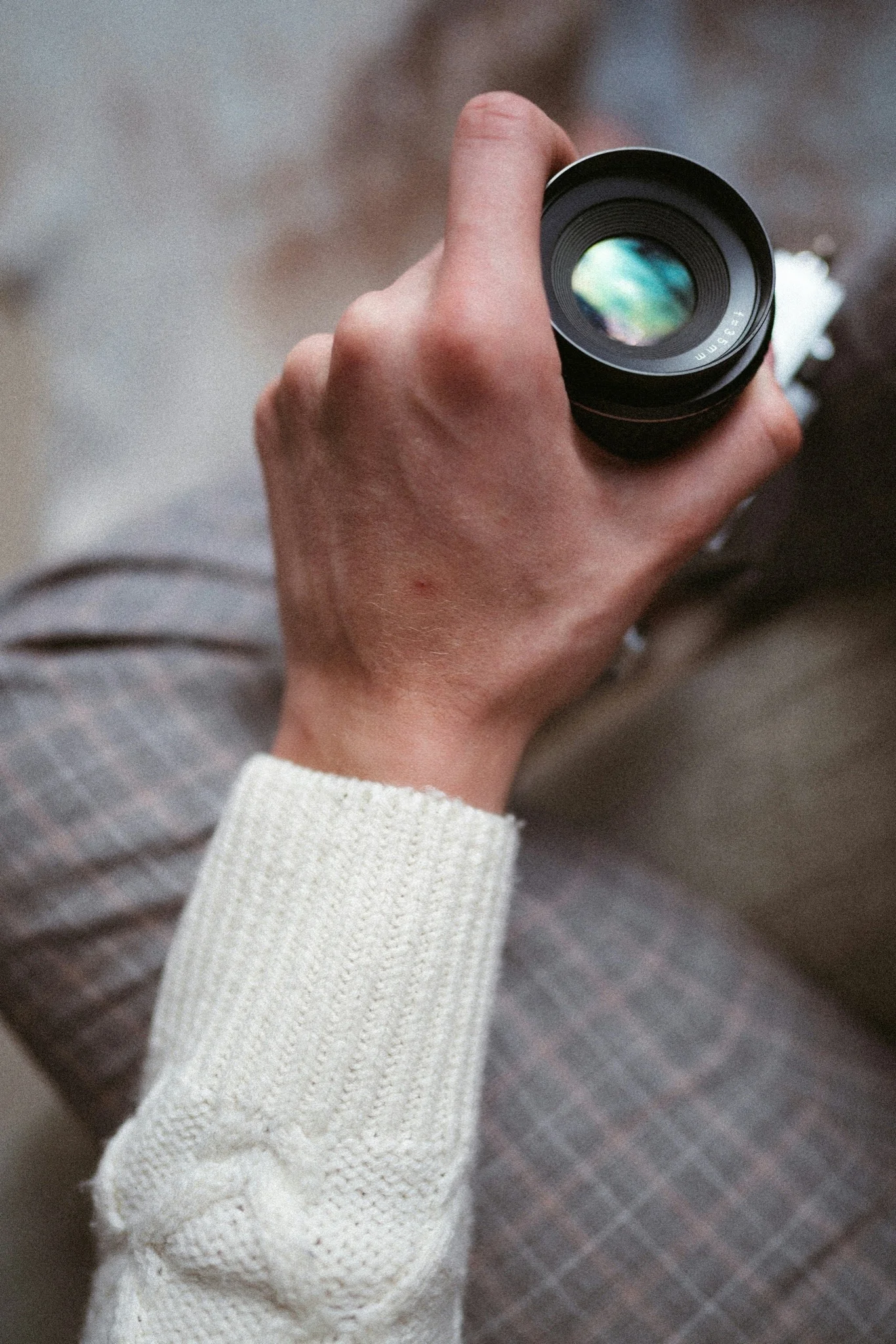
Cable-knit cuff: another use for an existing photograph.
Remove the stacked silver bracelets from a cable-knit sleeve photograph, then inspect the wrist and the cuff around the edited area.
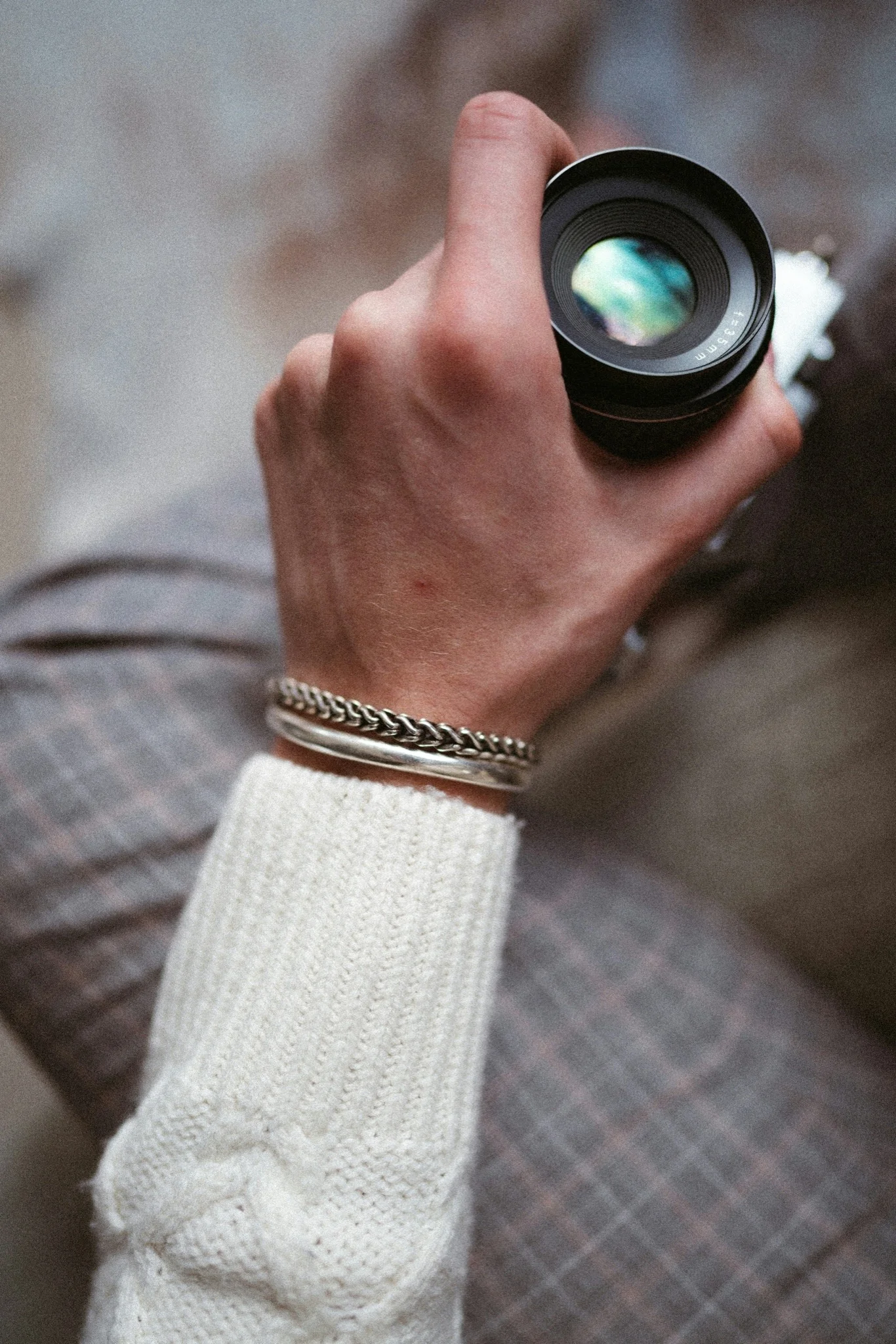
Drag the divider or use the arrow keys to compare.
Selective accessory removal
Rib-knit portrait: another use for an existing photograph.
Remove the gold chain bracelet from a rib-knit portrait while the rings stay in the styling. Compare the reconstructed sleeve where the bracelet had been.
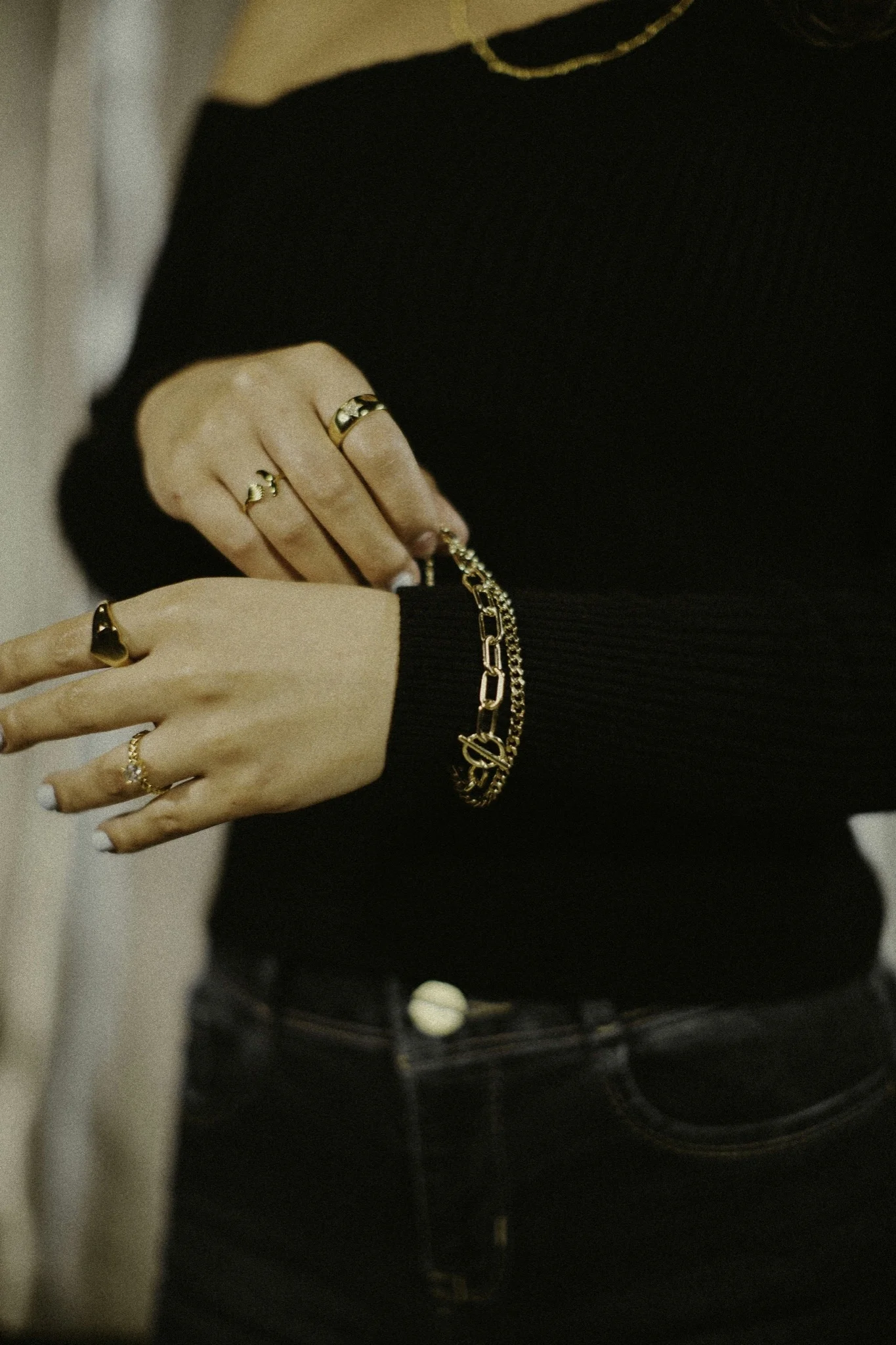
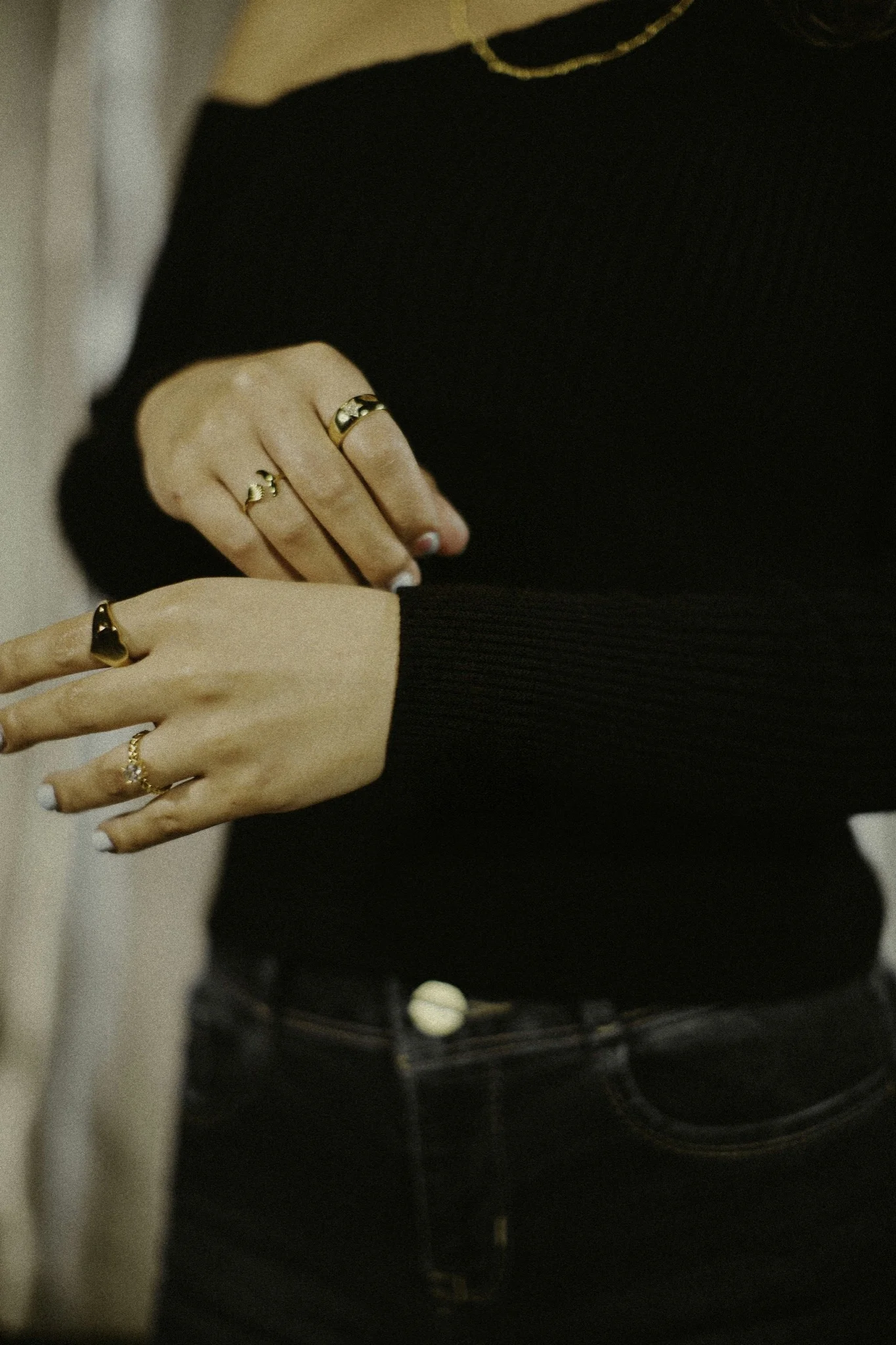
Drag the divider or use the arrow keys to compare.
Selective accessory removal
White-knit watch image: another use for an existing photograph.
Remove the round watch from a white-knit portrait while the ring stays in the styling. Compare the wrist and cuff where the watch had been.
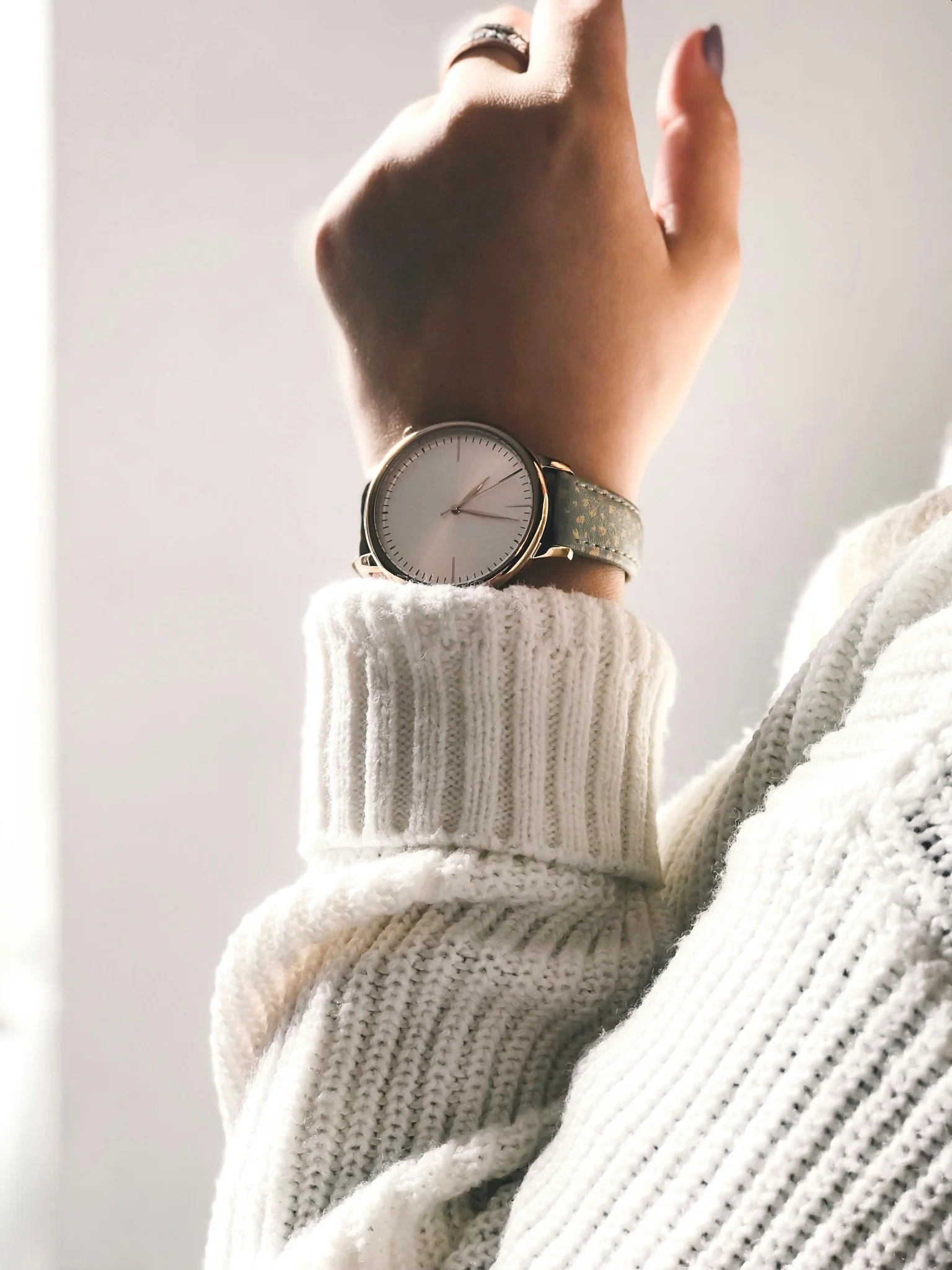
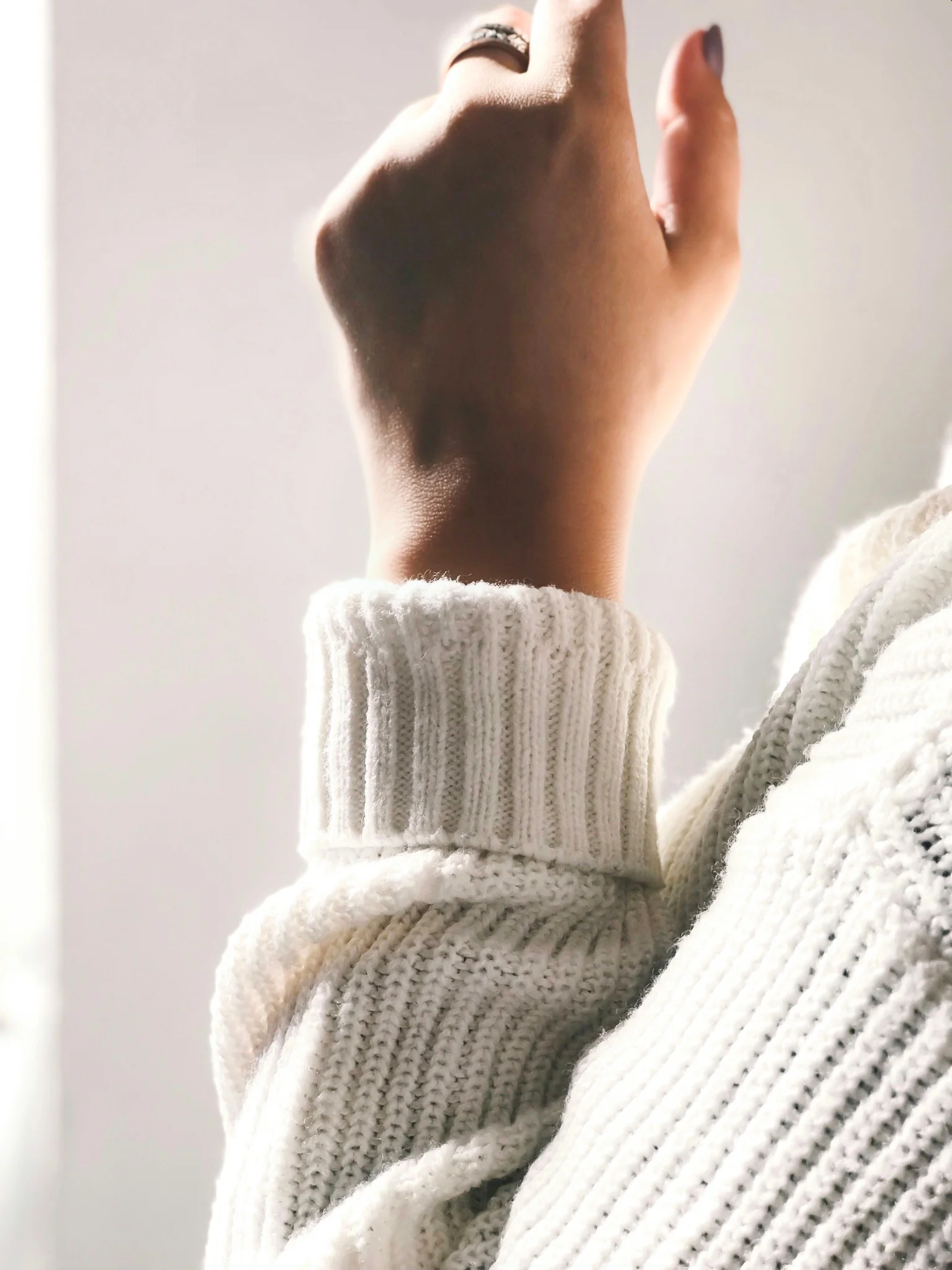
Drag the divider or use the arrow keys to compare.
Keep exploring
Continue with another Luxury Accessories study.
Each one holds the full references, comparisons and interactive examples.
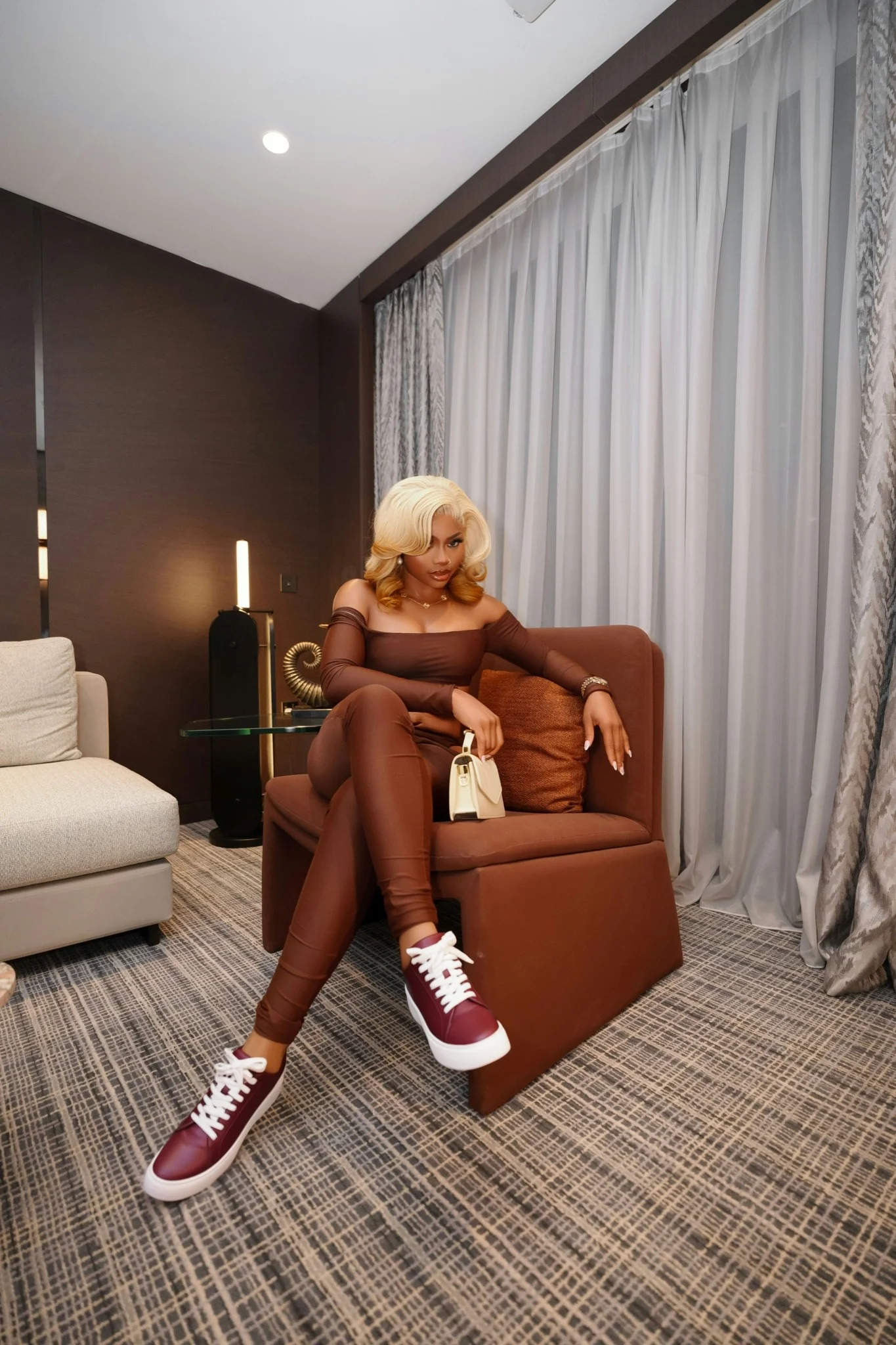
Accessory-led editorial imagery
Compare an existing photograph with the campaign concept that brings a shoulder bag, sneakers, wardrobe and a furnished interior into one visual direction.
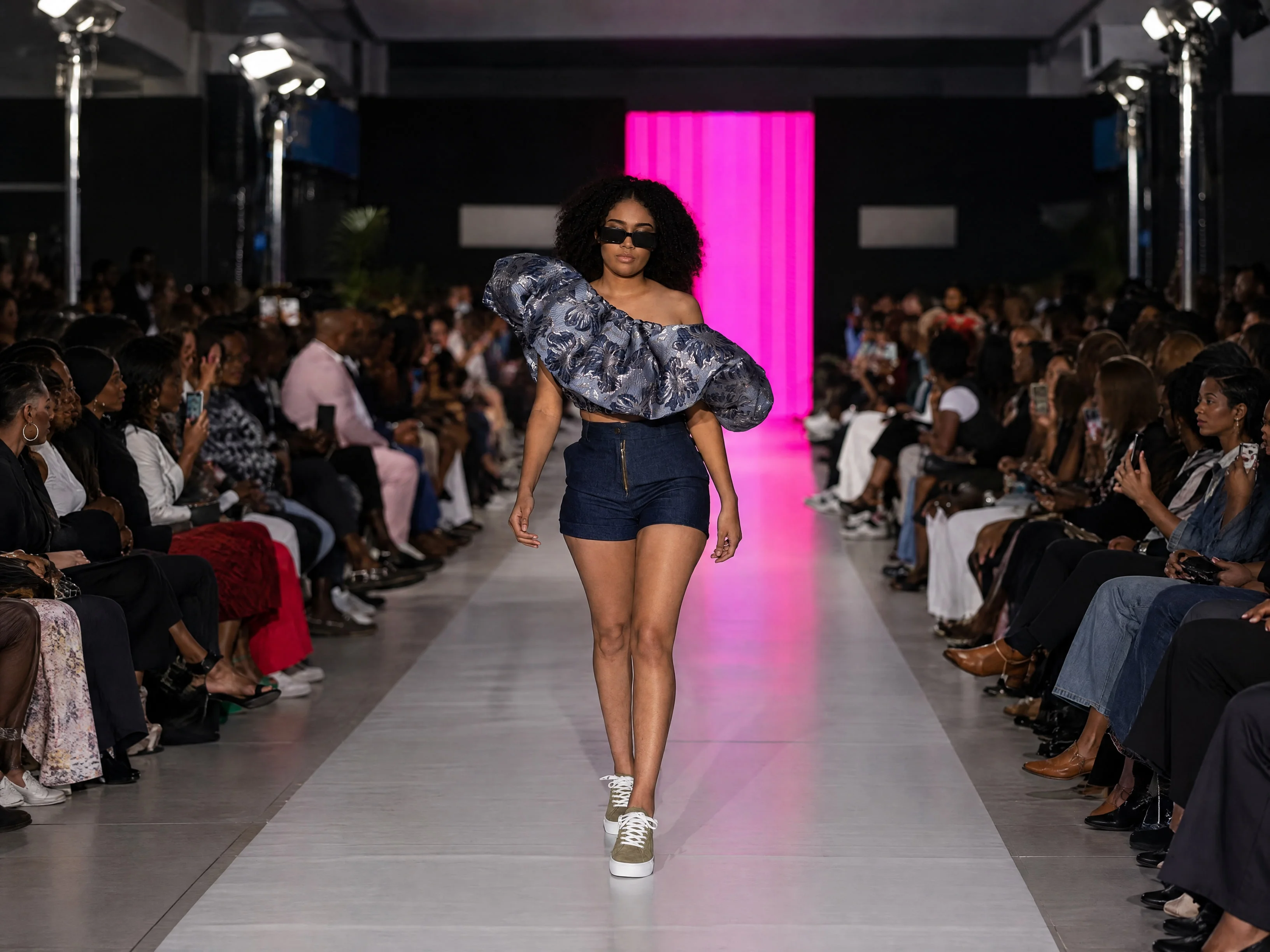
Products within complete styling
Compare both olive and burgundy footwear substitutions with their separate runway photographs, product references and prepared outcomes.
Let's shape what comes next
Give the collection its next campaign.
Talk with our team about luxury accessories imagery, editorial concepts and creative reuse of your existing photography.