
Product photographs to styling
Inspect six on-model concepts, each placed from its own product photograph, and three complete looks built one piece at a time.
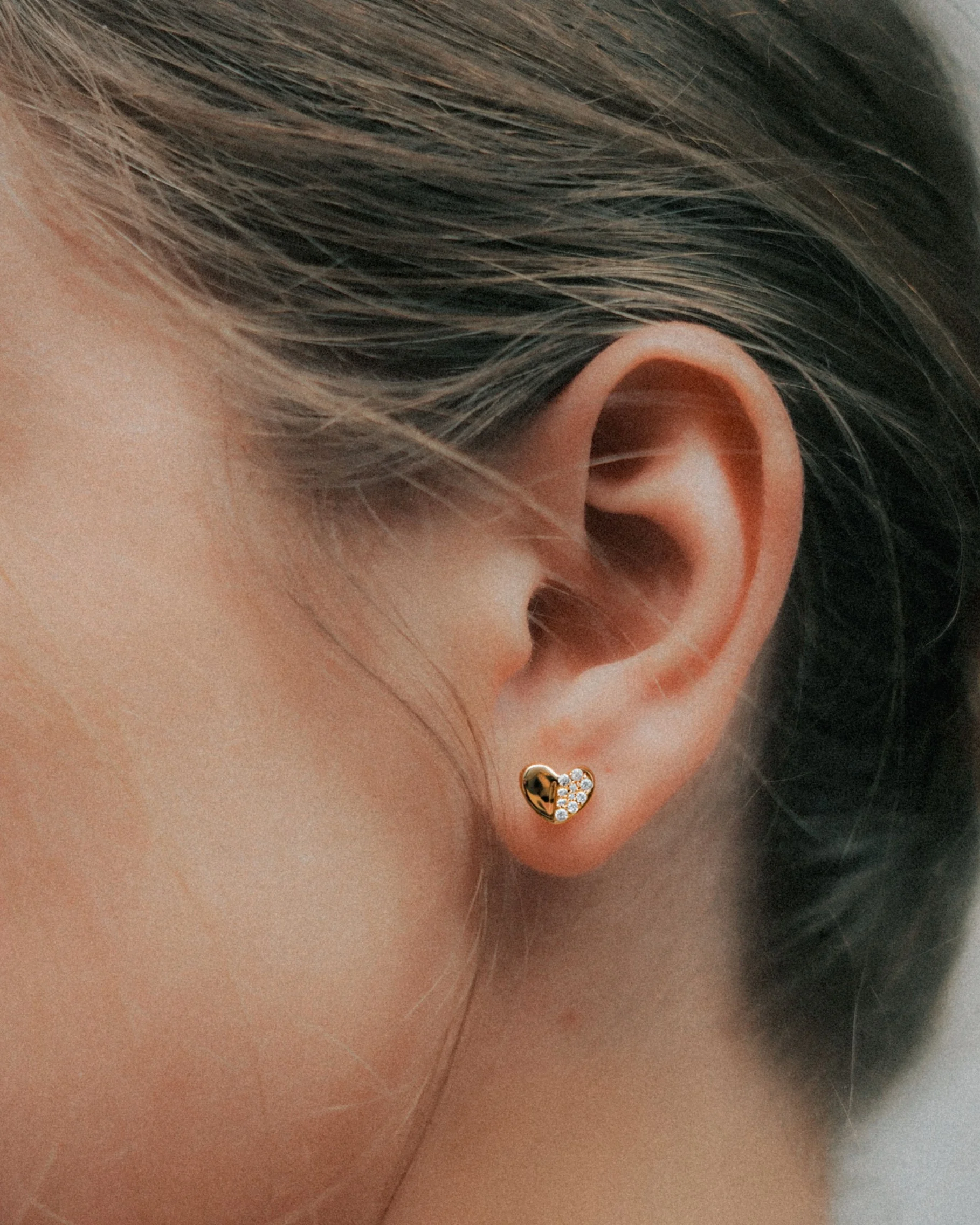
On-model product imagery
Heart stud: from product photograph to styling context.
The supplied product photograph guides the piece in an existing ear photograph. The piercing position, the scale and the light show how it wears.
Starting photographs and product references
Product reference · Heart stud
- The product photograph guides this styling concept. Review scale and placement against the piece before production.
On-model product imagery
Huggie hoop: from product photograph to styling context.
The supplied product photograph guides the piece in an existing ear photograph. The piercing position, the scale and the light show how it wears.
Starting photographs and product references
Product reference · Huggie hoop
- The product photograph guides this styling concept. Review scale and placement against the piece before production.
On-model product imagery
Pearl drop: from product photograph to styling context.
The supplied product photograph guides the piece in an existing ear photograph. The piercing position, the scale and the light show how it wears.
Starting photographs and product references
Product reference · Pearl drop
- The product photograph guides this styling concept. Review scale and placement against the piece before production.
On-model product imagery
Leaf drop: from product photograph to styling context.
The supplied product photograph guides the piece in an existing ear photograph. The piercing position, the scale and the light show how it wears.
Starting photographs and product references
Product reference · Leaf drop
- The product photograph guides this styling concept. Review scale and placement against the piece before production.
On-model product imagery
Pavé bangle: from product photograph to styling context.
The supplied product photograph guides the piece on an existing wrist photograph. The skin contact, the scale and the light show how it wears.
Starting photographs and product references
Product reference · Pavé bangle
- The product photograph guides this styling concept. Review scale and placement against the piece before production.
On-model product imagery
Solitaire ring: from product photograph to styling context.
The supplied product photograph guides the ring on an existing hand photograph. The finger, the setting height and the light show how it wears.
Starting photographs and product references
Product reference · Solitaire ring
- The product photograph guides this styling concept. Review scale and placement against the piece before production.
Complete the look
Build a ring stack around the solitaire.
The solitaire concept gains a diamond pavé band and then a plain gold band, each placed from its own product photograph. Every step is a separate edit, so the ring can be shown alone, as a pair or as a full stack.
Starting photographs and product references
Product reference · Pavé band
Product reference · Plain band
Successive edits to one image
Starting solitaire concept
Inspect edit-area maps
Lavender marks the pixels that changed in each edit, compared with the step before it. The changes stay on the added piece.
Edit-area map · Pavé band
Edit-area map · Plain gold band
Complete the look
Curate the ear one piercing at a time.
The heart stud concept gains a gold huggie in a second piercing and then a leaf climber along the upper ear. The product photographs set the shape and the metal, and each placement follows the curve of the ear.
Starting photographs and product references
Product reference · Huggie hoop
Product reference · Leaf ear climber
Successive edits to one image
Starting heart stud concept
Inspect edit-area maps
Lavender marks the pixels that changed in each edit, compared with the step before it. The changes stay on the added piece.
Edit-area map · Huggie hoop
Edit-area map · Leaf ear climber
Complete the look
Layer the neckline at three lengths.
The pavé pendant gains a shorter paperclip chain and then a longer seed-pearl strand. Each layer sits at its own length in the same warm light, so the neckline reads as one planned look.
Starting photographs and product references
Product reference · Paperclip chain
Product reference · Seed-pearl strand
Successive edits to one image
Starting pavé pendant
Inspect edit-area maps
Lavender marks the pixels that changed in each edit, compared with the step before it. The changes stay on the added piece.
Edit-area map · Paperclip chain
Edit-area map · Seed-pearl strand
Keep exploring
Continue with another Jewelry study.
Each one holds the full references, comparisons and interactive examples.
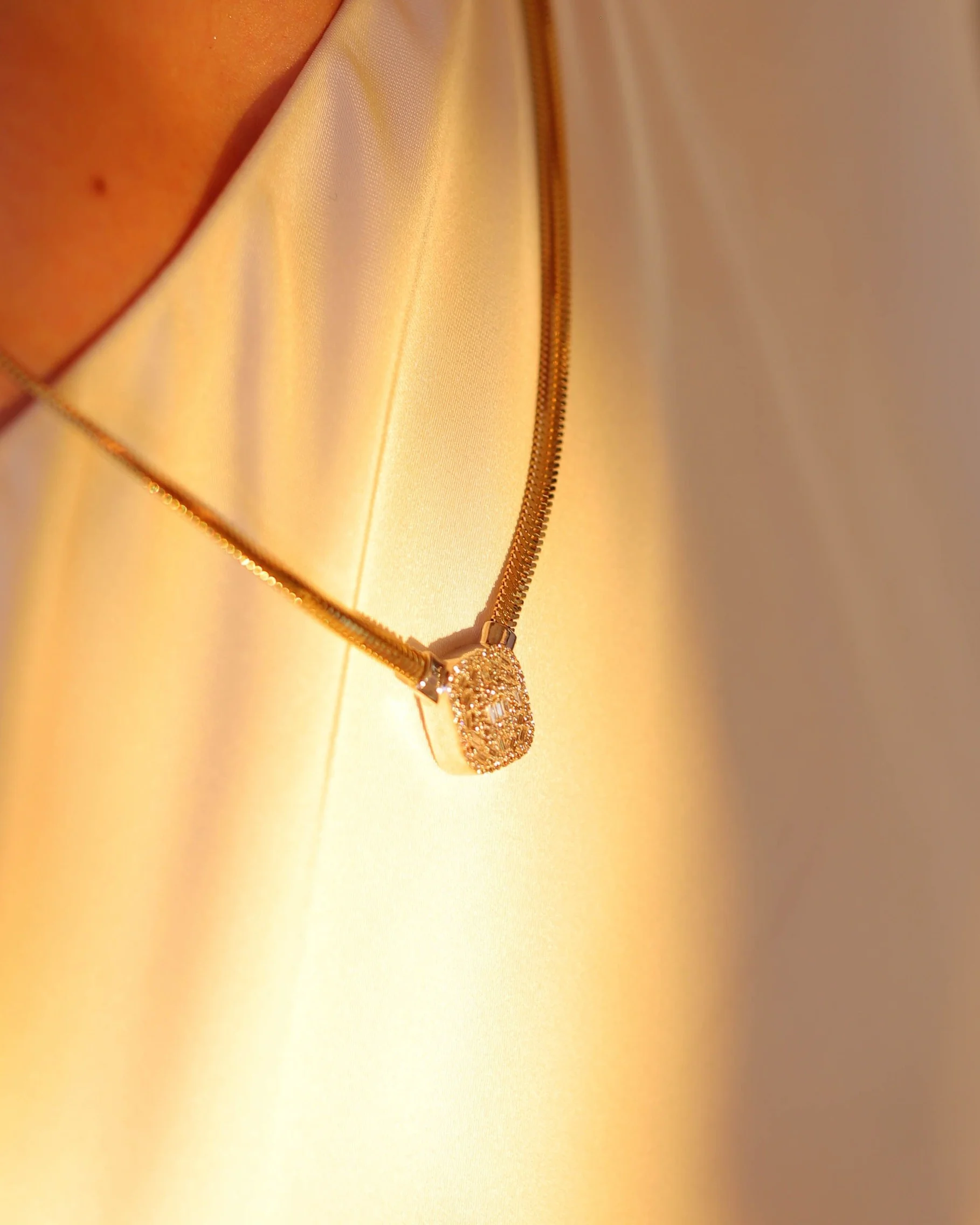
Stones, charms and pendant designs
Explore two pendant designs on one neckline, a new birthstone palette, a charm substitution and the complete pendant stone family with its edit-area maps.
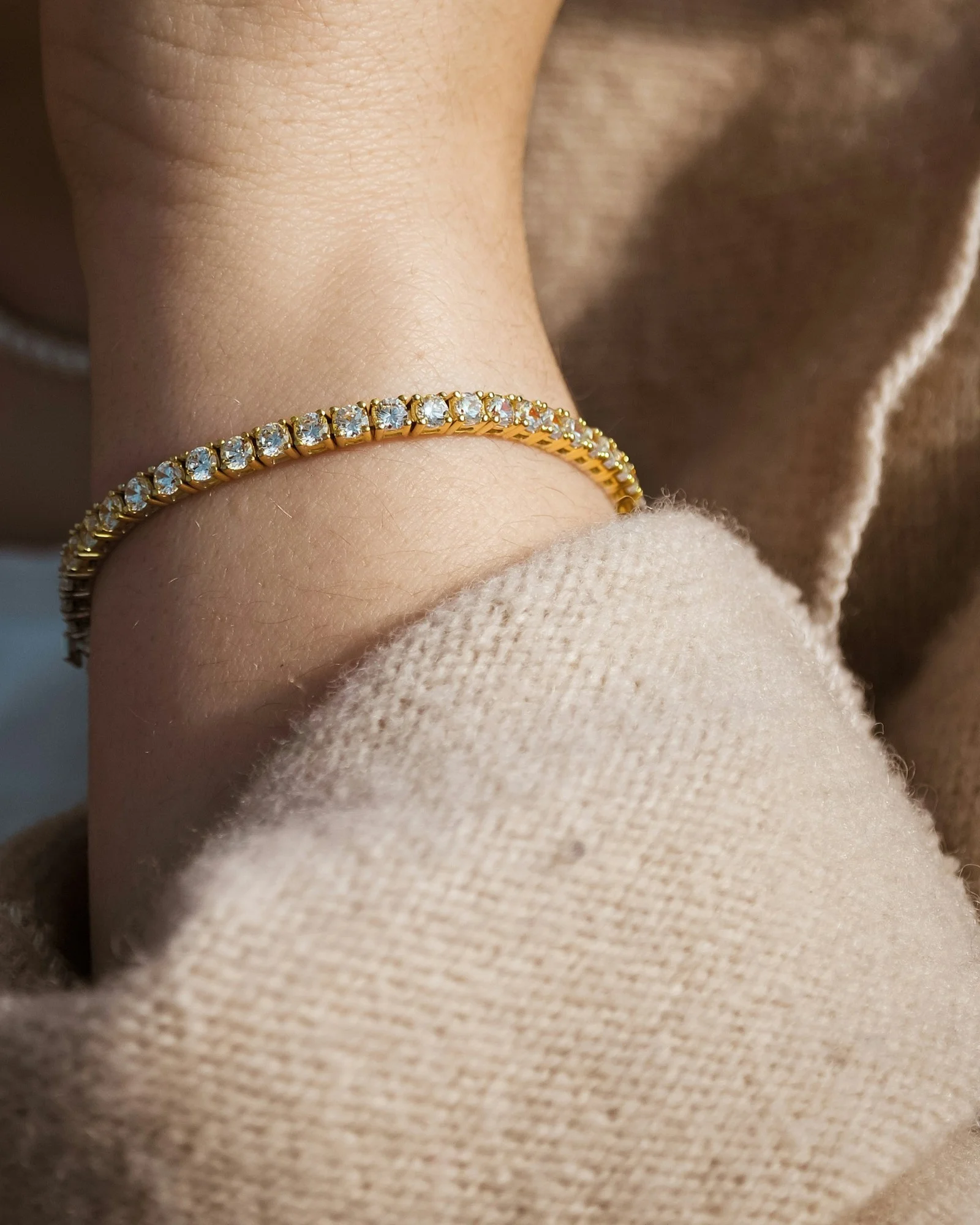
Metal finishes across the collection
Compare a styled bracelet, one hoop in three views and three product-metal examples, with edit-area maps beside each comparison.
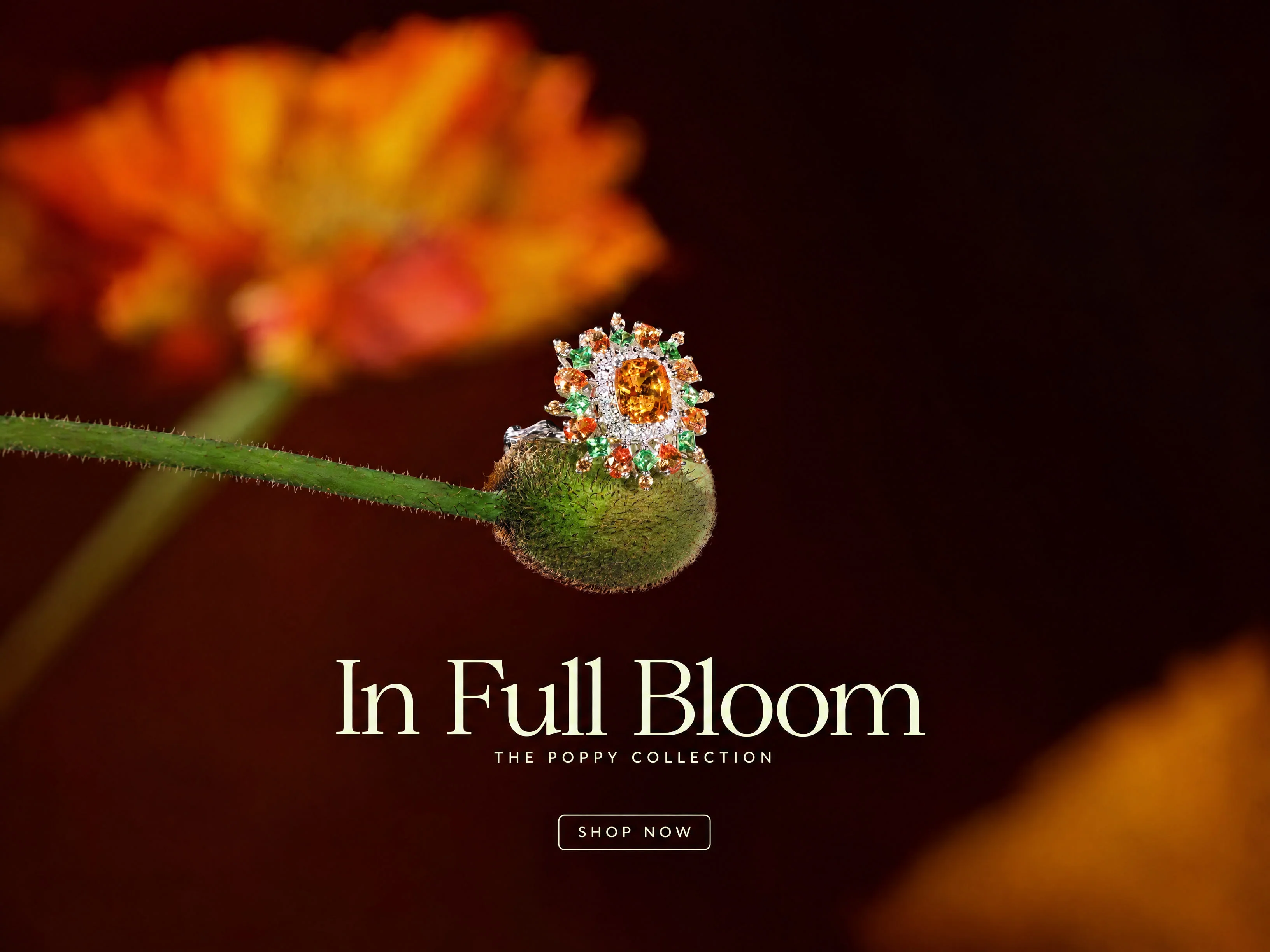
Campaign formats, markets and gifting
Inspect two five-format ring campaigns, the poppy campaign in three more languages and one ring restaged for three gifting moments.
Let's shape what comes next
Create the next collection image set.
Talk with our team about jewelry product imagery, finish variations and campaign production.