
Show the new finish. See it before anyone installs it.
Show flooring, paint, siding, roofing and countertops in place, then turn each finish into campaign and dealer creative.
Creative work, in context
Change the finish and keep the room.
Building-product brands sell surfaces, colors and finishes through dealers and stores. Each example starts from a licensed photograph and changes only the product in question. On-screen color and material are approximate, so every image is presented as a concept.
Flooring
Show every floor in the range in one room.
Present a flooring collection in a room your customers already recognize. Each finish replaces only the floor, while the walls, furniture, window light and shadows stay as photographed.
Material and color are approximate. Use the product sample for final decisions.
Choose a floor
Original floor
This is the licensed photograph before any edit.
Paint & siding
Paint one house in the whole season's palette.
Recolor the siding of a single house across a seasonal palette, with the color name and code set on a paint-chip card in each image. Trim, windows, roof and sky stay as photographed.
Color names and codes are fictional. On-screen color is approximate.
Choose a color
Original siding
This is the licensed photograph before any edit.
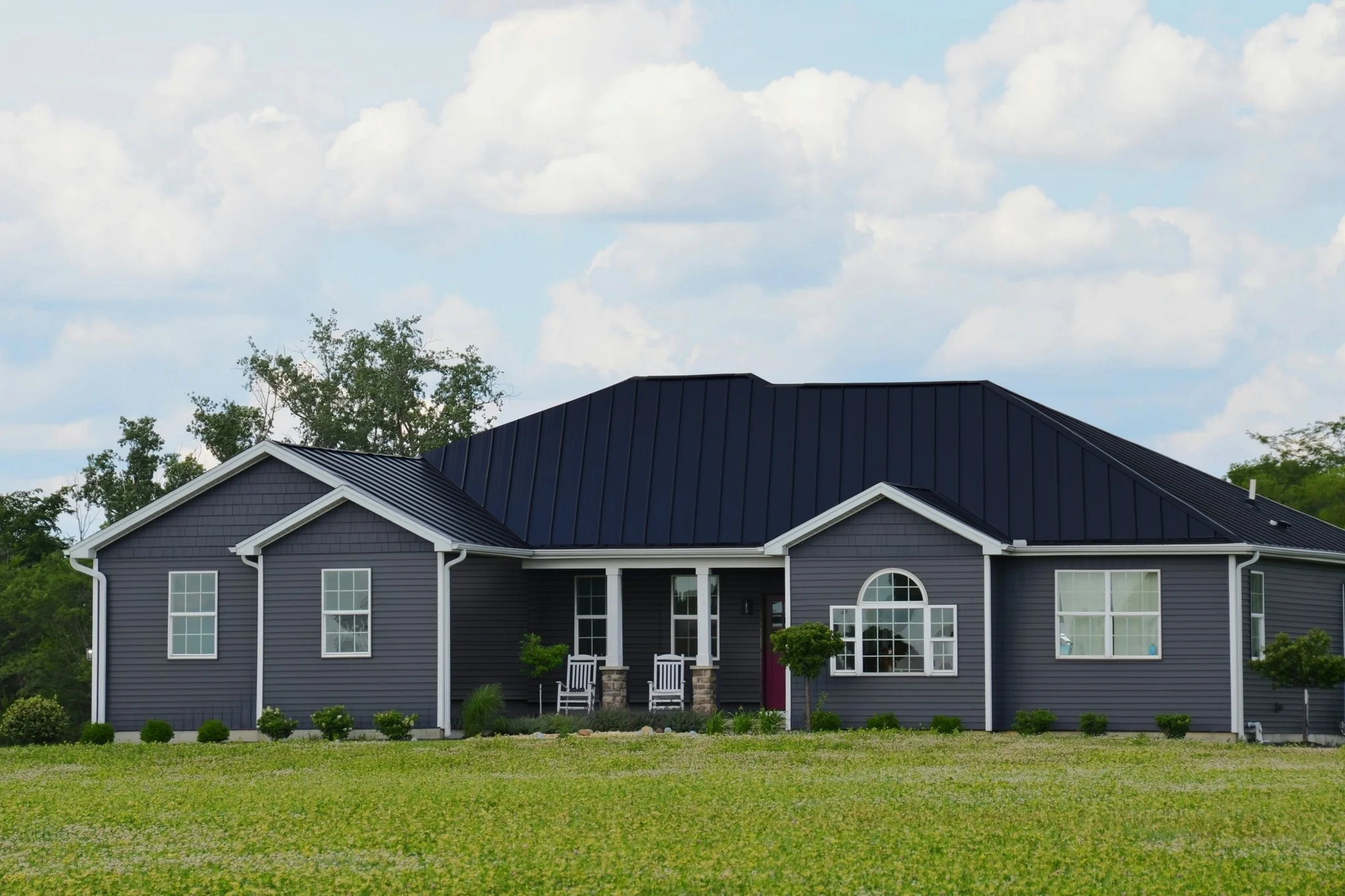
Roofing & siding
Show the new exterior before the crew arrives.
A black standing-seam roof, charcoal fibre-cement siding and a plum front door are added to one photograph of the house. The result then becomes a dealer co-op ad with the offer and license lines in clean type.
Present edited exteriors as proposals, since the work has not been done yet.
Explore the versions
Current exterior
The licensed photograph of the house as it stands.
Countertops & tile
Put the before and after in one creative.
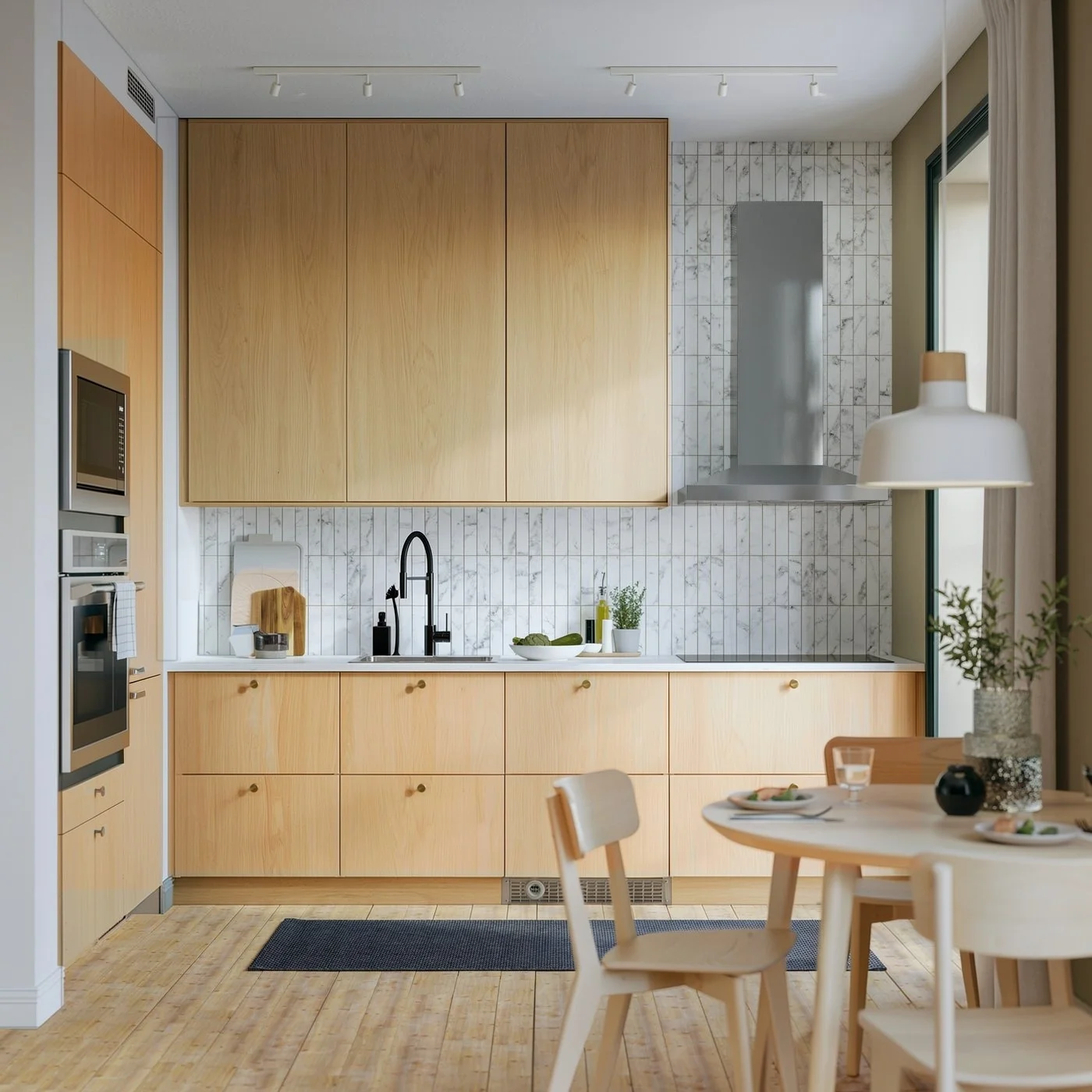
Honed quartz countertops and a zellige backsplash are added to a dated kitchen, and both states become one split ad. The same layout is set in English and Canadian French for dealers in each market.
Explore the versions
Current kitchen
The licensed photograph of the kitchen before the remodel concept.
Built around your team
Your creative standard.
A workflow to match.
Every step builds on your imagery, your references and the work your team needs to deliver.
- 01
Start with the photograph and the product
Bring room and exterior photography, product swatches and the campaign or dealer brief.
- 02
Change only the finish
Swap floors, colors and surfaces while the rest of the photograph stays as it is, then build the campaign layouts.
- 03
Review color, claims and offers
Check color against physical samples, label concepts as concepts, and confirm prices, financing and license lines before release.
Frequently asked questions
Do these images match the exact product color and size?
No. They are concepts for campaigns and dealer creative. Screen color, sheen and plank or tile size are approximate, so customers should confirm their choice against a physical sample. Product visualizers built from product scans serve exact in-room previews.
Where do the starting photographs come from?
Each example starts from a stock photograph under a license that allows commercial use and editing. The product names, color names and dealer offer in these examples are fictional.
More in Home & Living
Explore related industries.

Let's shape what comes next
Show your next finish in place.
Talk with our team about product imagery, dealer and co-op creative, and campaign workflows for building products.