Login Sign up
Ideogram Styles

Bring your ideas to life with powerful styles

Turn a basic prompt into stunning visuals. Curated aesthetics at your fingertips, ready to apply with a single click.

Explore diverse style presets

A curated library of style presets, ready to apply to your generations with a single click.
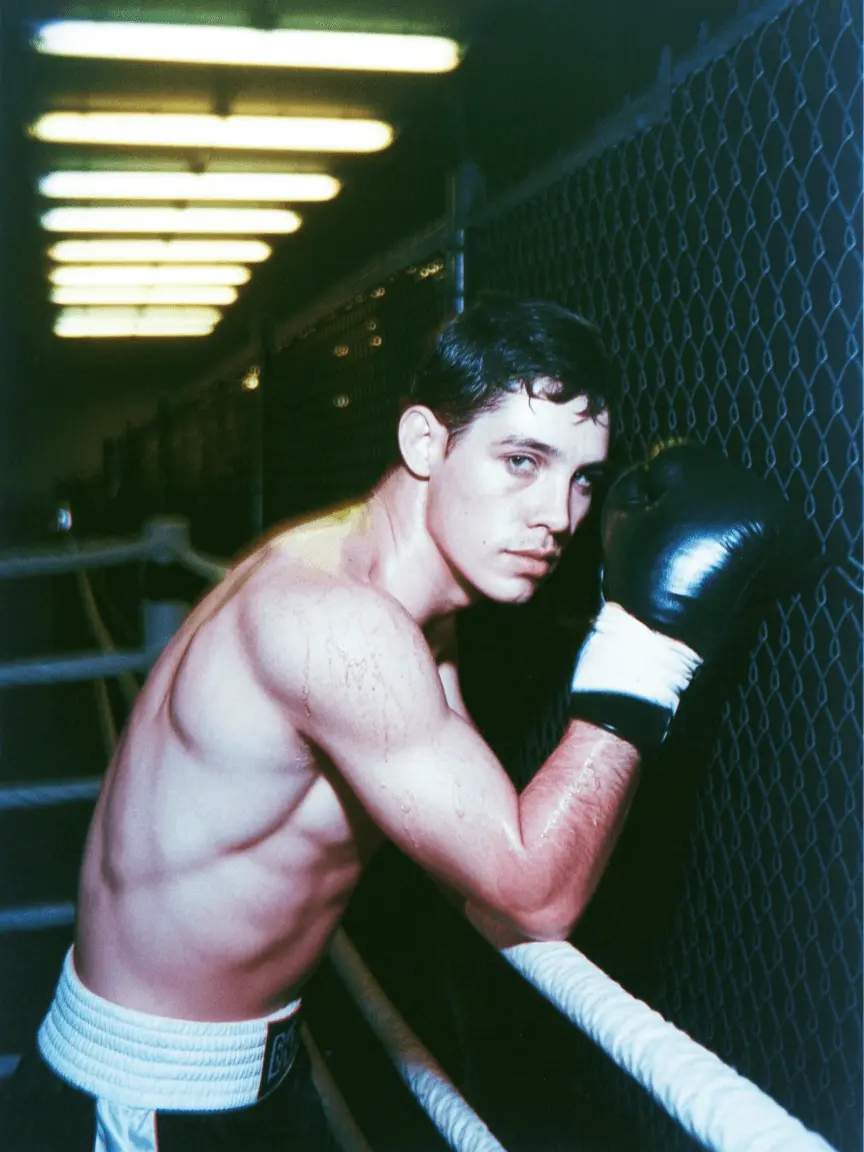
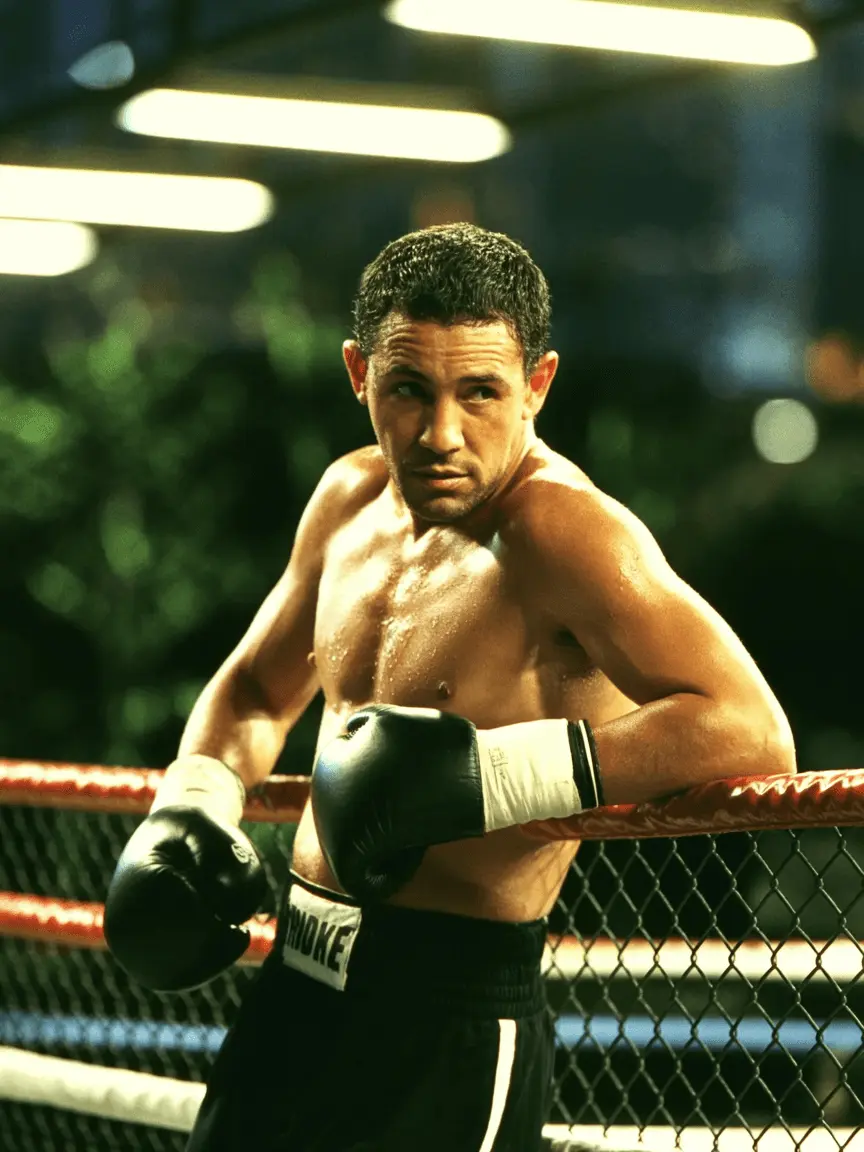
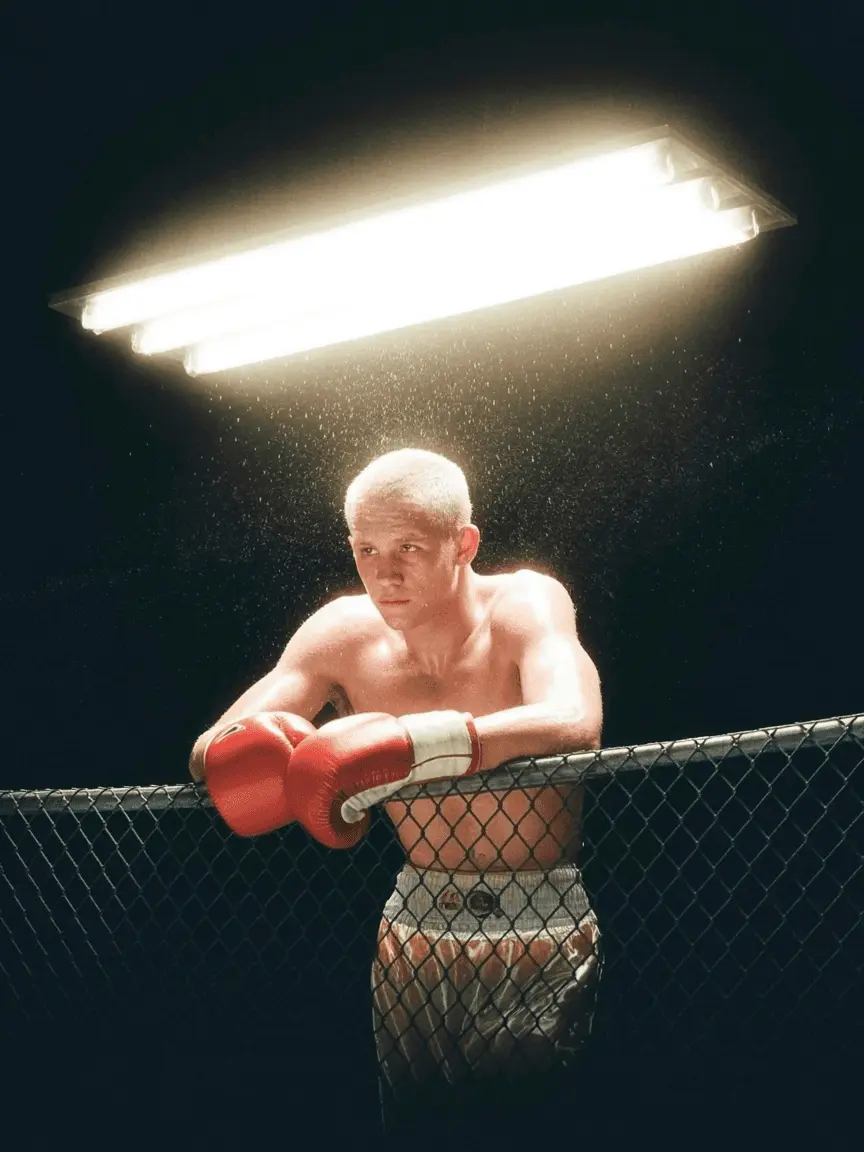
Style preset: cinematic photography
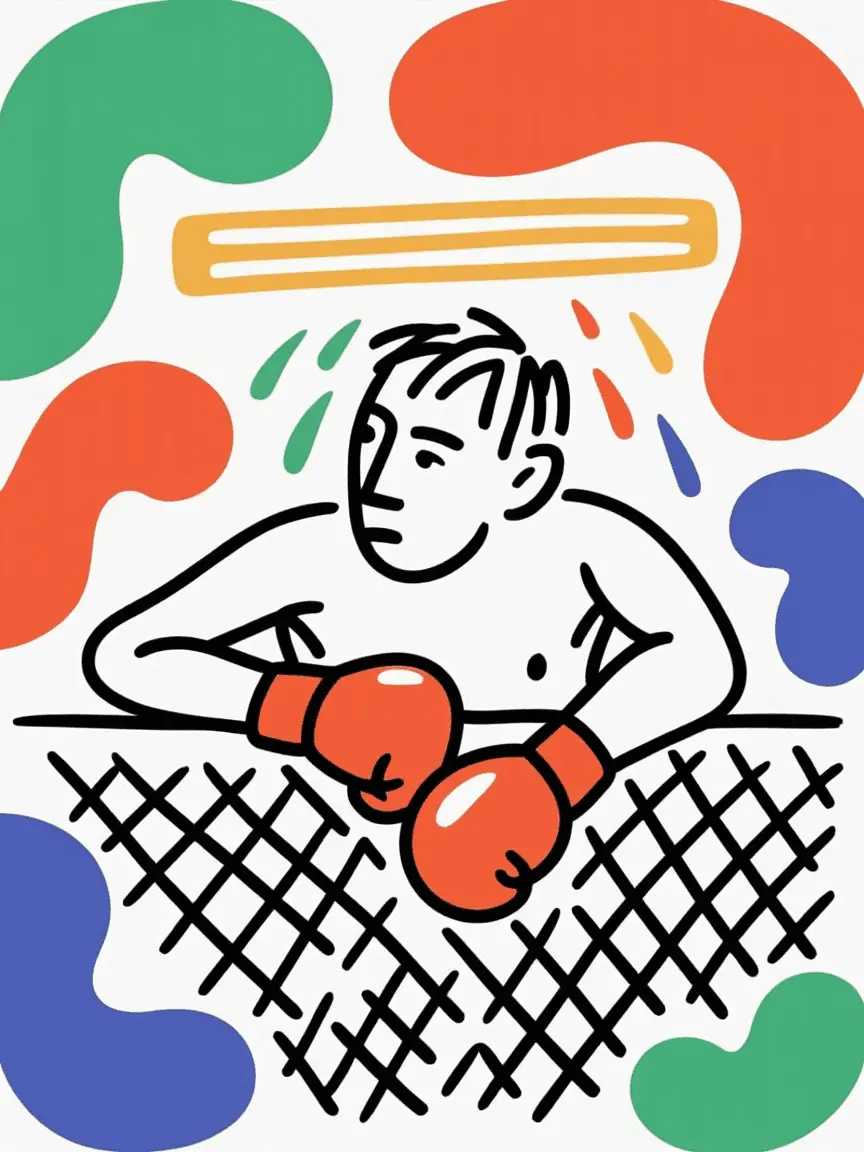
Style preset: bold graphic art
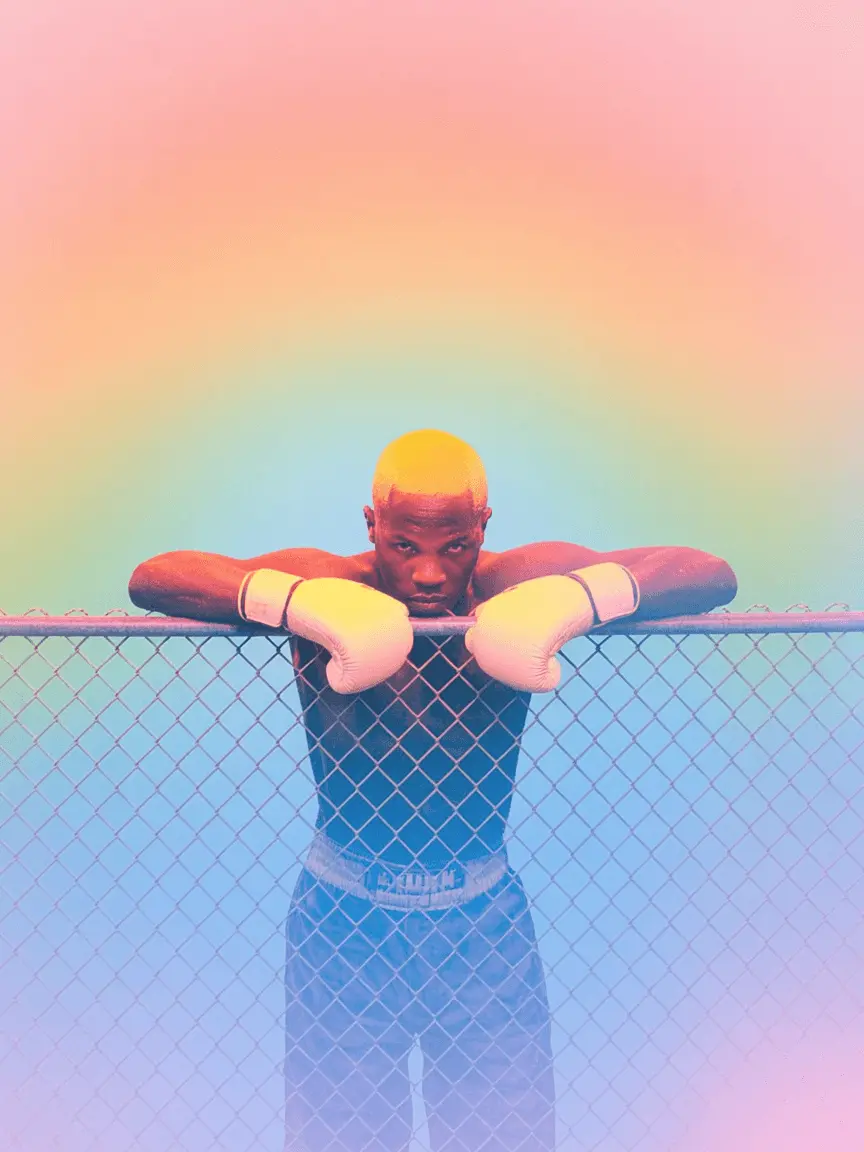
Style preset: vibrant illustration
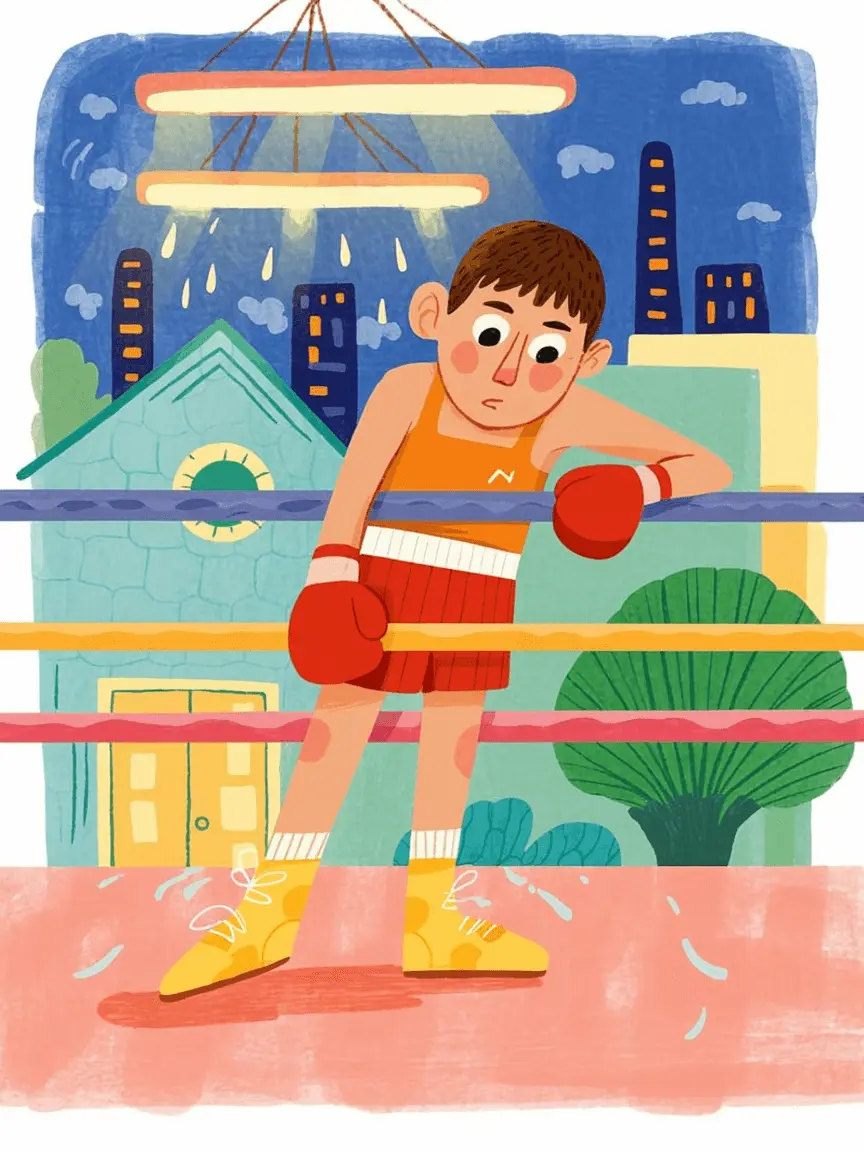
Style preset: children's book illustration
Style preset: mixed media collage
Style preset: retro vintage
Style preset: minimalist abstract
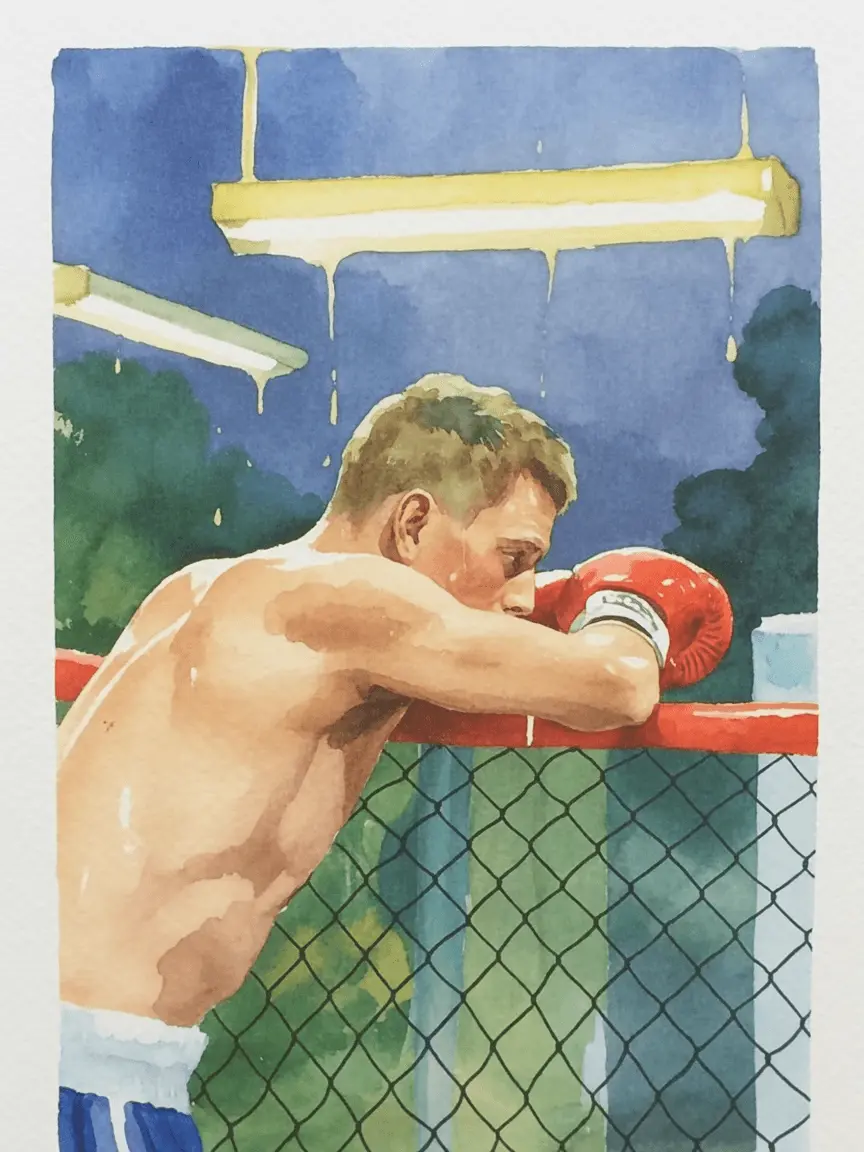
Style preset: watercolor painting
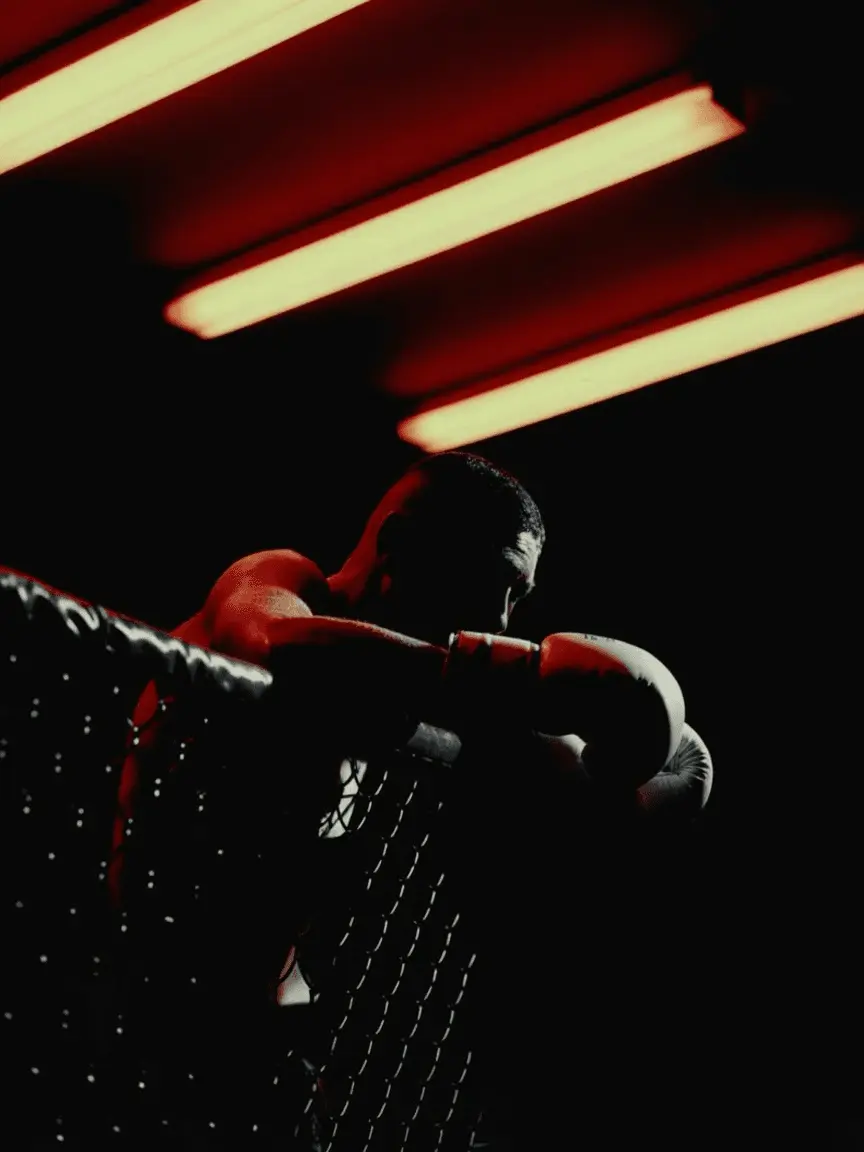
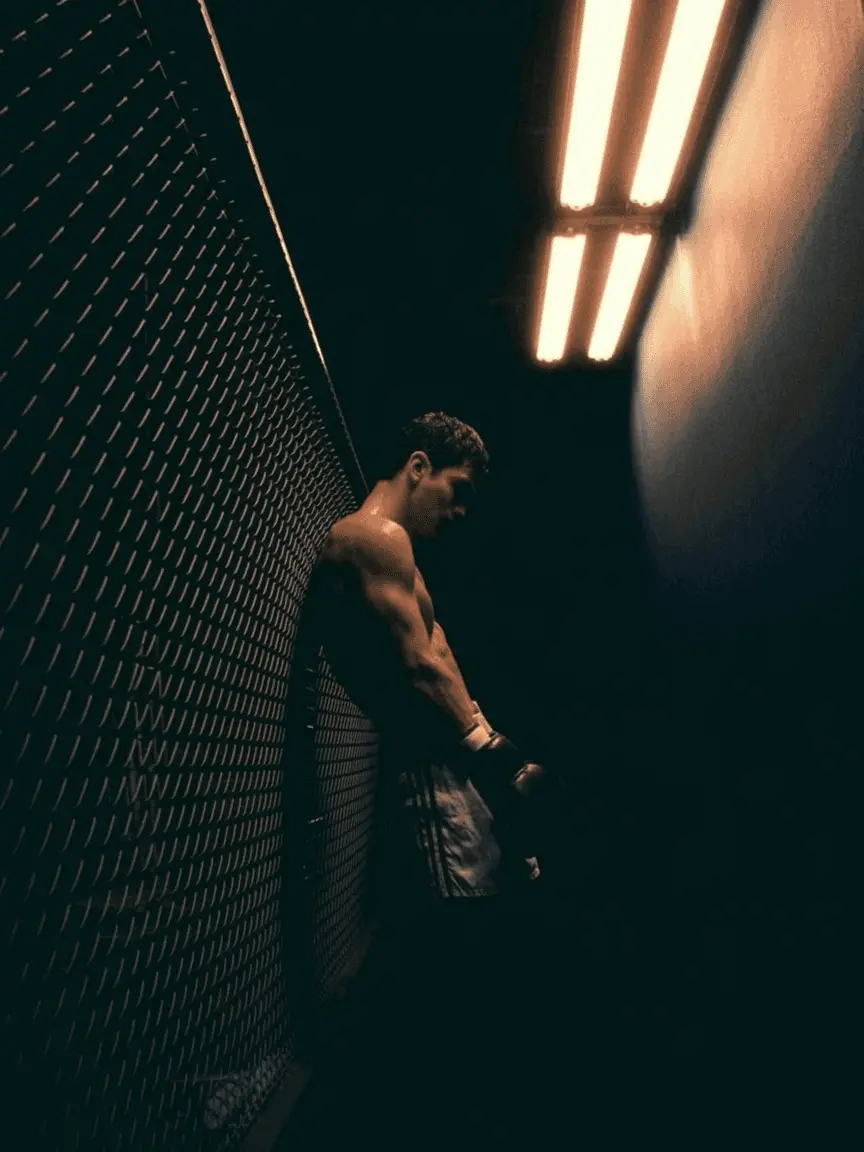
Style preset: dark moody
Style preset: cinematic photography
Style preset: bold graphic art
Style preset: vibrant illustration
Style preset: children's book illustration
Style preset: mixed media collage
Style preset: retro vintage
Style preset: minimalist abstract
Style preset: watercolor painting
Style preset: dark moody
Style preset: cinematic photography
Style preset: bold graphic art
Style preset: vibrant illustration
Style preset: children's book illustration
Style preset: mixed media collage
Style preset: retro vintage
Style preset: minimalist abstract
Style preset: watercolor painting
Style preset: dark moody

Text that looks as good as your art

Accurate text rendering paired with creative, expressive typography that matches your style.
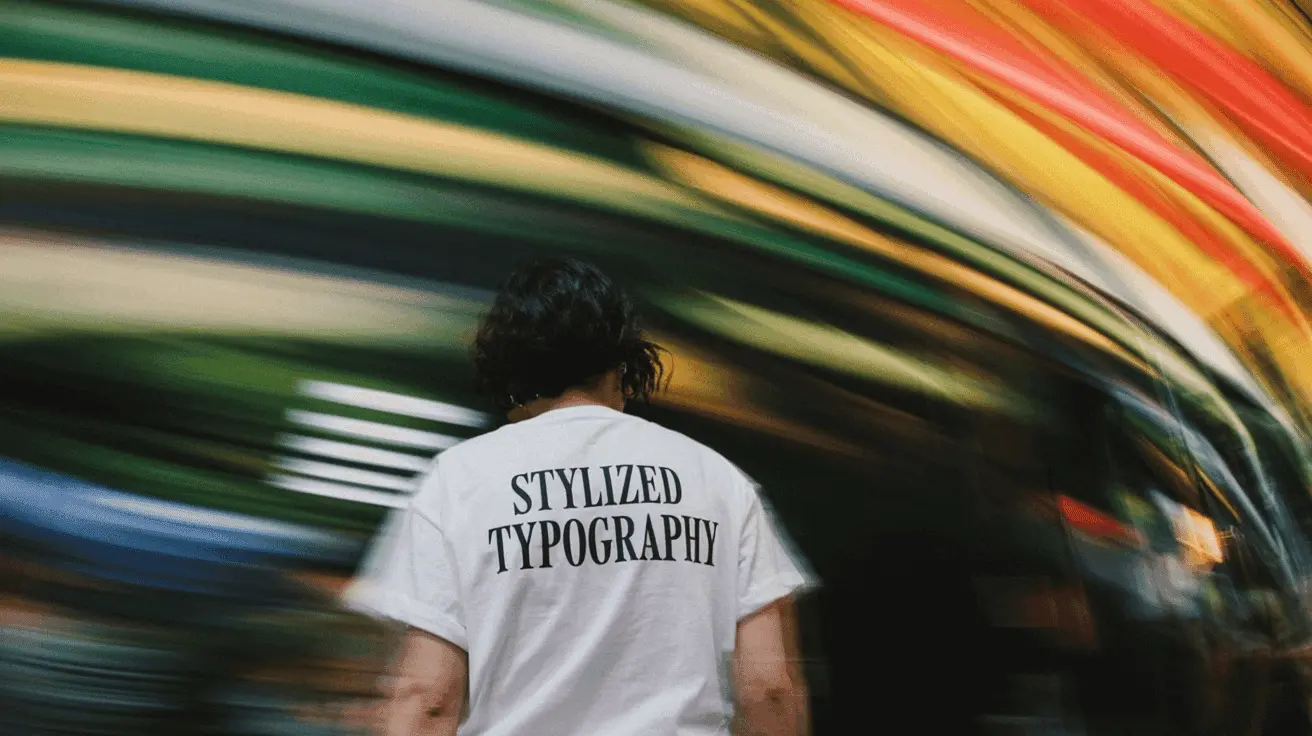
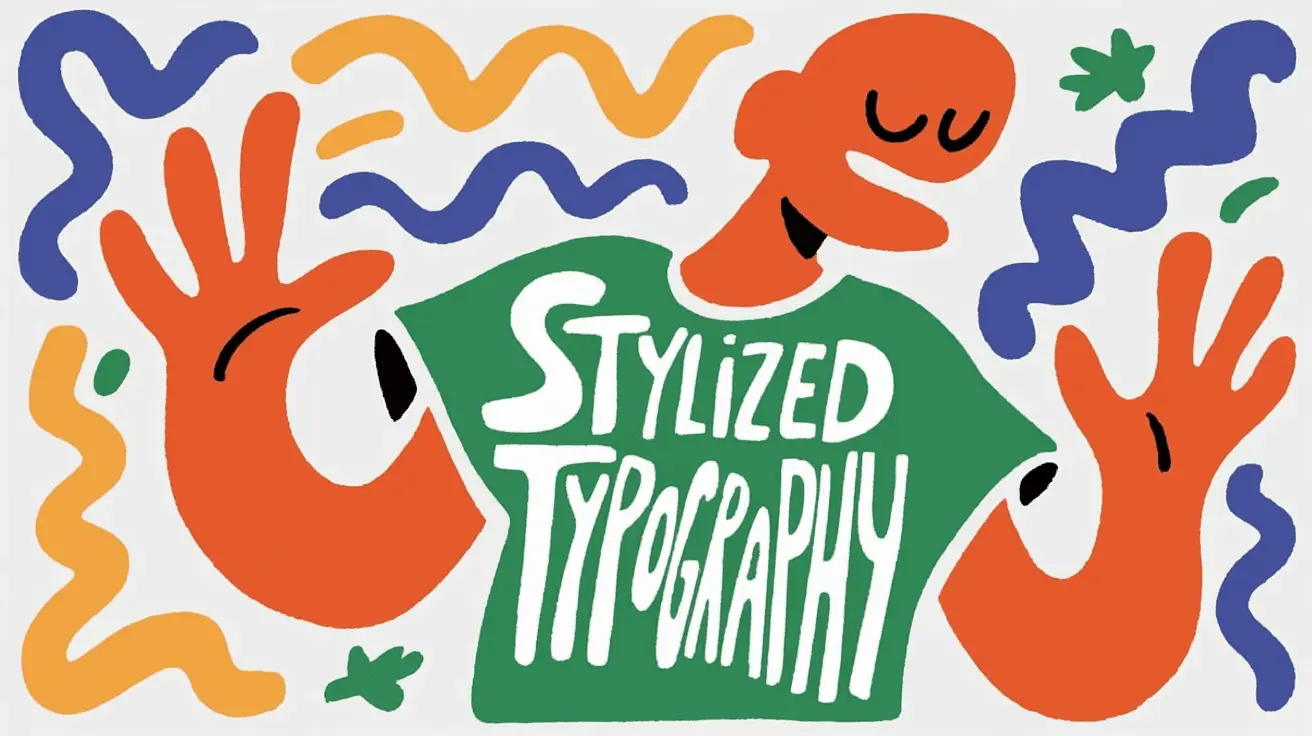
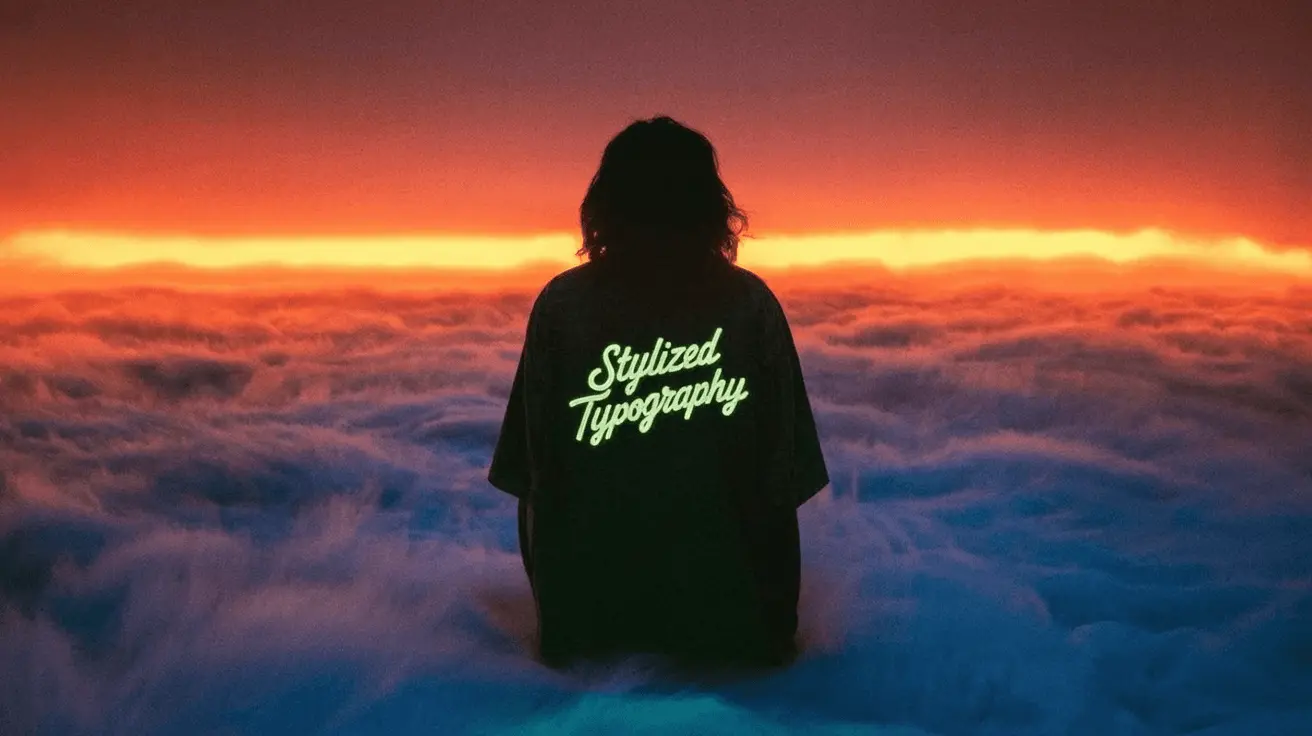
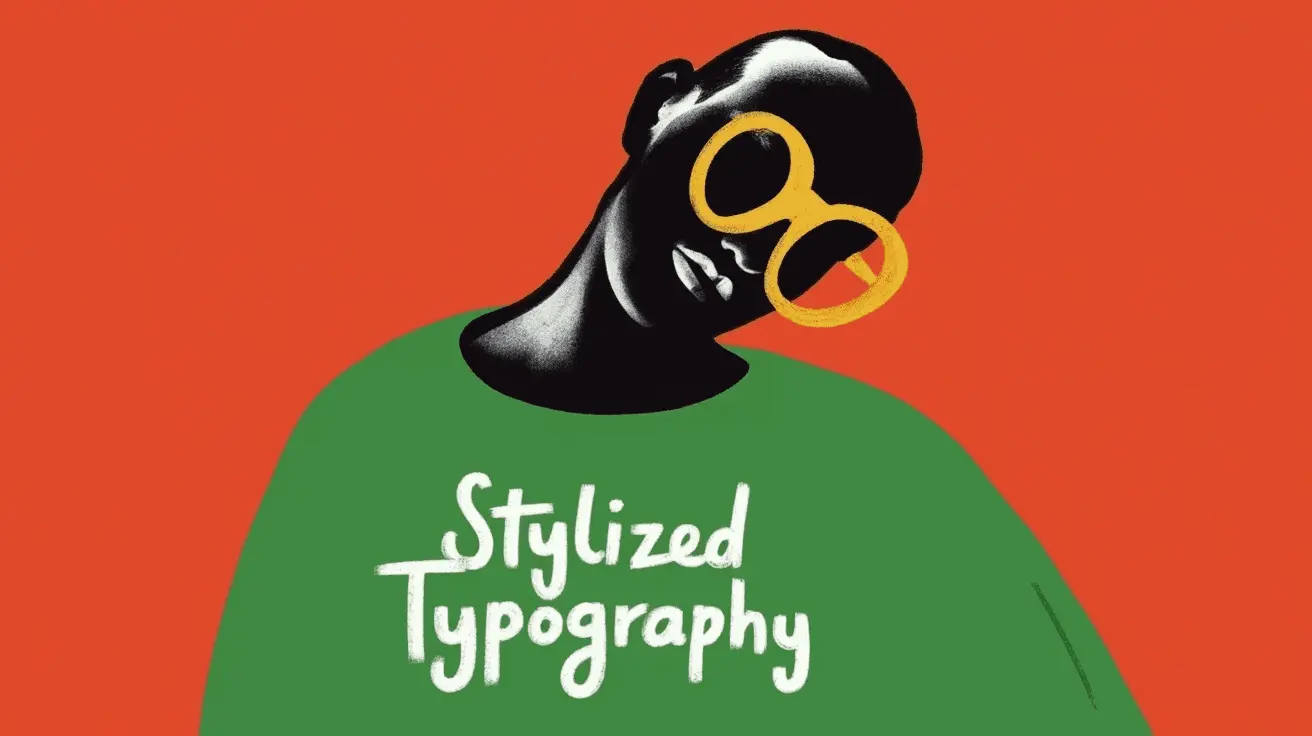
Stylized typography: bold poster design Stylized typography: sunset silhouette
Stylized typography: street style jacket
Stylized typography: vibrant lettering

Create your own signature style

Upload up to 3 reference images to craft a custom aesthetic. Your style is saved and reusable across all future generations.

Create custom style
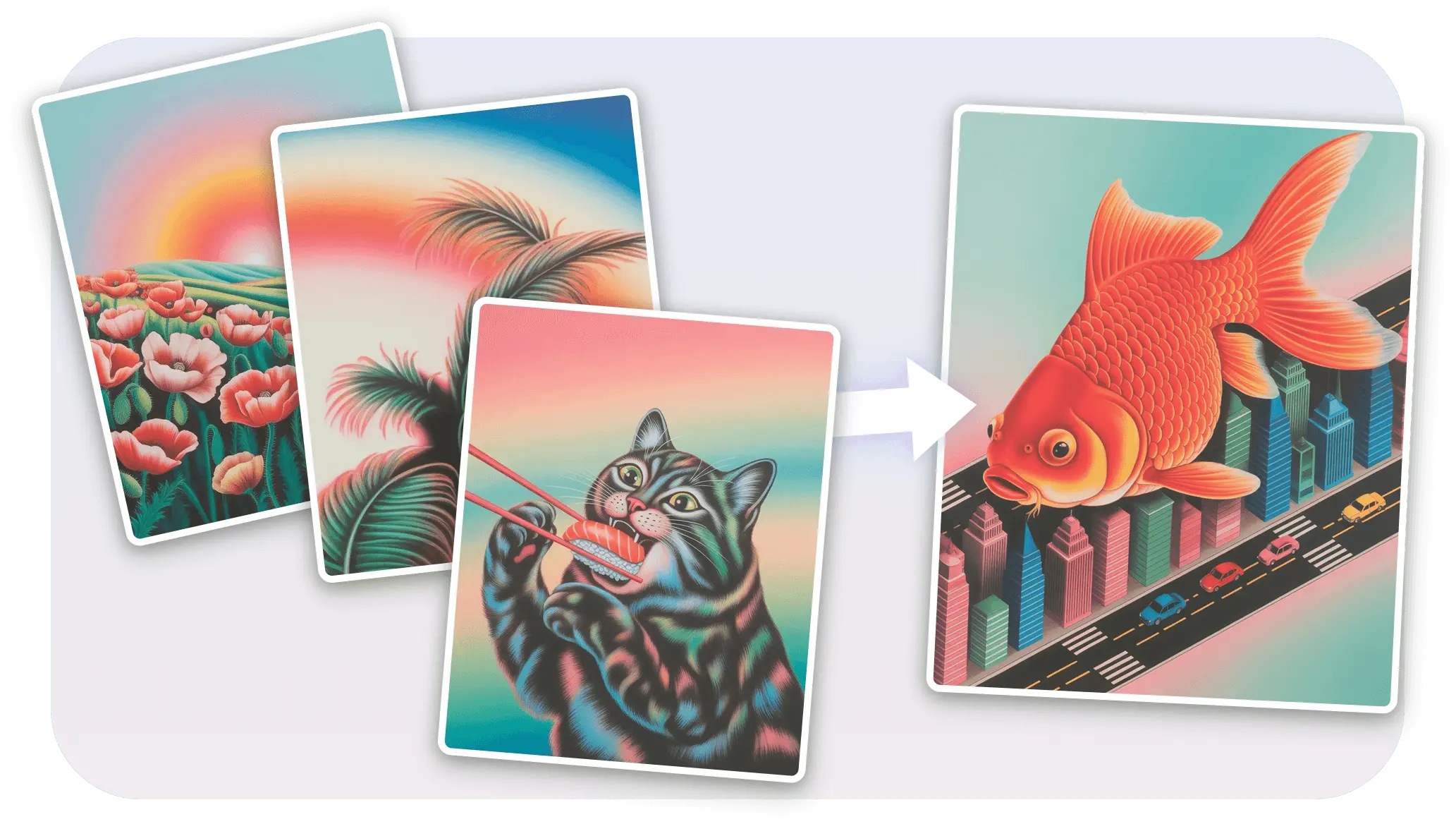
Custom style workflow: reference images generate matching outputs

Style precision and control

Combine Styles with Remix, Describe, and Color Palette to gain total control over how your designs look and feel.

Try Ideogram Styles
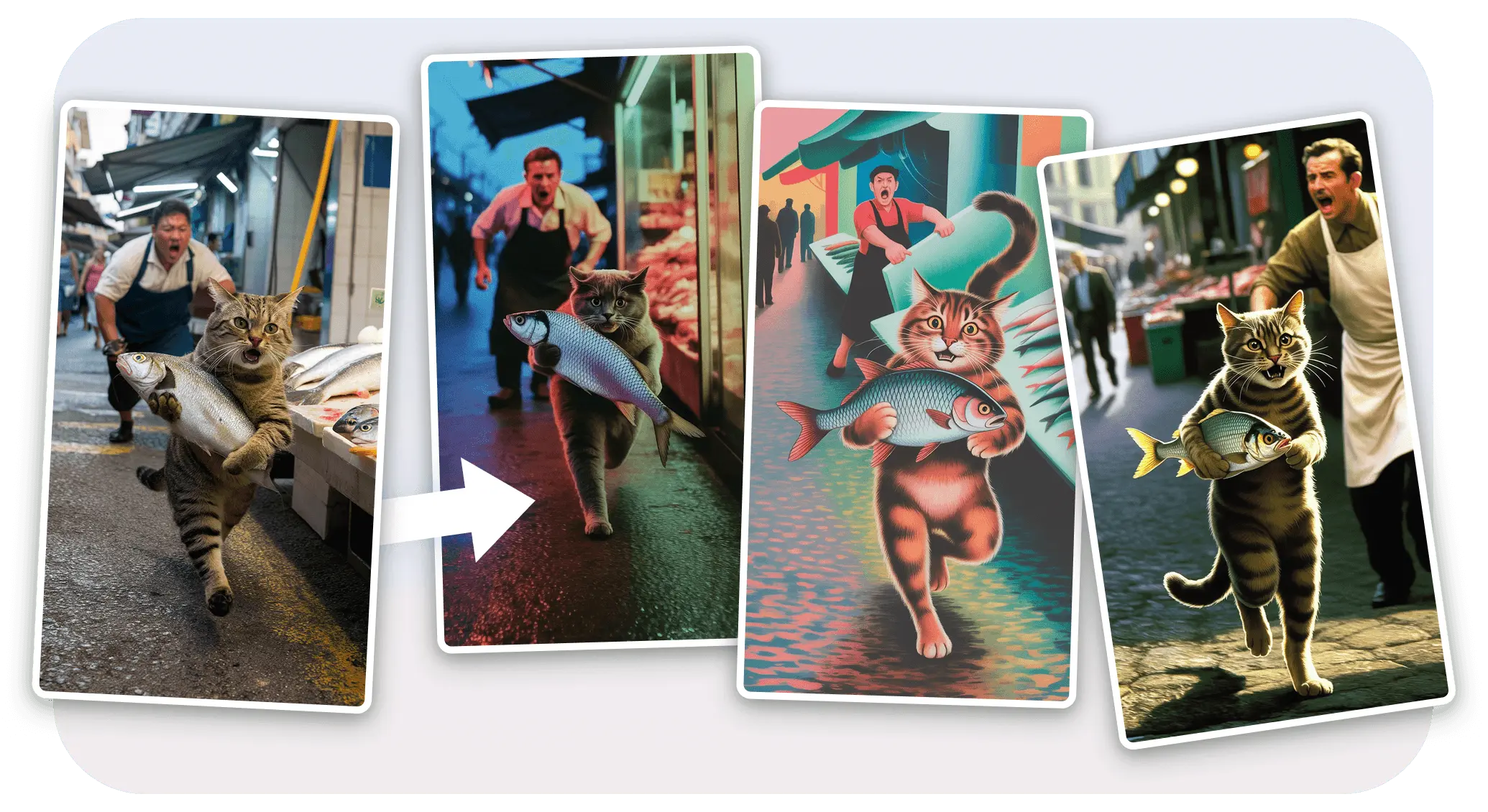
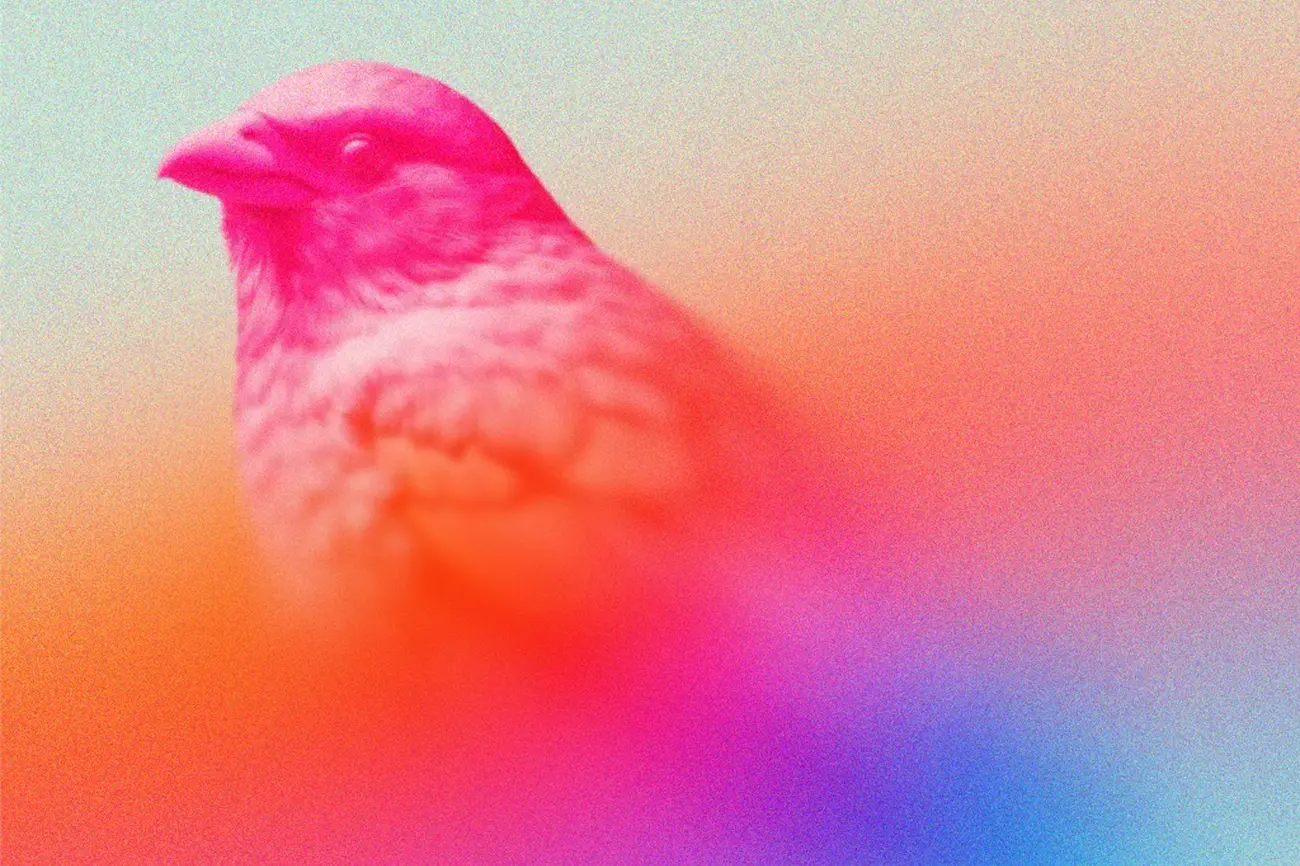
Style precision: same content rendered across multiple visual styles

Frequently asked questions

Why should I use Ideogram Styles? +
Styles streamlines your creative process by generating visually consistent images using both curated and custom styles. Features like Remix, Character, and Color Palette add versatility, making it ideal for artists, designers, and hobbyists.
How does Ideogram Styles work? +
Click "Style" in the prompt box, select or create a style, enter your prompt, and click "Generate." The style ensures sophisticated, consistent aesthetics across your generations.
How do I create a custom style in Ideogram? +
Click "Style" in the prompt box, go to "My styles," and select "Create new style." Upload up to three reference images, name your style, and click "Create." It is saved for reuse in future prompts.
What is the difference between Describe and Remix in Ideogram? +
Describe generates a text prompt from an existing image, which you can adjust and pair with a style. Remix reimagines an image while preserving its composition, with adjustable weight. Remix typically maintains structure better than Describe alone.
How does Color Palette work with Styles? +
Color Palette applies specific colors to influence mood and tone while maintaining the selected style's visual identity. Pairing styles with different palettes creates distinct vibes while keeping results cohesive.
Where can I learn more about Ideogram Styles? +
Visit the Ideogram documentation for style modes, presets, custom style creation, and how to combine features for best results.