Generate with native transparency. Edit with a prompt. Upscale to 8K. Create product mockups. Everything you need for scalable POD, in one place.
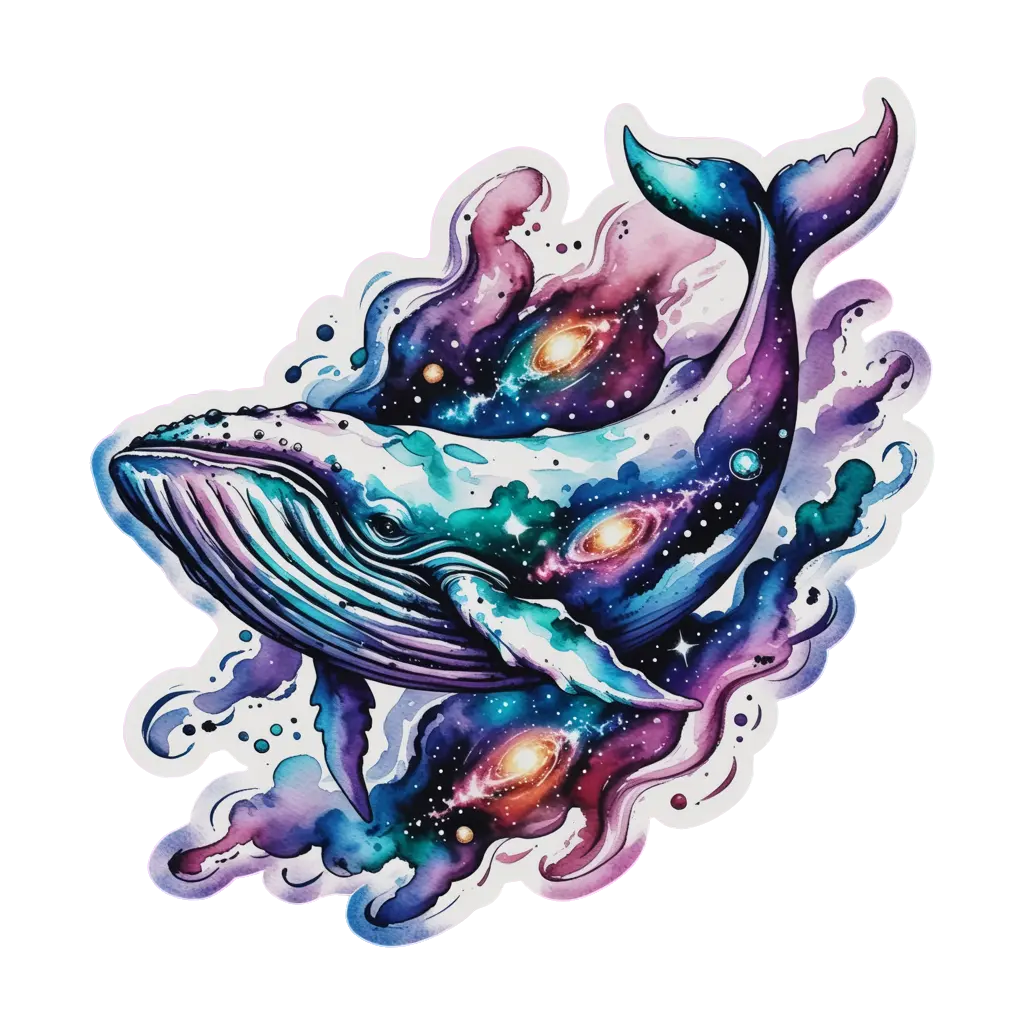
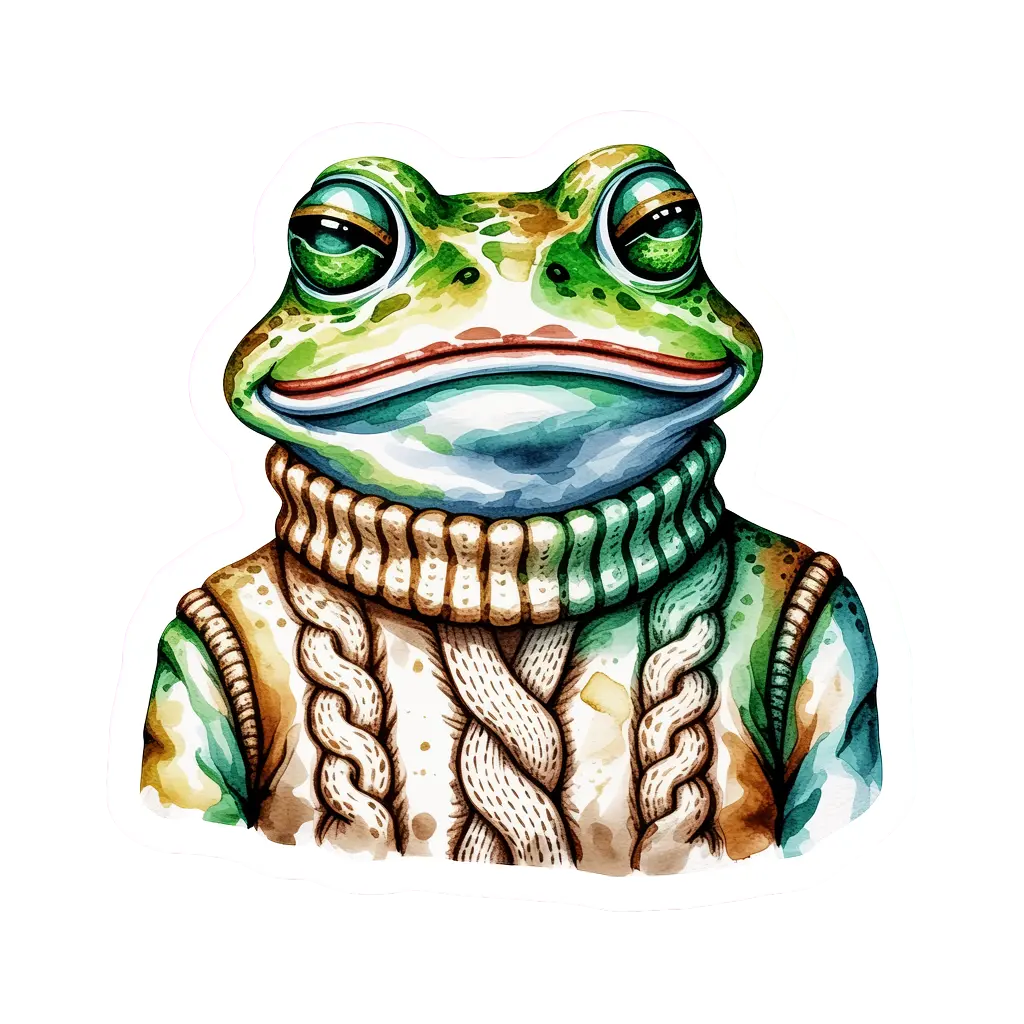
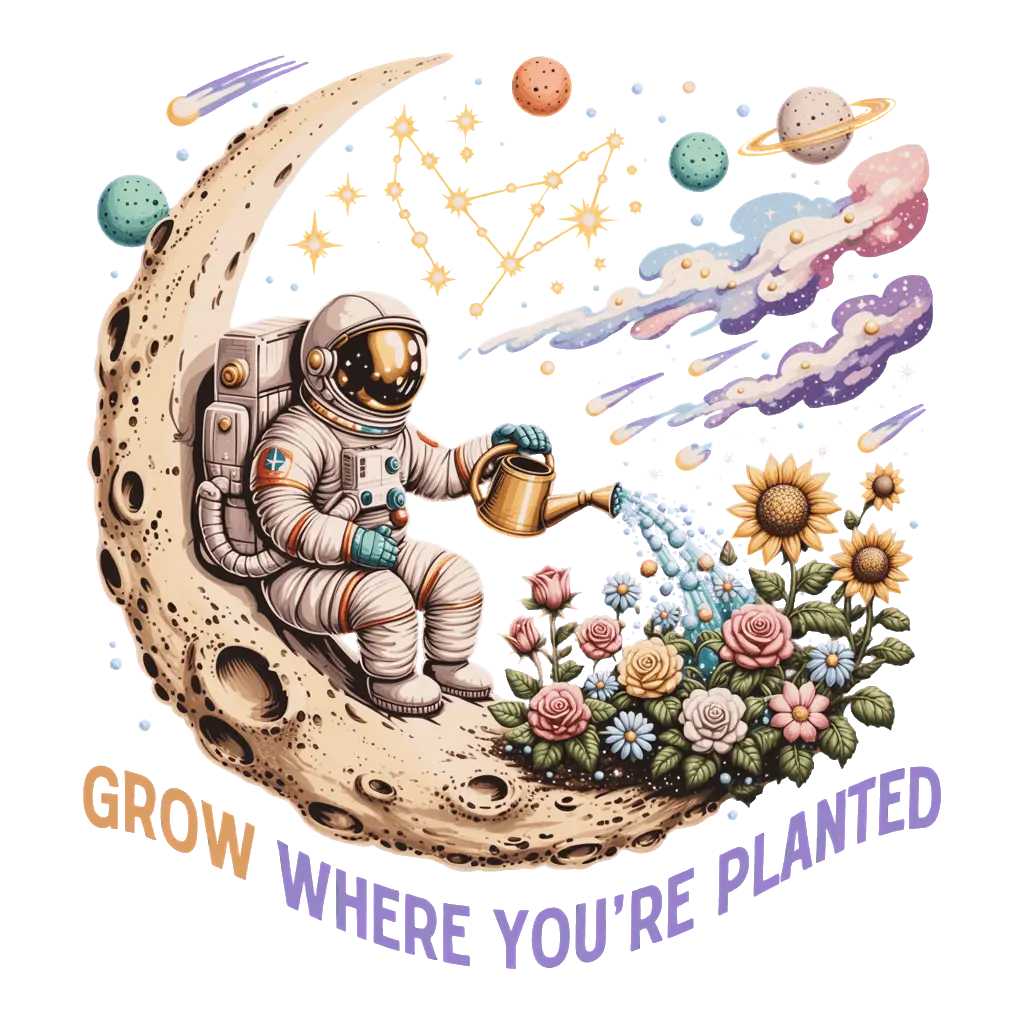
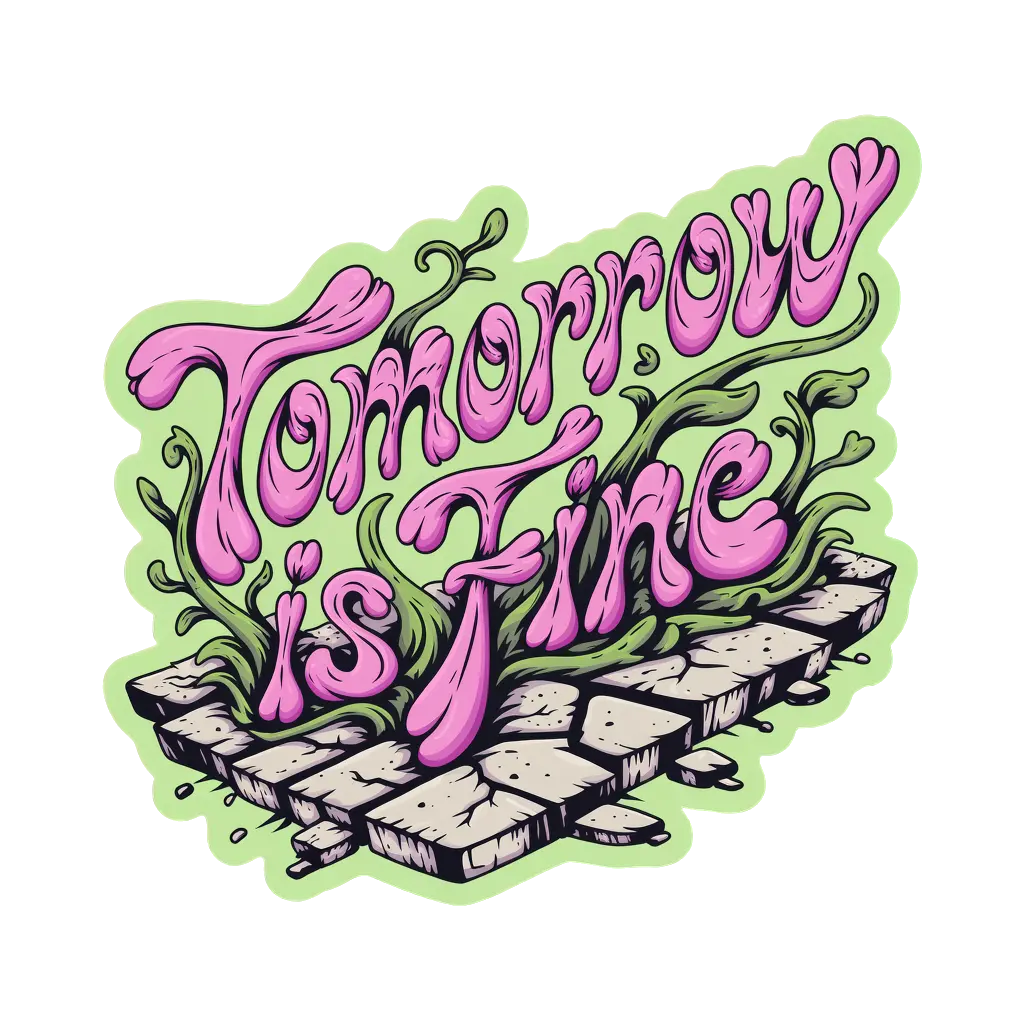
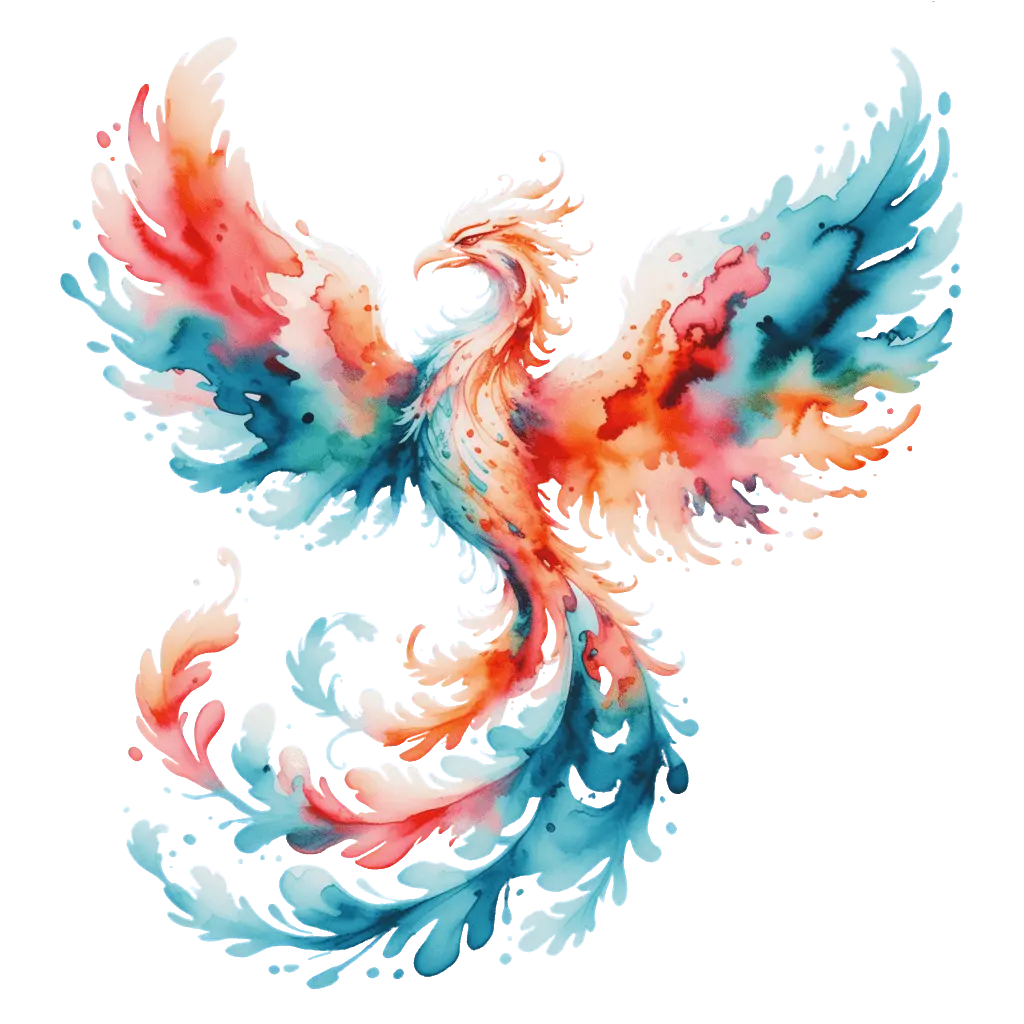
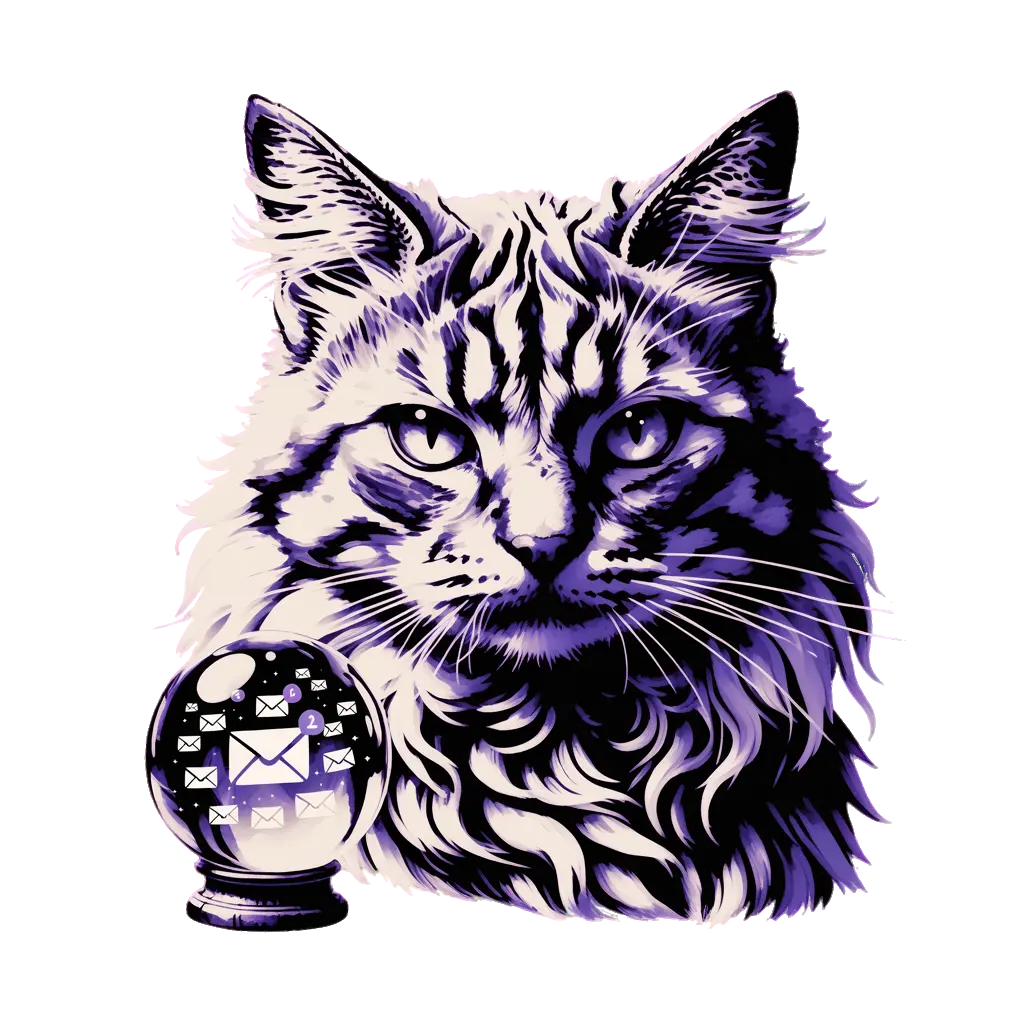

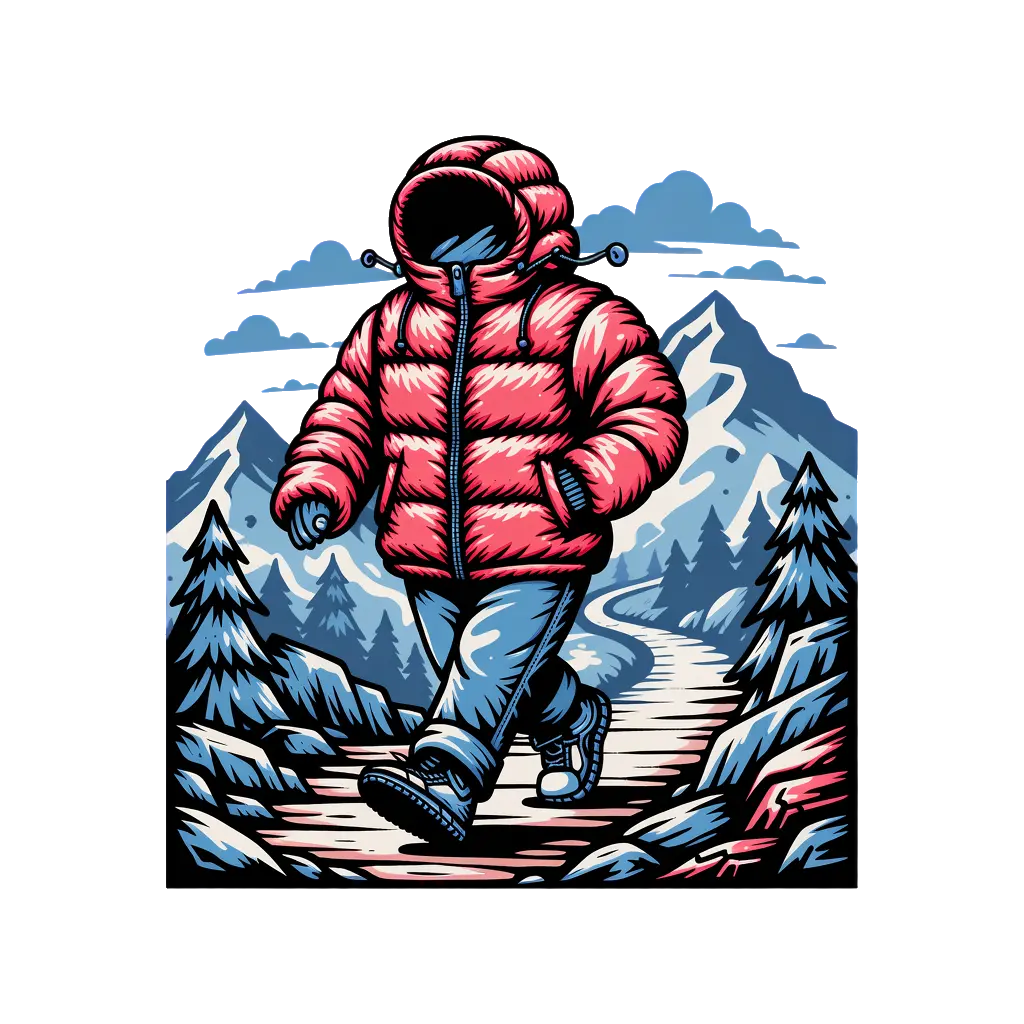
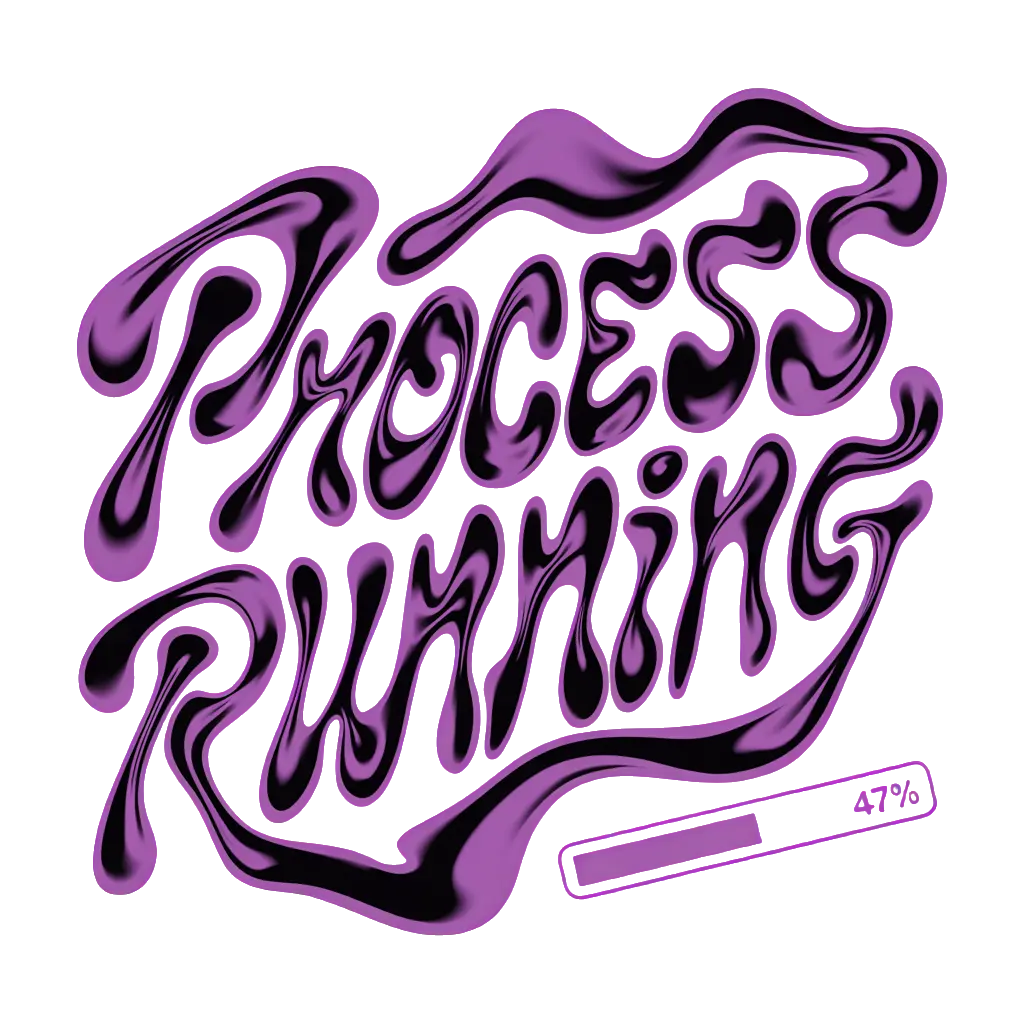
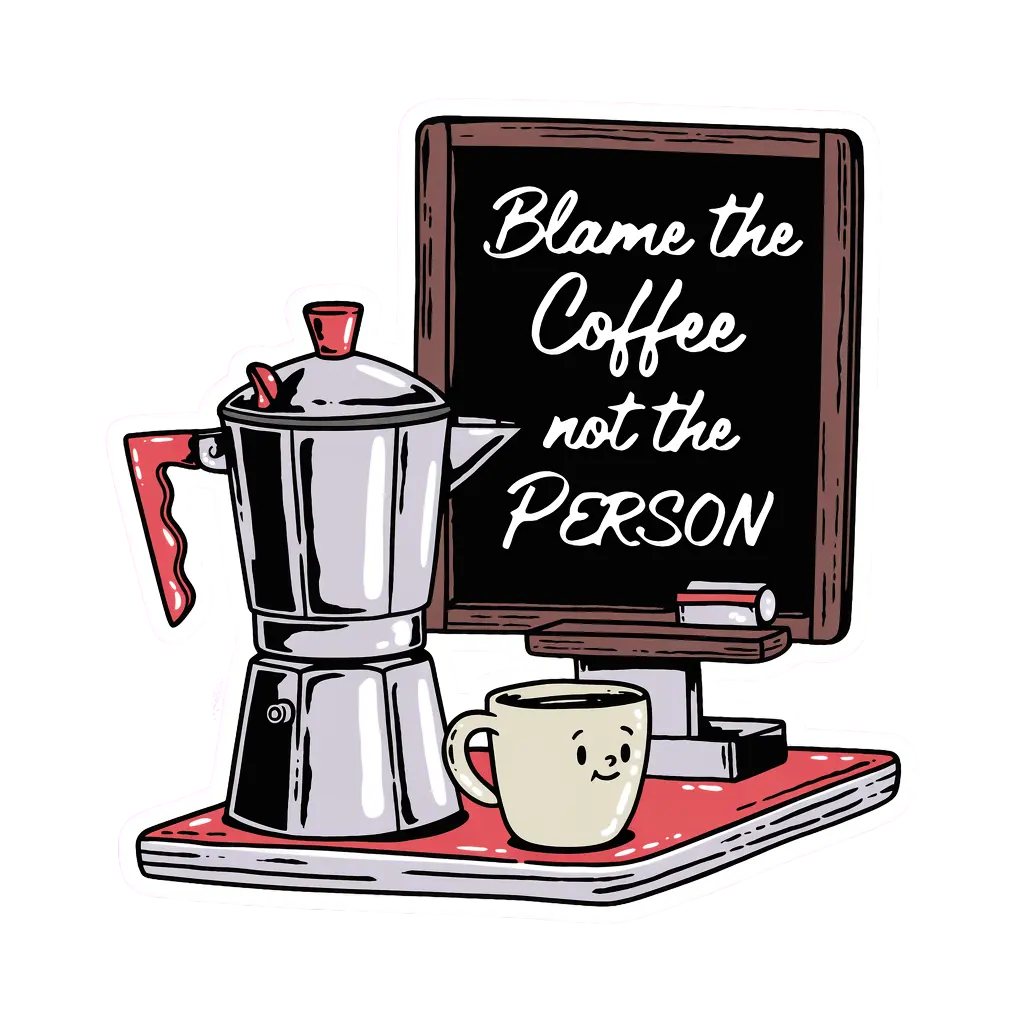
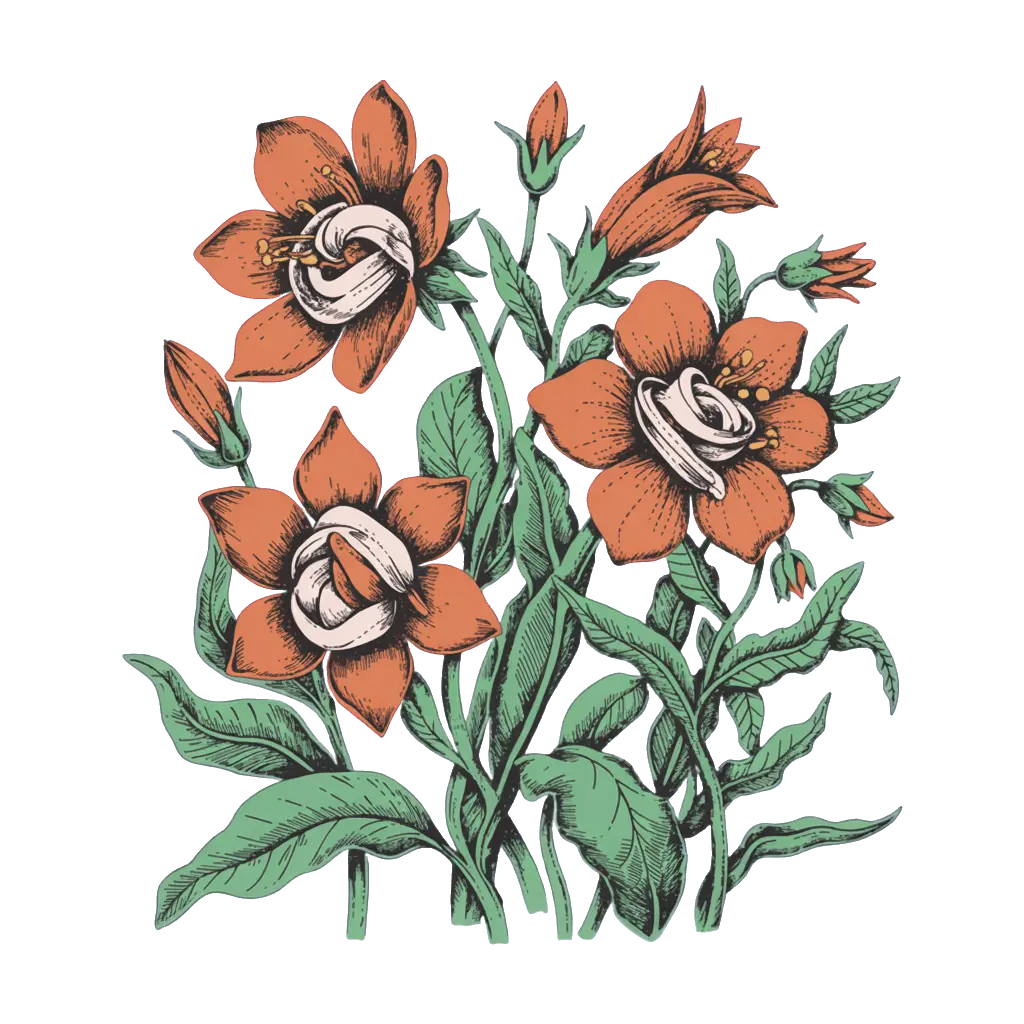
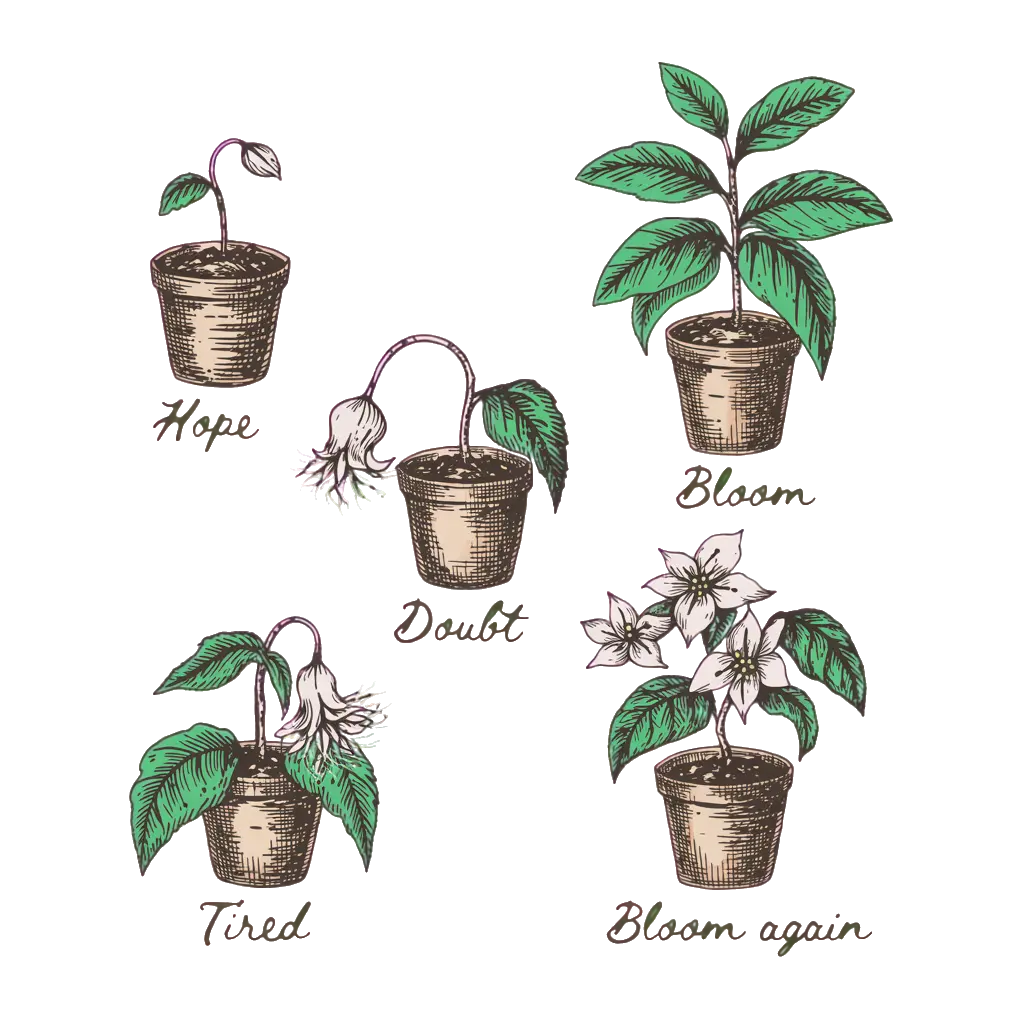
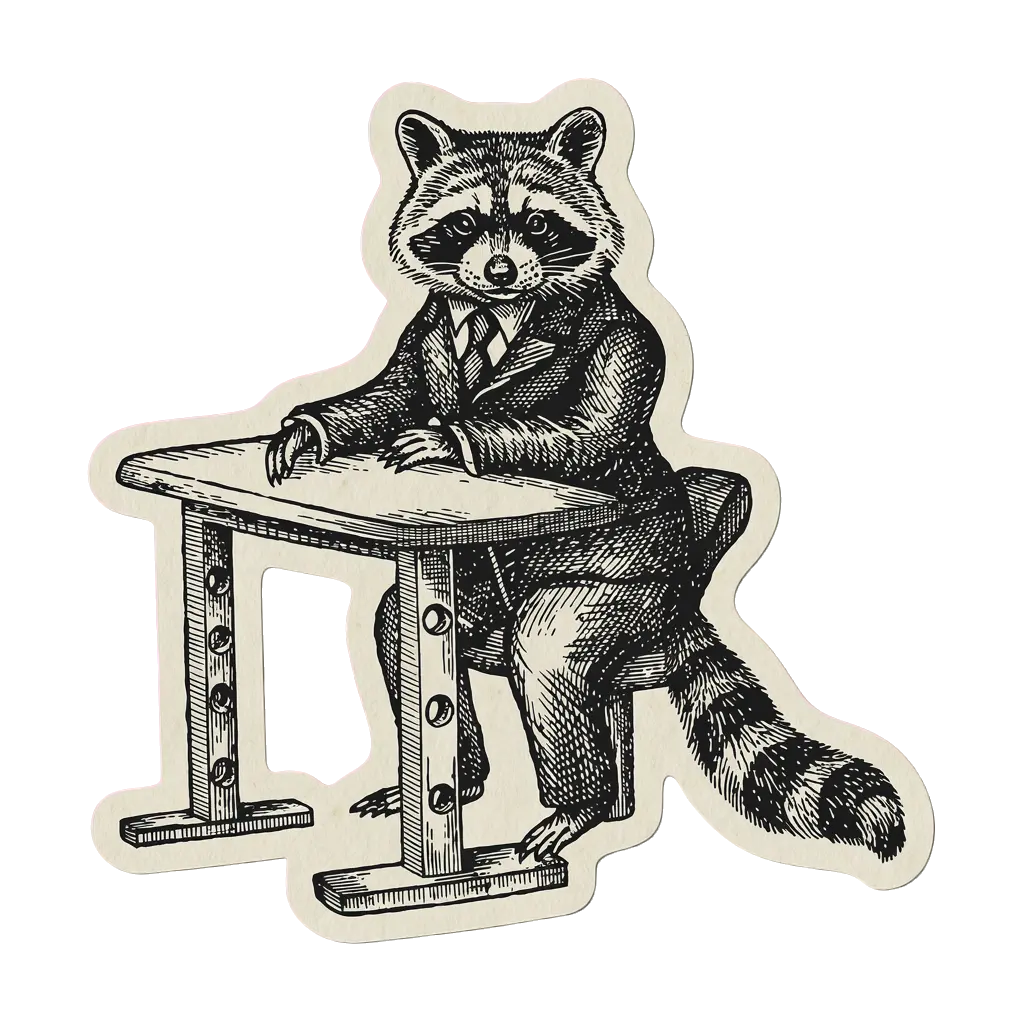
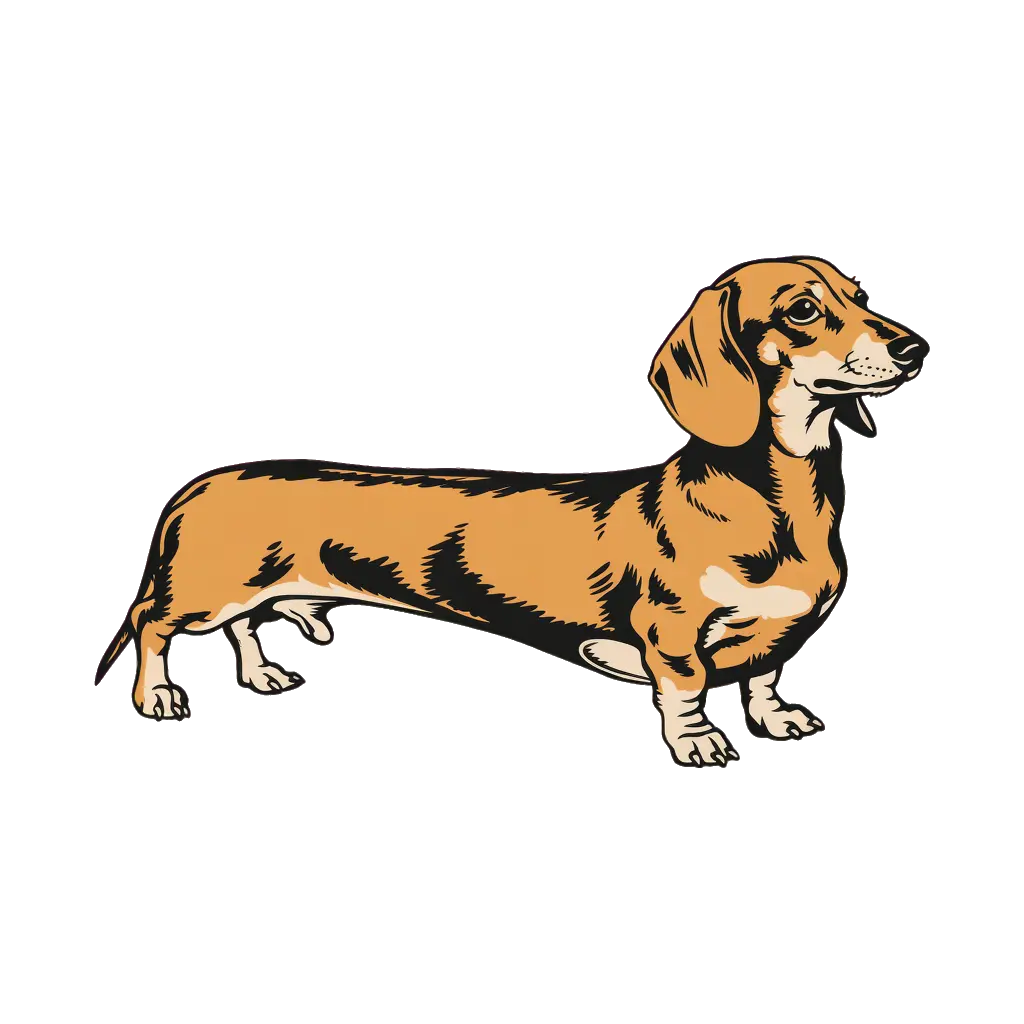
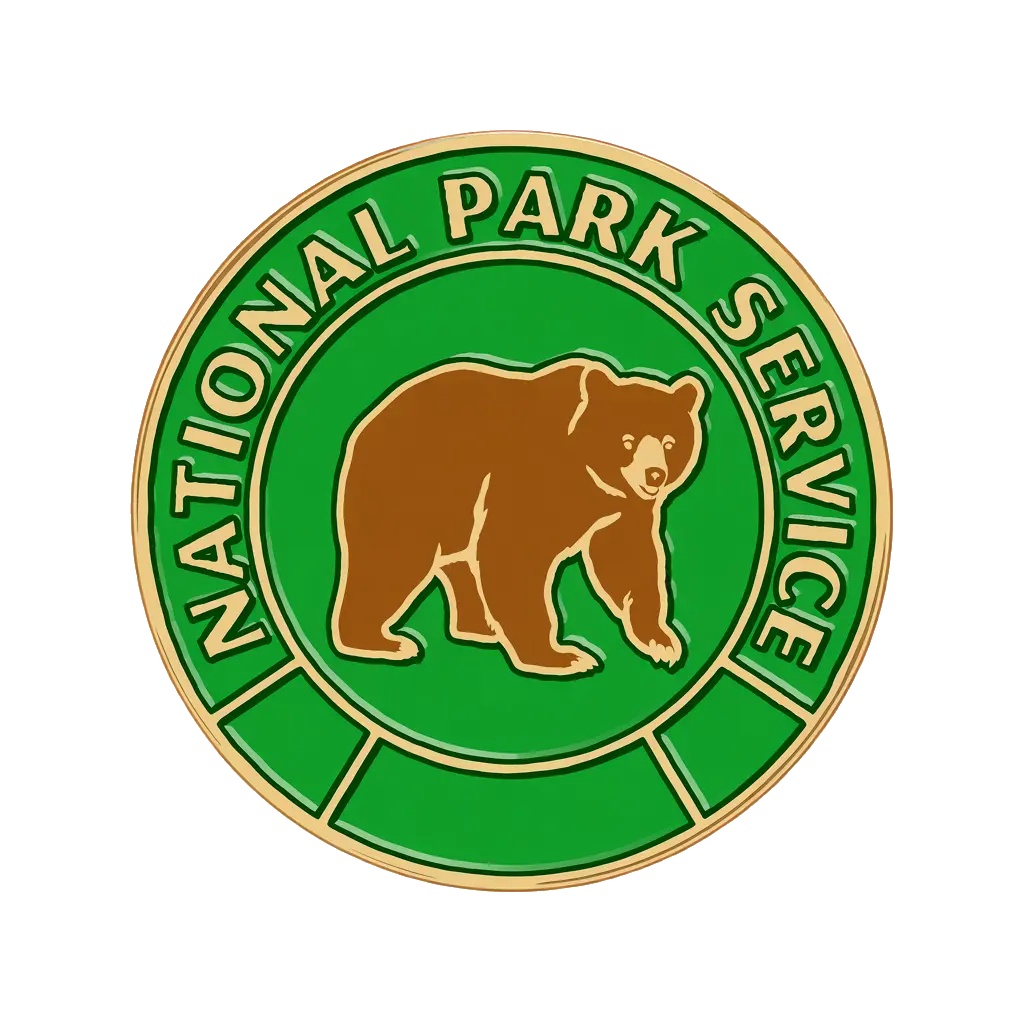
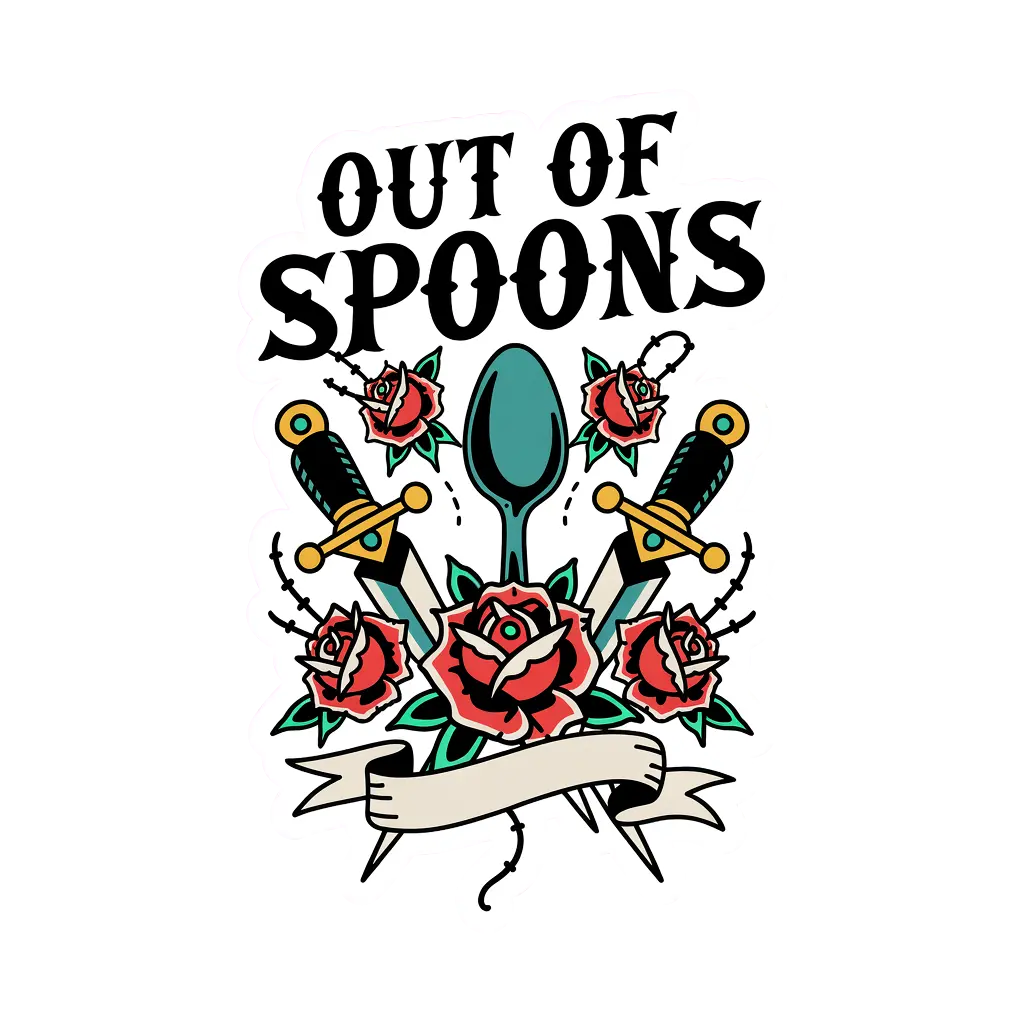
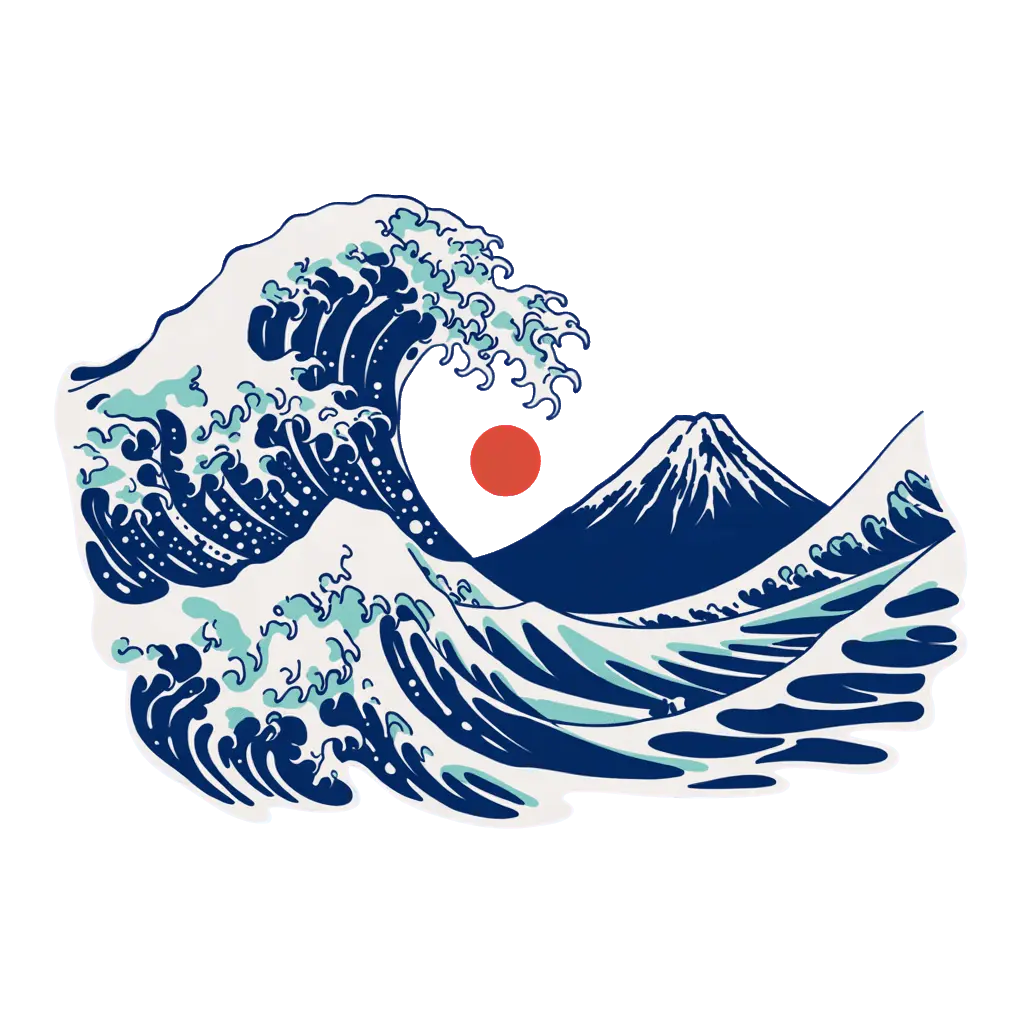
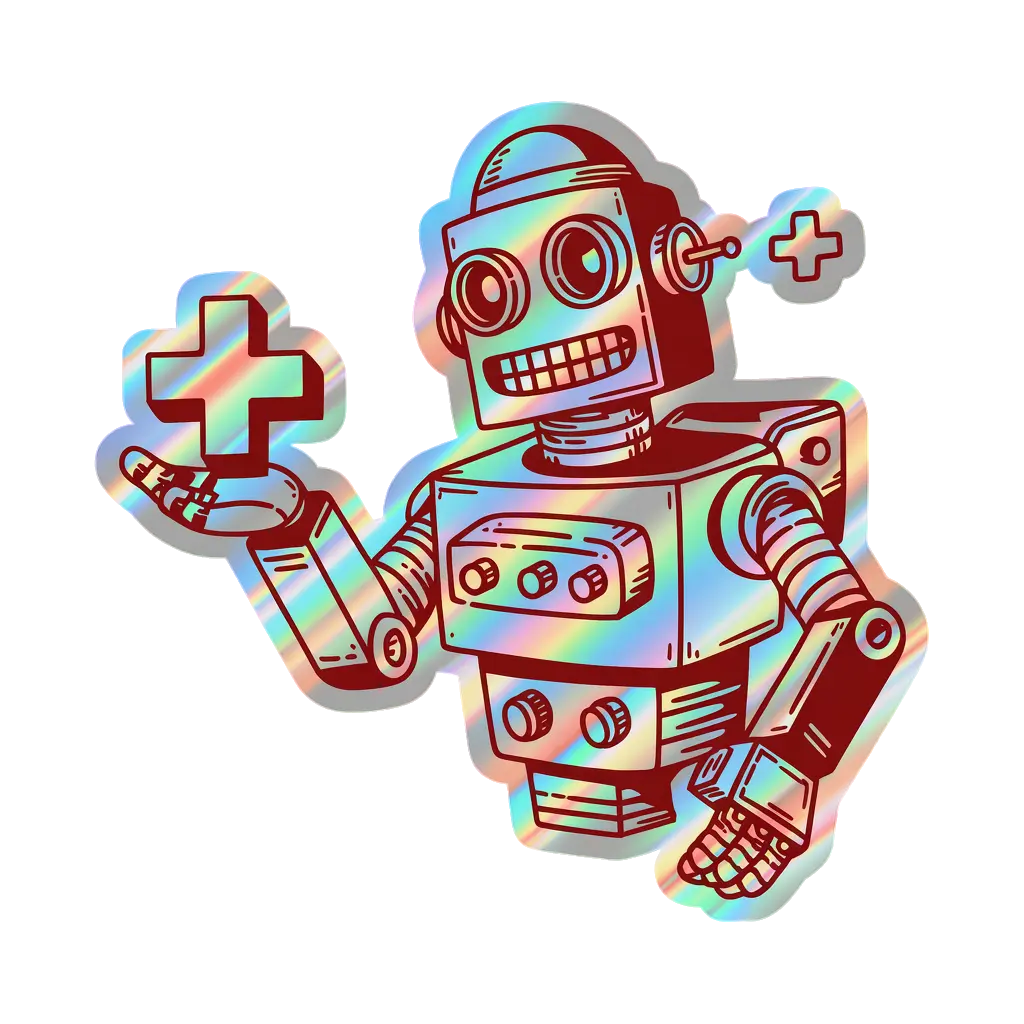
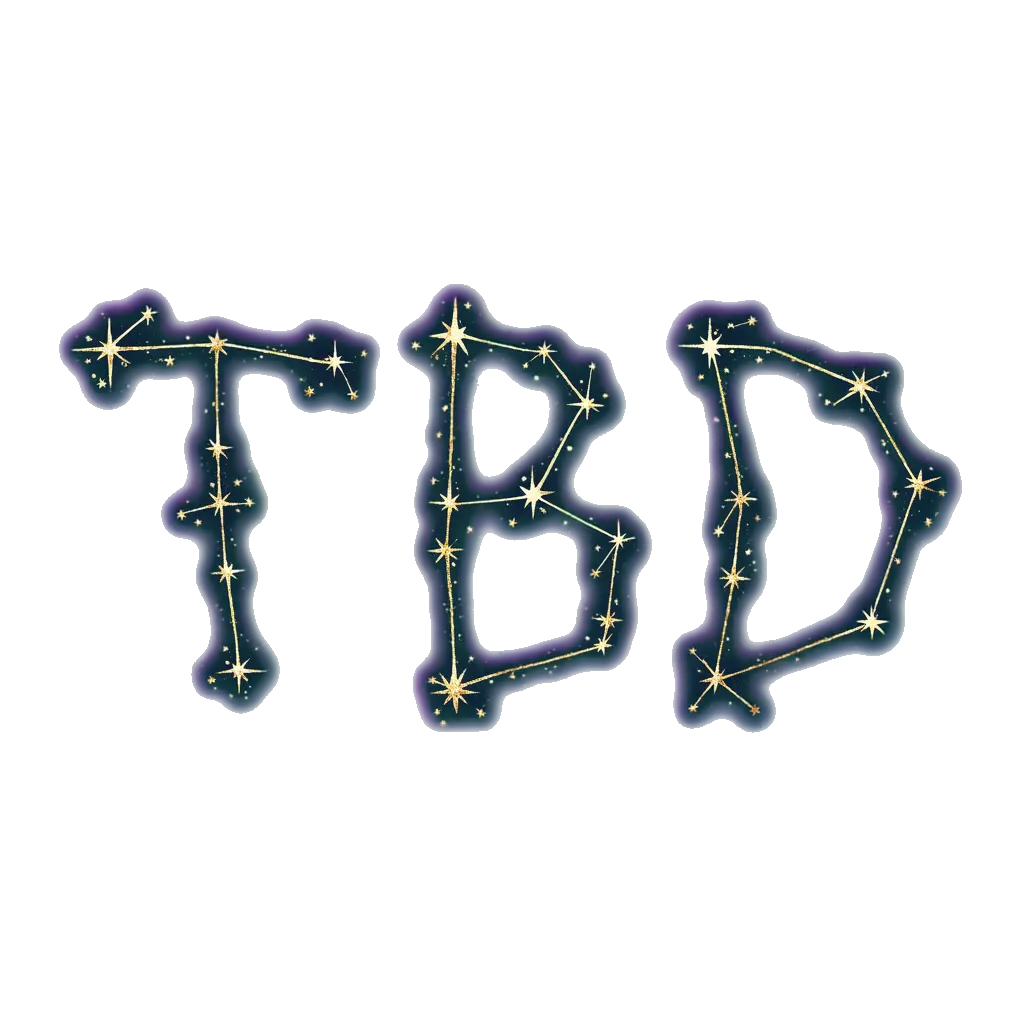
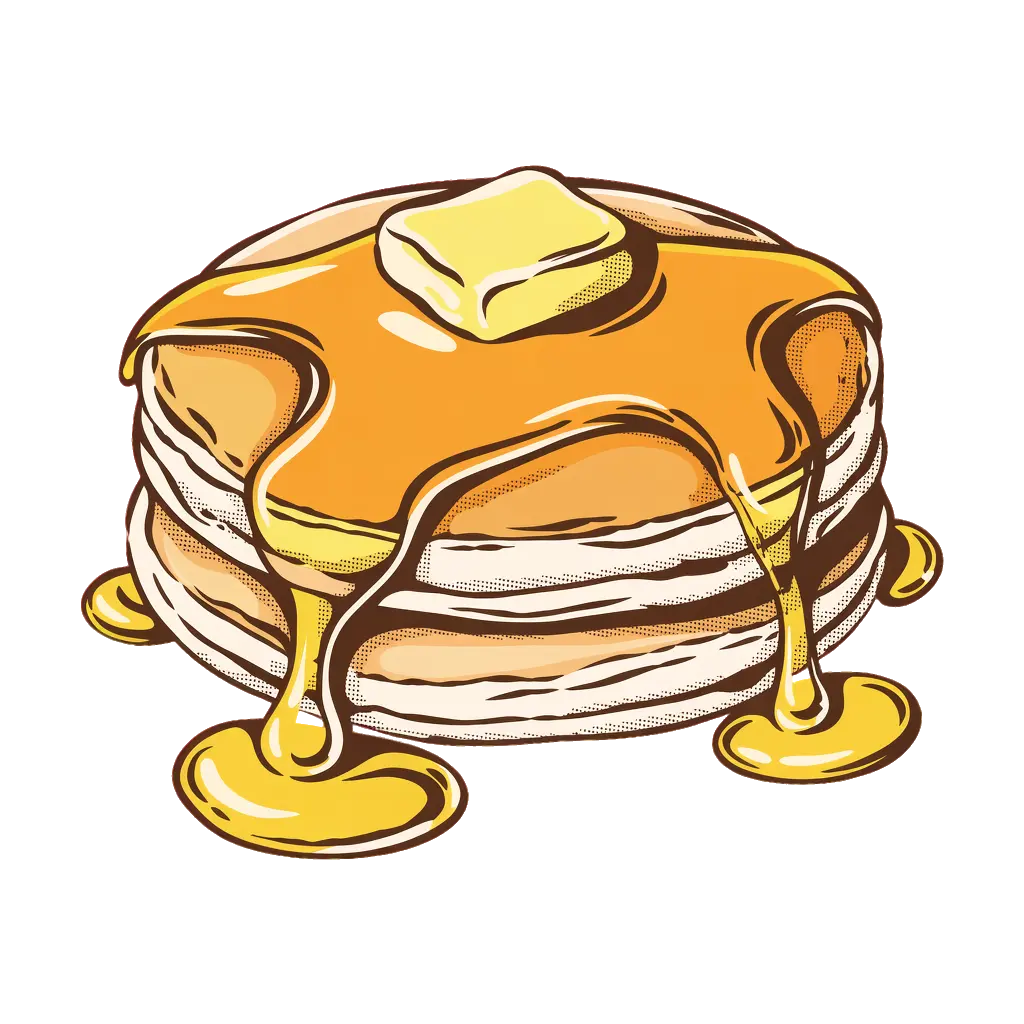

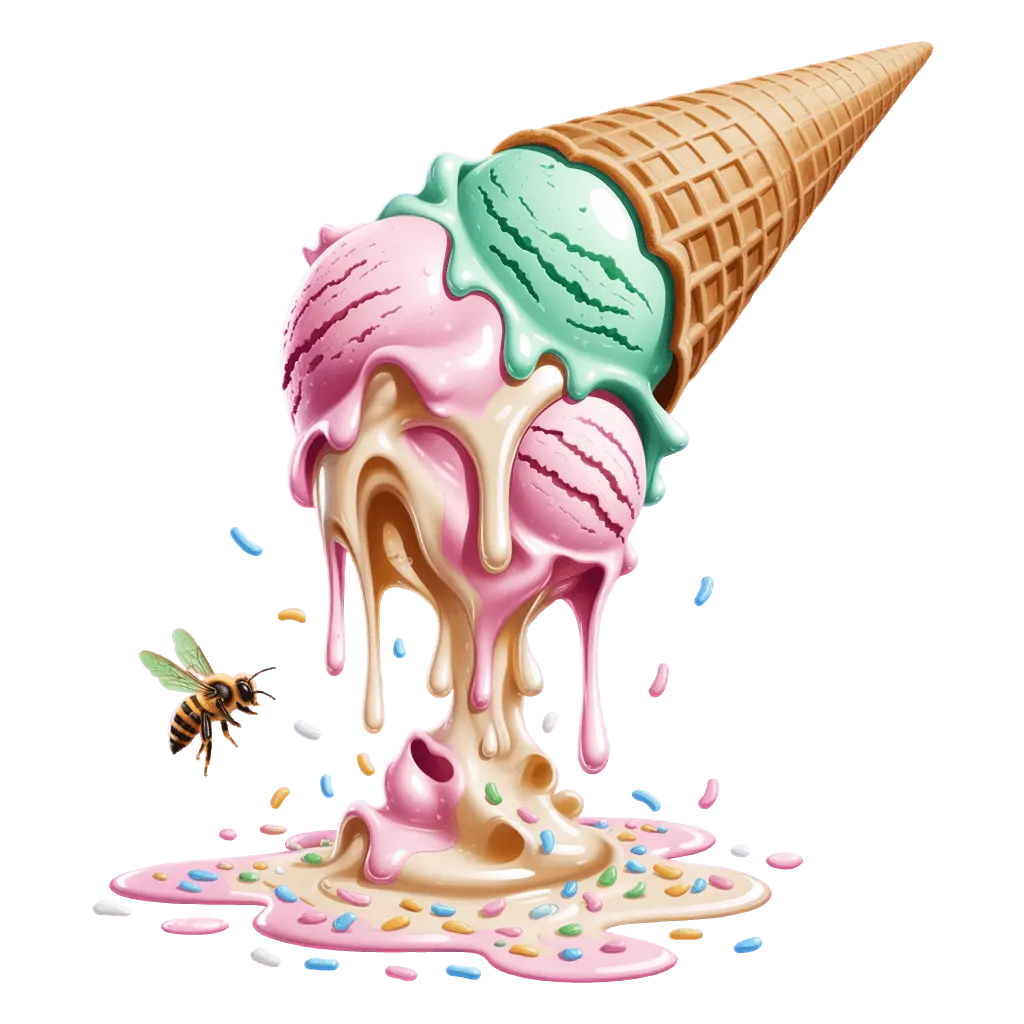
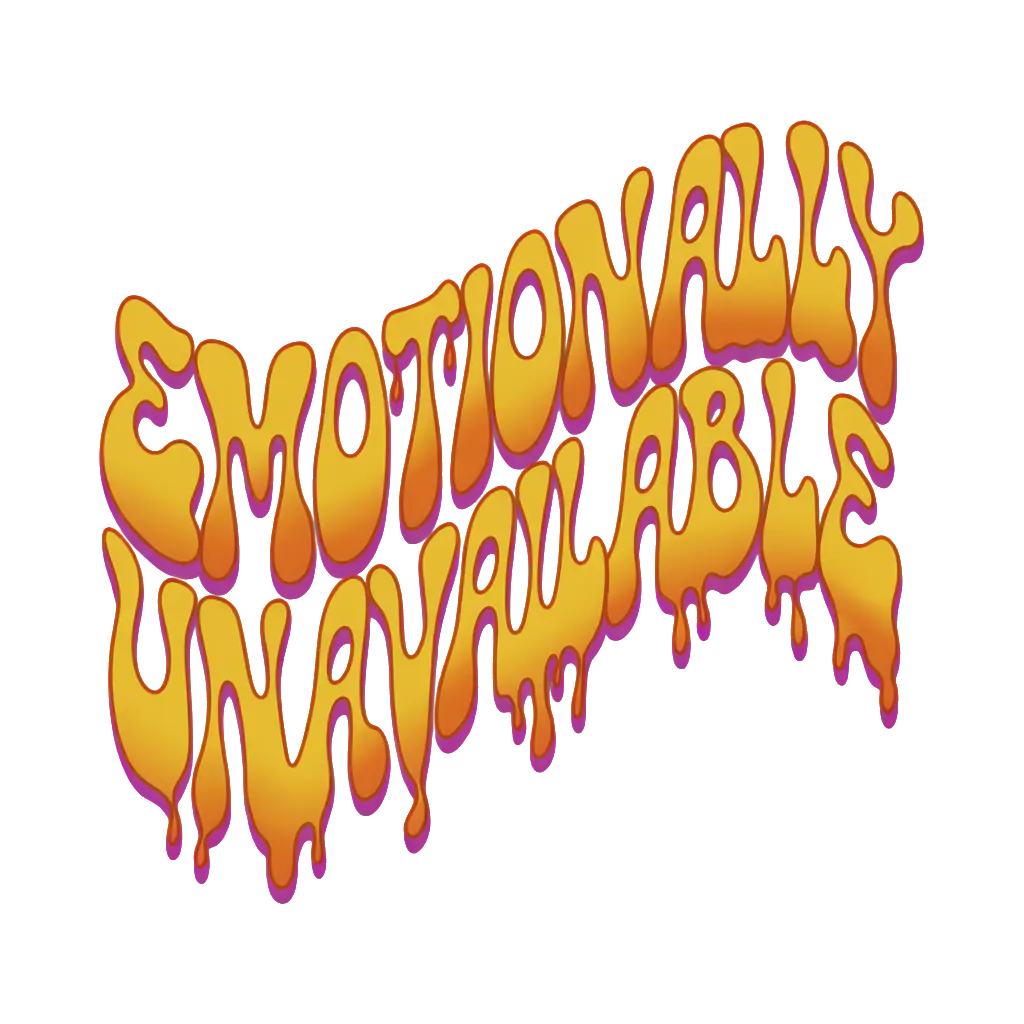
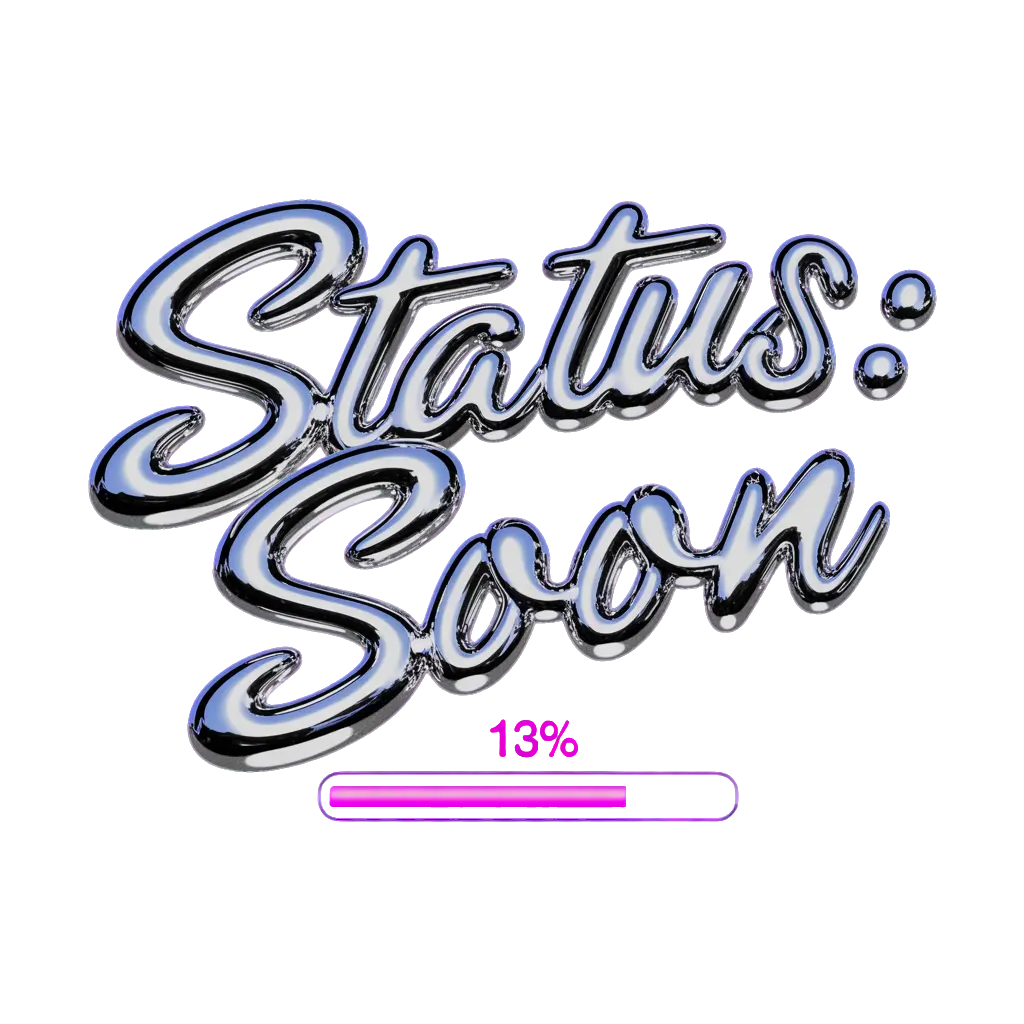
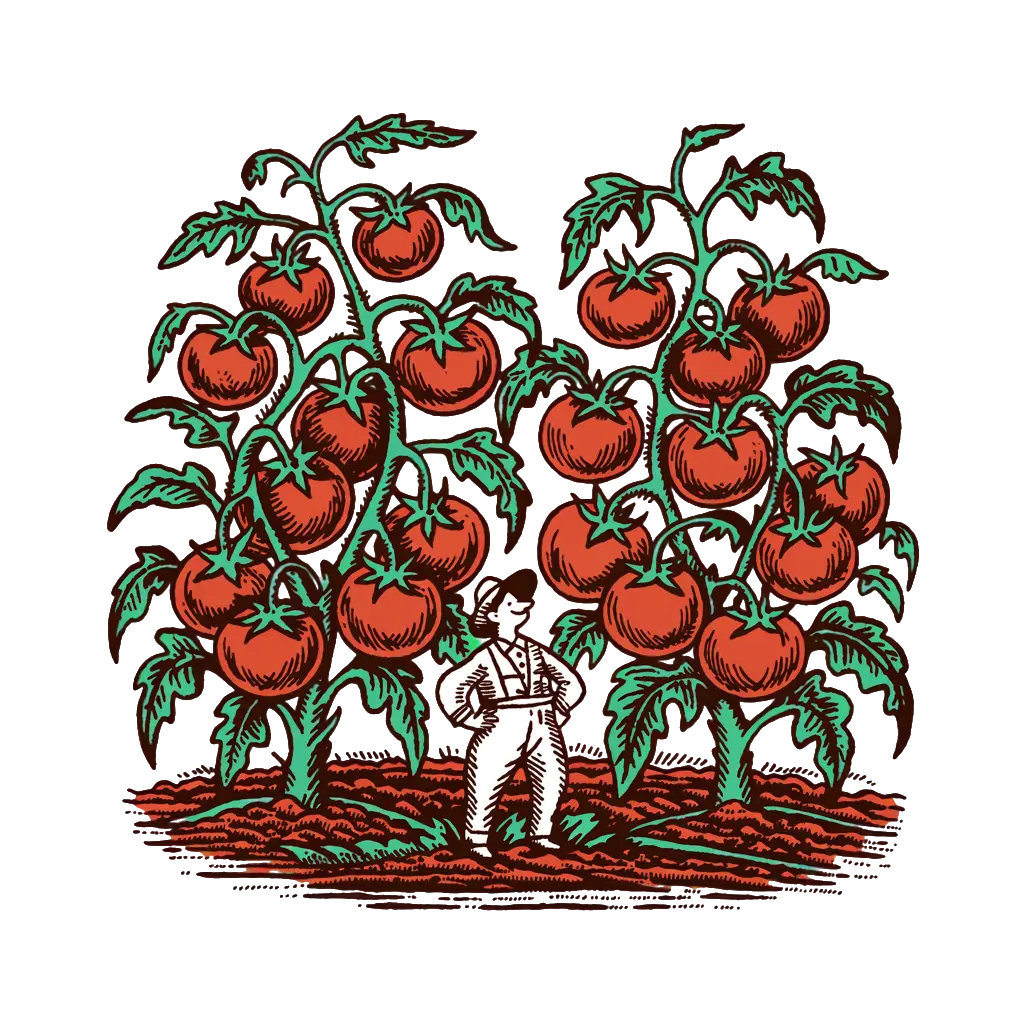
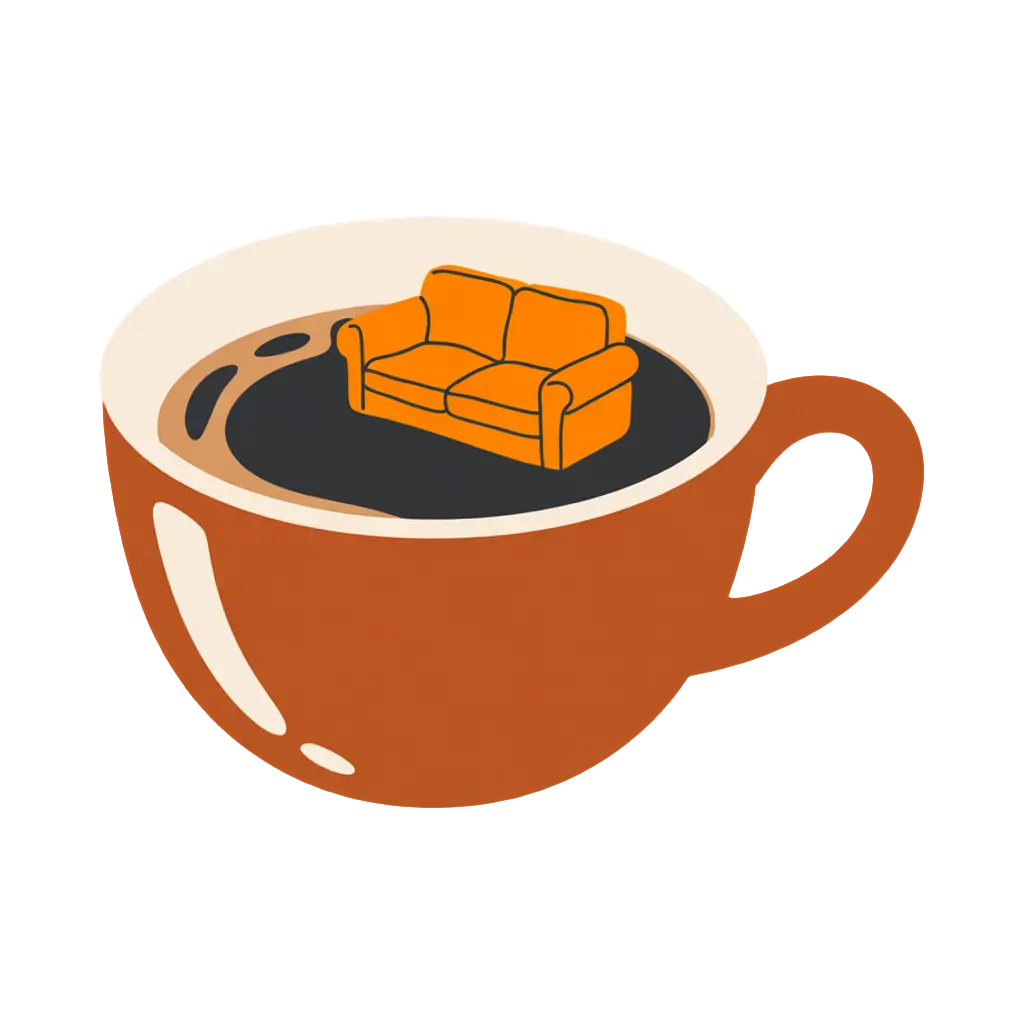
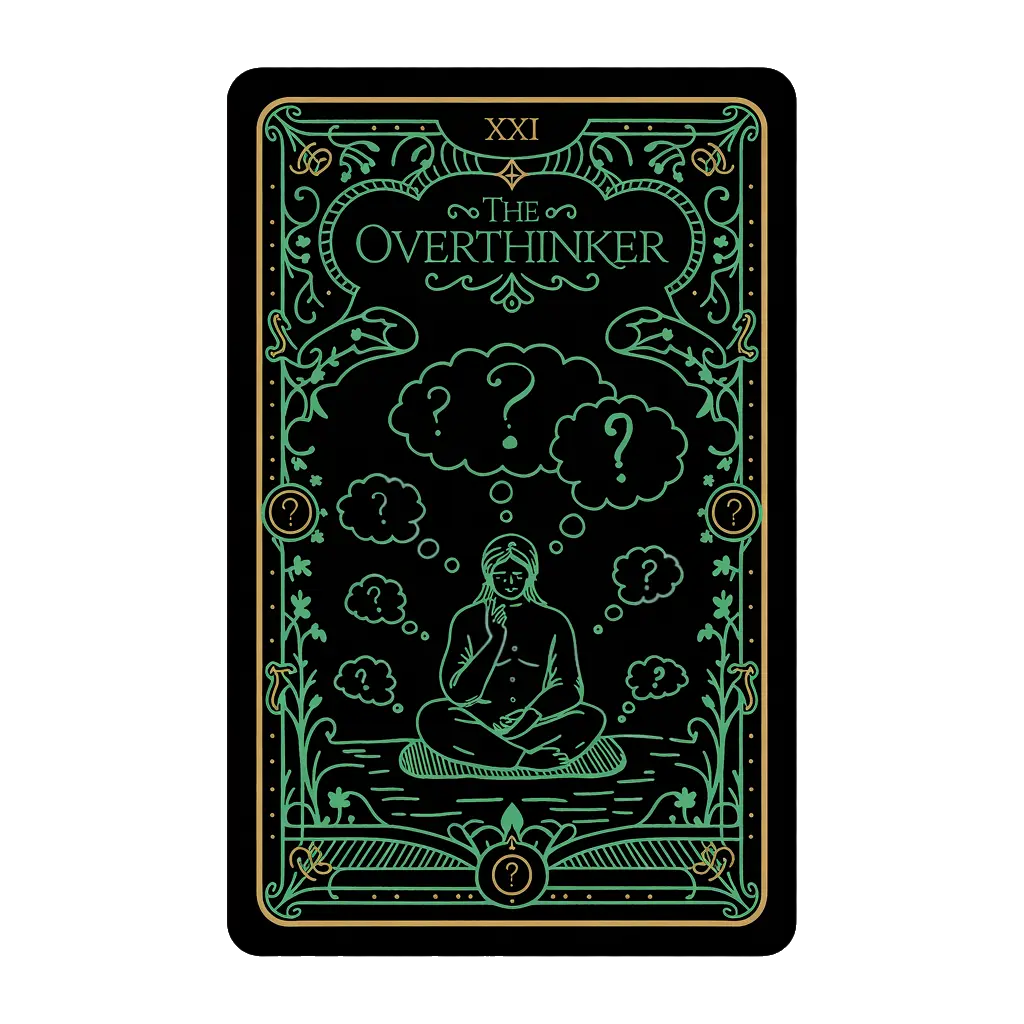
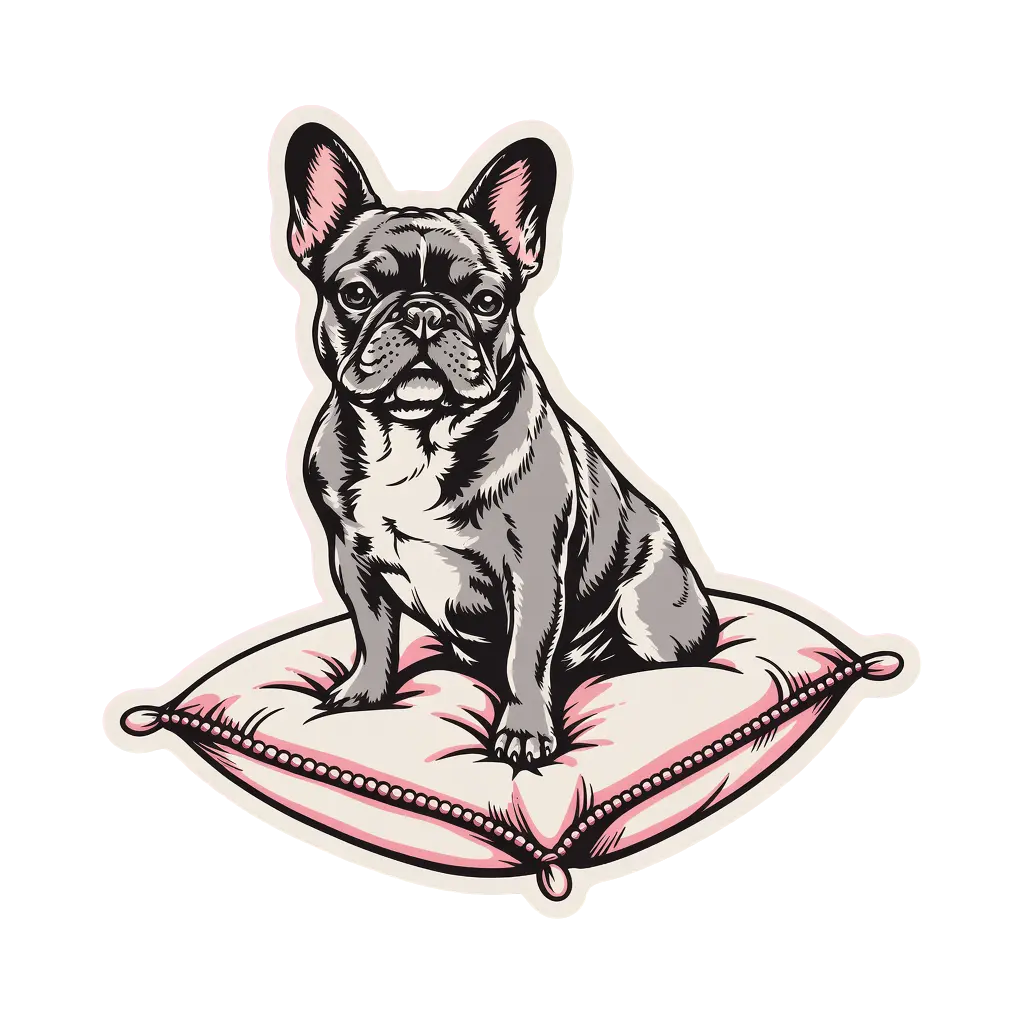
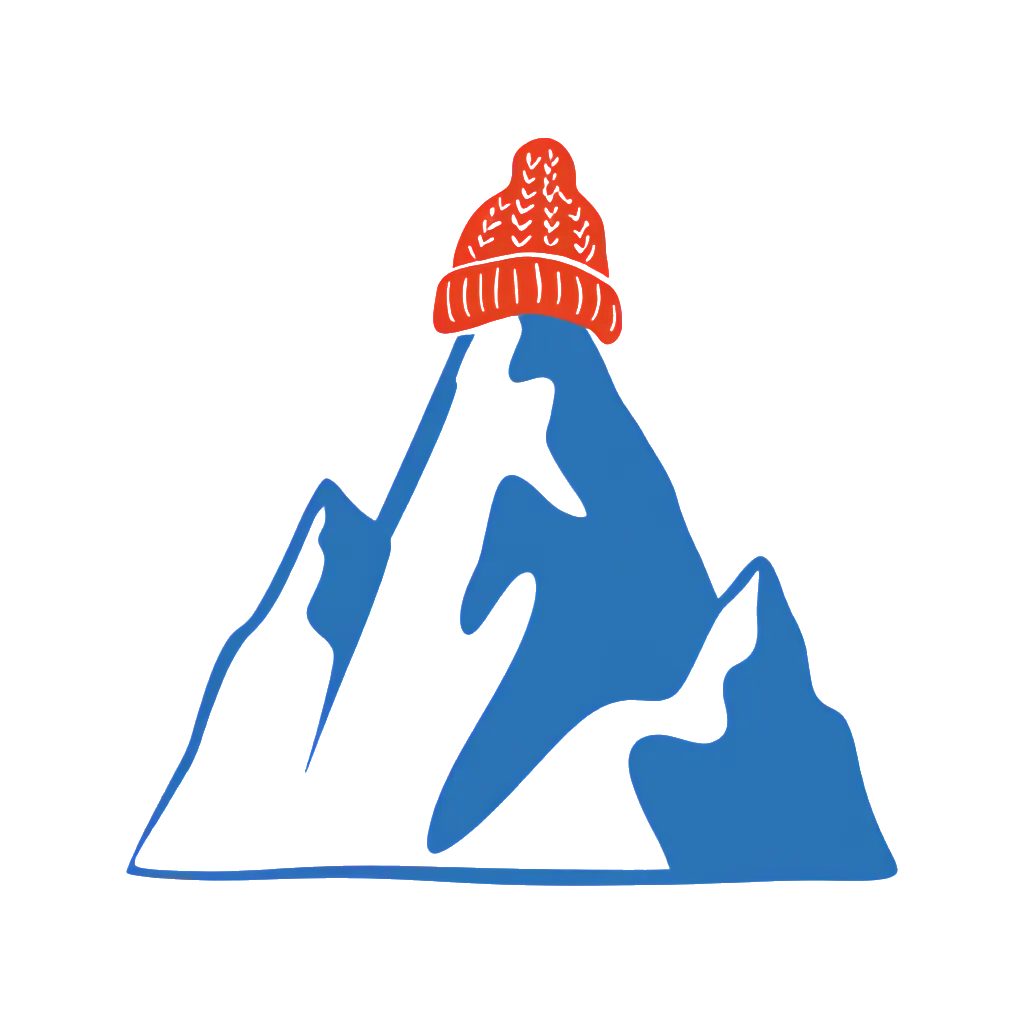
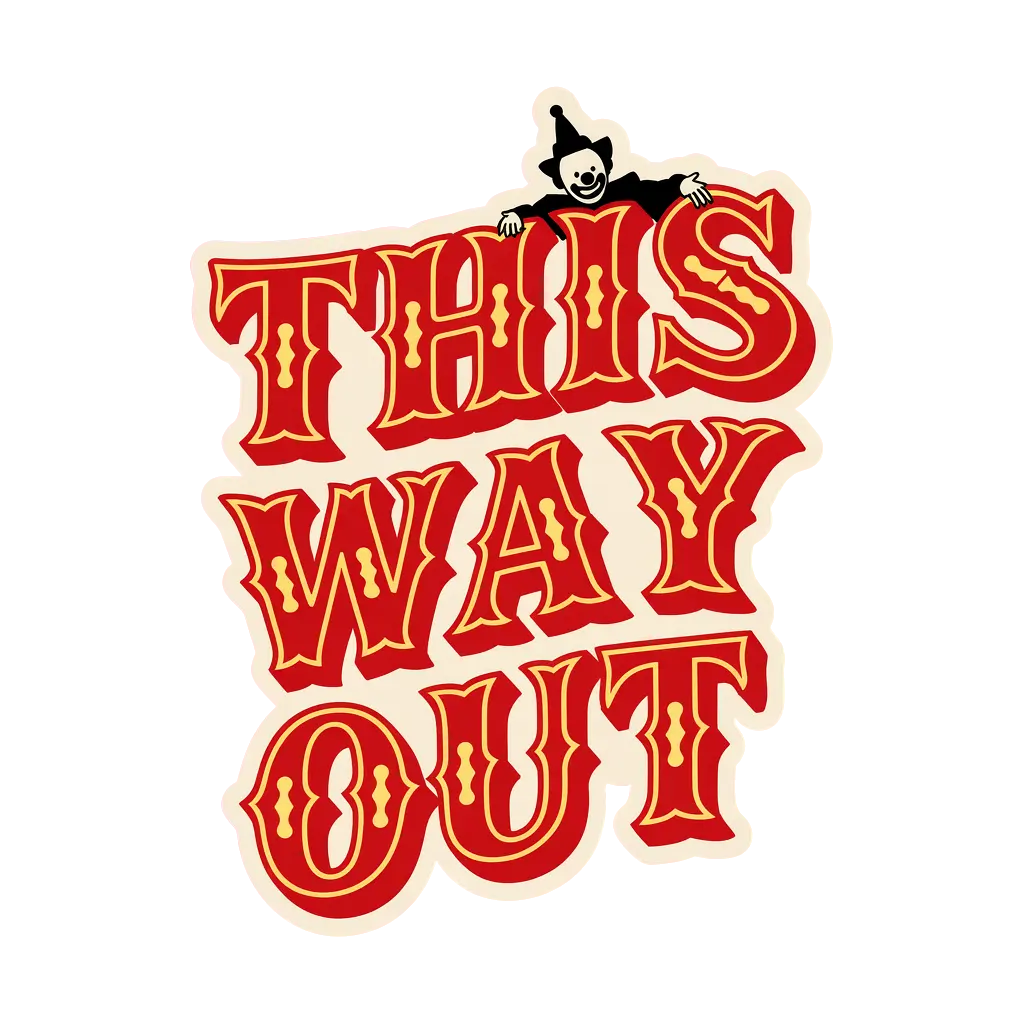
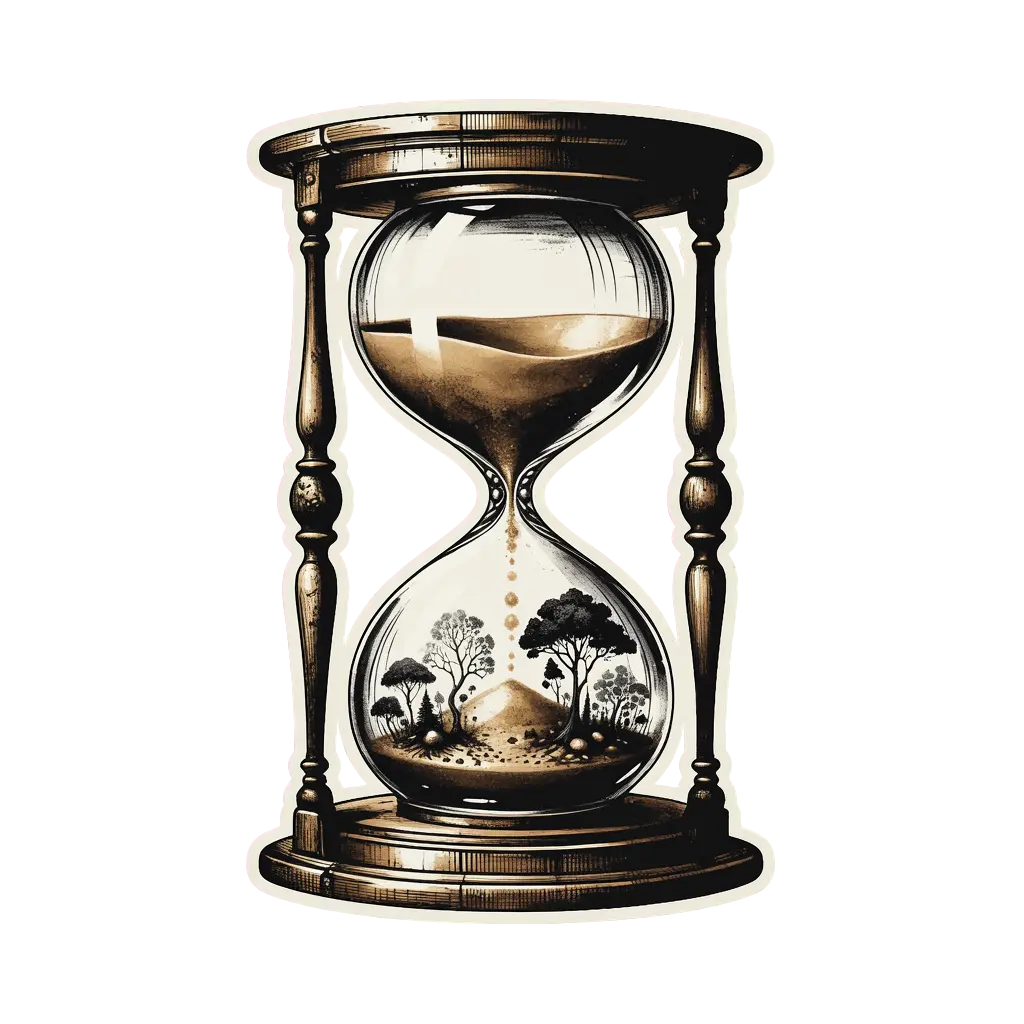
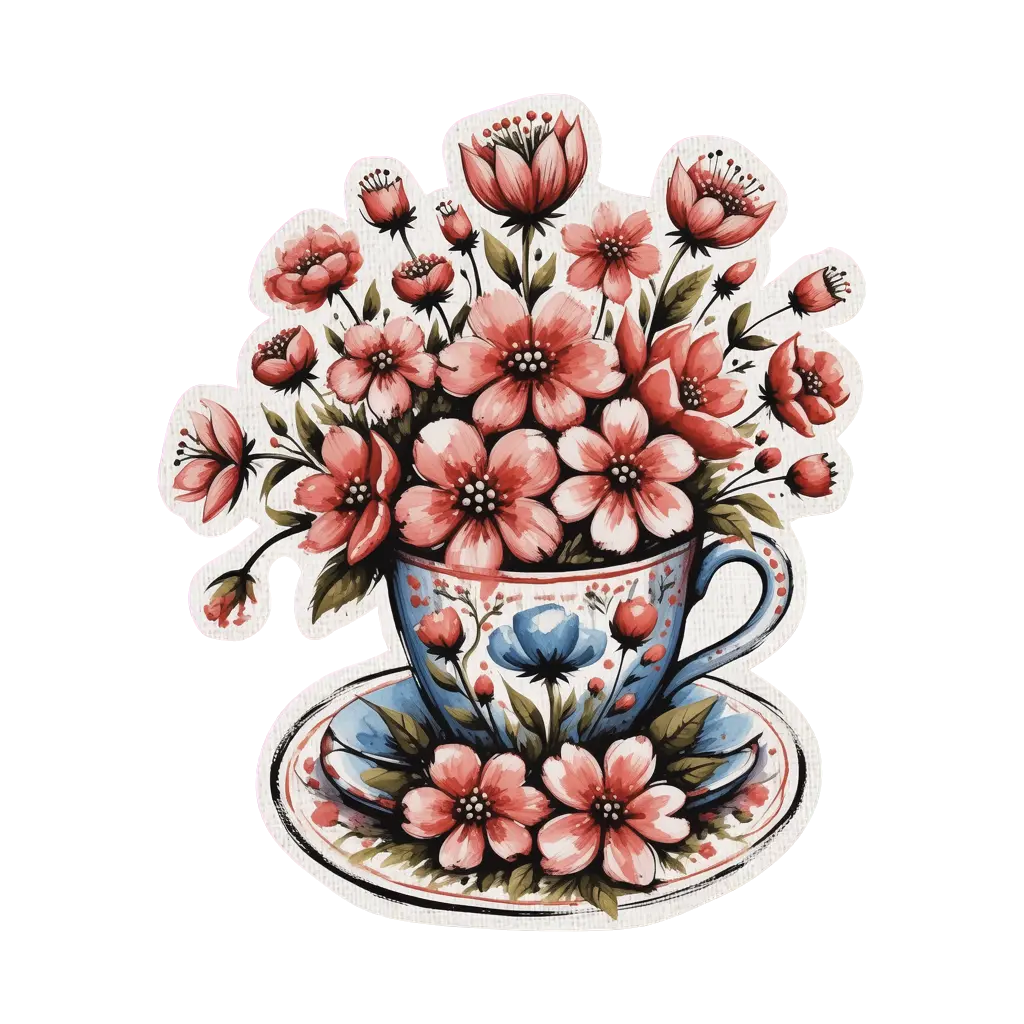
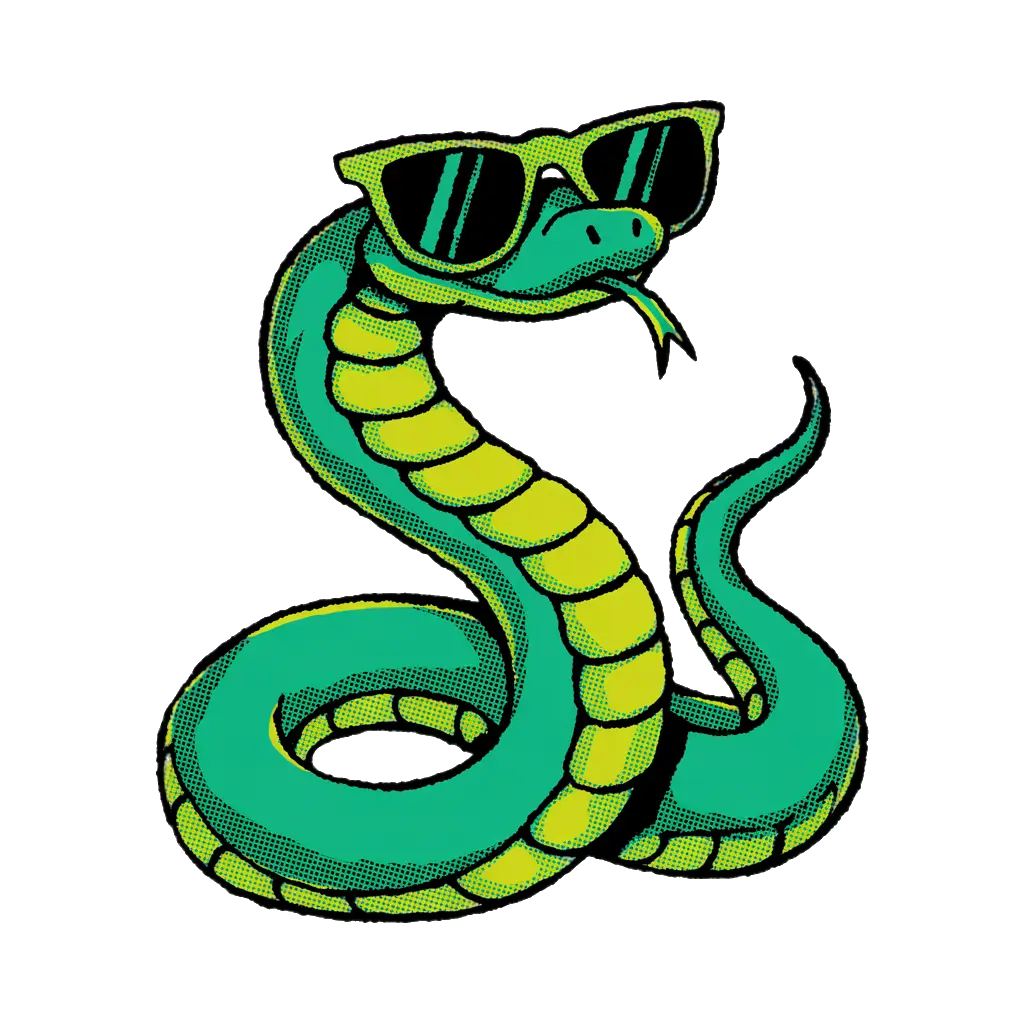
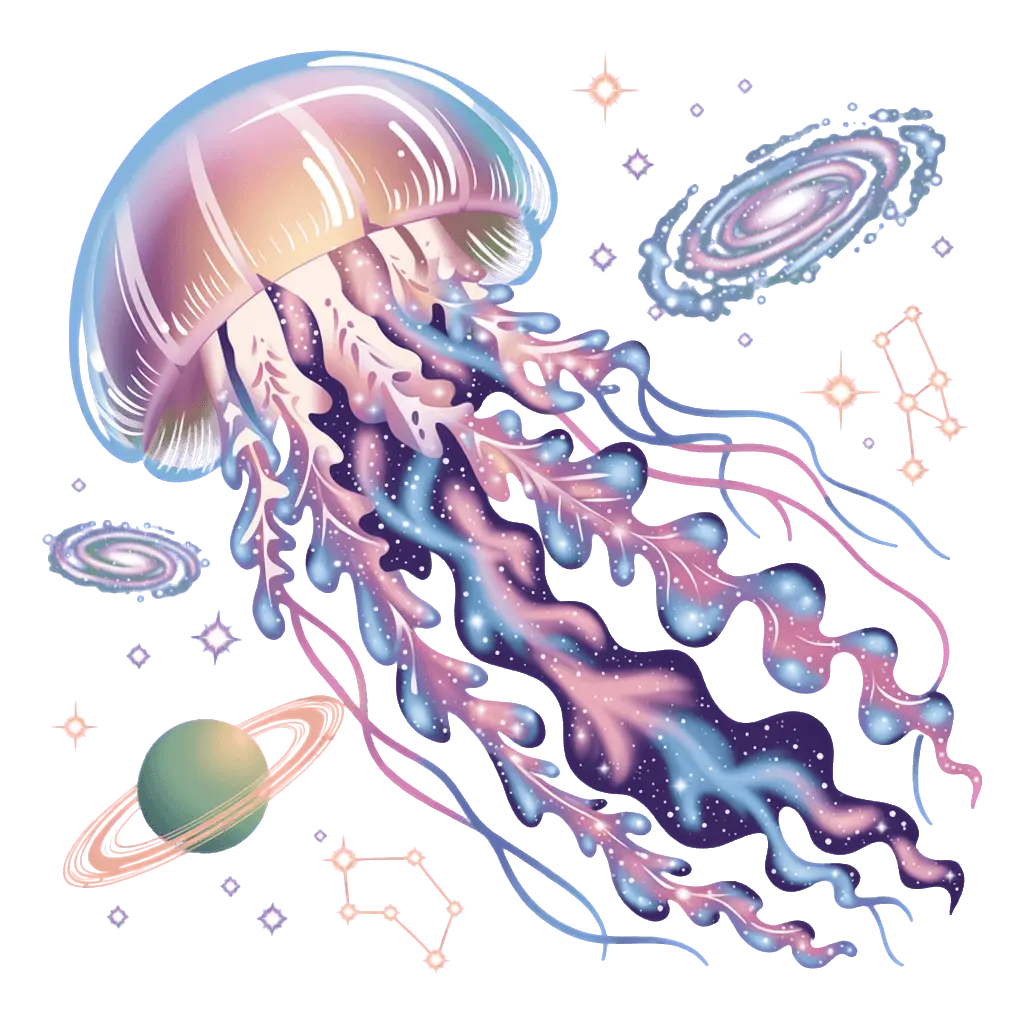
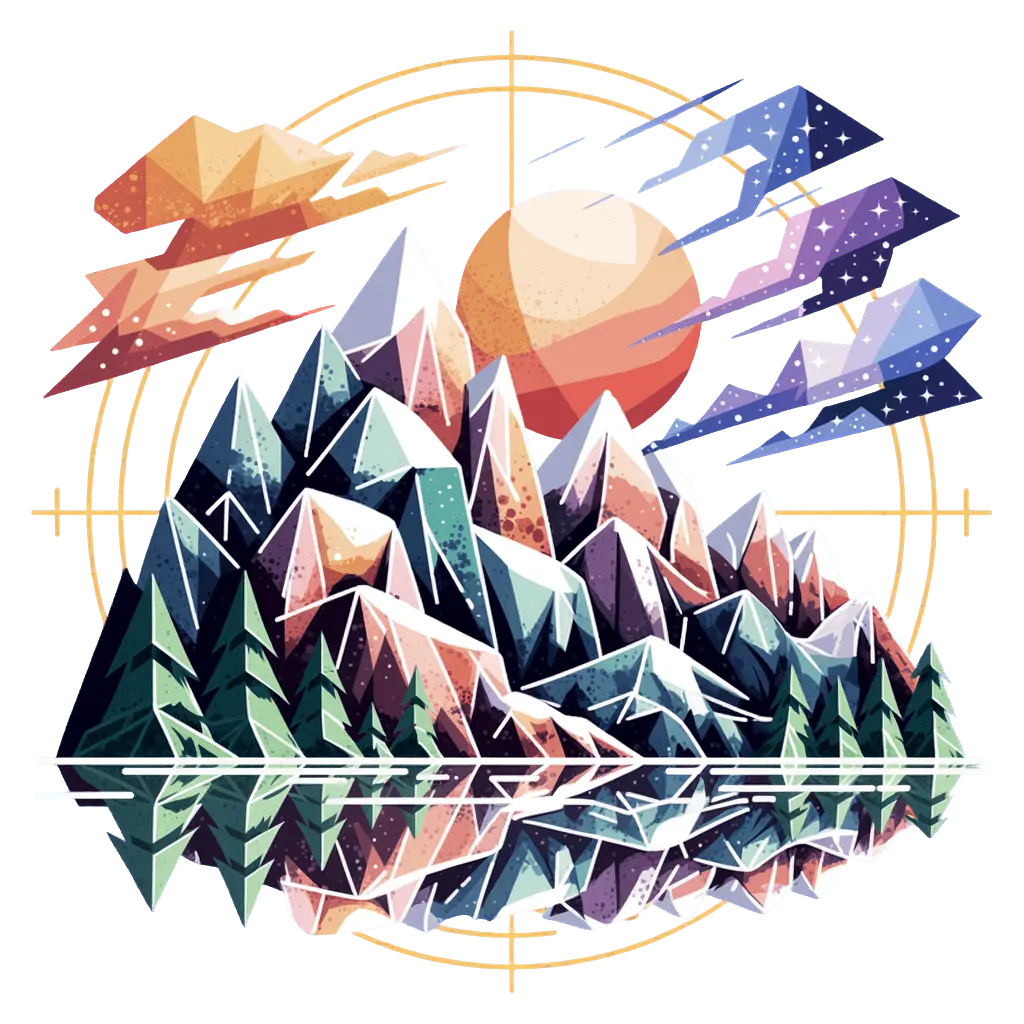
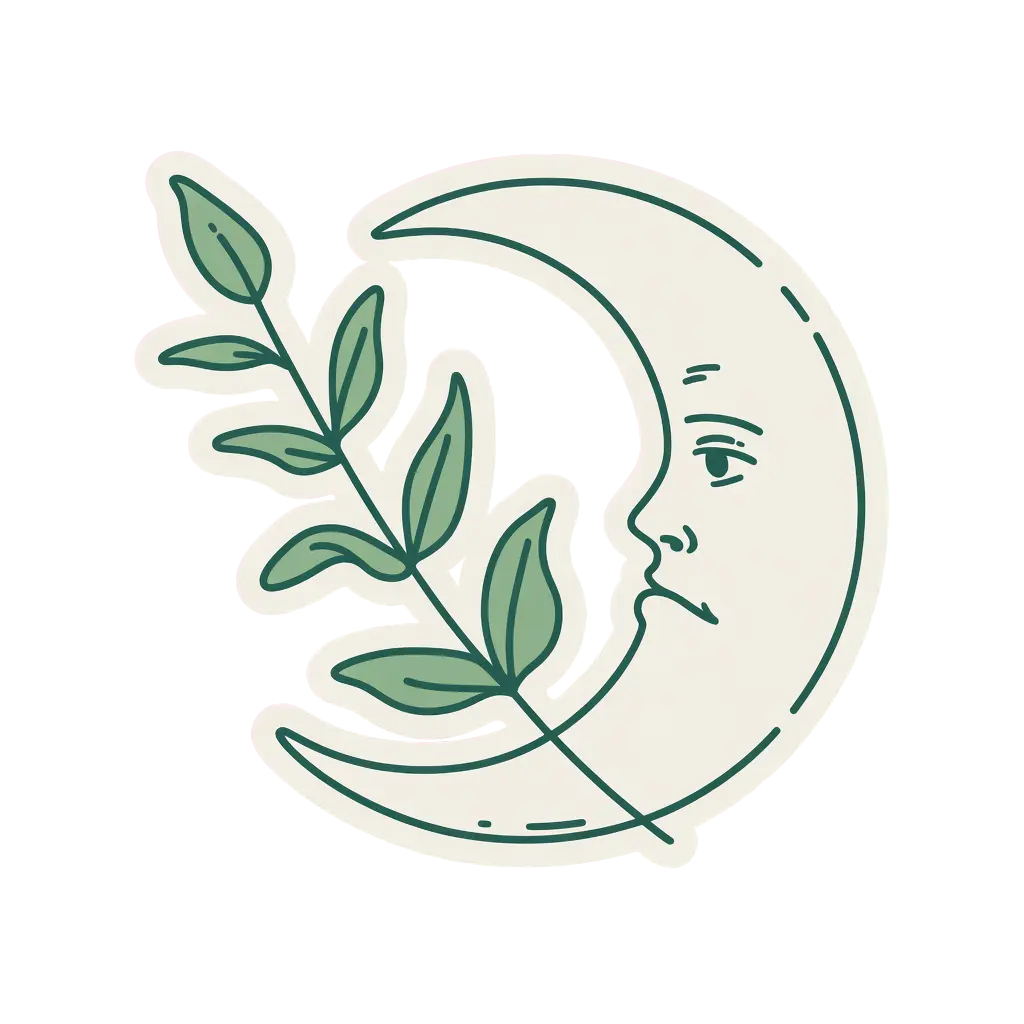
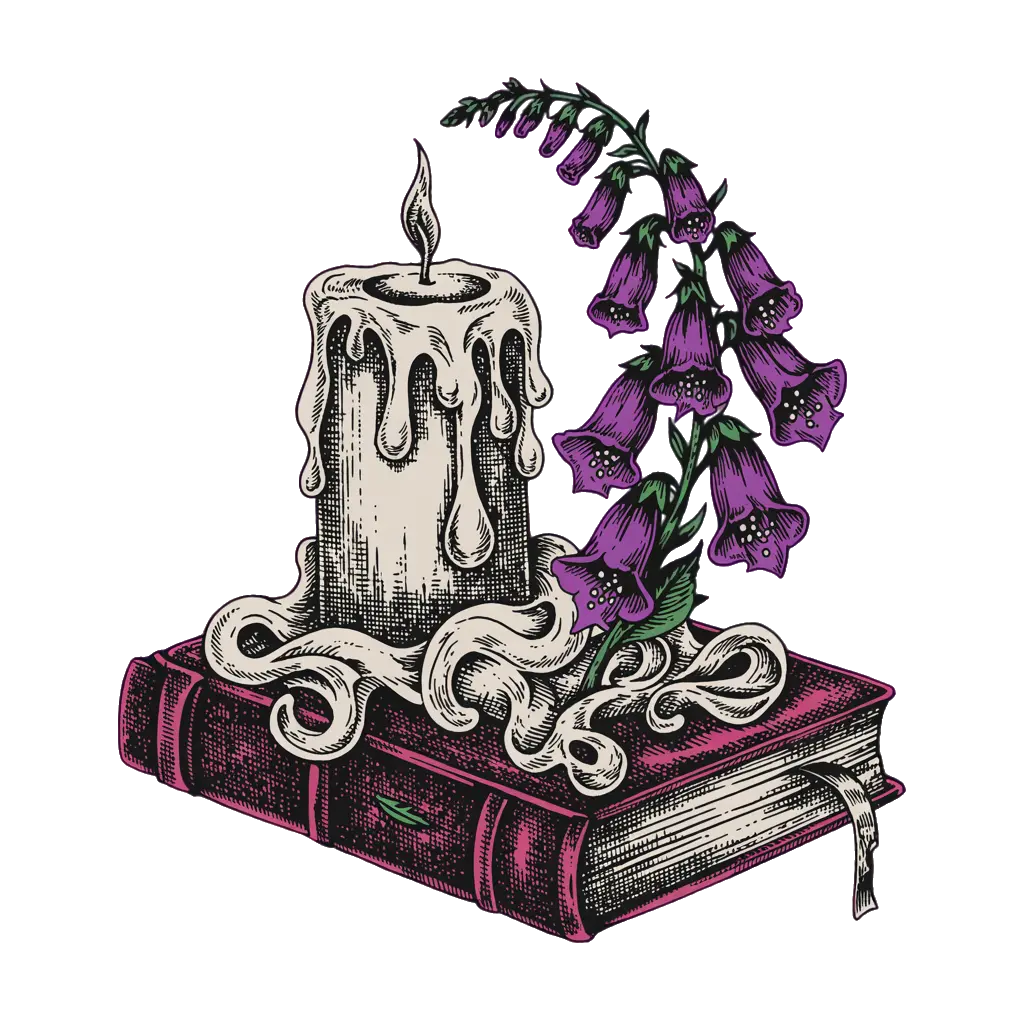
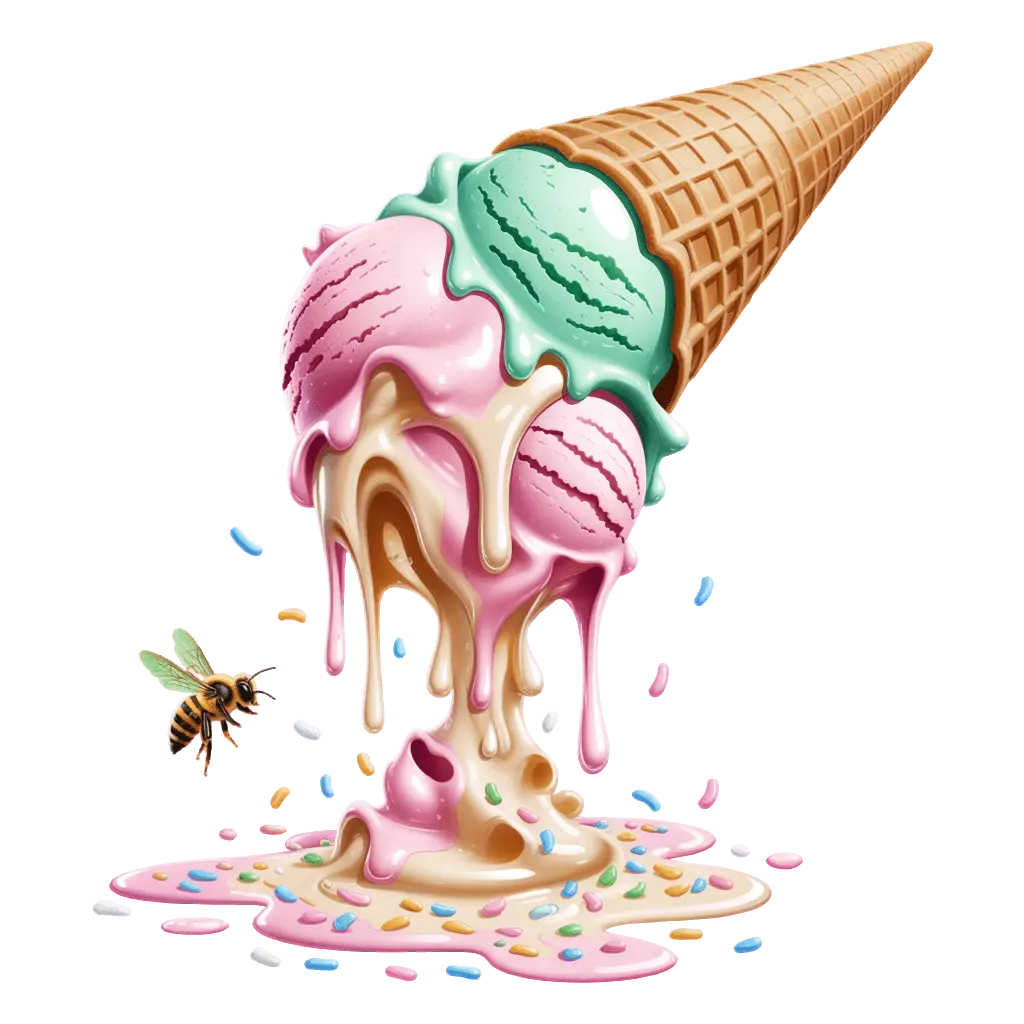
Ideogram generates transparency natively. The model produces clean alpha channels directly. No masking, no threshold tweaking, no background removal tools. Fine details, thin strokes, and semi-transparent elements come out right the first time.
Background removal is a workaround. It haloes on fine detail, clips edges, and fails on intricate designs. Native transparency is production-ready from the start. Add "transparent background" to your prompt and generate.
Describe what you want changed and Ideogram handles the rest. Tweak colors, swap elements, refine details, change text. The transparency stays intact through every edit. No re-generation. No re-removing the background.
One design becomes an entire collection. Change the colorway for a different product. Swap the text for a seasonal variant. Adjust a detail your customer requested. Every edit preserves the clean alpha channel. Go from concept to listing in minutes, not hours.
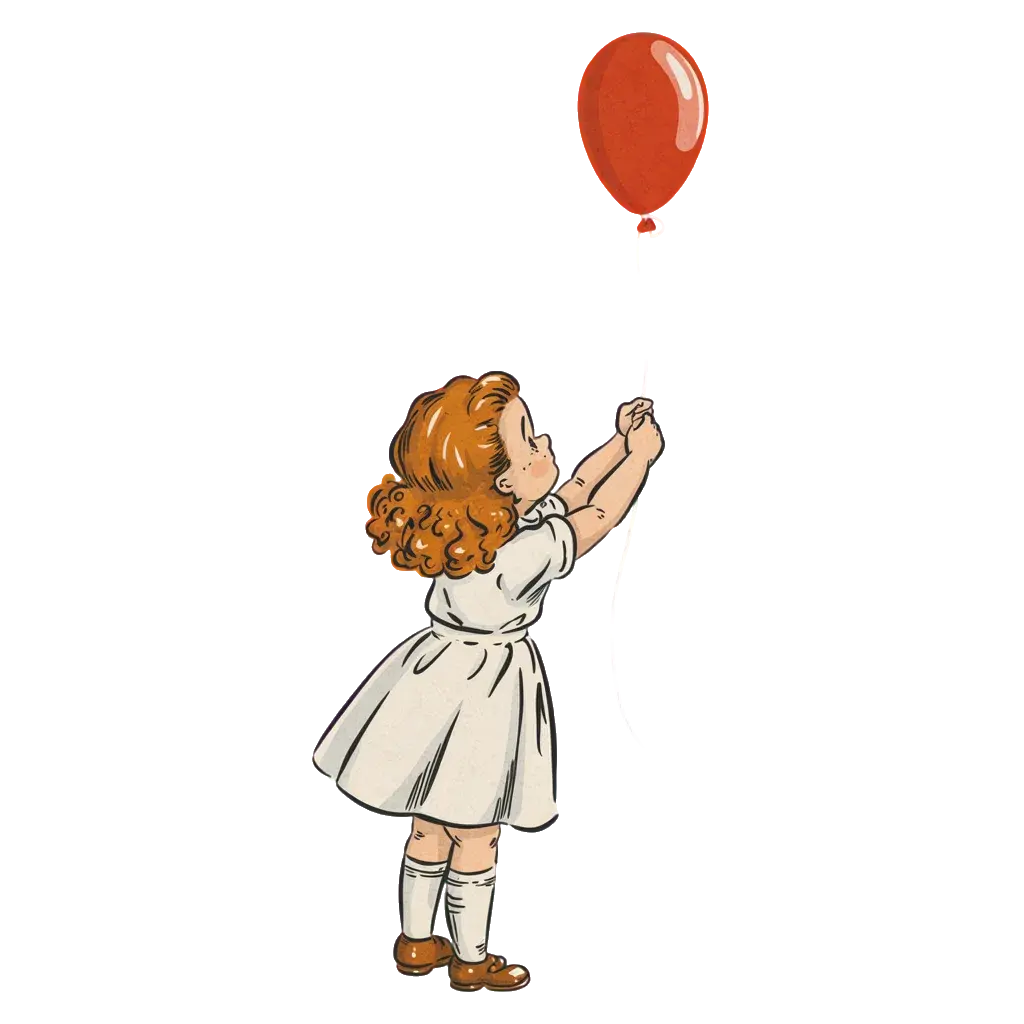 Original
 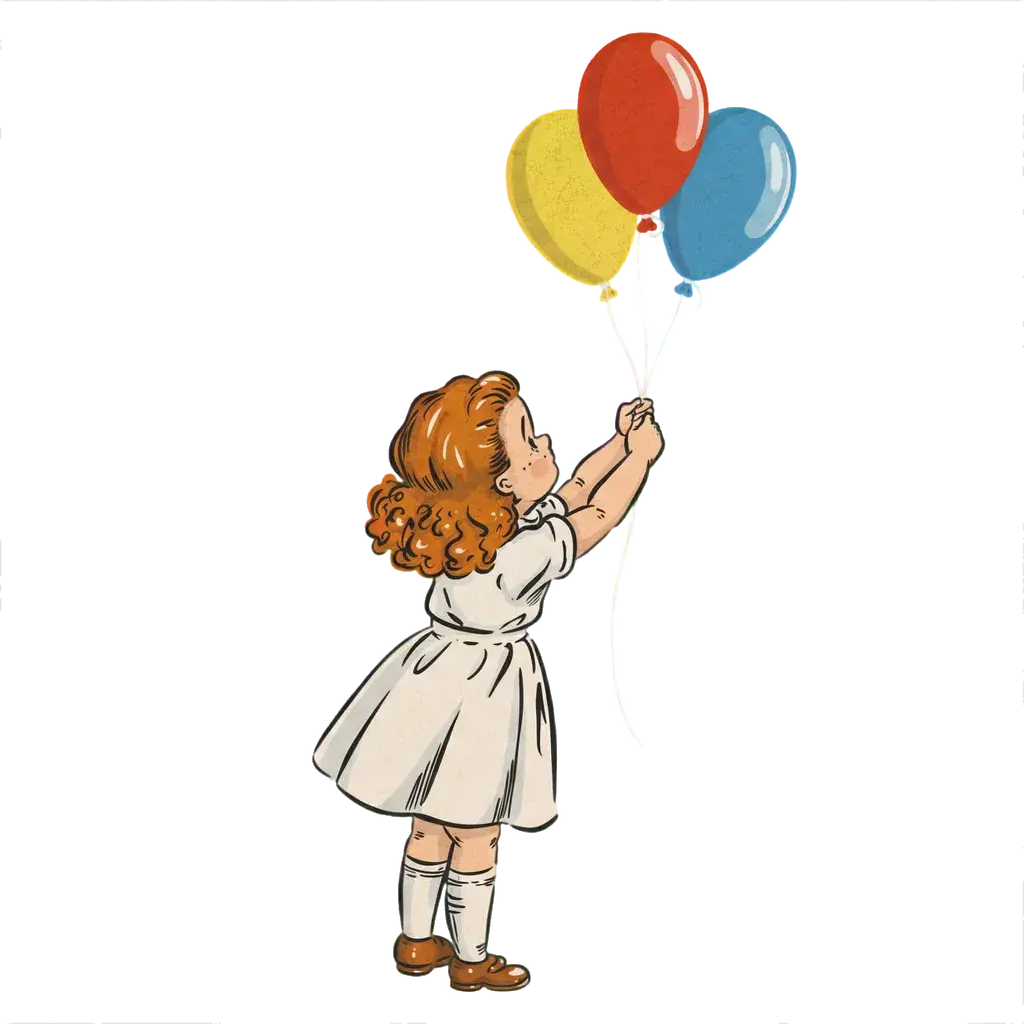 "Add two more balloons in yellow and blue"
 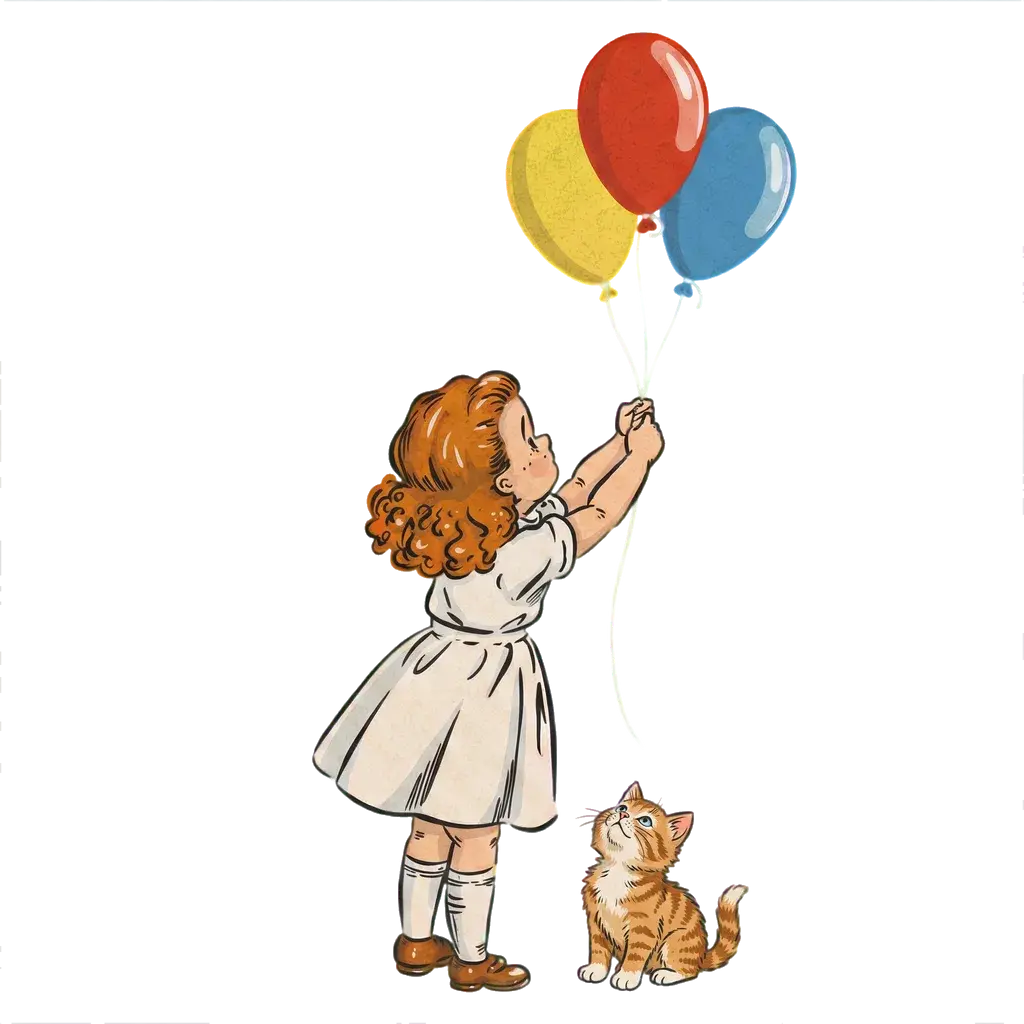 "Add a tiny kitten at her feet"
 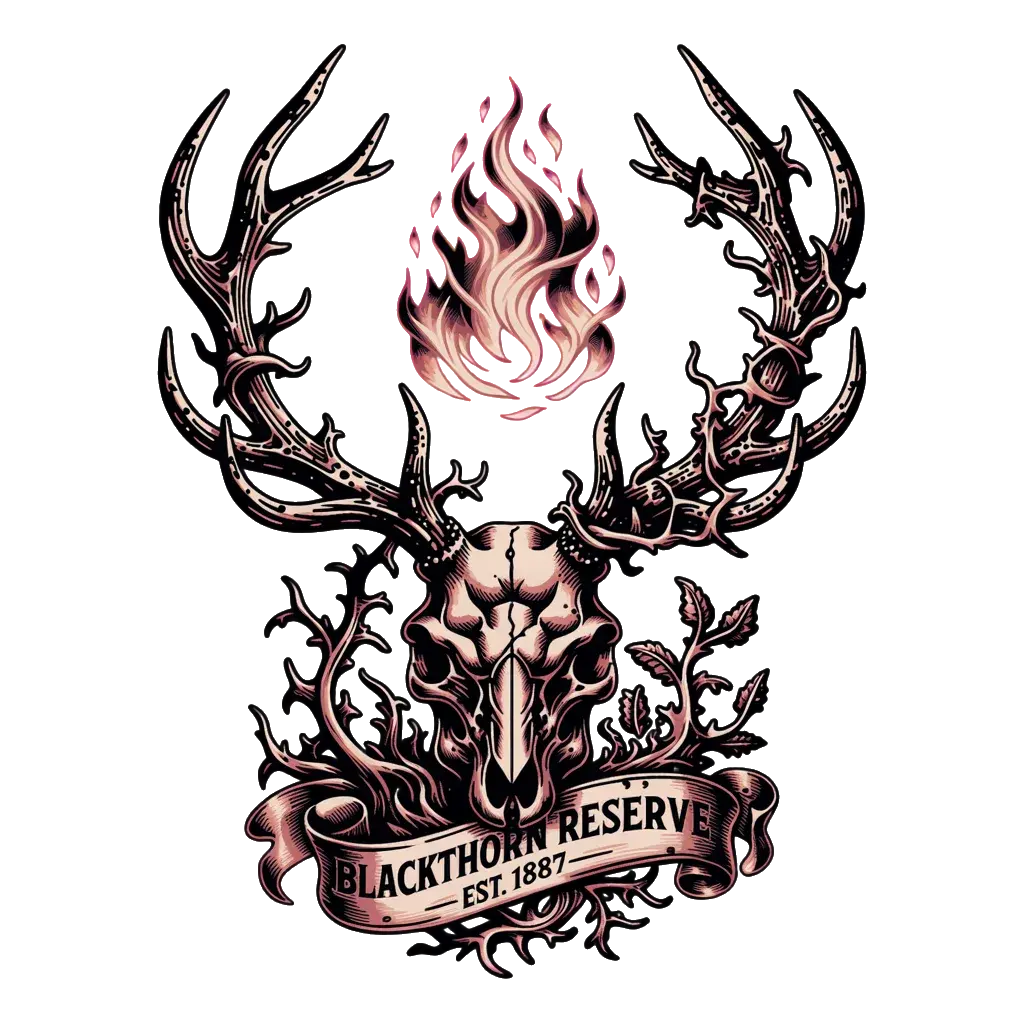 Original
 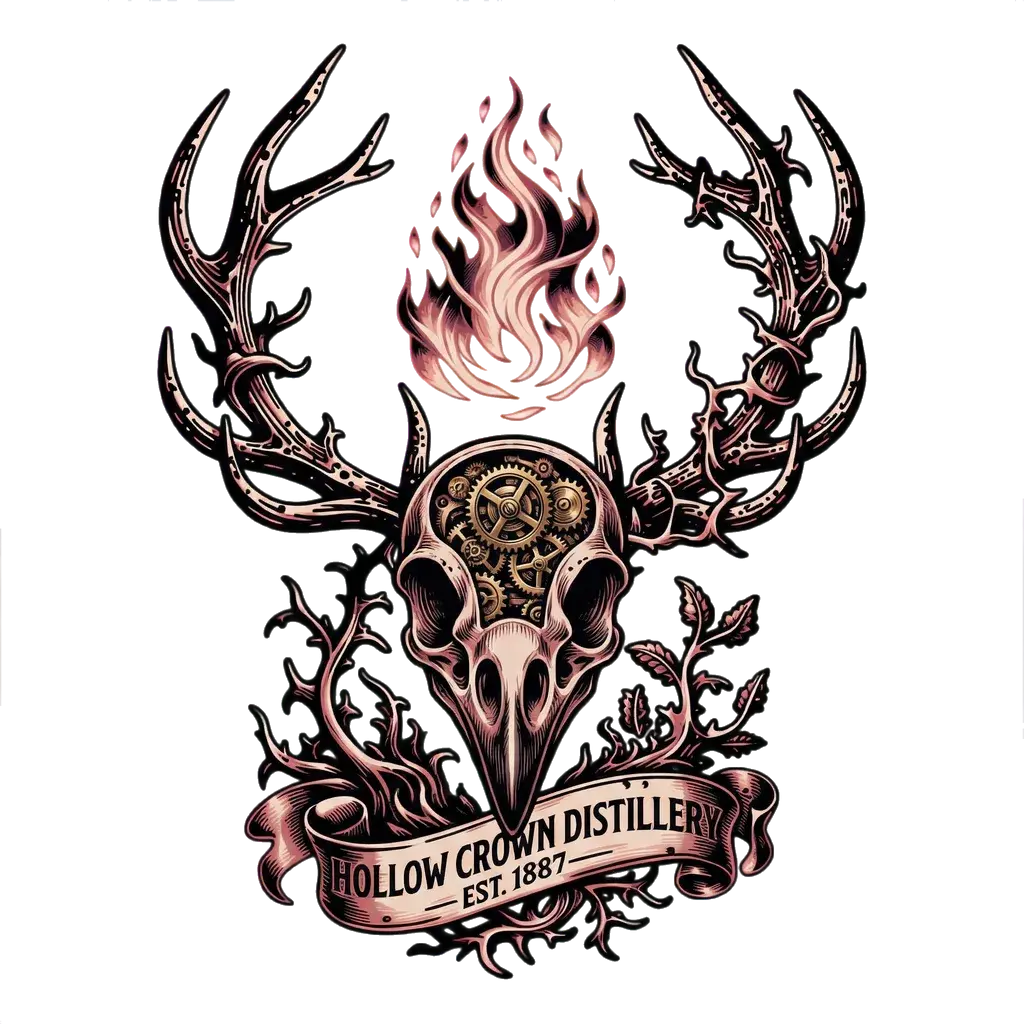 "Swap stag skull for raven skull with clockwork gears"
 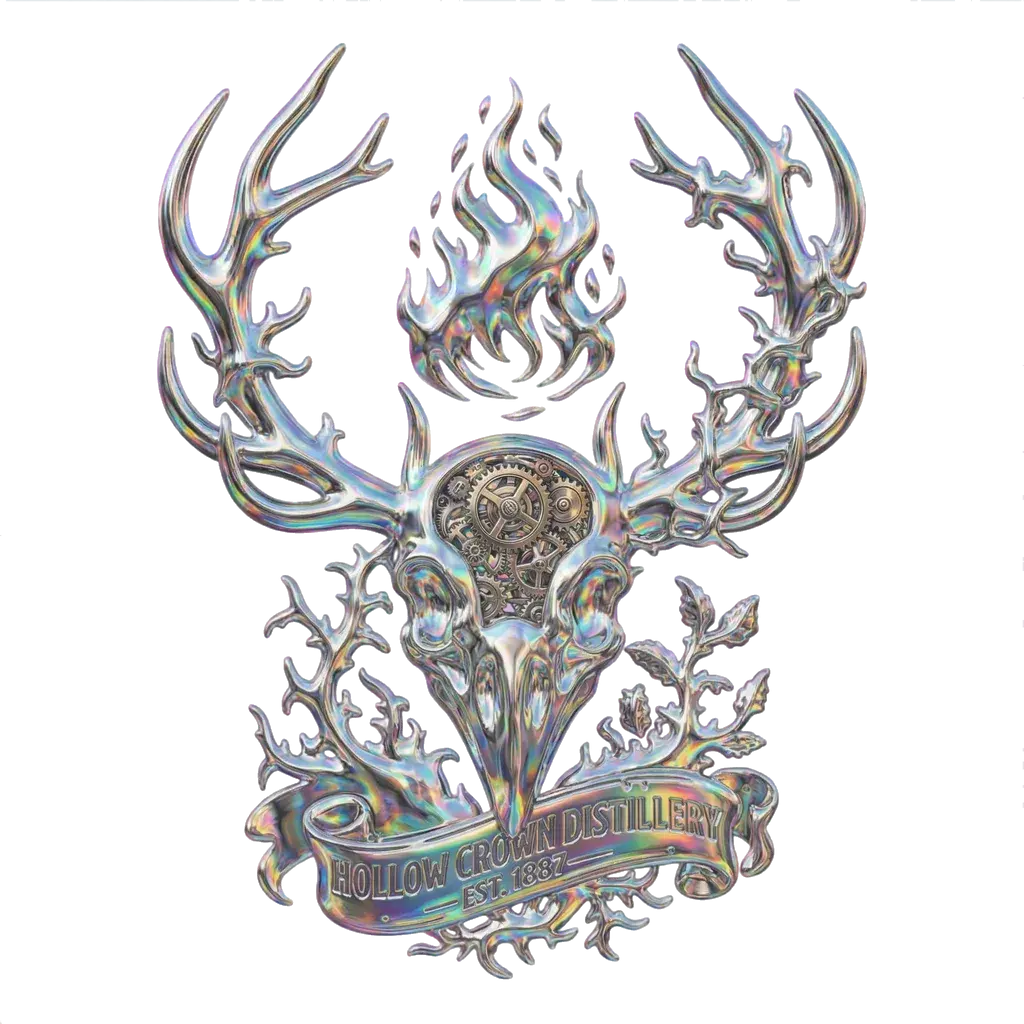 "Forged from liquid mercury with holographic reflections"
 At 8K, most standard t-shirt prints exceed 600 DPI. Posters, all-over prints, large format. All sharp. Generate at standard size, upscale when you're ready to print. Transparency is preserved through the upscale.
No more quality anxiety. No more wondering if the resolution will hold at print size. 8K handles it.
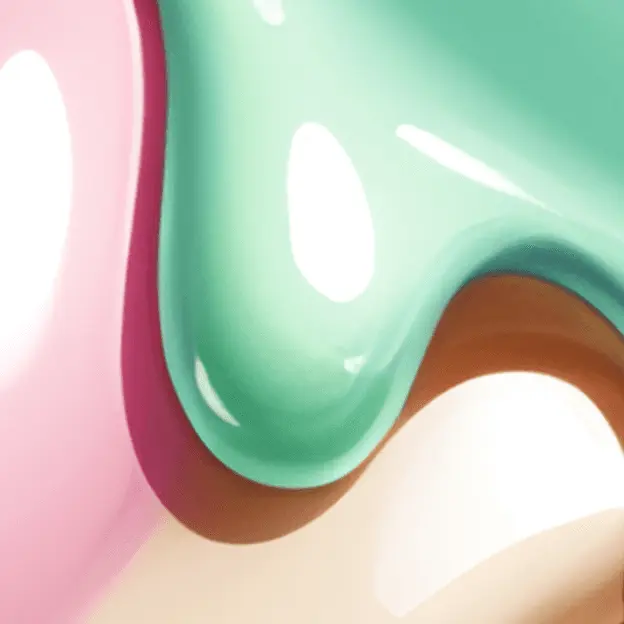 8K crop
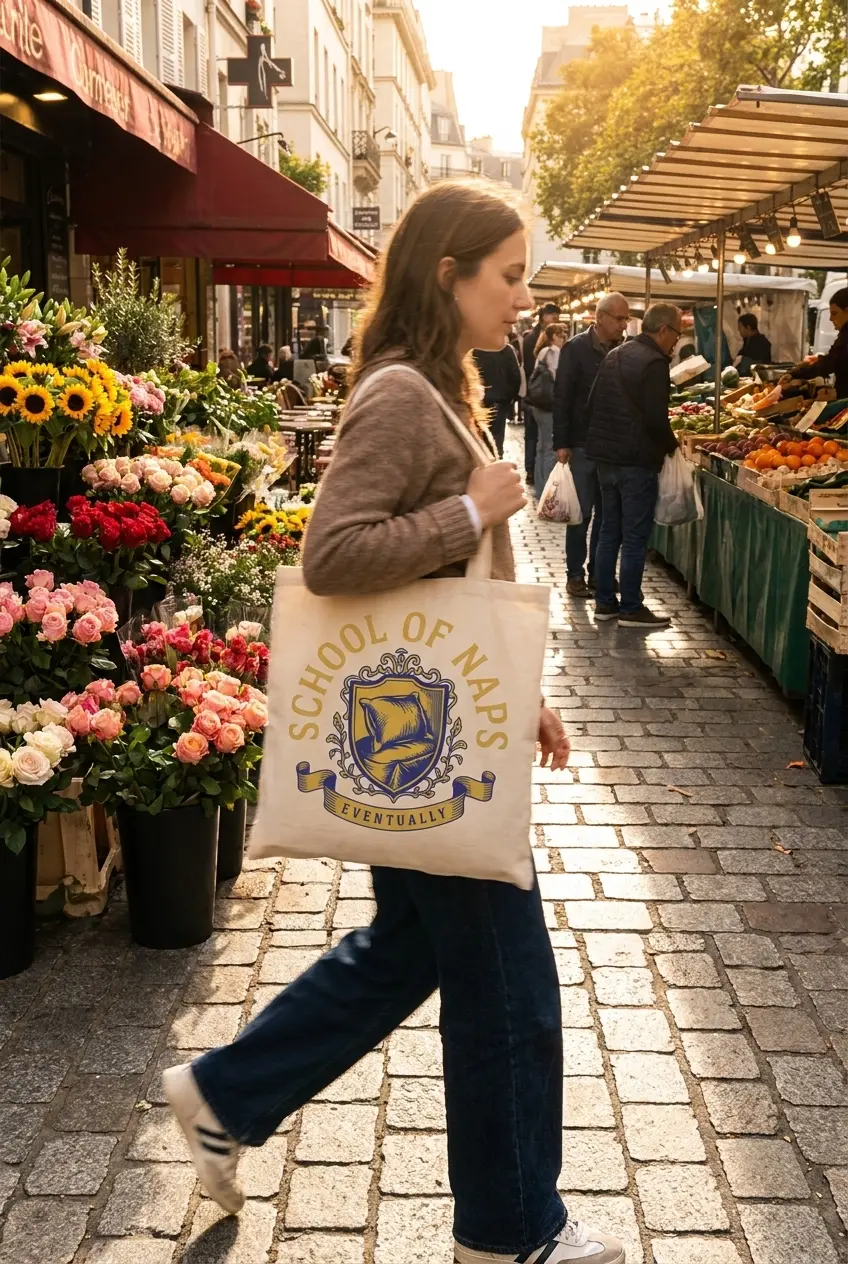
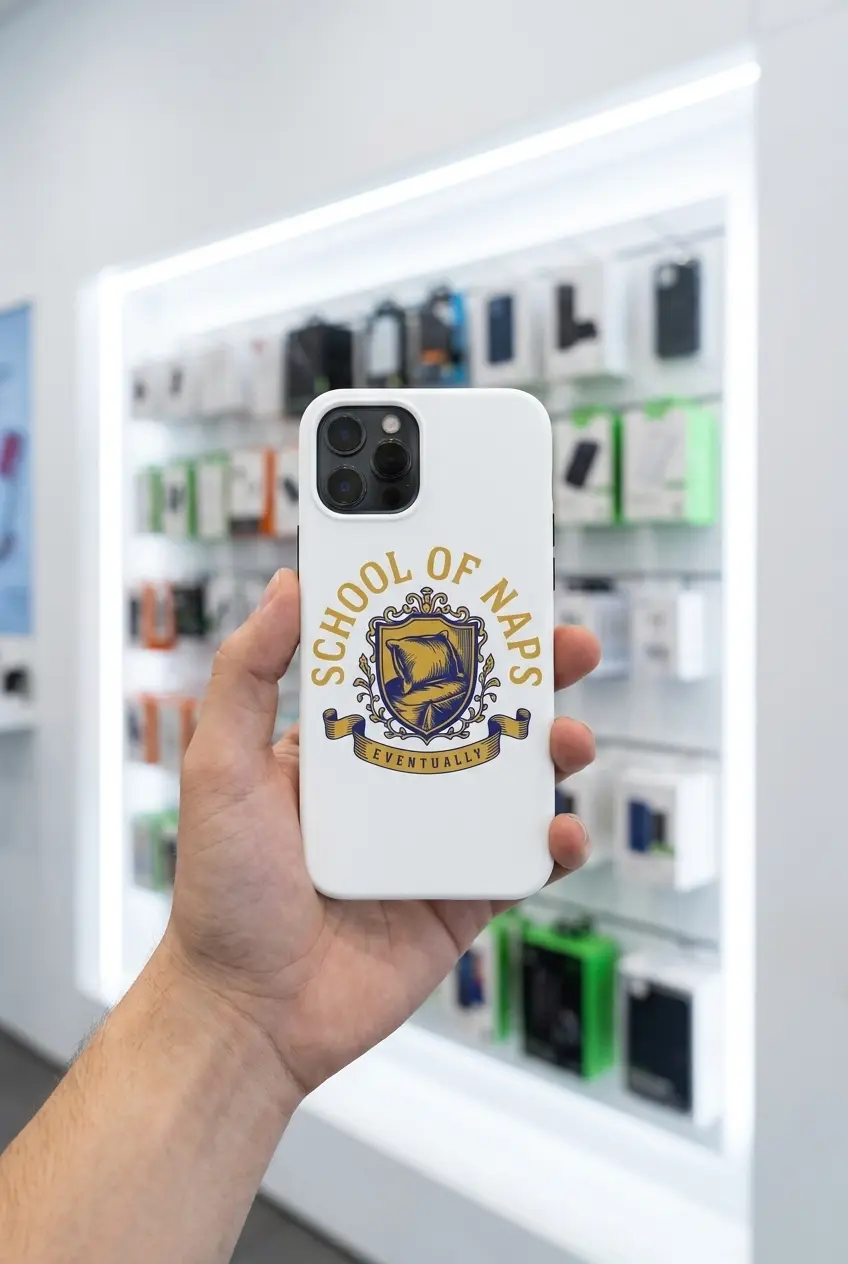
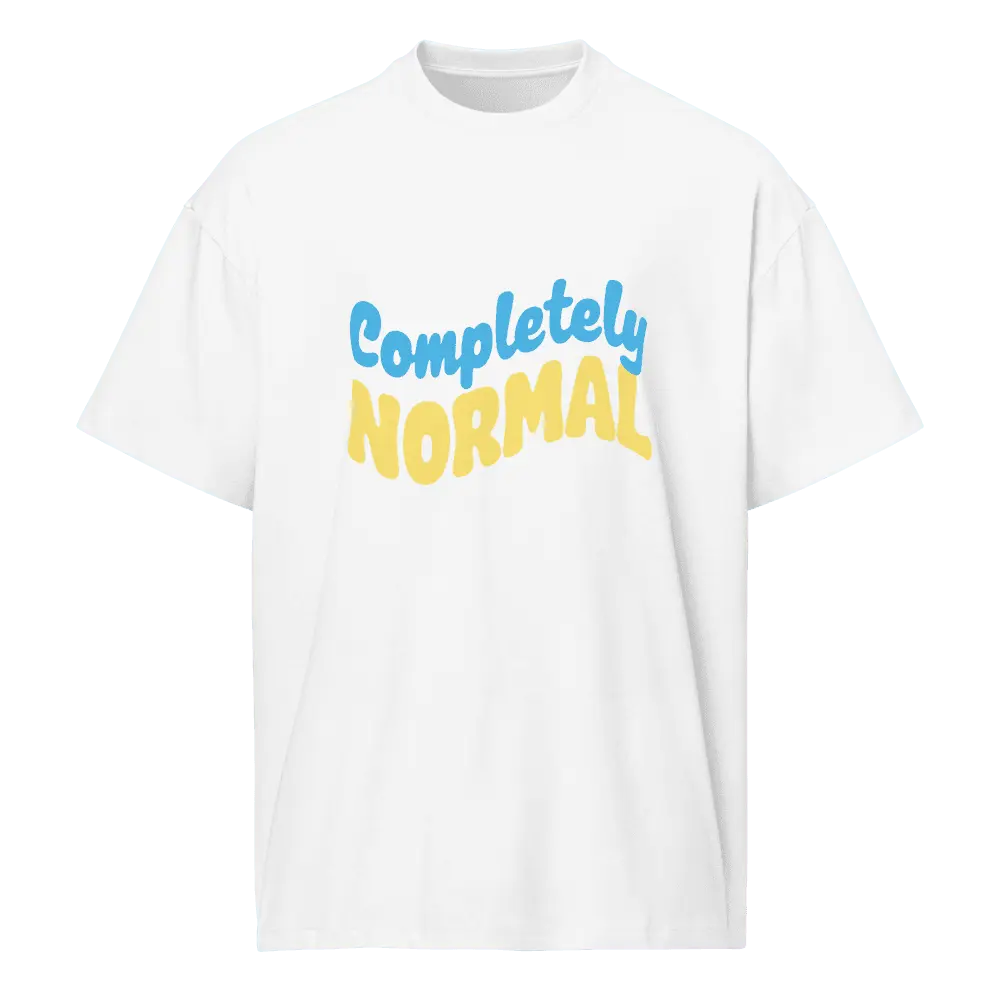
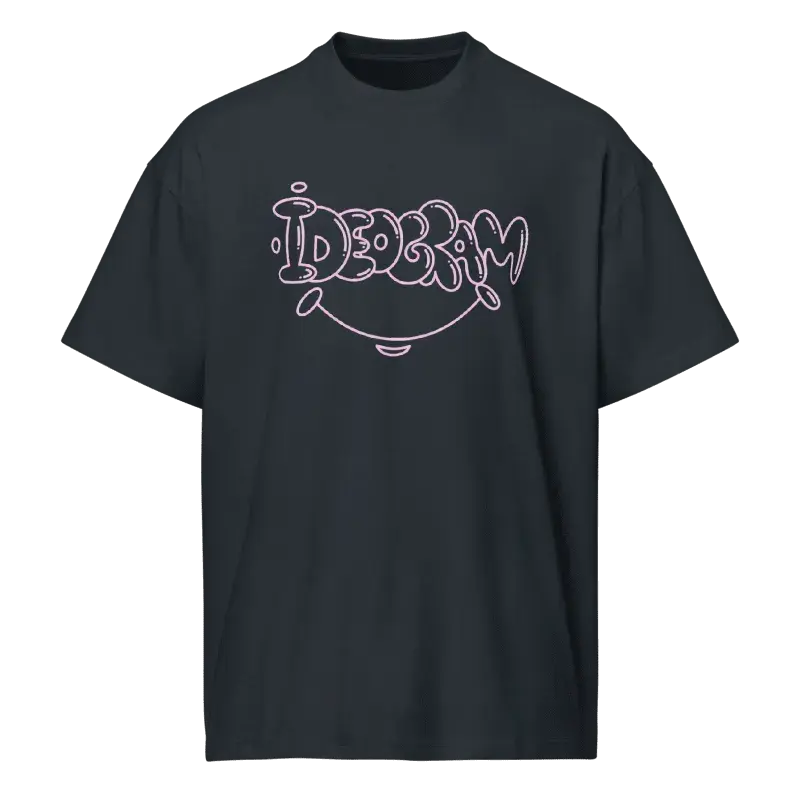
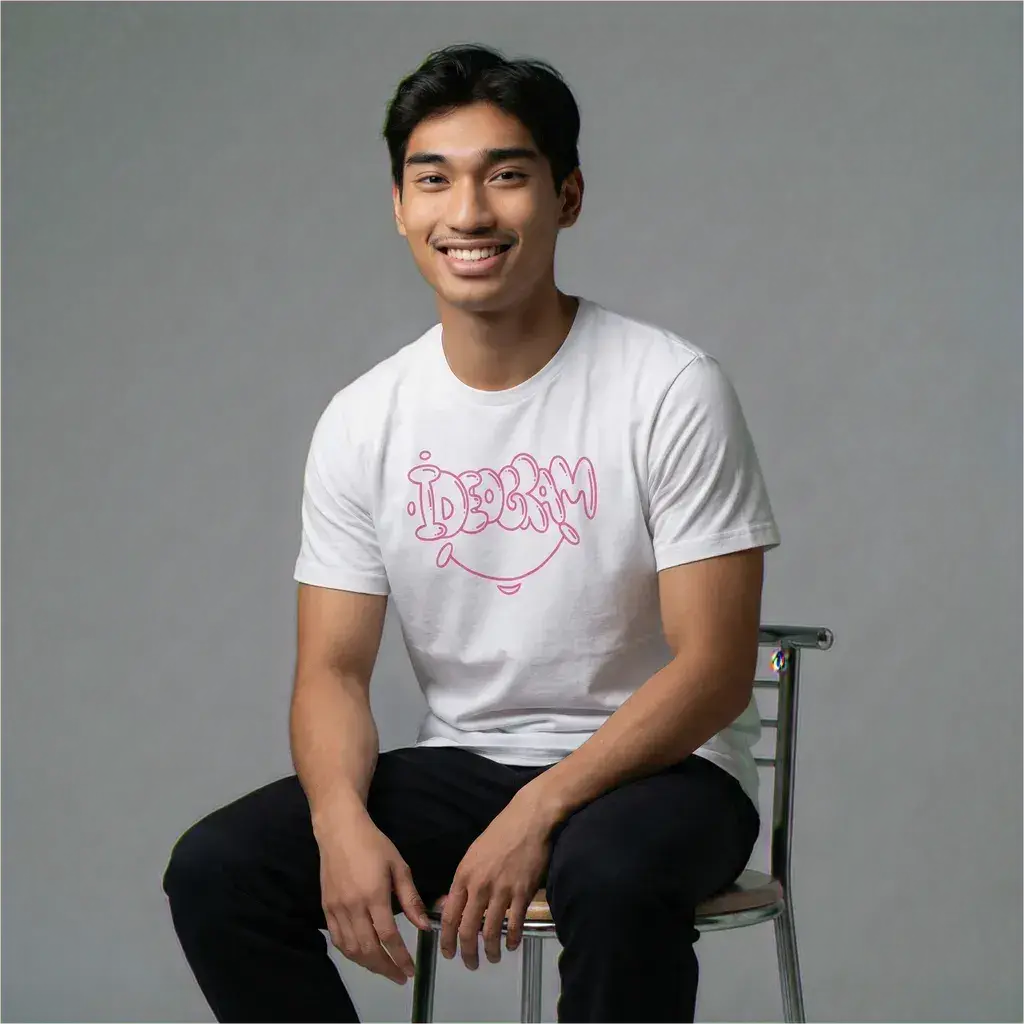
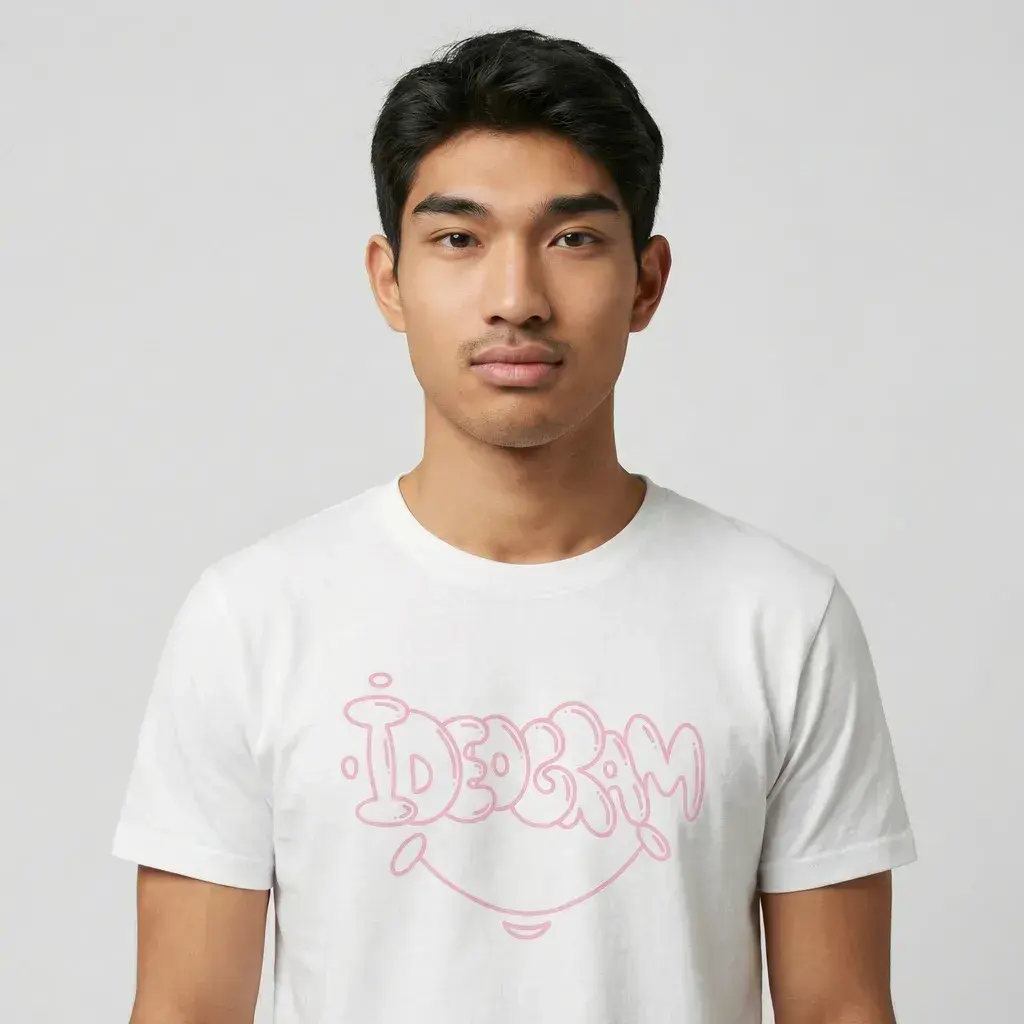
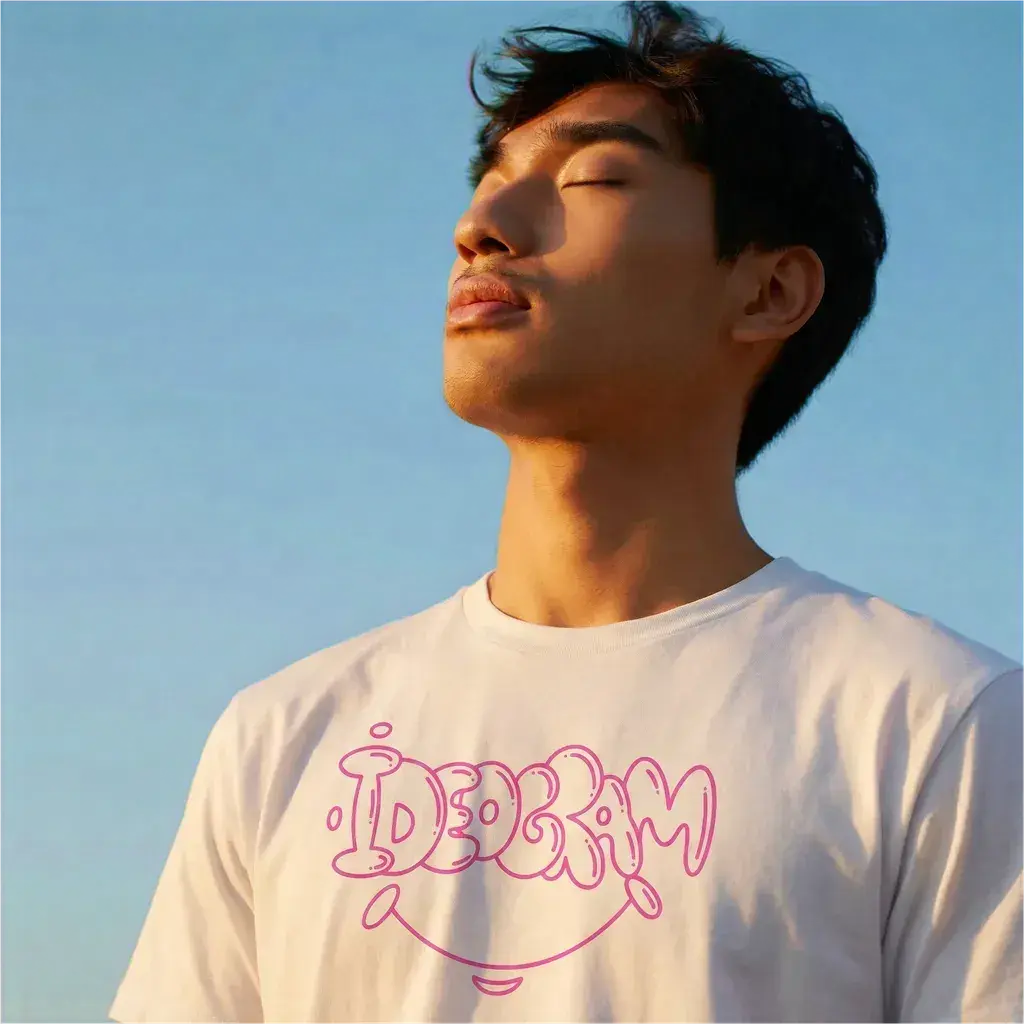
 Place your design on a product using Ideogram Edit. Describe the scene: "Print this design on a white t-shirt, generate a product photo of the shirt." See how it looks before you list. No Photoshop templates. No flat mockup generators.
Listings with lifestyle mockups convert better. Use reference images to keep every design in your collection consistent. Create one hero design, then generate matching variants for different products.


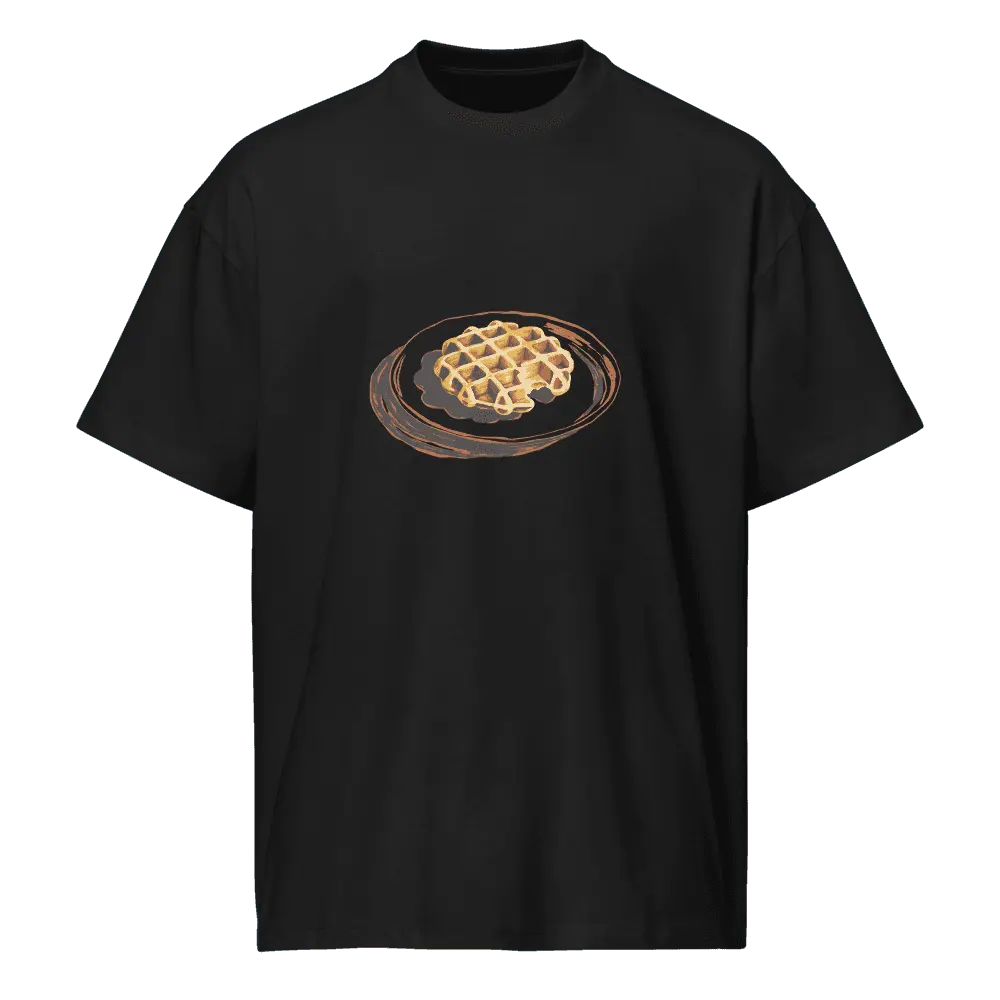
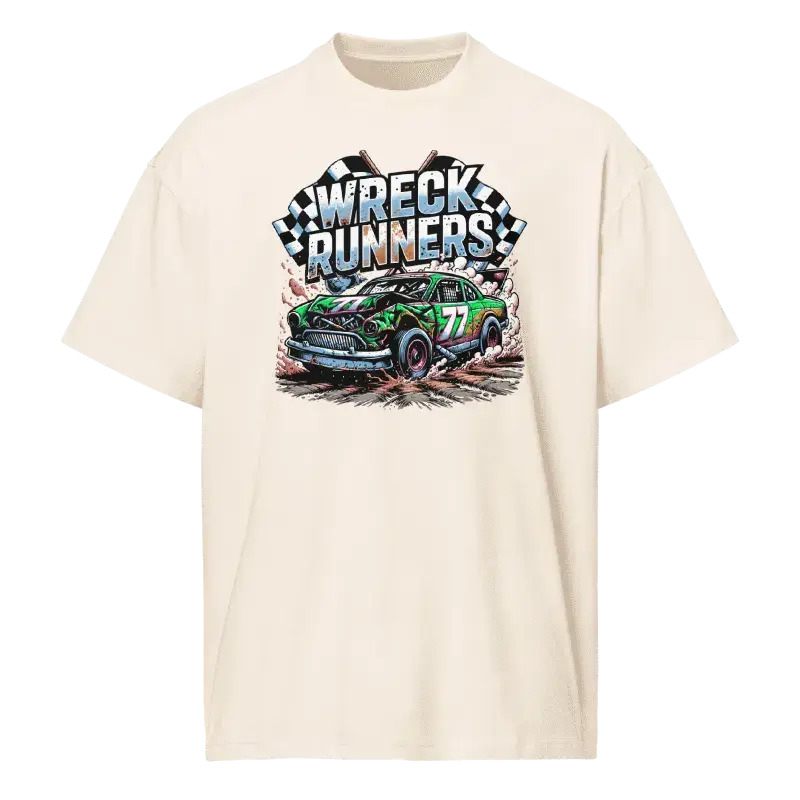
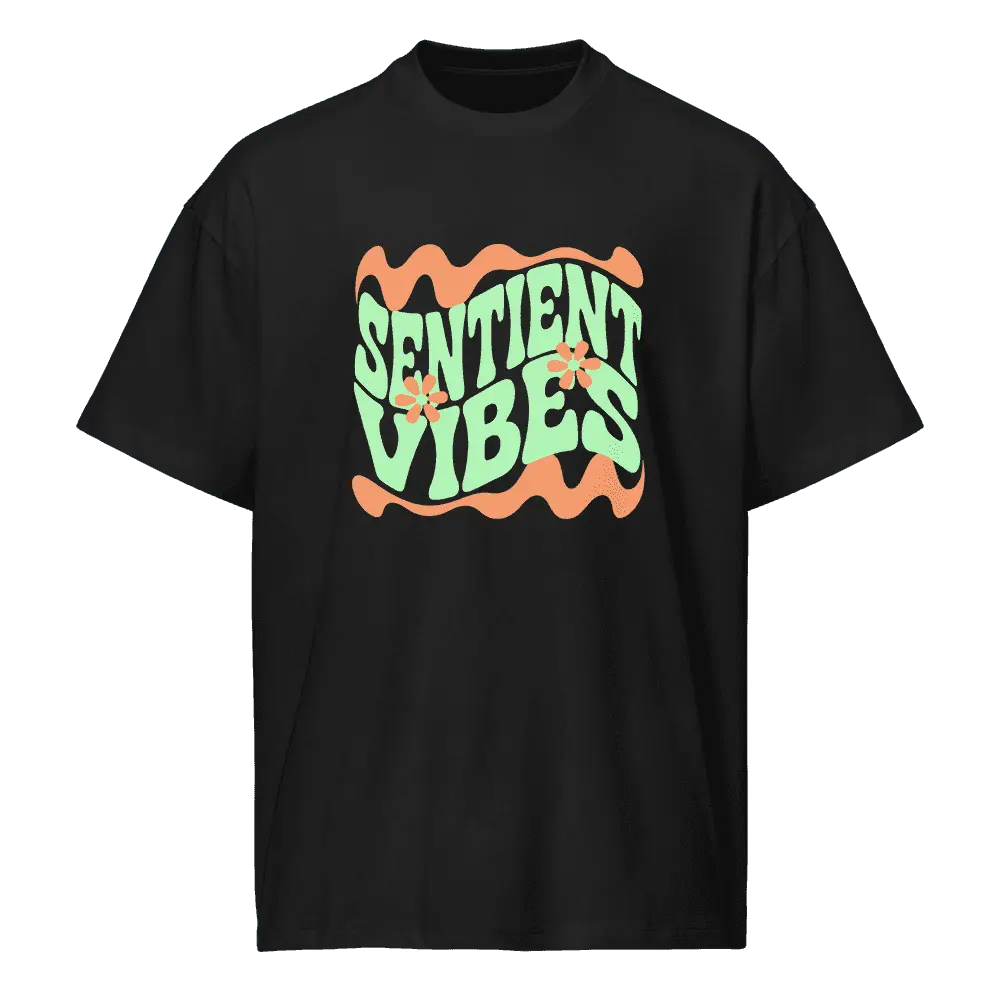
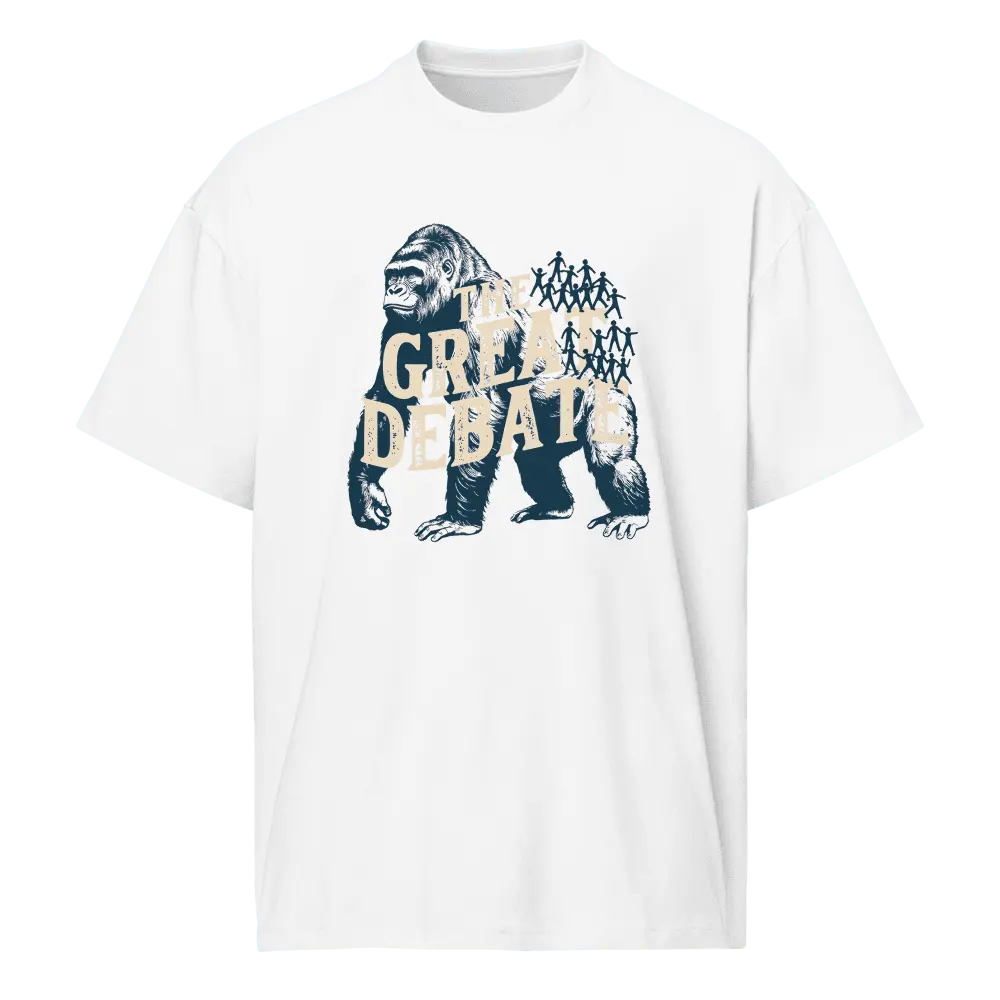
Strong POD designs share a structure. Lead with the subject doing something, land a deadpan twist, name three to five flat colors, then close with the style and "transparent background." Short prompts beat long ones.
Voice does the work that adjectives can't. Confident, slightly absurd, specific about color. Skip "stunning," "vibrant," "majestic." A flat declarative sentence beats a stack of modifiers.
The verb gives the design a story. "a single gorilla facing 100 stick figures," "an astronaut watering a garden of stars," "a snail entering a marathon."
When typography is the hero, wrap the words: "TOUCH GRASS", "SOLD OUT", "CODE NAME: NAP". The model treats them as the literal string.
Set up the familiar register, then break it. "the math doesn't math but the vibes are certain," "the goose knows," "no further apology."
State the count and name each one. "Four colors: jungle green, existential beige, martini gold, getaway black." Flat fills outperform gradients at print scale.
Illustration or photoreal, never both. Mixing produces a compromise. Pick the register that fits the subject and trust it through every clause.
The last clause names the medium. "vintage nature documentary illustration," "risograph print," "halftone newsprint poster." One phrase, not a stack.
Every prompt, no exceptions. The token flips the model into native alpha output. Drop it and you'll get a colored backdrop.
Thirty words beats sixty. Sixty beats a hundred. Every extra adjective dilutes the model's attention. If a word doesn't name something visible, cut it.
[subject + verb] [the twist], [3-5 named flat colors], [one-phrase style], transparent
background. We're expanding our Creative Partner Program and looking for fantastic print on demand creators to help shape Ideogram's future.
Apply to Become a Creative Partner