


New from Ideogram: Edit Transparent Images
Available to all Ideogram users. Yes, even free accounts.
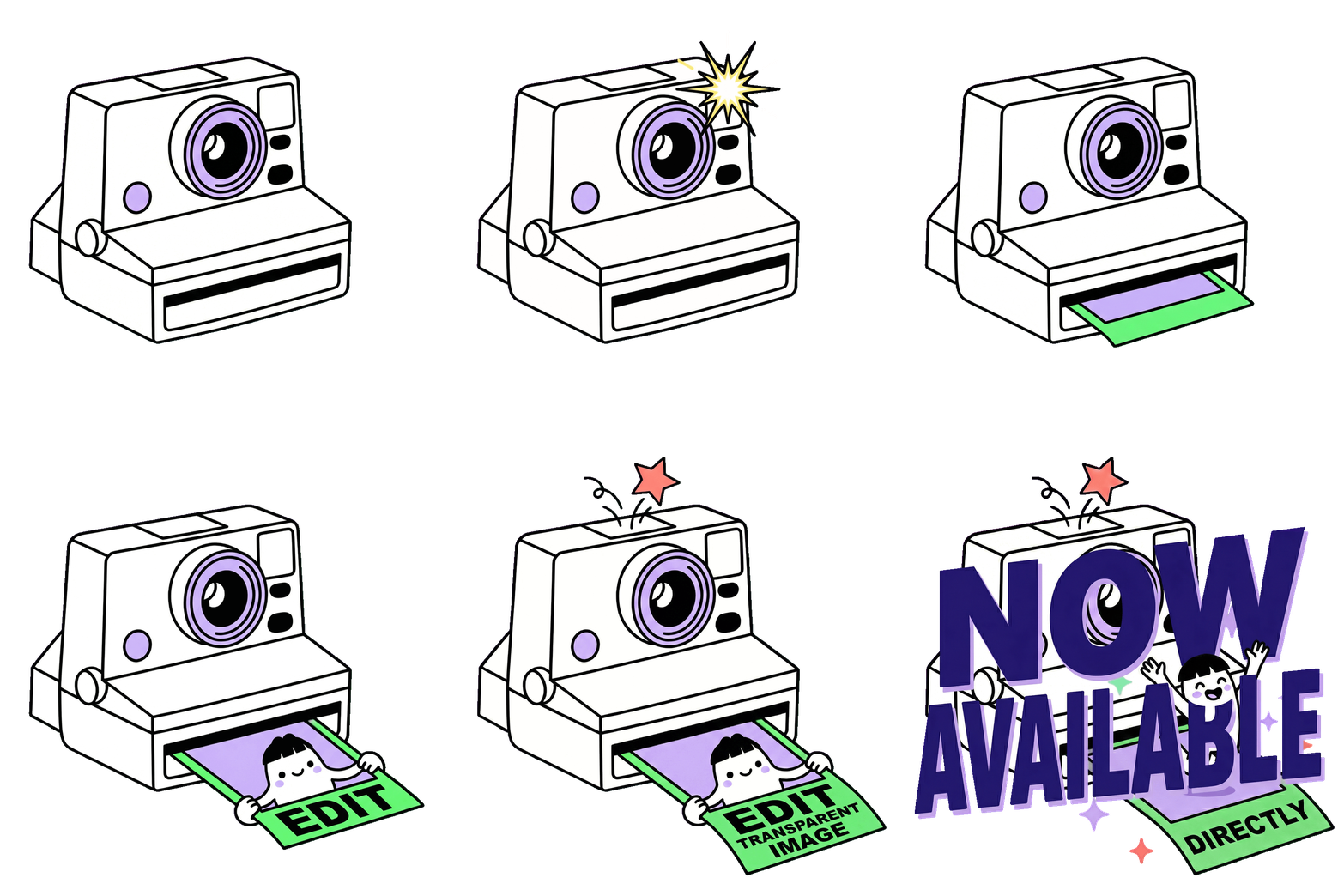
What it is: For the first time, edit images with transparent backgrounds using natural language and keep the transparency intact. No background removal tools. No extra steps. Just describe what you want changed, and Ideogram handles the rest.
Why it matters: Ideogram creators could already generate images with transparent backgrounds. But editing them? That meant leaving Ideogram, making changes in another tool, and re-removing the background. That workflow is gone. Now you can refine details, adjust elements, and add final touches to transparent images - all without ever leaving Ideogram.
How it works
Open any transparent image in the Ideogram editor, describe what you want changed, and you're done. No additional tools or steps required.
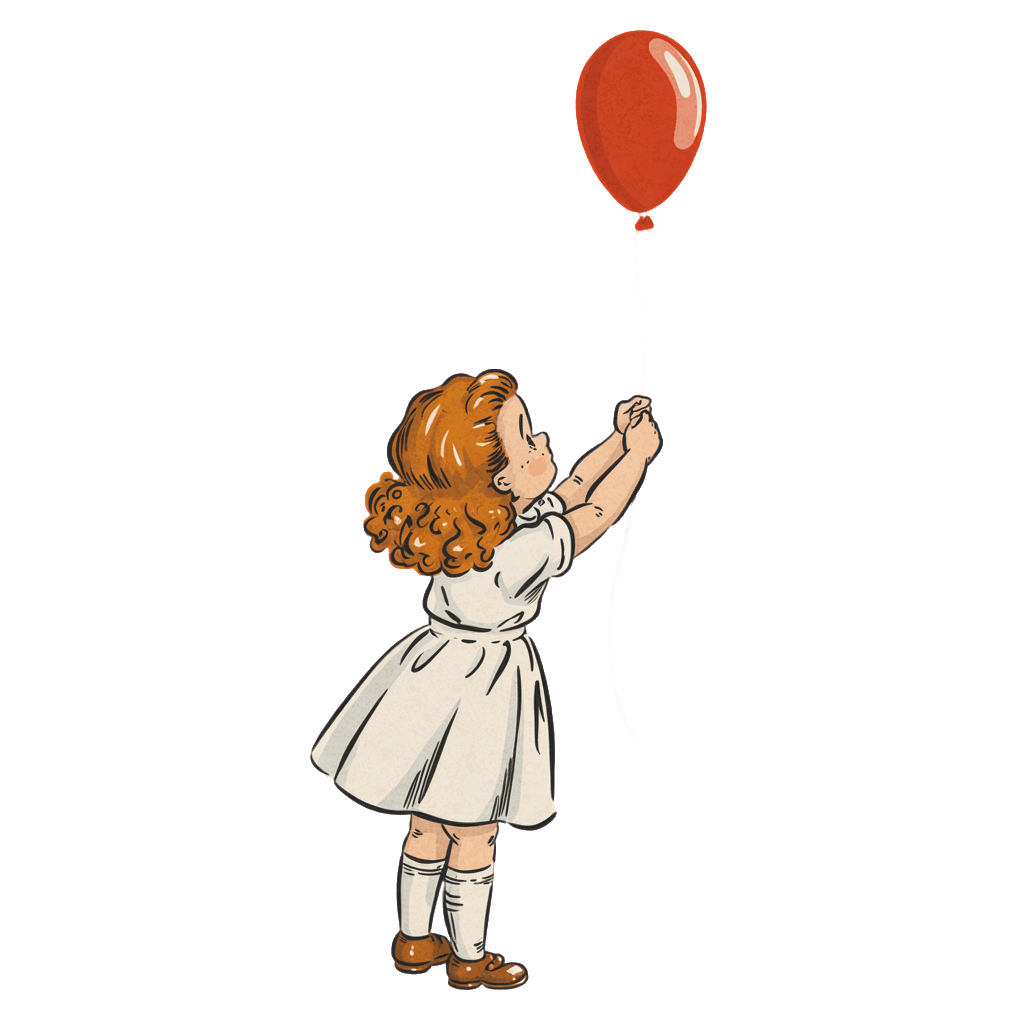
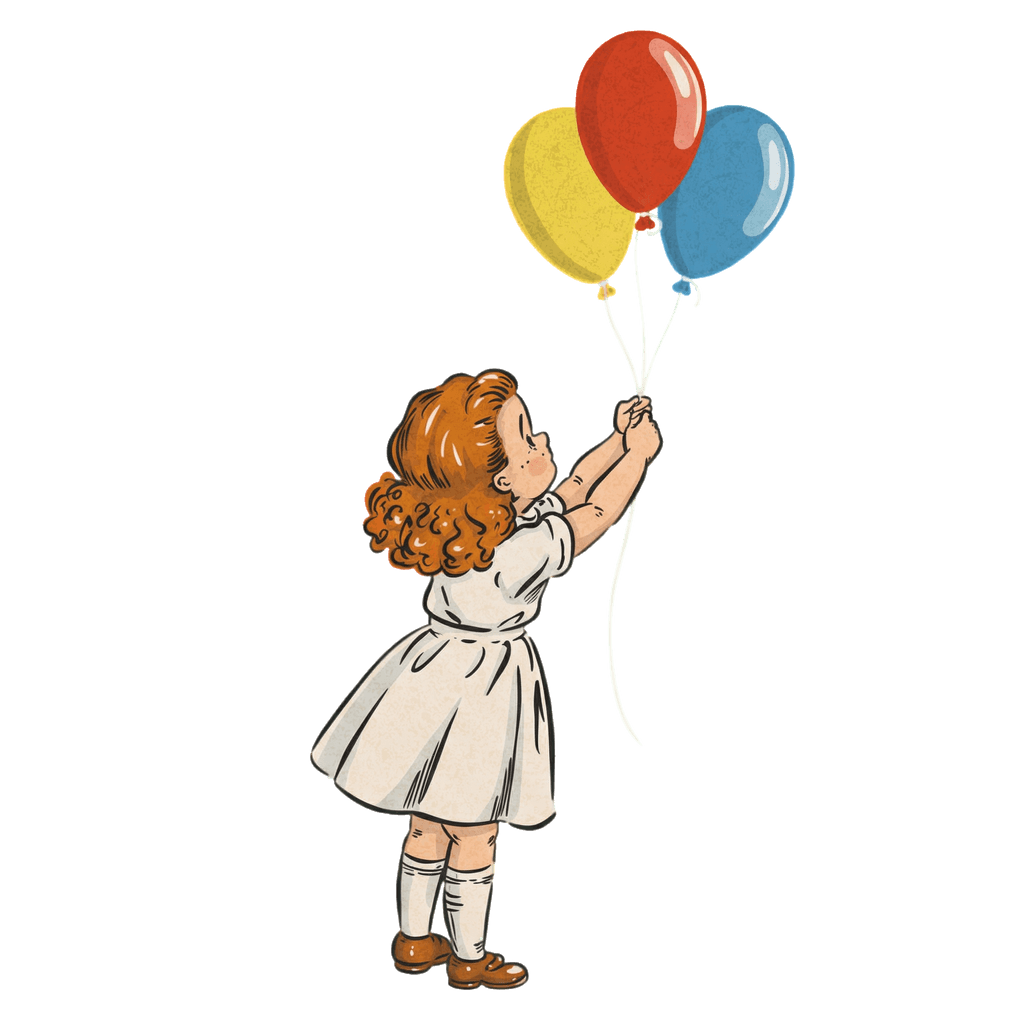
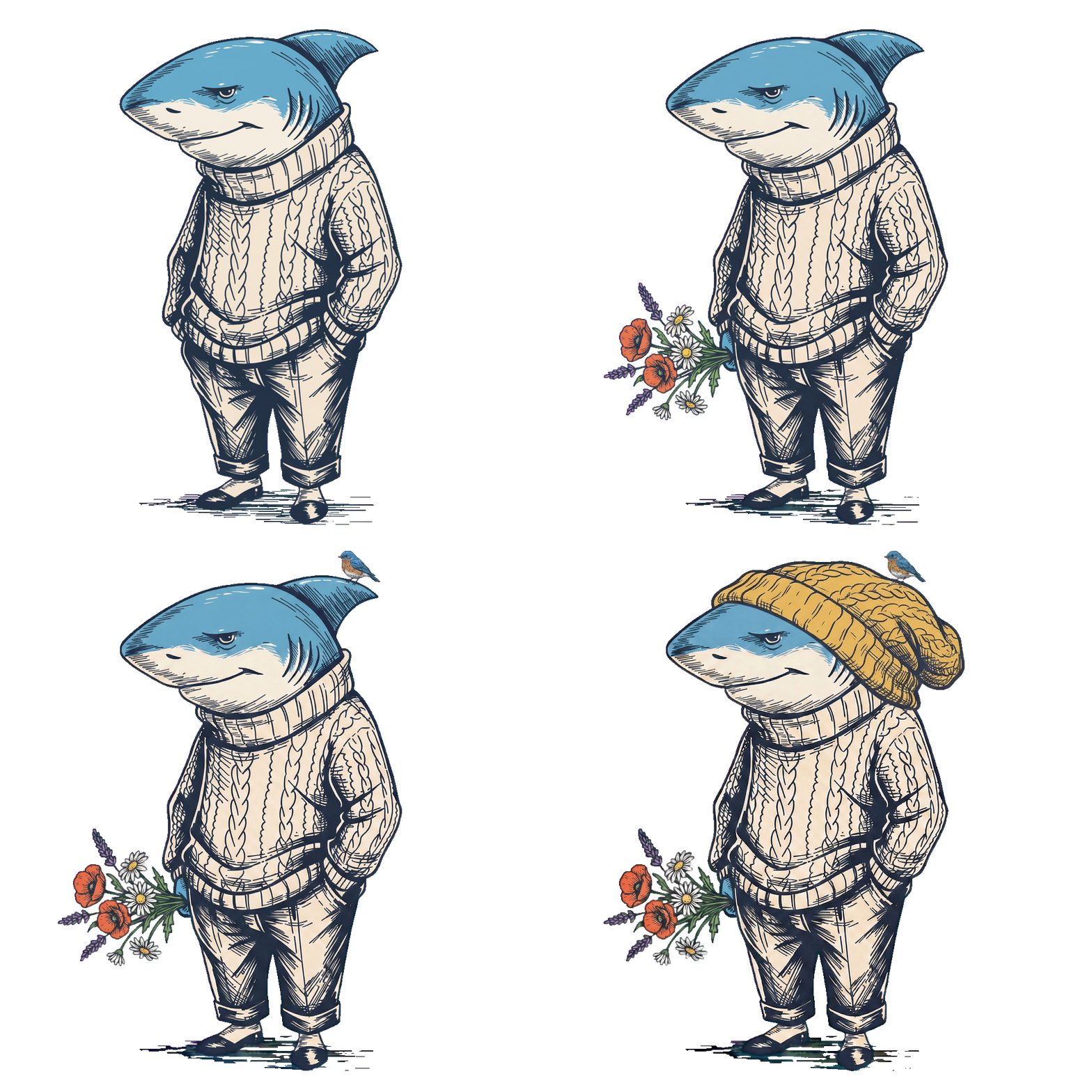
Prompt: Add two more balloons in yellow and blue tied to the same string
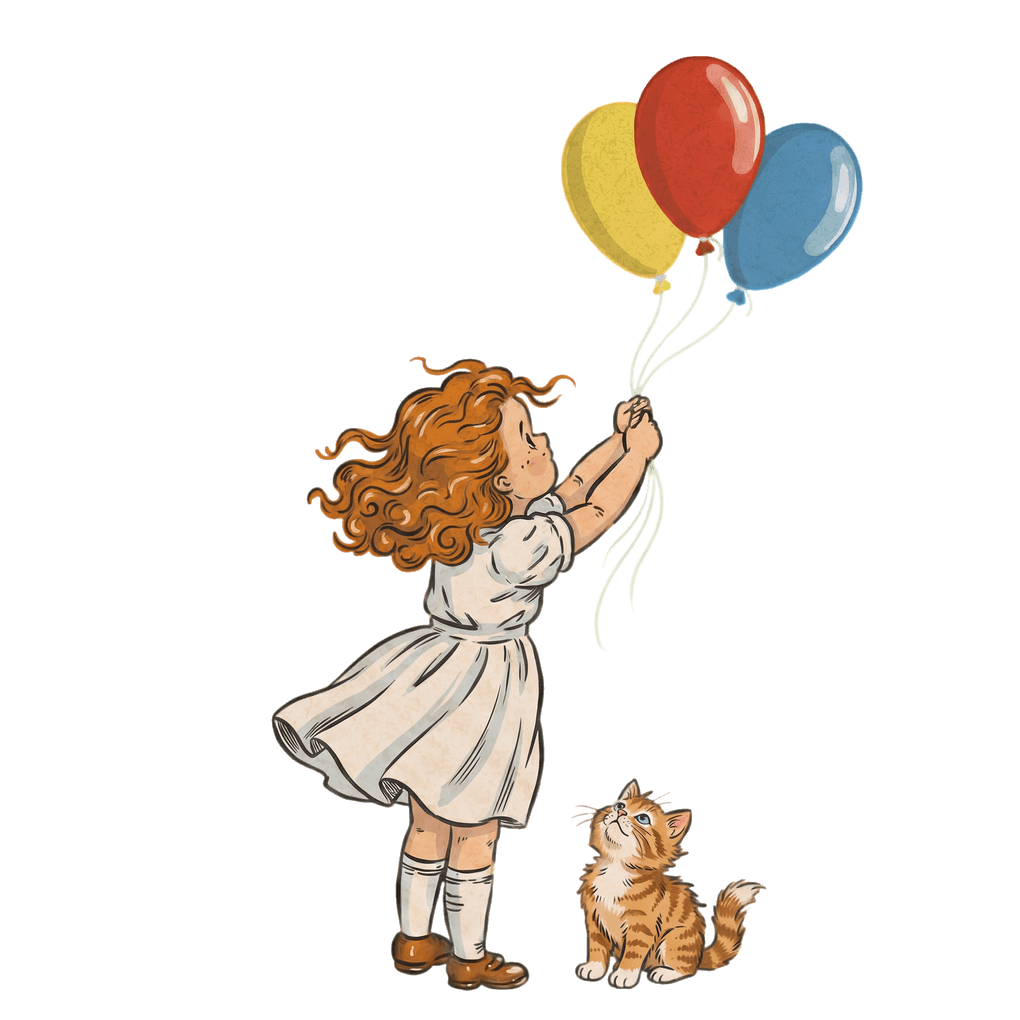
Prompt: Add a tiny kitten sitting at her feet looking up at the balloons


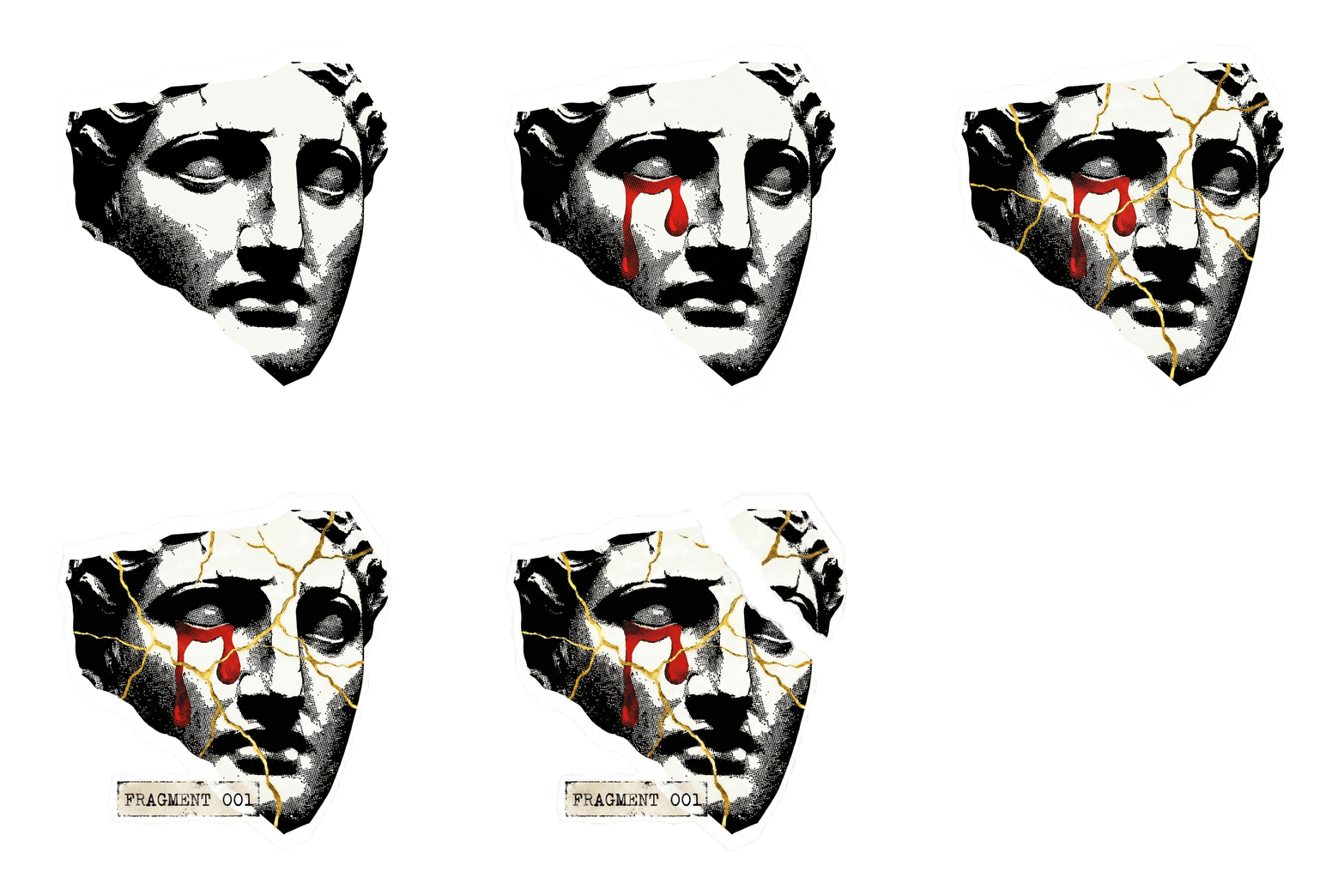
Prompt: Replace "BLACKTHORN RESERVE" with "HOLLOW CROWN DISTILLERY", swap the stag skull for a raven skull with mechanical clockwork gears visible inside the cranium, keep the Victorian etching style
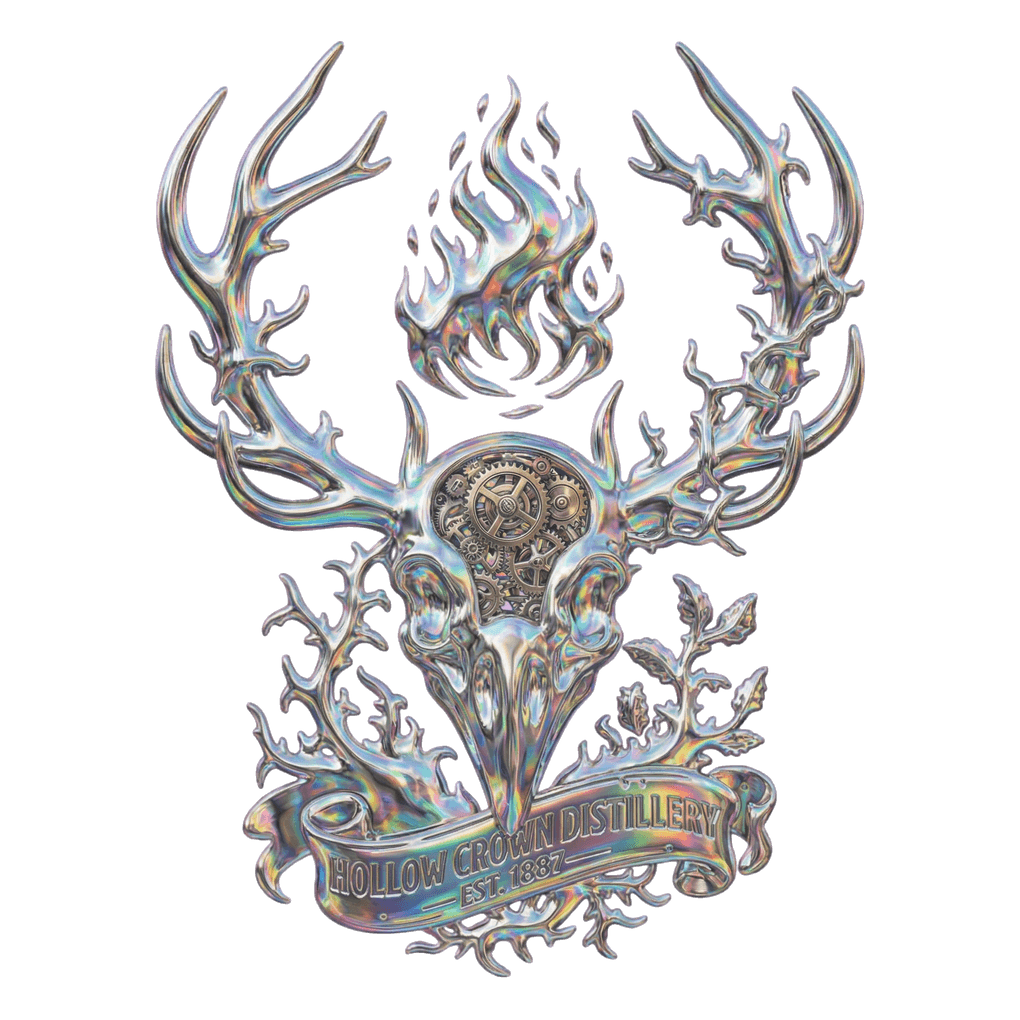
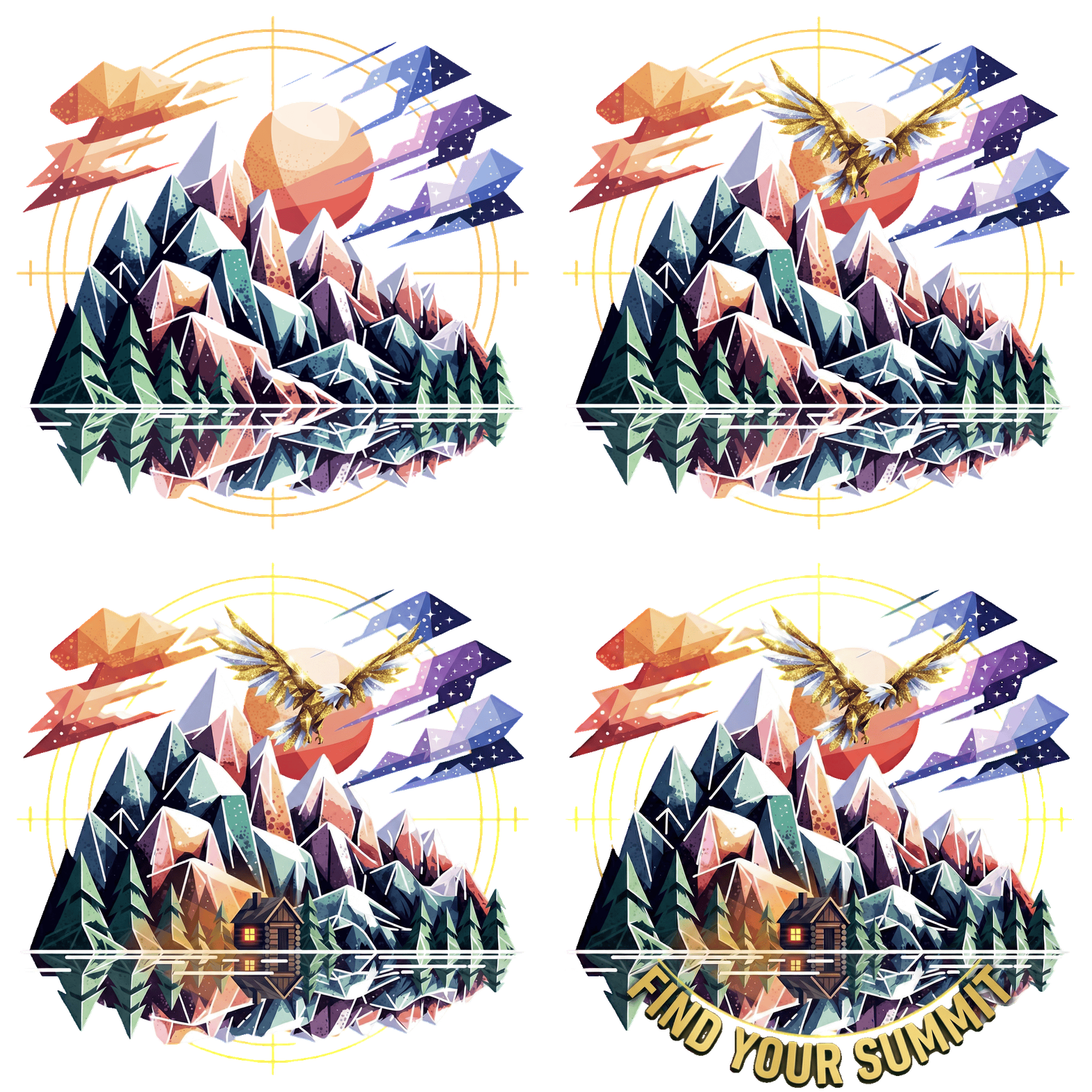
Prompt: Make the entire emblem look like it's forged from liquid mercury with holographic rainbow reflections across every surface
Who we're here to support
Print-on-demand creators
Edit designs directly and export high-resolution transparent PNGs (up to 8K) ready to use in your print-on-demand workflow.
Tweak colours, swap elements, refine details - all without leaving Ideogram.
Iterate faster. Go from concept to listing in minutes, not hours.
Graphic designers & brand creator
Create and refine logos, icons, stickers, and badges with transparent exports built in.
Edit marketing assets - social graphics, presentation elements, website visuals - without juggling multiple tools.
Perfect for freelancers and small teams who need production-quality output on tight timelines.
Content creators & social media managers
Build overlay-ready graphics for thumbnails, reels, and stories.
Edit and reposition elements with text prompts, export clean, and layer into your workflow.
…and everyone else building something
Whether you're designing merch, building presentations, creating educational content, or exploring new creative projects - we're here to help you bring your ideas to life with transparent image editing.
Become a Creative Partner
We're expanding out Creative Partner Program and looking for fantastic print on demand creators to help shape Ideogram’s future. Apply to join our Creative Partner Program.
Early Access — Beta features and new model releases before anyone else
Shape the Roadmap — Your feedback directly influences what we build
Get Paid — Financial rewards through our affiliate program
Exclusive Swag — Ideogram gear for partners
Have more questions?
What exactly is "Edit Transparent Image"?
It's a new feature that lets you edit any image with a transparent background using plain language prompts — and the transparency stays intact. No need to remove the background again after editing. Just describe what you want changed, and Ideogram handles the rest.